10 tools compared ~9 min read Updated
Productivity

Best AI tools for teachers: 10 picks for lessons, grading and quizzes

This list is for K-12 teachers who want AI to cut planning, grading and prep time. We compared 10 tools using their official pricing and privacy pages and real teacher reviews.

Jump to

How we picked these tools

We compared 10 tools using their official pricing and privacy pages and real teacher reviews. We did not run our own classroom tests for this list. These are the five filters we applied to every tool.

Coverage

We looked at which tools appear most on the pages teachers already find for this topic.

Teaching tasks

Each tool had to help with planning, differentiation, quizzes, grading or visuals.

Free access

We favored tools teachers can use for free, since most teachers pay out of pocket.

Student privacy

We noted what each tool says about FERPA and COPPA on its own site.

Teacher feedback

We read reviews on G2, Capterra and Common Sense Education.

Handpicked AI may earn commissions if you purchase through outbound links — that never changes rank order here. We compared these tools using their official pricing and privacy pages and real teacher reviews. We did not run our own tests for this list, and we do not make any of these tools. Pricing and privacy claims were checked November 3, 2026. We did not assign numeric scores.

This list is for K-12 teachers who want AI to cut planning, grading and prep time. Most lists on this topic are written by tool makers who rank themselves first.

Before you start, check your school's AI policy. Only 34% of teachers say their school has one, according to RAND research cited by Rework.

TL;DR — 10 AI tools for teachers

Short on time? Here is the full list in one scan. Each entry links to its card further down the page.

  1. MagicSchool — best all-in-one planning toolbox
  2. Brisk Teaching — best for teachers who work in Google Docs and Slides
  3. Eduaide.ai — best low-cost option for making resources
  4. ChatGPT for Teachers — best free general assistant for US K-12 teachers
  5. Diffit — best for adapting texts to reading levels
  6. Khanmigo — best free planning help linked to Khan Academy
  7. Curipod — best for writing practice with instant feedback
  8. Wayground — best for game-style quizzes
  9. Gradescope — best for grading exams consistently
  10. Canva for Education — best for classroom visuals and slides

Editors’ three fast picks

Grab one lens before you sift the long list — each excels on a different job.

Editor pick · Best overall One toolbox for most planning

MagicSchool

The largest free plan built for teachers: lesson plans, rubrics, quizzes and IEP drafts in one place.

Editor pick · Best in Google Docs Works where you already write

Brisk Teaching

A free extension for teachers who live in Google Docs and Slides, including reading-level changes and quizzes.

Editor pick · Best free assistant Verified US K-12 teachers

ChatGPT for Teachers

A full ChatGPT workspace, free for verified US K-12 staff through June 2027, with data not used for training by default.


AI tools for teachers at a glance

Comparison of 10 AI tools for teachers
# Tool Best for Price
1MagicSchoolAll-in-one planningFree; Plus $8.33/mo yearly
2Brisk TeachingGoogle Docs and SlidesFree for teachers
3Eduaide.aiLow-cost resourcesFree; Pro $49.99/year
4ChatGPT for TeachersGeneral assistant, US K-12Free through June 2027
5DiffitReading levelsFree; Individual $14.99/mo
6KhanmigoPlanning with Khan AcademyFree for teachers
7CuripodWriting practiceFree plan; schools quoted
8WaygroundGame-style quizzesFree for teachers
9GradescopeExam gradingFree Basic; schools quoted
10Canva for EducationSlides and visualsFree for K-12

Prices checked November 3, 2026 on each vendor's site. School and district plans are usually quoted. This list has no numeric scores because we did not run our own tests.

Lesson planning and all-in-one assistants

1

MagicSchool

Best all-in-one planning toolbox

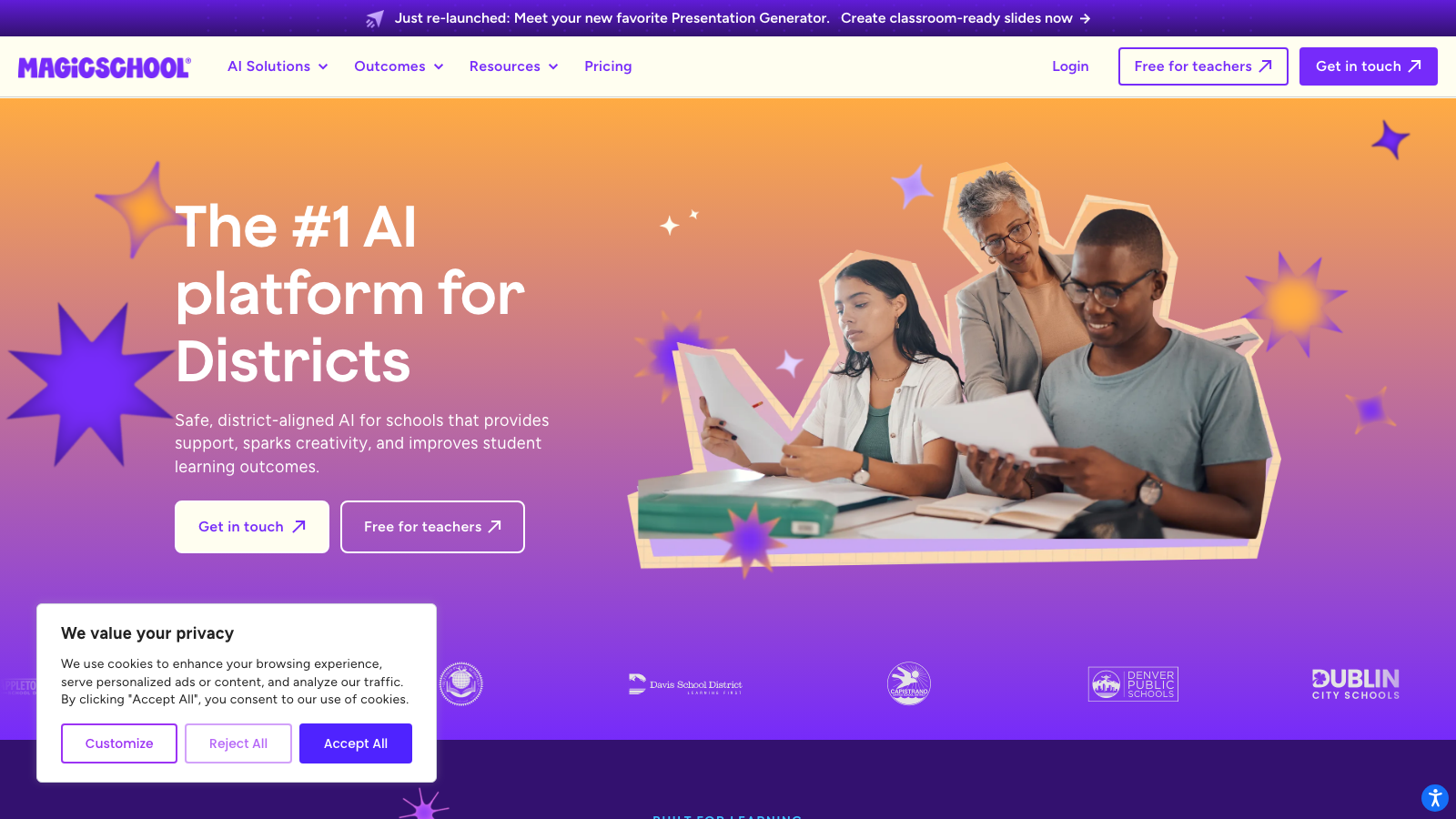
MagicSchool is the toolbox for teachers who want one place for every planning task: 80+ tools for lesson plans, rubrics, quizzes and IEP drafts, plus a chatbot (Raina) and student-facing tools.

MagicSchool homepage

Reviewers on G2 like the time saved on lesson plans, IEPs and rubrics. They say the number of tools can feel like too much, and quizzes are not always deep enough.

The free forever plan already includes 80+ tools. Plus is $12.99 a month, or $8.33 a month billed yearly. School and district plans are quoted.
Who it fits

  • Teachers who want one place for every planning task.

Trade-offs

  • Some features need the paid plan, and so many tools can be hard to navigate.
ServicesLesson plans · Rubrics · Quizzes · IEP drafts · Raina chatbot · Student-facing tools
Standout usersK-12 teachers who plan across many task types
Best forTeachers who want one place for every planning task.
PricingFree forever plan with 80+ tools. Plus is $12.99 a month, or $8.33 a month billed yearly. See pricing
Why choose MagicSchool
  • Large free plan
  • Built around real teaching tasks
  • Lists FERPA, COPPA and SOC 2 compliance

2

Brisk Teaching

Best inside Google Docs and Slides

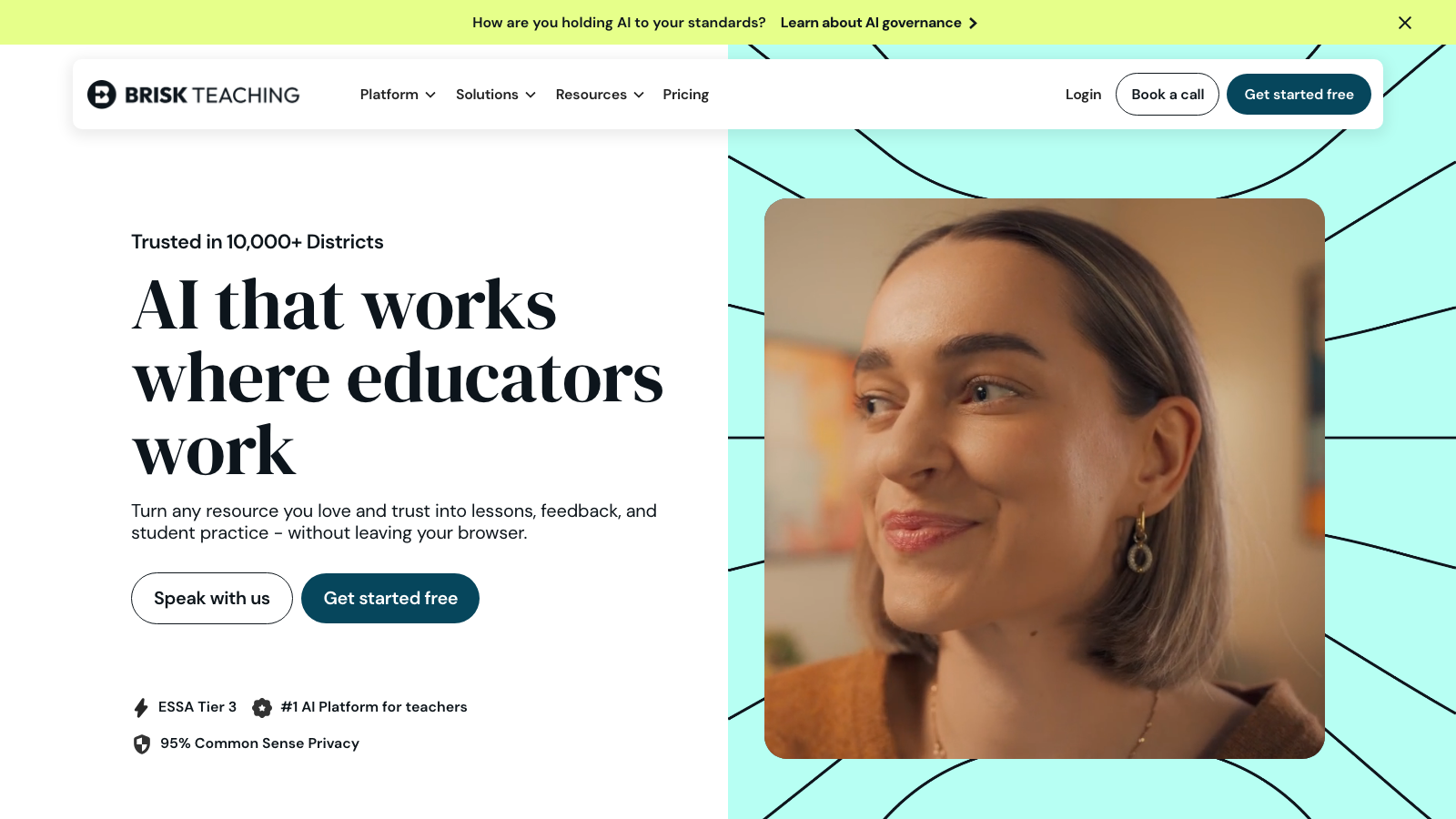
Brisk Teaching is a Chrome and Edge extension that works inside Google Docs, Slides, PDFs, YouTube and websites. It gives feedback, changes reading levels and turns any resource into a quiz.

Brisk Teaching homepage

Reviewers on Common Sense Education like the how-to videos and prompt help. They say you are limited to built-in prompts, and the premium features need a school plan.

It is free for individual teachers. Premium plans are for schools and districts, priced on request.
Who it fits

  • Teachers who already live in Google Workspace.

Trade-offs

  • There is no paid plan for individuals, and some feedback features are school-plan only.
ServicesChrome and Edge extension · Google Docs and Slides · PDFs · YouTube · Reading-level changes · Quizzes
Standout usersTeachers who already work in Google Workspace
Best forTeachers who already live in Google Docs and Slides.
PricingFree for teachers. Premium plans are for schools and districts, priced on request. See plans
Why choose Brisk Teaching
  • Works inside tools you already use
  • Translates into 50+ languages
  • Free for individual teachers

3

Eduaide.ai

Best low-cost option for resources

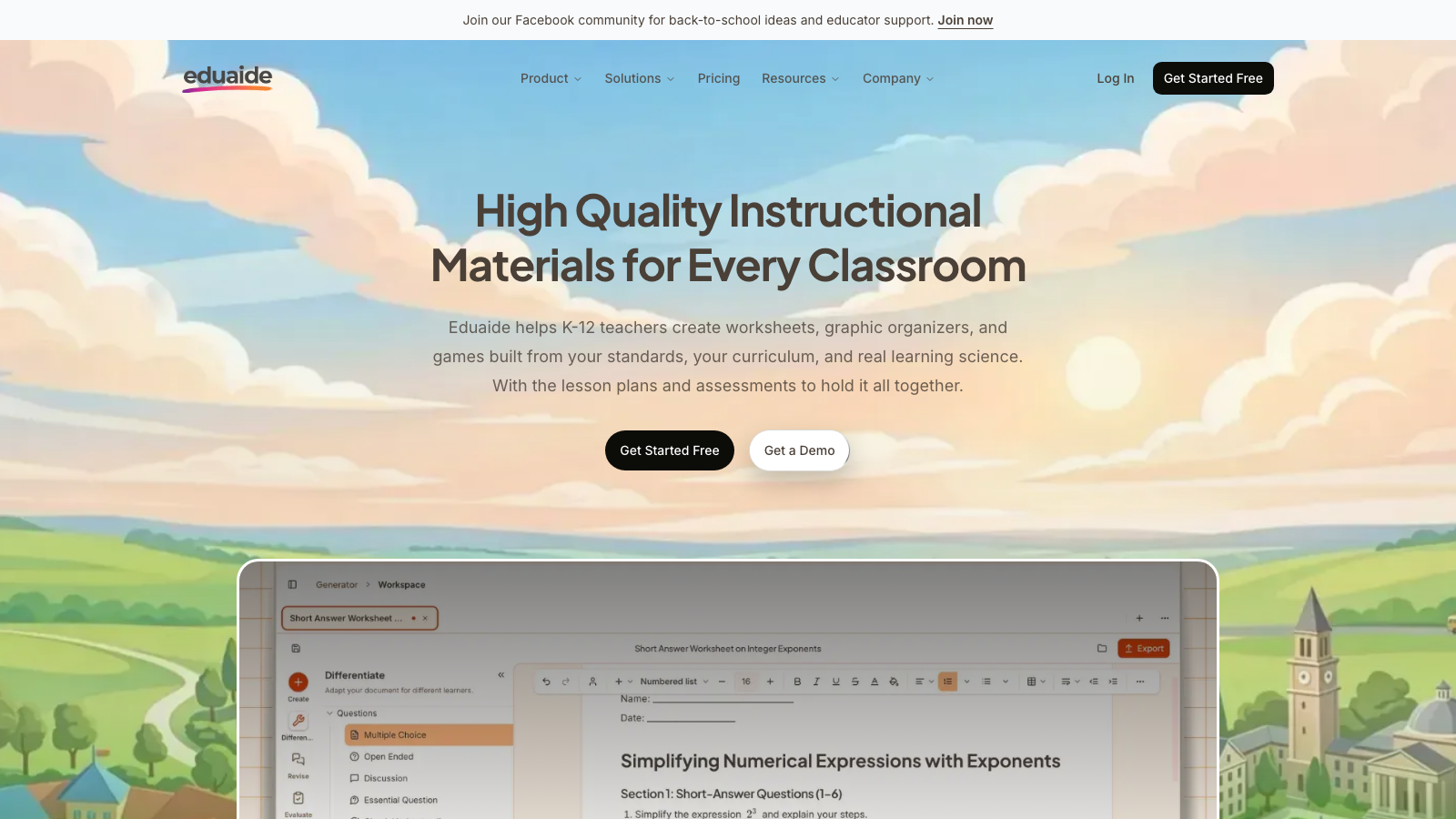
Eduaide.ai creates lesson plans, worksheets, graphic organizers, games and assessments, with grade-level and reading-level controls. It is the low-cost option for teachers who need many resource types.

Eduaide.ai homepage

Reviewers on Common Sense Education like the many small tools and grade filters. They find editing clunky and the free limit low.

The free plan includes 24 credits a month, about 8 resources. Pro is $49.99 a year, the cheapest paid plan on this list.
Who it fits

  • Teachers on a tight budget who need many resource types.

Trade-offs

  • The free plan is tight, and editing is clunky.
ServicesLesson plans · Worksheets · Graphic organizers · Games · Assessments · Grade and reading-level controls
Standout usersTeachers on a tight budget
Best forTeachers who need many resource types without a big subscription.
PricingFree plan with 24 credits a month. Pro is $49.99 a year. See pricing
Why choose Eduaide.ai
  • Cheapest paid plan on this list
  • Many resource types
  • Works in several languages

4

ChatGPT for Teachers

Best free general assistant for US K-12

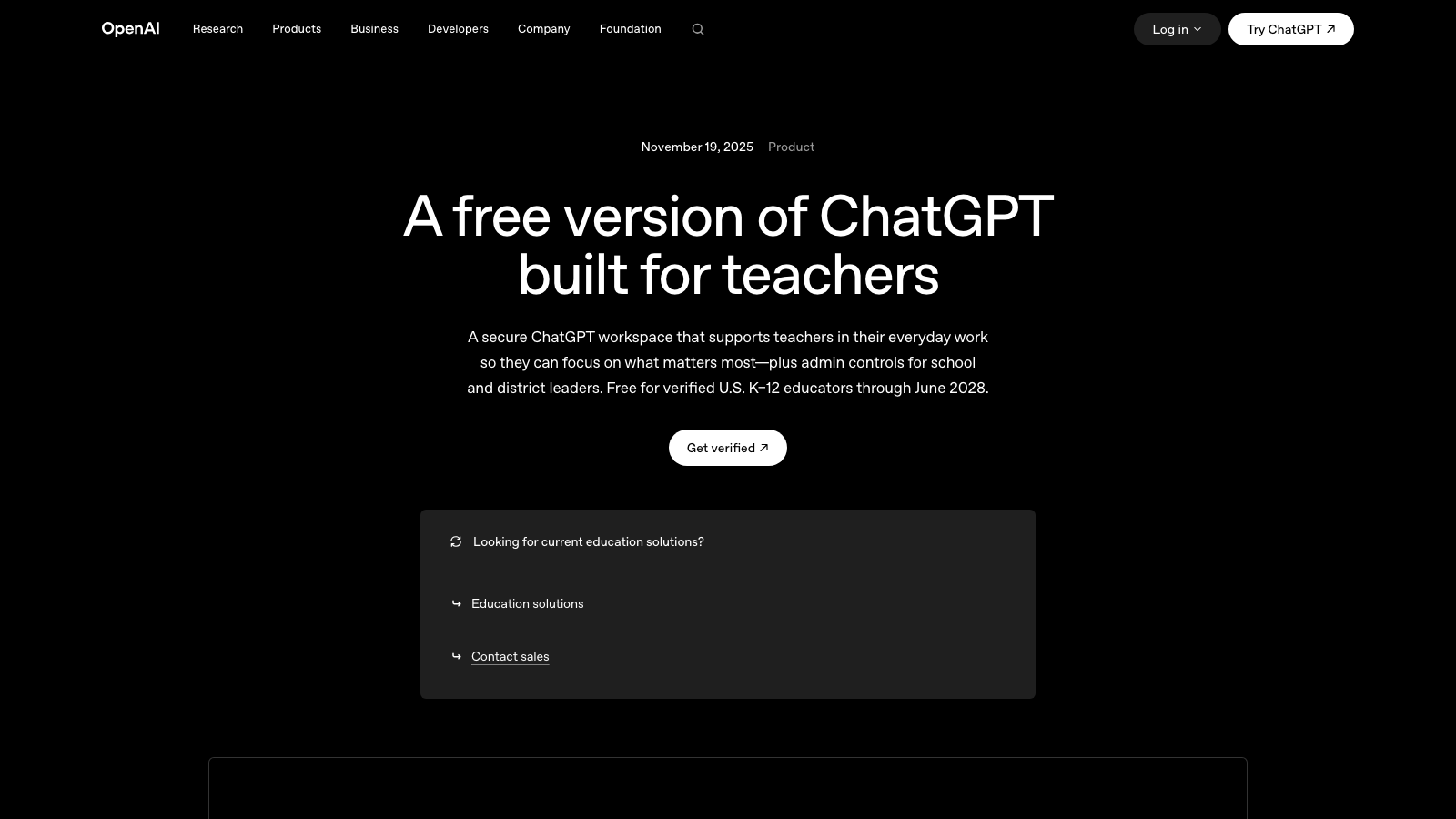
ChatGPT for Teachers is a full ChatGPT workspace for verified US K-12 staff, with file uploads, image generation, custom GPTs and admin controls.

ChatGPT for Teachers page

It is too new for review-site ratings. An Educators Technology review praises the wide toolset and privacy defaults, but flags errors in content and answer keys.

To see how it stacks up against its main rival, read our ChatGPT vs Claude comparison.

It is free for verified US K-12 educators through June 2027. There are no student accounts.
Who it fits

  • US teachers who want a flexible assistant for planning and writing.

Trade-offs

  • US K-12 only, no student accounts, and it can make factual errors.
ServicesFile uploads · Image generation · Custom GPTs · Admin controls
Standout usersVerified US K-12 teachers
Best forUS K-12 teachers who want a flexible general assistant.
PricingFree for verified US K-12 educators through June 2027. See details
Why choose ChatGPT for Teachers
  • Free for verified US K-12 teachers
  • Very flexible
  • Data not used for training by default

Differentiation and reading levels

5

Diffit

Best for adapting texts to reading levels

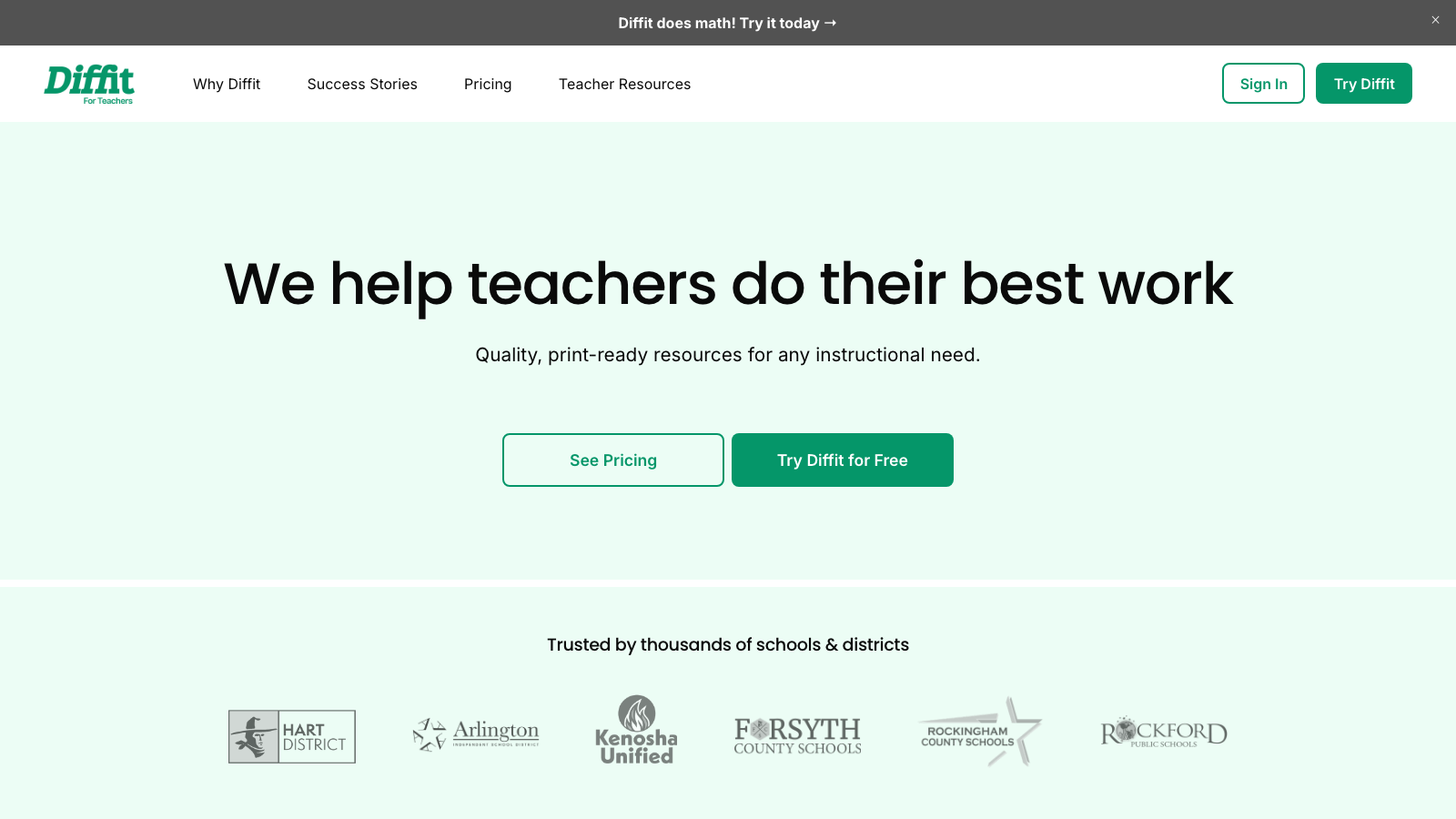
Diffit rewrites any text, PDF, link or video at the reading level or language you choose, with questions, vocabulary and a summary.

Diffit homepage

The Educational App Store review praises the time it saves on leveling. It notes passages can be short for older students.

The free Basic plan only shows the last 90 days of content. Individual is $14.99 a month or $149.99 a year.
Who it fits

  • Teachers with mixed reading levels in one class.

Trade-offs

  • It only covers differentiation, and passages can be too short.
ServicesReading-level rewrites · Translations · Questions · Vocabulary · Summaries
Standout usersTeachers with mixed reading levels in one class
Best forTeachers who need the same text at more than one reading level.
PricingFree Basic plan (you only see the last 90 days of content). Individual is $14.99 a month or $149.99 a year. See pricing
Why choose Diffit
  • Strong reading-level adaptation
  • Translations keep the questions and vocabulary
  • No student accounts needed

6

Khanmigo

Best free planning help linked to Khan Academy

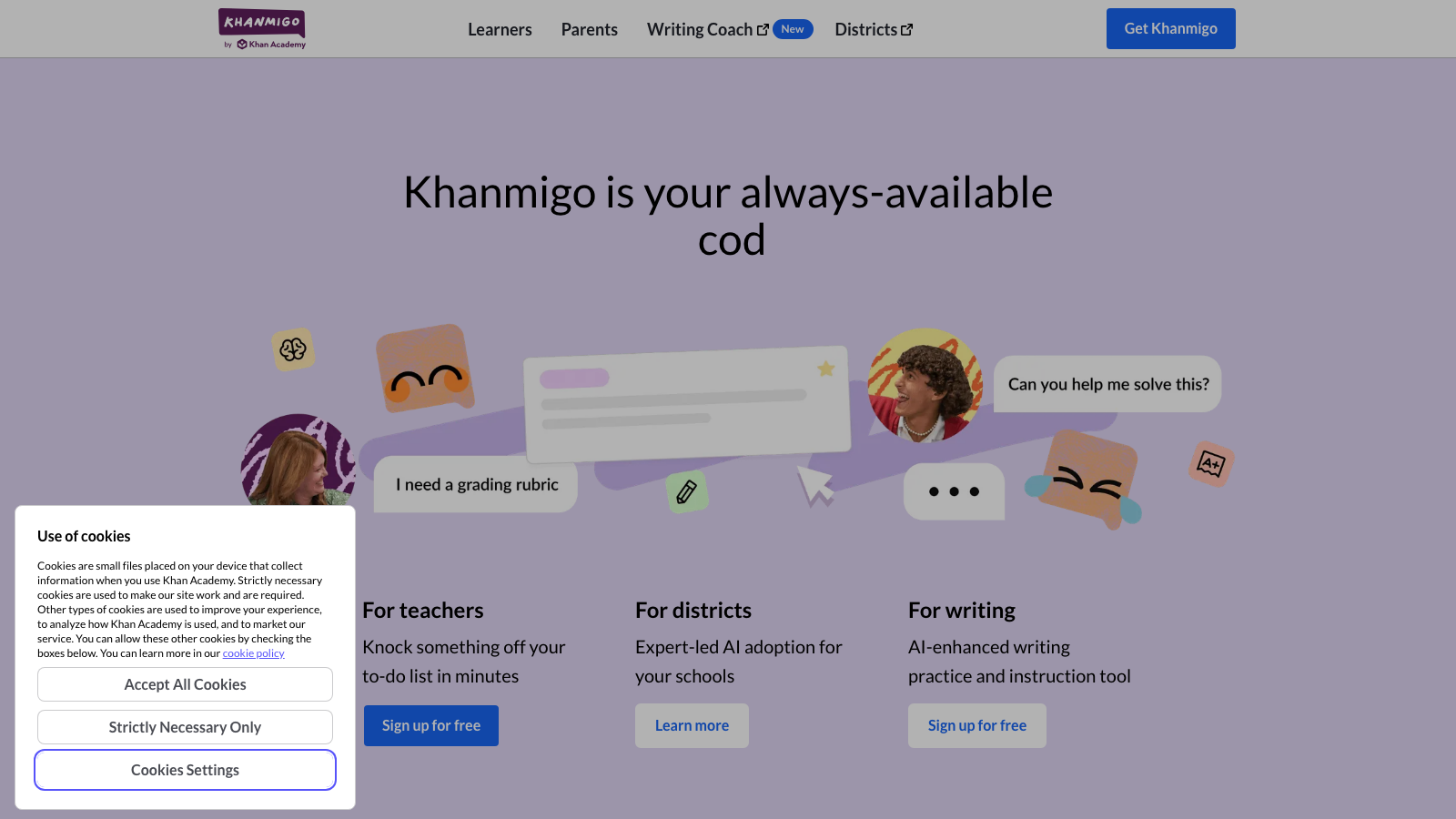
Khanmigo is an AI teaching assistant for lesson plans, rubrics and exit tickets, plus a guided AI tutor for students, tied to Khan Academy content.

Khanmigo homepage

Common Sense Media rates it low risk and praises its careful design. It flags the Historical Figures feature as unreliable.

It is free for teachers in eligible countries. Student access in class usually needs a district plan.
Who it fits

  • Teachers who already use Khan Academy content.

Trade-offs

  • Student access in class usually needs a district plan, and the Historical Figures feature is unreliable.
ServicesLesson plans · Rubrics · Exit tickets · Guided student tutor
Standout usersTeachers who already use Khan Academy
Best forTeachers who want free planning help next to Khan Academy content.
PricingFree for teachers in eligible countries. District plans are quoted. See pricing
Why choose Khanmigo
  • Free for teachers
  • Linked to Khan Academy content
  • Rated low risk by Common Sense

Quizzes, activities and writing practice

7

Curipod

Best for writing practice with instant feedback

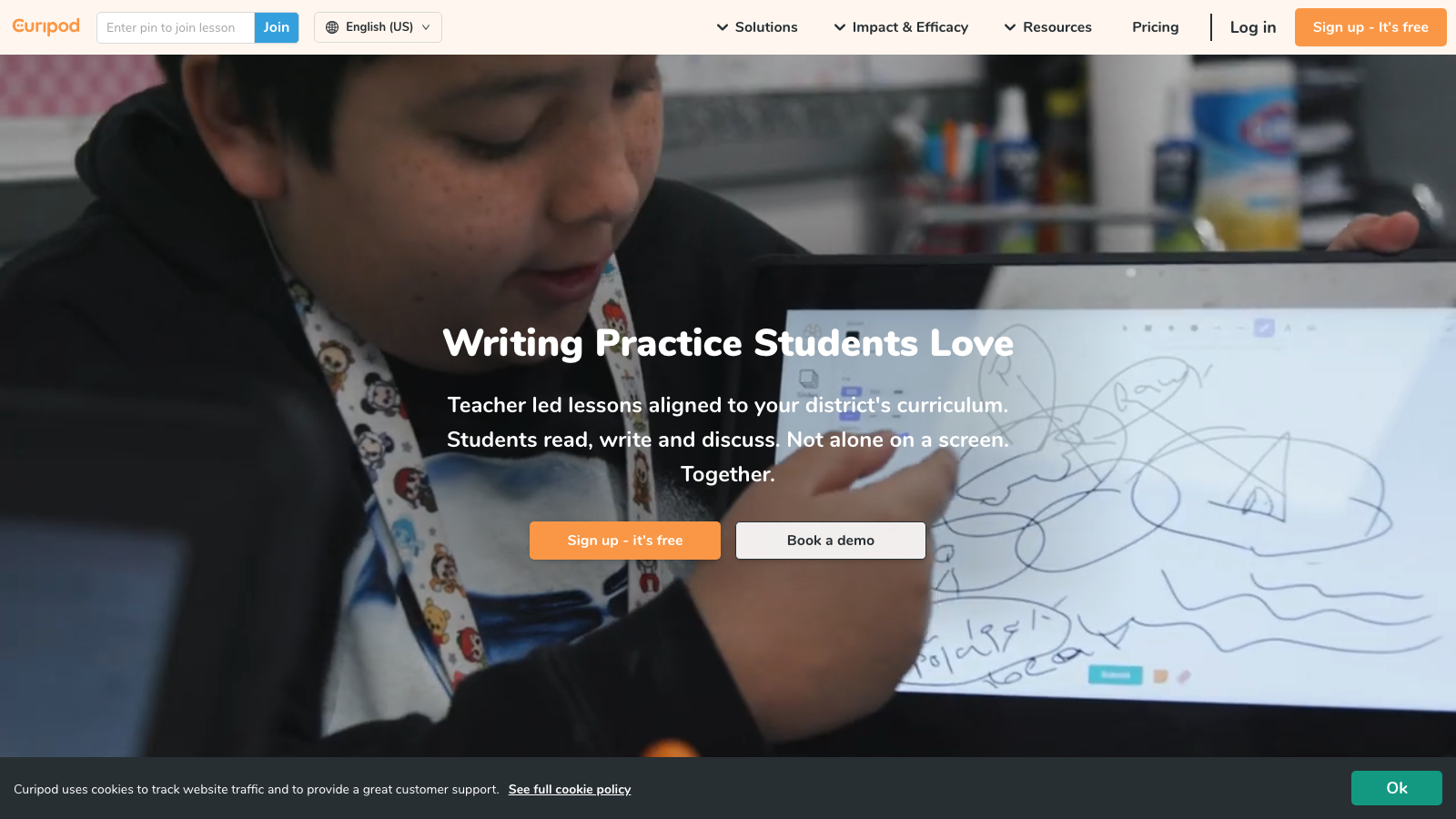
Curipod builds interactive lessons and writing practice, with instant Glow & Grow AI feedback on student writing.

Curipod homepage

Reviewers on G2 like how easy it is to use, though there are only a few reviews so far.

The free plan includes weekly writing sessions. Reports and PDF downloads are paid only, and there is no public price for individual teachers.
Who it fits

  • Teachers who want students writing more often without grading every draft.

Trade-offs

  • Reports and PDF downloads are paid only, and there is no public price for individual teachers.
ServicesInteractive lessons · Writing practice · Glow & Grow feedback · No student accounts
Standout usersTeachers who want more student writing without grading every draft
Best forTeachers who want students writing more often, with a chance to review the AI feedback first.
PricingFree plan with weekly writing sessions. School and district plans are quoted. See pricing
Why choose Curipod
  • Useful free plan
  • Teacher can review AI feedback first
  • Students join without accounts

8

Wayground

Best for game-style quizzes

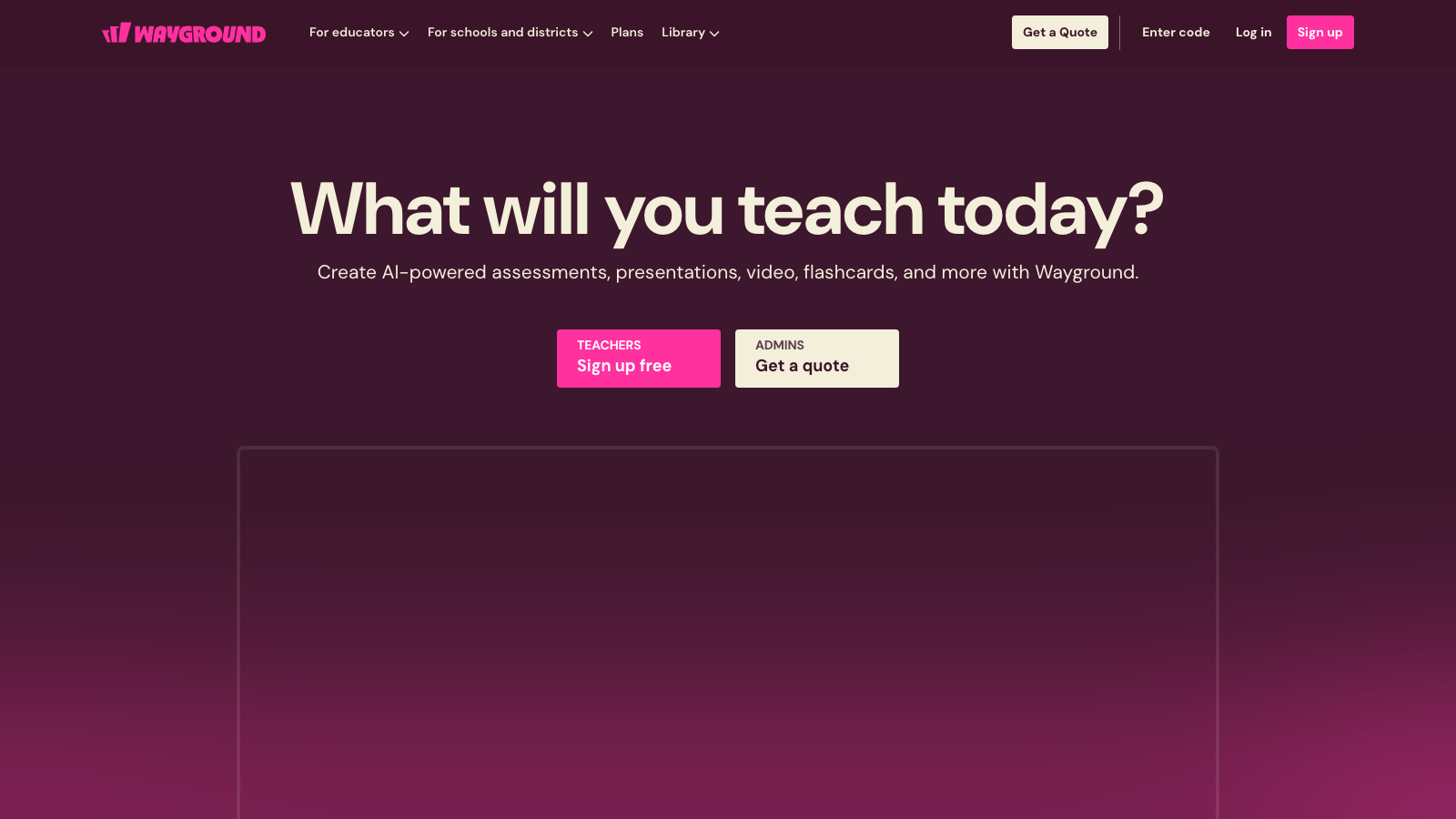
Wayground, formerly Quizizz, creates quizzes, lessons and flashcards with AI. You can run them live or at each student's pace, with 20+ accommodations.

Wayground homepage

Reviewers on Capterra (4.8 out of 5, 545 reviews) like how engaged students are and the Google Classroom sync. They complain about the limited free version and lag on long quizzes.

It is free for every teacher. School and district plans are quoted.
Who it fits

  • Teachers who want engaging practice and quick data.

Trade-offs

  • The free version is limited, and it can lag on long quizzes.
ServicesQuizzes · Lessons · Flashcards · Live or self-paced · Google Classroom · 20+ accommodations
Standout usersTeachers who want game-style practice and quick class data
Best forTeachers who want quick, fun practice students will actually finish.
PricingFree for every teacher. School and district plans are quoted. See plans
Why choose Wayground
  • Students find it fun
  • Google Classroom integration
  • Huge question bank

Grading and feedback

9

Gradescope

Best for grading exams consistently

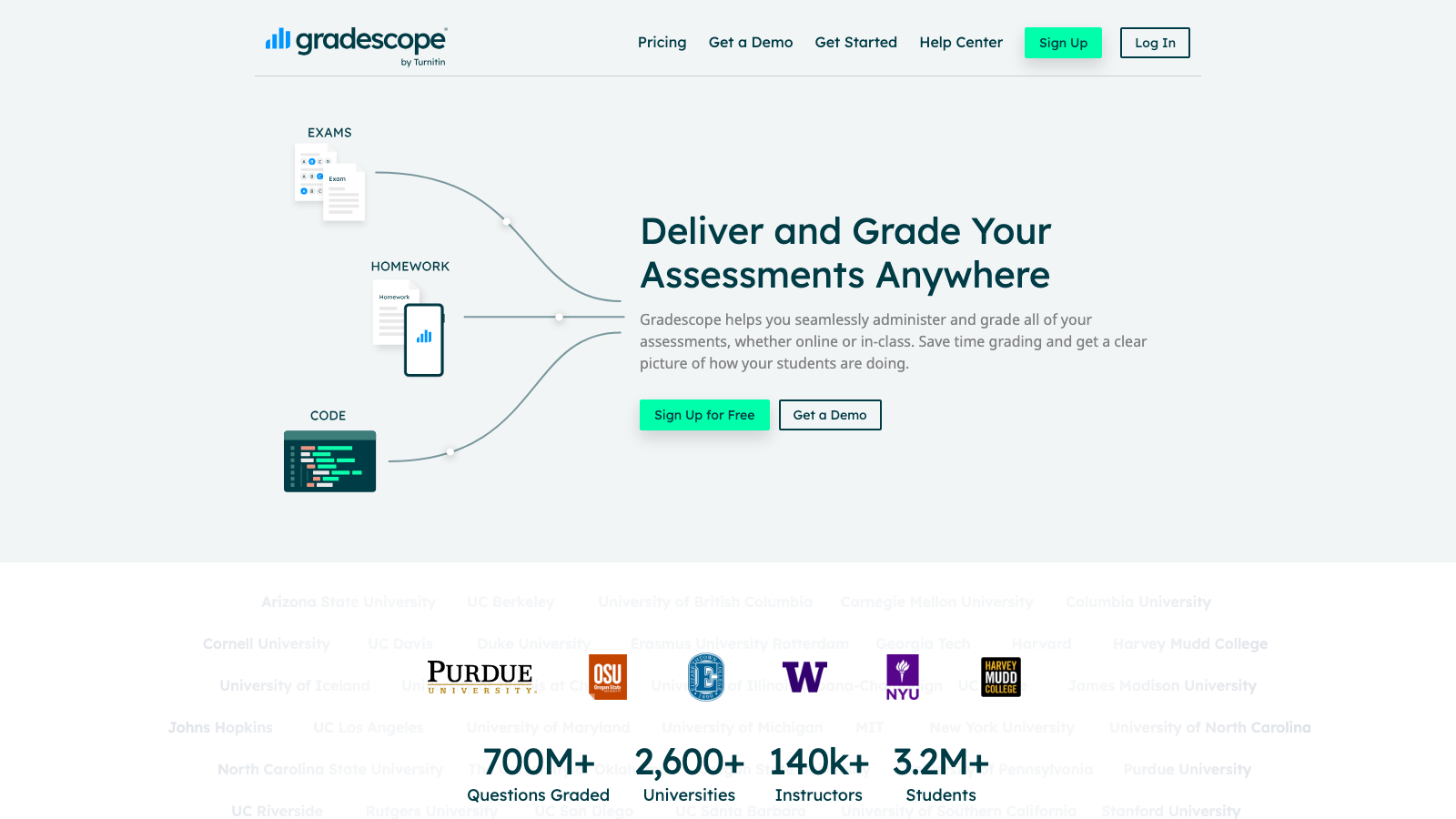
Gradescope grades paper and digital work question by question with shared rubrics. Paid plans add AI grouping of similar answers.

Gradescope homepage

Reviewers on Capterra like the consistent rubrics and time saved. They say setup takes effort.

The Basic plan is free. Institutional plans are quoted, with a free one-term trial. AI grouping is paid only.
Who it fits

  • Secondary and college teachers grading lots of exams.

Trade-offs

  • AI grouping is paid only, and there is a learning curve at setup.
ServicesPaper and digital exams · Shared rubrics · Handwritten work · LMS integration on paid plans · AI answer grouping
Standout usersSecondary and college teachers grading lots of exams
Best forTeachers who grade a lot of exams and need the same rubric applied every time.
PricingFree Basic plan. Institutional plans are quoted, with a free one-term trial. See pricing
Why choose Gradescope
  • Consistent grading with rubrics
  • Handles handwritten work
  • LMS integration on paid plans

Presentations and visuals

10

Canva for Education

Best for classroom visuals and slides

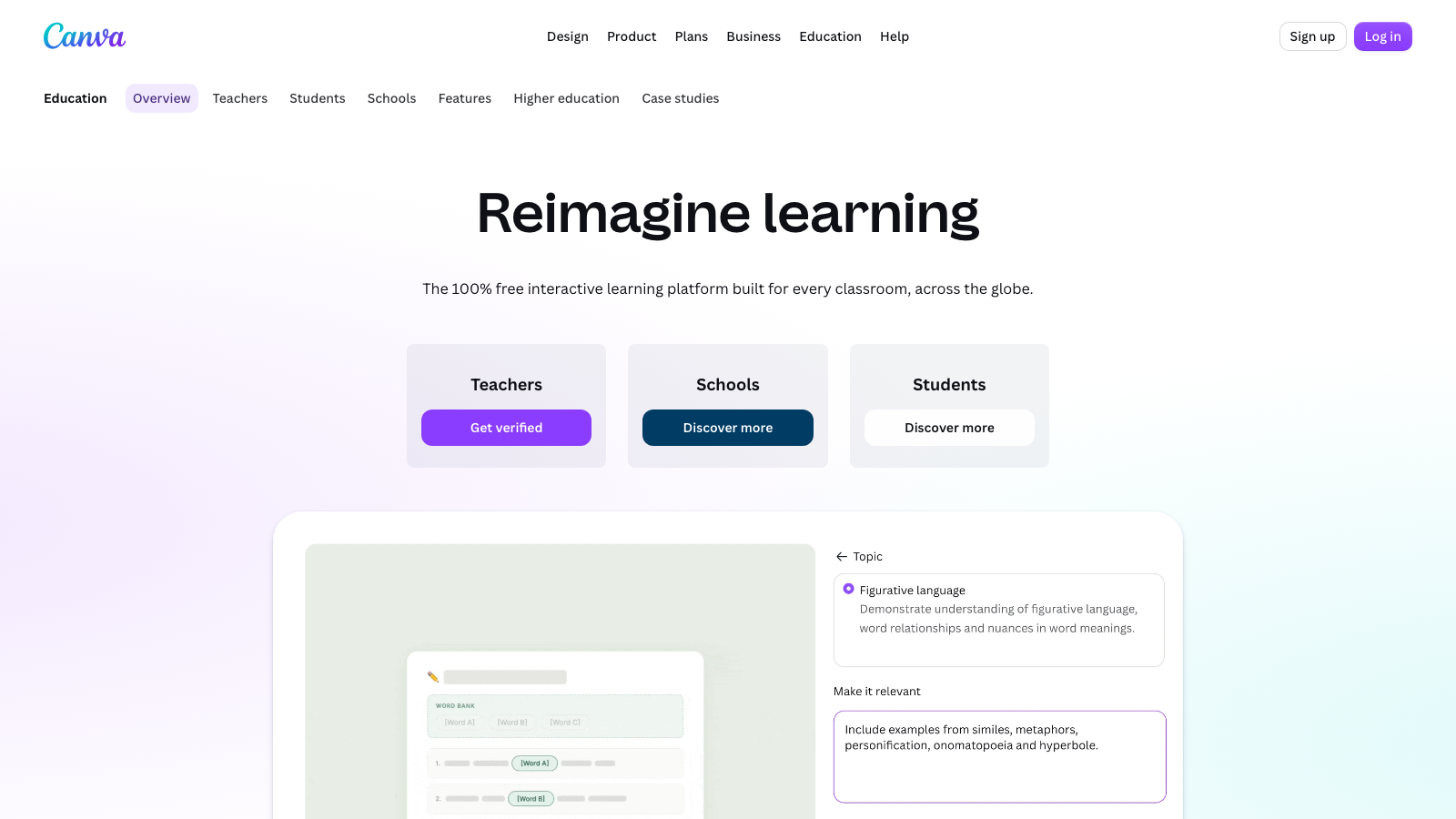
Canva for Education is a design tool for slides, posters, worksheets and videos, with premium templates and media. Magic Studio adds Magic Write, Magic Media and Magic Design, with some features limited for schools.

Canva for Education homepage

Reviewers on G2 (4.7 out of 5, 7,800+ reviews for all of Canva) like how easy it is and the templates. Some want more customization.

It is free for K-12 teachers and their students once a teacher verifies.

Who it fits

  • Teachers who make their own slides and handouts.

Trade-offs

  • Teachers must verify to get free access, and some users want more customization.
ServicesSlides · Posters · Worksheets · Videos · Magic Write · Magic Media · Magic Design
Standout usersK-12 teachers who make their own classroom visuals
Best forTeachers who make their own slides, posters and handouts.
PricingFree for K-12 teachers and their students. See details
Why choose Canva for Education
  • Free premium content for K-12
  • Easy to use
  • Huge template library

Using AI without breaking school rules

Check your school and district AI policy first. Rules can change by class or assignment.

Look for privacy claims on the tool's own site. MagicSchool, Brisk, Diffit, Curipod, Wayground and Canva for Education all state FERPA and COPPA compliance.

Don't paste student names or personal details into a tool unless your school has approved it.

Review AI output before students see it. Common Sense Media flags hidden bias and unchecked content as the main risks of AI teacher assistants.

If you're worried about AI-written homework, our guide to the best AI detectors explains how well they really work.


How to choose

Start with the job you need help with this week — then jump to the matching pick in the rankings above.

Stuck choosing?

Want a tool matched to your class?

Tell us the job — planning, reading levels, quizzes or grading — and your school's rules. We'll point you at one tool from this list.

Ask the editors →

Frequently asked questions

What is the best free AI tool for teachers?

MagicSchool has the largest free plan built for teachers. Brisk, Khanmigo, Wayground and Canva for Education are also free for teachers, and ChatGPT for Teachers is free for verified US K-12 staff.

Can AI help grade student work?

Yes, with a teacher checking the results. Gradescope speeds up exam grading with rubrics, and Curipod and MagicSchool give feedback on student writing.

What's the difference between ChatGPT and an education-specific AI tool?

General tools like ChatGPT can do almost anything but need good prompts. Education tools like MagicSchool or Diffit are built around teaching tasks and usually state student privacy compliance.

Do I need admin approval to use AI tools at my school?

Often, yes. Many districts keep an approved-vendor list or require IT review, so check with your school before using a tool with students.

How do AI teaching tools protect student data?

It varies. Several tools on this list say they comply with FERPA and COPPA, and some, like Diffit and Curipod, don't need student accounts at all. Always read the tool's privacy policy.

Can AI tools replace lesson planning entirely?

No. They can draft plans, quizzes and activities fast, but you still need to check accuracy and fit them to your students.

Before you use one of these with students

Explore further

More from Handpicked AI — picked because they share a decision, a buyer, or a use case with this article.