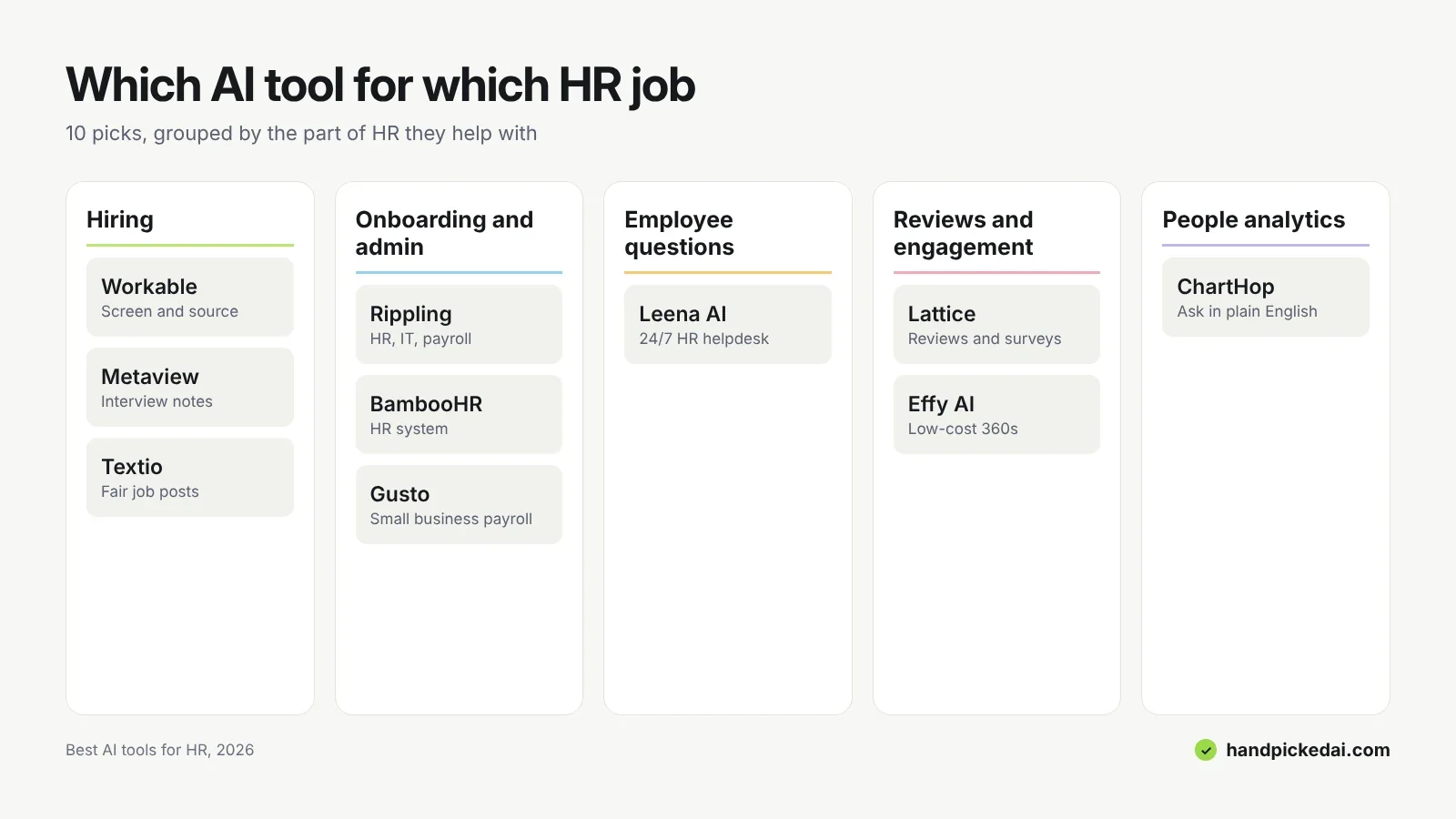
Most HR teams we talk to don't want a robot recruiter. They want the boring parts gone. Typing up interview notes at 6 pm, answering "how many PTO days do I have left?" for the fifth time this week, chasing managers for review comments. That's where AI actually earns its keep right now.
So that's how we built this list. We went through the official pricing and product pages for 10 HR tools and read what real users say about them on G2. To be clear, we haven't run these tools inside a live HR team ourselves, which is why you'll see a source linked next to every claim. And if you're shopping for the rest of the company too (sales, finance, support), our list of the best AI tools for business covers that side.
Quick picks
Workable: best for screening and sourcing applicants
ChartHop: best for asking people data questions in plain English
Hiring and interviews
1
Workable
best for screening and sourcing applicants
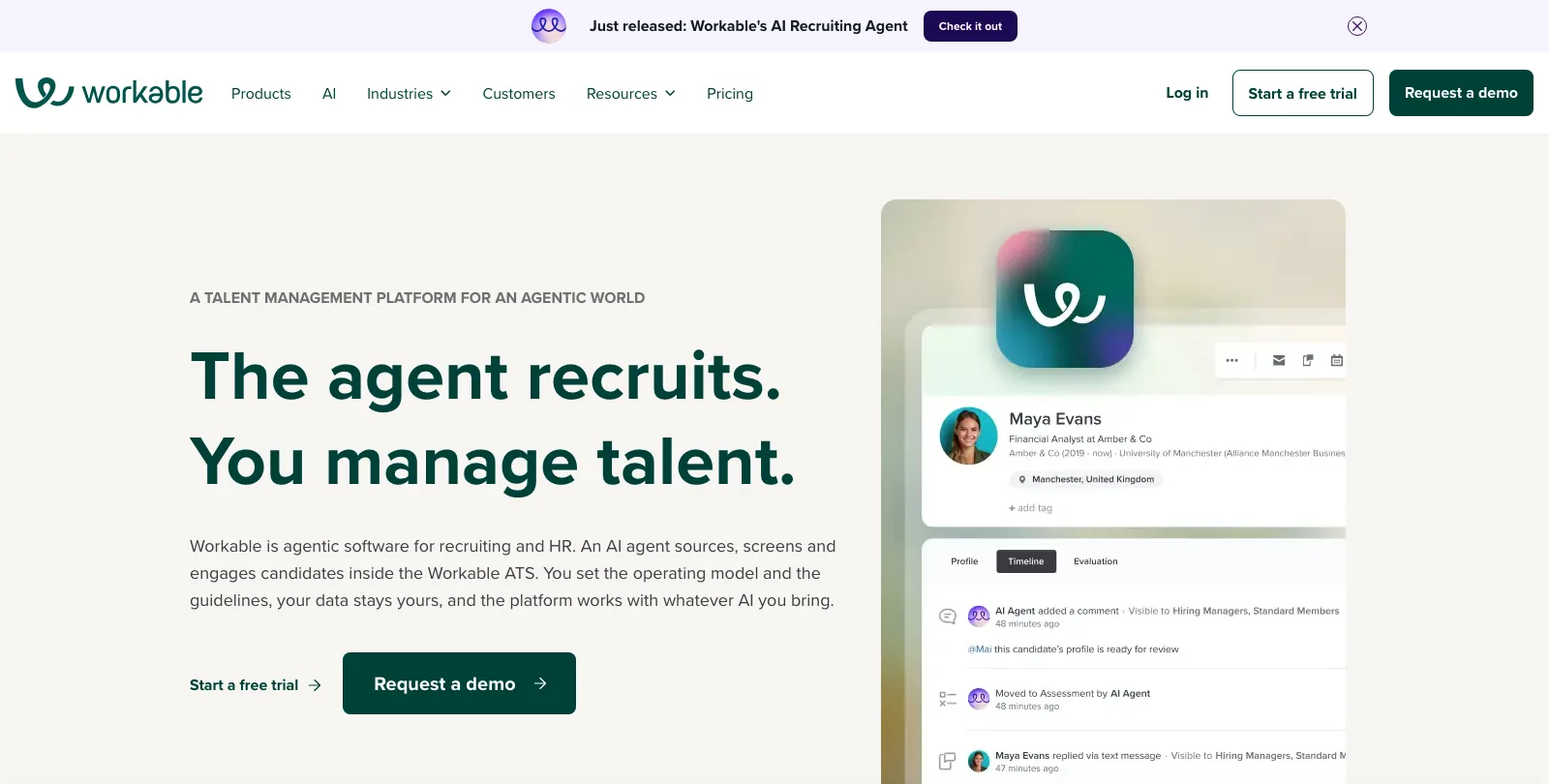
Image: Workable official website
Workable is an applicant tracking system, and lately it's leaned hard into AI. Its agent can dig through more than 400 million profiles looking for people who fit, then message them for you. Every applicant gets a score out of 100 against the criteria you set, so you're not opening 200 CVs one by one. Even the job post gets a head start, since the Job Brief step drafts the description and the application form (Workable).
The part we like most: a recruiter can override any call the AI makes, and Workable shows the reasoning behind it. It's a good fit for small and midsize companies that hire every month, not once a year.
What users say: reviewers on G2 give it 4.4 out of 5 from 715 reviews. People keep mentioning how easy it is and that every candidate sits in one place. The gripes are about customization, a few missing basics like duplicate detection, and reporting that feels rigid.
Pros
Prices are public, and there's a free trial
Sourcing, screening and outreach all happen inside the ATS
You can see why the AI scored someone, and change it
Cons
The sourcing, screening and outreach agents run on paid AI credits
Reports won't bend much to your setup
Pricing15-day free trial, no card (the agent isn't part of the trial, though). For companies with 1 to 20 employees, Standard costs $299 a month. Job Brief comes with every plan, while the other agents use AI credits, and each plan starts with 3,000 of those free. See pricing
2
Metaview
best for interview notes and scorecards
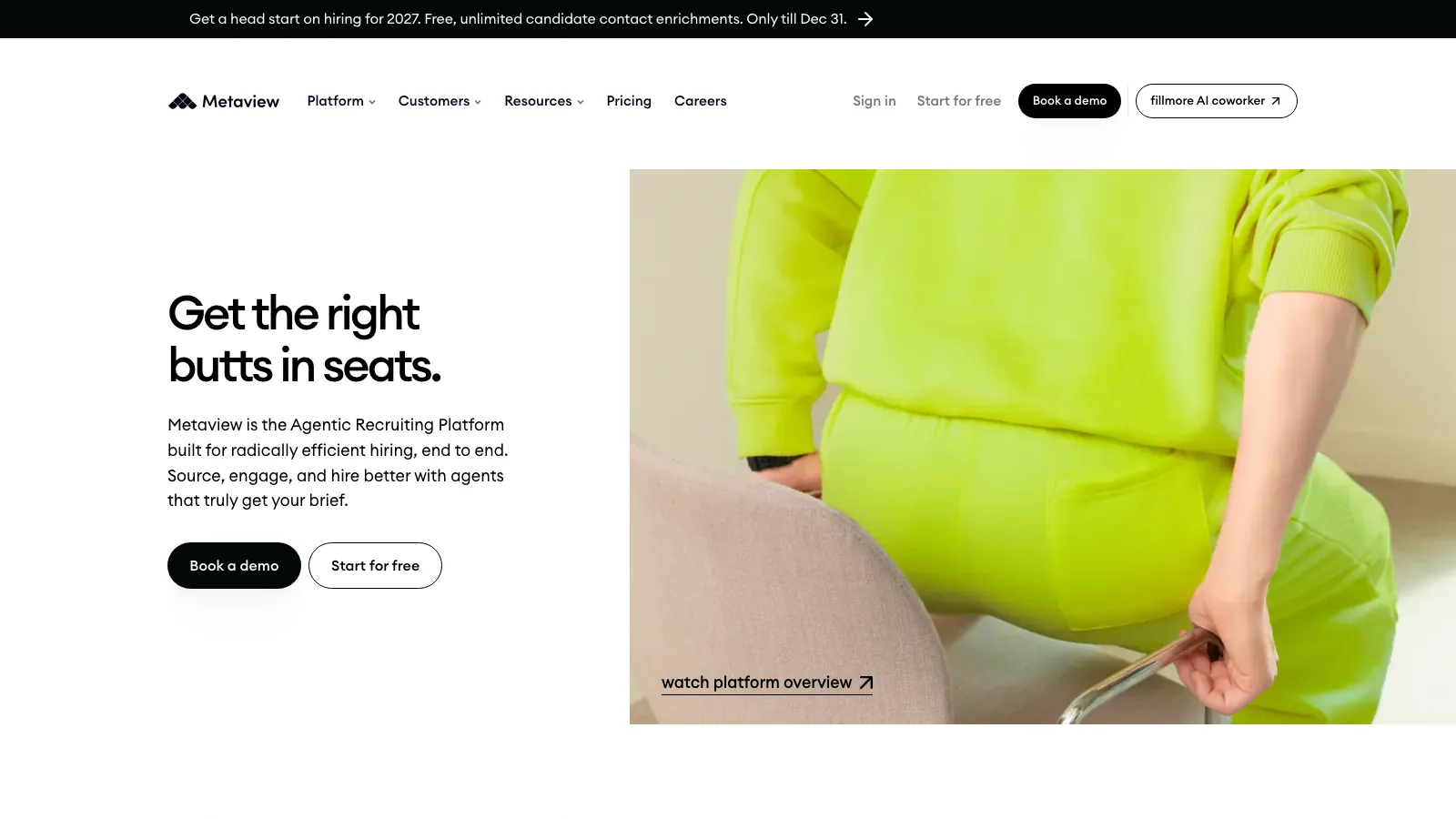
Image: Metaview official website
If your hiring managers hate writing up interviews (most do), Metaview is the one to look at. It sits in on the interview, takes the notes, fills in the scorecard and drafts the follow-up. There's also a sourcing agent that builds shortlists and another one that books screening calls (Metaview).
It's made for recruiters and hiring managers who spend half their week in interviews. For note-taking in regular meetings, our list of the best AI meeting transcription apps is a better place to start.
What users say: 4.8 out of 5 from 132 reviews on G2, which is about as high as it gets on this list. Reviewers mostly talk about the hours they get back. A smaller group says some notes come out wrong, and a few ran into integration gaps.
Pros
Nobody has to type interview notes anymore
Reviewers rate it higher than almost anything else here
Sourcing has a free plan to try it
Cons
Read the notes before you trust them, since some come out inaccurate
Not every ATS connects yet
Pricingthe sourcing side is free for your first 100 profiles, then Pro is $100 a user a month. The interview note-taker has its own pricing on Metaview's site. See pricing
3
Textio
best for fair, on-brand job posts
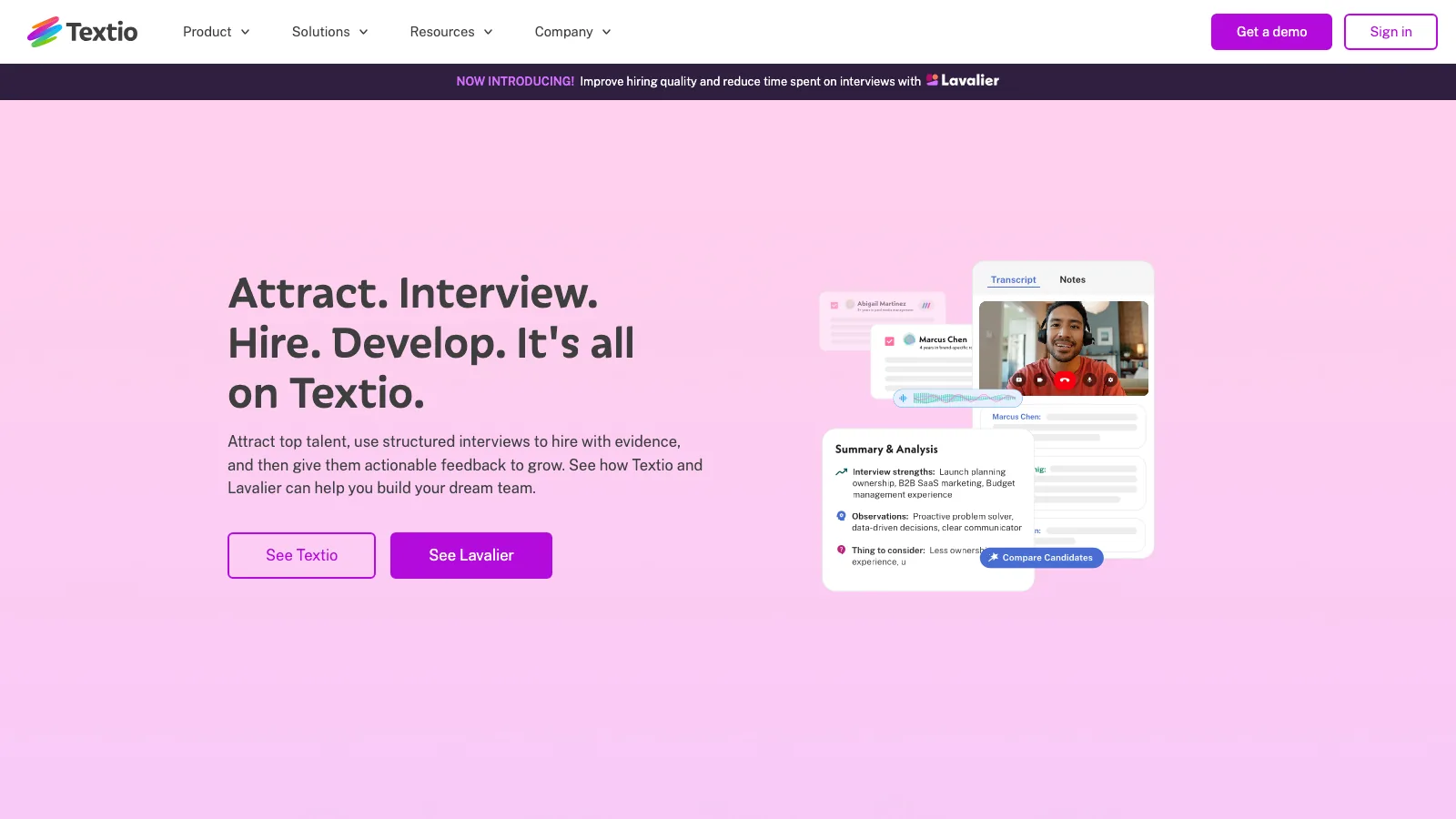
Image: Textio official website
Textio does one thing really well. It reads your job post and points out wording that might put people off, then nudges it toward your employer brand. A second product, Textio Feedback, helps managers write performance feedback that someone can actually act on (Textio). In March 2026 it added Lavalier, an interview tool with structured interview guides (Business Wire).
Honestly, this one is for bigger teams. Its named customers are companies like T-Mobile and Zendesk. If you only post a few roles a year, Workable's job brief drafts will probably do.
What users say: there isn't much to go on. G2 shows 4.2 out of 5 from just 16 reviews. The one reviewer on Capterra liked the wording check but found older work hard to get back to.
Pros
Goes deeper on inclusive job post language than general AI writers
Covers feedback writing too, not just job posts
Built on real hiring and review data, according to Textio
Cons
You'll need a sales call to get a price
So few reviews that it's hard to judge
Pricingnot published. You have to contact Textio for a quote. Visit Textio
Onboarding, payroll and HR admin
4
Rippling
best for onboarding, devices and payroll in one system
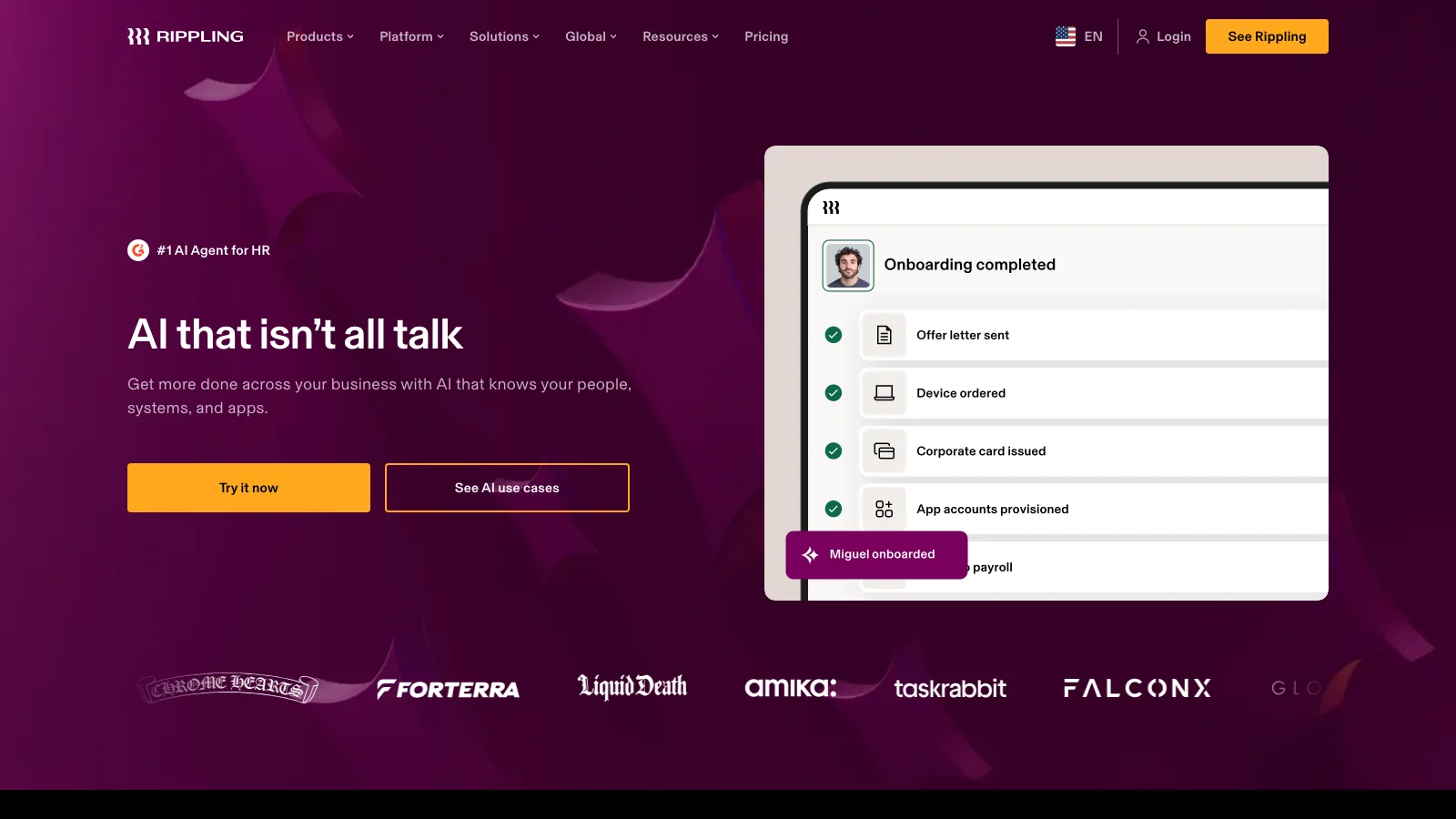
Image: Rippling official website
Think about what happens when someone new starts. They need a contract, payroll set up, a laptop, logins for a dozen apps. Rippling puts all of that in one system. The AI side maps payroll data and flags problems, builds reports when you ask a question, and answers employees' questions about pay, benefits and policies so they don't have to ping HR. Nothing goes through without a person confirming it (Rippling).
It makes the most sense for companies where HR, IT and payroll keep stepping on each other's toes.
What users say: it has over 15,000 reviews on G2 and still averages 4.7 out of 5. That's rare. People love the day-to-day ease and how quickly it was set up. The complaints are about features being hard to find, a learning curve, and support that takes a while to reach.
Pros
New hire paperwork, apps, devices and payroll in one place
A person signs off on every AI action
A huge pile of happy reviews
Cons
You only get the full price from sales
Admins say it takes time to learn
Pricingfrom $8 per employee a month, plus a monthly base fee. Everything else is quoted. See pricing
5
BambooHR
best HR system with AI for small and midsize teams
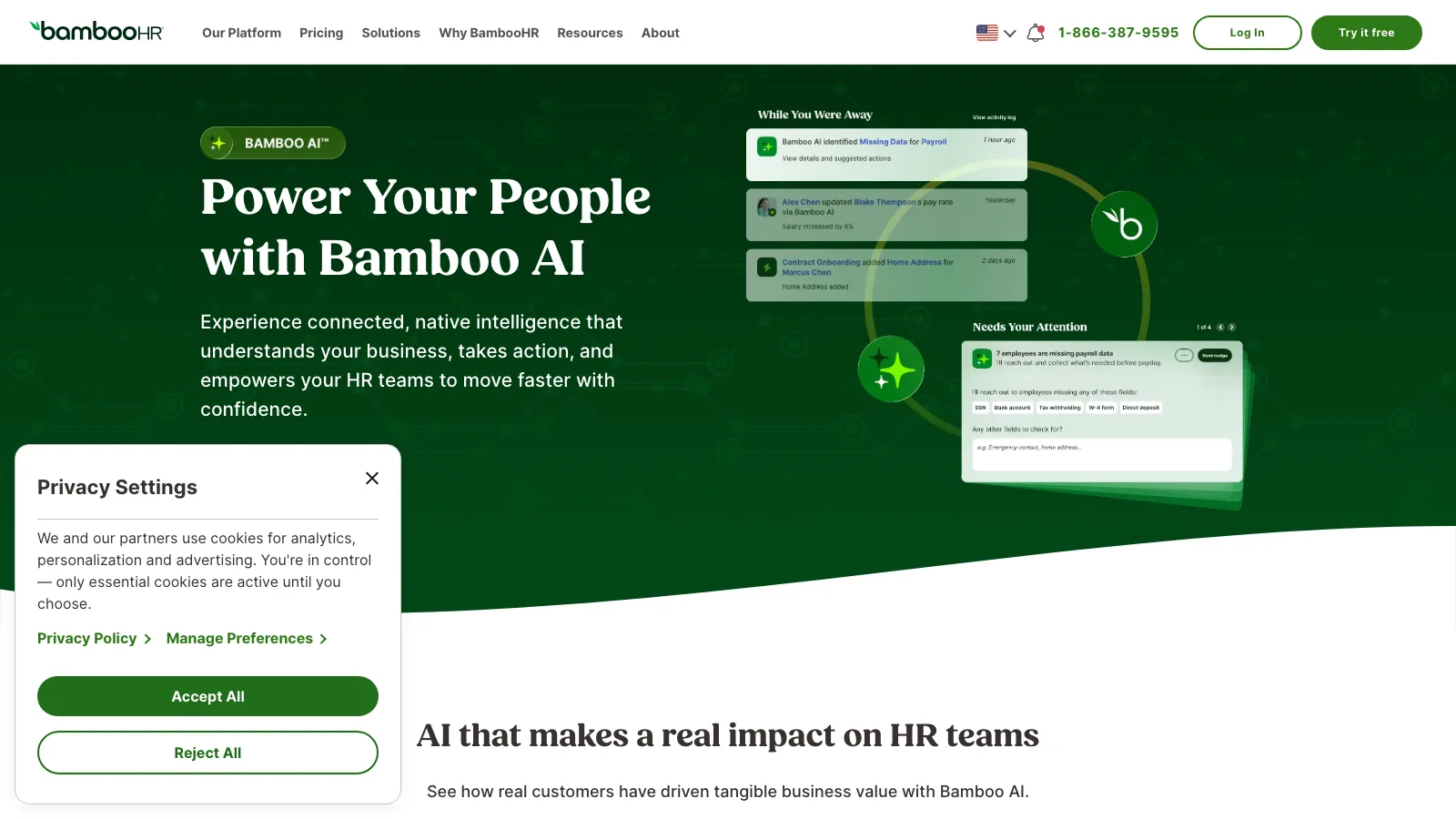
Image: BambooHR official website
BambooHR has been the go-to HR system for smaller companies for years, and now it has AI built in. You can ask Bamboo AI a question about your workforce and get a chart back. It also flags burnout risk and odd time-off patterns, and it works inside Slack (BambooHR). On Pro and Elite, employees can ask it about policies and the handbook instead of messaging you.
What users say: 4.4 out of 5 from more than 7,700 reviews on G2. "Easy" is the word that comes up again and again. On the other side, users want more features, more customization and better reporting.
Pros
You can see the price before talking to anyone
Small HR teams get going quickly
Employees can get policy and time-off answers on their own
Cons
The good AI is on the higher plans
Reporting is on the basic side
PricingCore starts at about $10 per employee a month, Pro at about $17 and Elite at $25. If you have 25 people or fewer, it's a flat $250, $425 or $650 a month instead. See pricing
6
Gusto
best payroll with an AI helper for small businesses
We'll be upfront: Gusto is on this list for its payroll, not its AI. Lots of small businesses already run payroll and benefits on it, and its new assistant, Gus, answers questions about payroll, benefits and time off using Gusto's own help articles, with links. It can also explain HR and compliance terms in plain English. Gus is still in beta, and Gusto itself warns that AI can make mistakes (Gusto).
What users say: 4.6 out of 5 from over 13,800 reviews on G2. Small business owners like that payroll just works and setup is quick. Missing extras like expenses and deeper reports come up a lot, and so does support being hard to reach.
Pros
Payroll is about as simple as it gets
No yearly contract
Thousands of reviews back it up
Cons
Gus is a helper in beta, so don't expect real automation
Some people struggle to reach support
PricingSimple is $49 a month plus $6 per person, and Plus is $80 a month plus $12 per person. You pay month to month. See pricing
Employee questions
7
Leena AI
best HR helpdesk for large companies
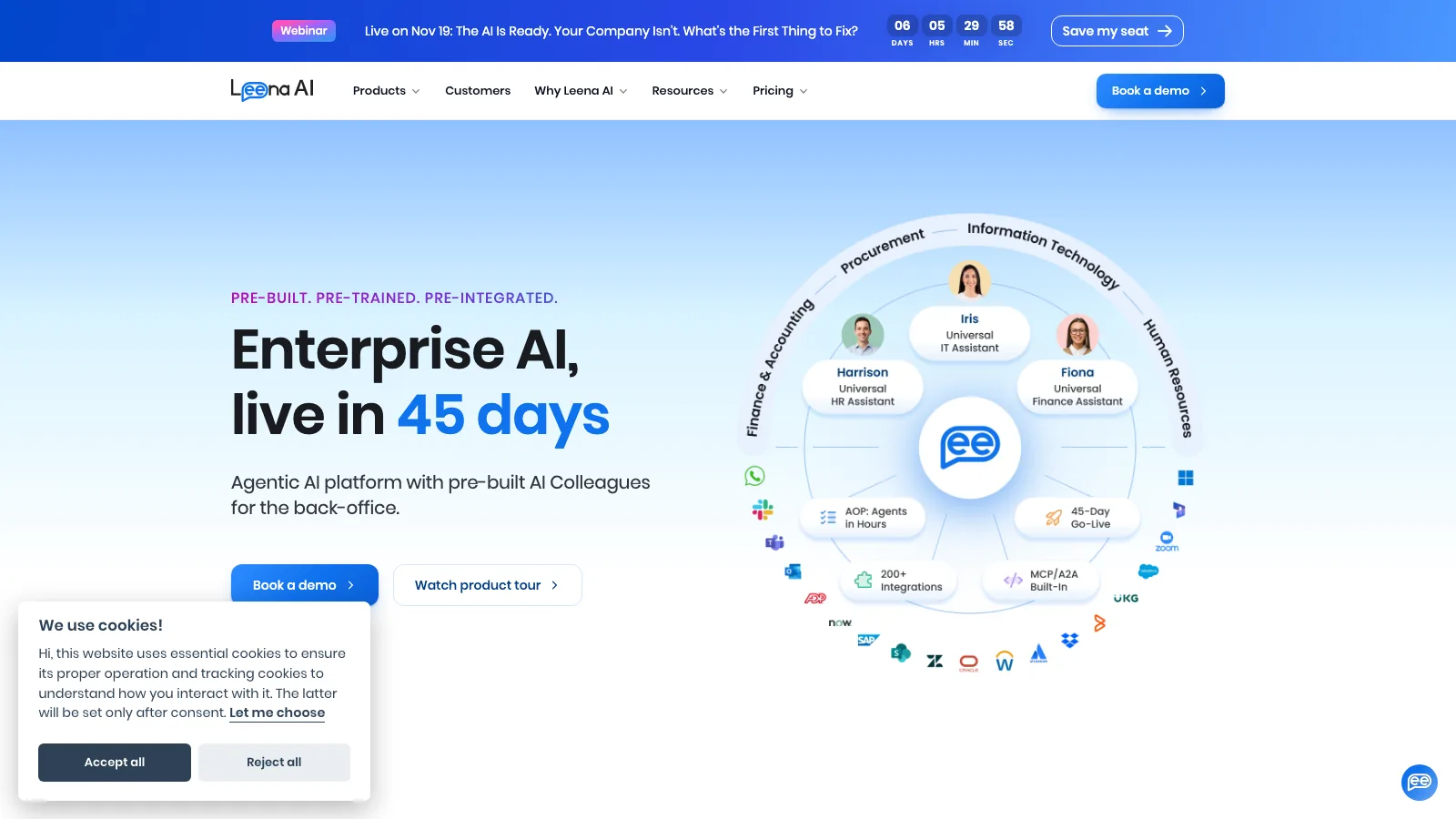
Image: Leena AI official website
At a big company, HR gets the same questions thousands of times. Leena AI is built for exactly that. Its assistant answers questions about onboarding, leave, payroll, letters and policies any time of day, in more than 100 languages, and it plugs into Workday, SAP, ServiceNow and 200+ other systems (Leena AI). Leena AI claims it closes more than 70% of tickets on its own. If you want a broader look at tools that answer questions from internal documents, see our list of the best AI knowledge base tools.
Small companies should skip it. BambooHR or Rippling will answer the basic policy questions for a lot less.
What users say: 4.6 out of 5 from 151 reviews on G2. People find it easy and helpful and like the support team. The complaints are mostly technical, like bugs and weak reporting.
Pros
Employees get answers at 2 am, in their own language
Connects deeply with the big enterprise HR systems
Fewer repeat tickets for your team
Cons
Enterprise pricing, and none of it is public
Way too much for a 50-person company
Pricingpriced per employee a year, quote only. Instead of a free trial you get a "proof of value". See pricing
Performance reviews and engagement
8
Lattice
best for reviews, goals and engagement surveys
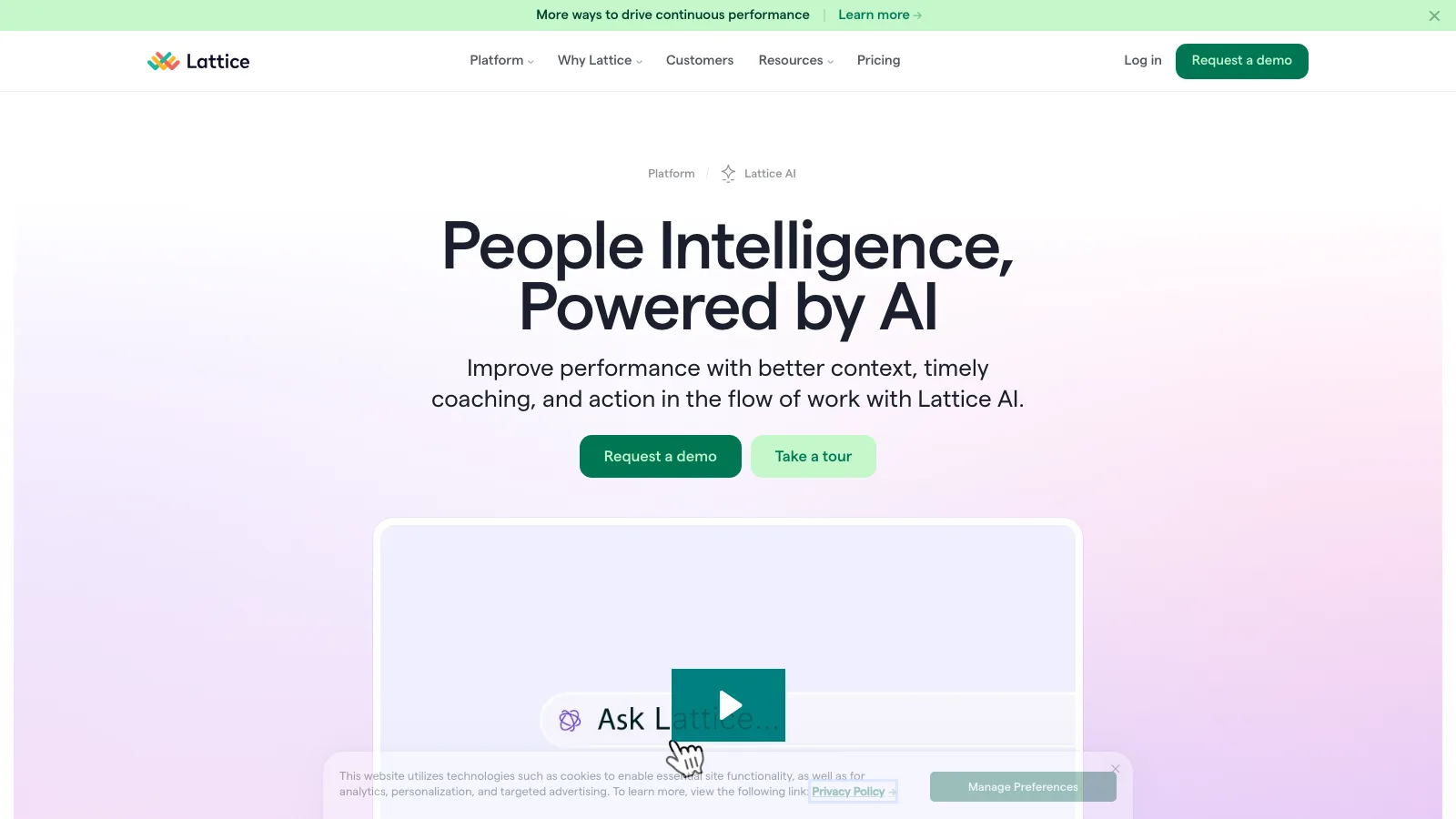
Image: Lattice official website
Review season is where Lattice shines. Its AI pulls from 1:1 notes, feedback and goals to draft a review, so managers aren't starting from a blank page. It also sums up survey results and all those open comments nobody has time to read, and there's an AI agent for coaching. One thing we appreciate: Lattice says plainly that its AI doesn't decide who gets promoted (Lattice).
What users say: 4.6 out of 5 from more than 4,100 reviews on G2. Users like how easy it is, the customization and the 1:1 tools. They'd like better HR system integrations, and new users mention a learning curve.
Pros
Per-seat prices are listed openly
Reviews, goals and surveys live in one tool
A clear line that AI doesn't make promotion calls
Cons
There's a $4,000 yearly minimum, and you can only pay yearly
Takes some getting used to
Pricingno free trial, only a product tour. Foundations is $13 a seat a month, and modules stack on top: Performance $10, Goals $8, Engagement $4 per seat a month. See pricing
9
Effy AI
best low-cost 360 reviews
Image: Effy AI official website
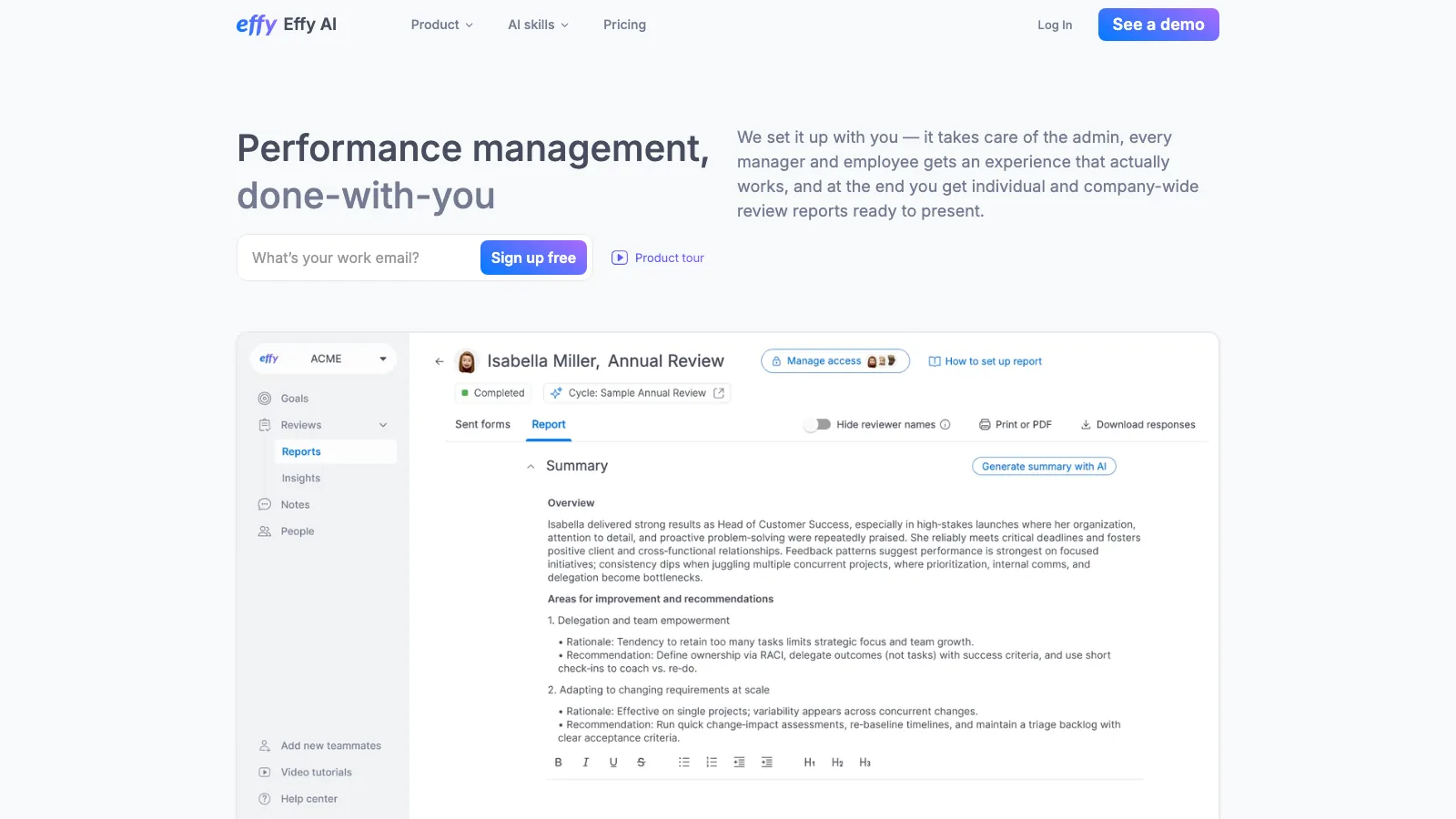
If Lattice's minimum makes you wince, look at Effy AI. It runs 360, peer, upward, self and probation reviews, plus OKRs. Once feedback comes in, the AI turns it into a report with clear next steps, and it sends the reminders in Slack and email so you don't have to chase anyone (Effy AI). It's aimed at teams of 30 to 1,000 people.
What users say: 4.8 out of 5 on G2, though from only 37 reviews. People mention the time saved and helpful support. The main complaint is that you can't easily export all the review data.
Pros
Free for up to 5 users, with no time limit
A few dollars per seat is cheap for this
Made for small and midsize teams
Cons
Still a small number of reviews
Data export and integrations are limited
Pricingfree for up to 5 users. 360 Reviews is $3 a seat a month billed yearly, and Goals and OKRs is $2 a seat a month. See pricing
People analytics
10
ChartHop
best for asking people data questions in plain English
Image: ChartHop official website
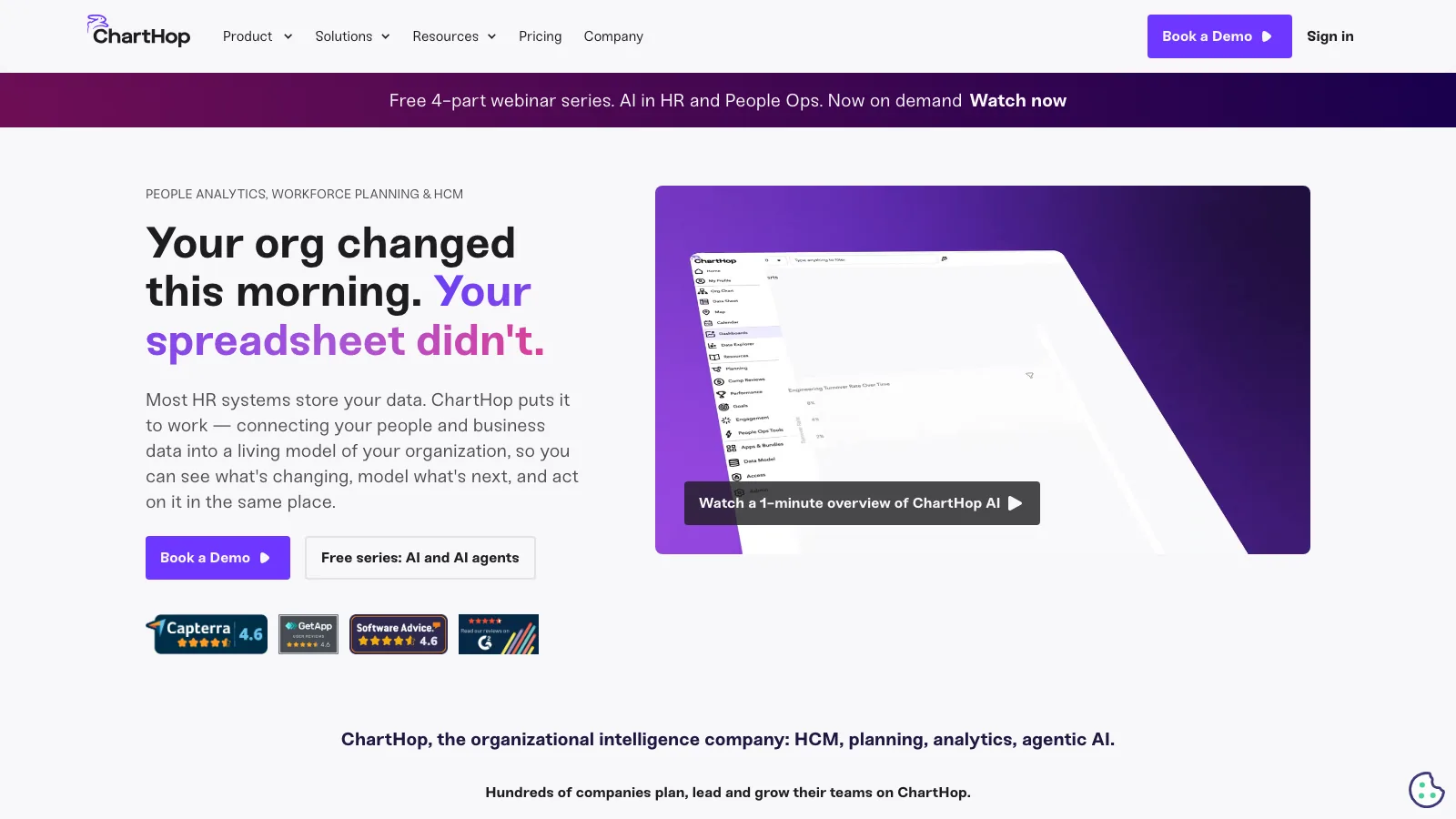
"How many engineers did we hire in Berlin this year?" With ChartHop, you just type that. It answers from all your people data, and it can build dashboards, pay cycles, surveys and headcount plans straight from the chat. It works inside Slack and Teams, and each user only sees the data they're allowed to. ChartHop also says your data never trains outside models (ChartHop).
It's best for HR and finance teams who plan headcount and pay together.
What users say: 4.4 out of 5 from 180 reviews on G2. Users like how easy it is, the support and the planning tools. Some want more customization and a few missing features.
Pros
Ask questions about your workforce like you'd ask a colleague
The org chart is always up to date
Data access follows each person's permissions
Cons
No public price
Customization has limits
Pricingno public prices. Core, AI Pro and the add-on modules are all quoted. See pricing
AI hiring rules to know
This is the part most "best AI tools" lists skip, and it's the part that can get you in trouble. Using AI to screen people is now regulated in several places.
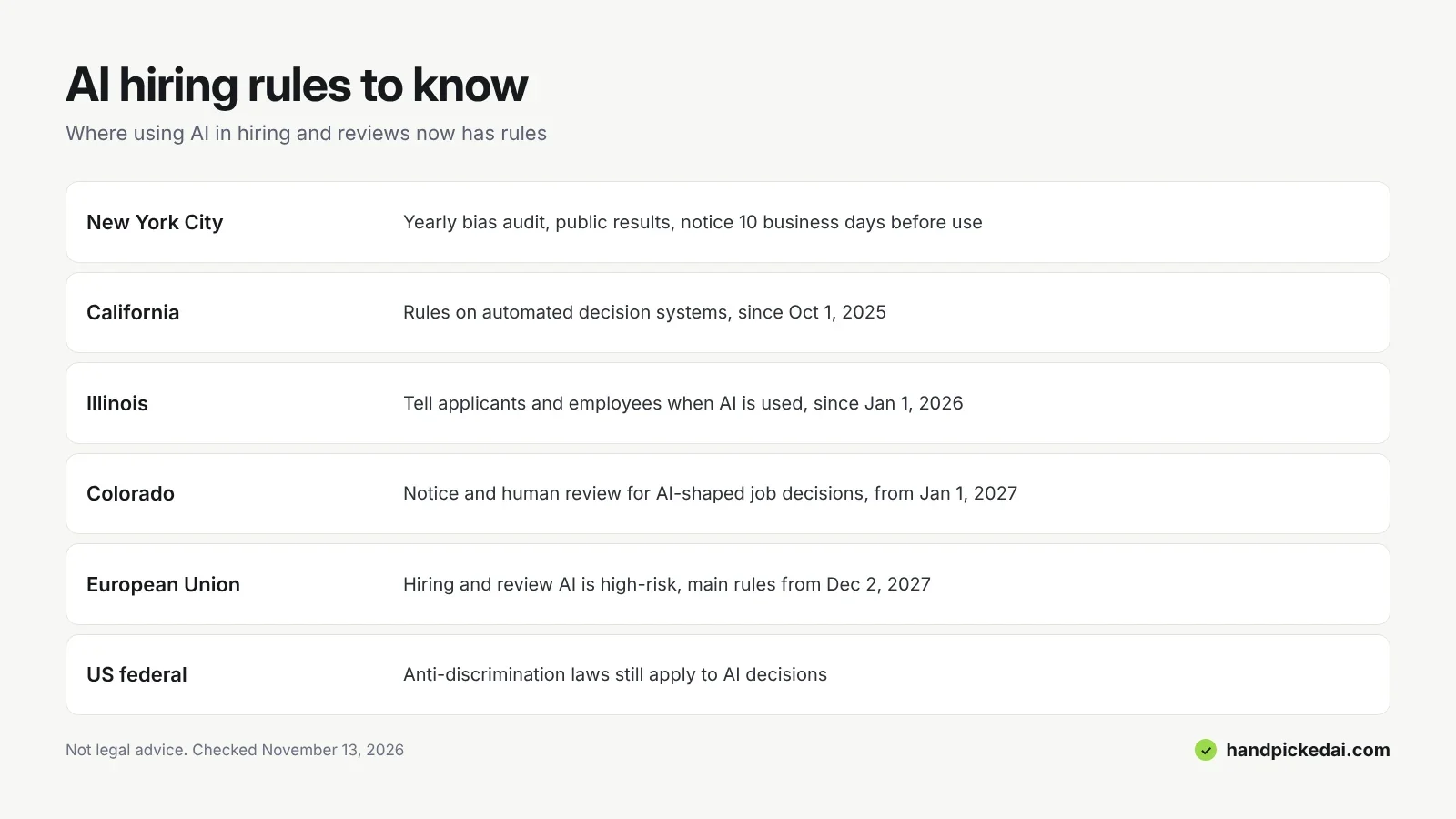
New York City was first. If you use an automated tool to screen candidates there, it needs a bias audit every year, you have to publish a summary of the results, and candidates must be told 10 business days before it's used (NYC).
Illinois has required employers to tell applicants and employees about AI use since January 1, 2026, and California's rules on automated decision systems kicked in on October 1, 2025 (National Law Review).
More is coming. From January 1, 2027, Colorado employers will have to give notice and offer a human review when AI shapes hiring, pay or firing decisions (Constangy). In the EU, AI used for hiring, promotions or performance reviews counts as "high-risk", and the main rules start December 2, 2027 (Garrigues).
At the federal level, US agencies pulled their AI guidance in 2025, but anti-discrimination law still covers decisions made with AI (Cooley). We're not lawyers, so run your setup past one.
How we picked
📚
Coverage
We started with the pages people already trust for this topic and noted which tools kept showing up.
🗂️
HR jobs
Every tool had to help with a real part of HR work: hiring, onboarding, employee questions, reviews or people data.
✨
Built-in AI
The AI had to do actual work inside the product rather than sit on the side as a chatbot.
👤
A person in charge
We gave extra weight to tools that keep a person in charge of hiring and review decisions.
💲
Pricing
Prices were checked on each official pricing page in November 2026.
💬
User feedback
The user feedback comes from G2 reviews.
How to choose
Start with your biggest time sink.
If it's hiring, go with Workable, and add Metaview if your managers run lots of interviews. If you don't have a proper HR system yet, BambooHR is the easy start, while Rippling is worth it when you also want IT and payroll in the same place. Small business doing its own payroll? Gusto.
Drowning in employee questions? At enterprise size that's Leena AI's job. Smaller teams can get by with the AI in BambooHR or Rippling. For reviews and surveys, Lattice is the full package, and Effy AI is the budget pick. And if you plan headcount and pay, ChartHop is the one.
Whichever you choose, check one thing before you buy: can a person see why the AI made a call, and overrule it?
FAQ
What is the best AI tool for HR?
There isn't one winner, because HR covers so many jobs. For hiring we'd look at Workable first. BambooHR or Rippling handle the admin side, Lattice handles reviews and ChartHop covers people data. Most teams start with the AI inside a system they already pay for.
What are the best uses of AI in HR?
The boring, repeated stuff: drafting job descriptions, screening applicants, taking interview notes, answering the same employee questions and getting a first draft of review feedback. In a 2024 SHRM survey, writing job descriptions was one of the most common ways employers used AI in HR (SHRM).
Is AI replacing HR?
No. What these tools take over is the repeat work: notes, tickets, first drafts. Rippling, Lattice and BambooHR all say a person makes the final decision, and the hiring laws above are pushing in the same direction.
Do HR AI tools make biased decisions?
They can, and that's exactly why some places now demand checks. New York City requires a yearly bias audit for automated hiring tools, and Illinois makes you tell applicants when AI is involved. Pick a tool that shows its reasoning and lets someone override it.
How do I use AI HR tools responsibly?
Tell people when AI is used. Keep a person in charge of the final call. Ask the vendor for its bias audit and data policy, and keep records. From 2027, Colorado will require notice and a human review for employment decisions shaped by AI.
Can AI tools integrate with HR systems?
Most of them can. Leena AI connects to Workday, SAP and ServiceNow, while ChartHop and BambooHR's AI both work in Slack. Still, check that a tool works with your own HR system and ATS before you sign anything.
All pricing checked November 13, 2026 on the official pages linked in each tool section.