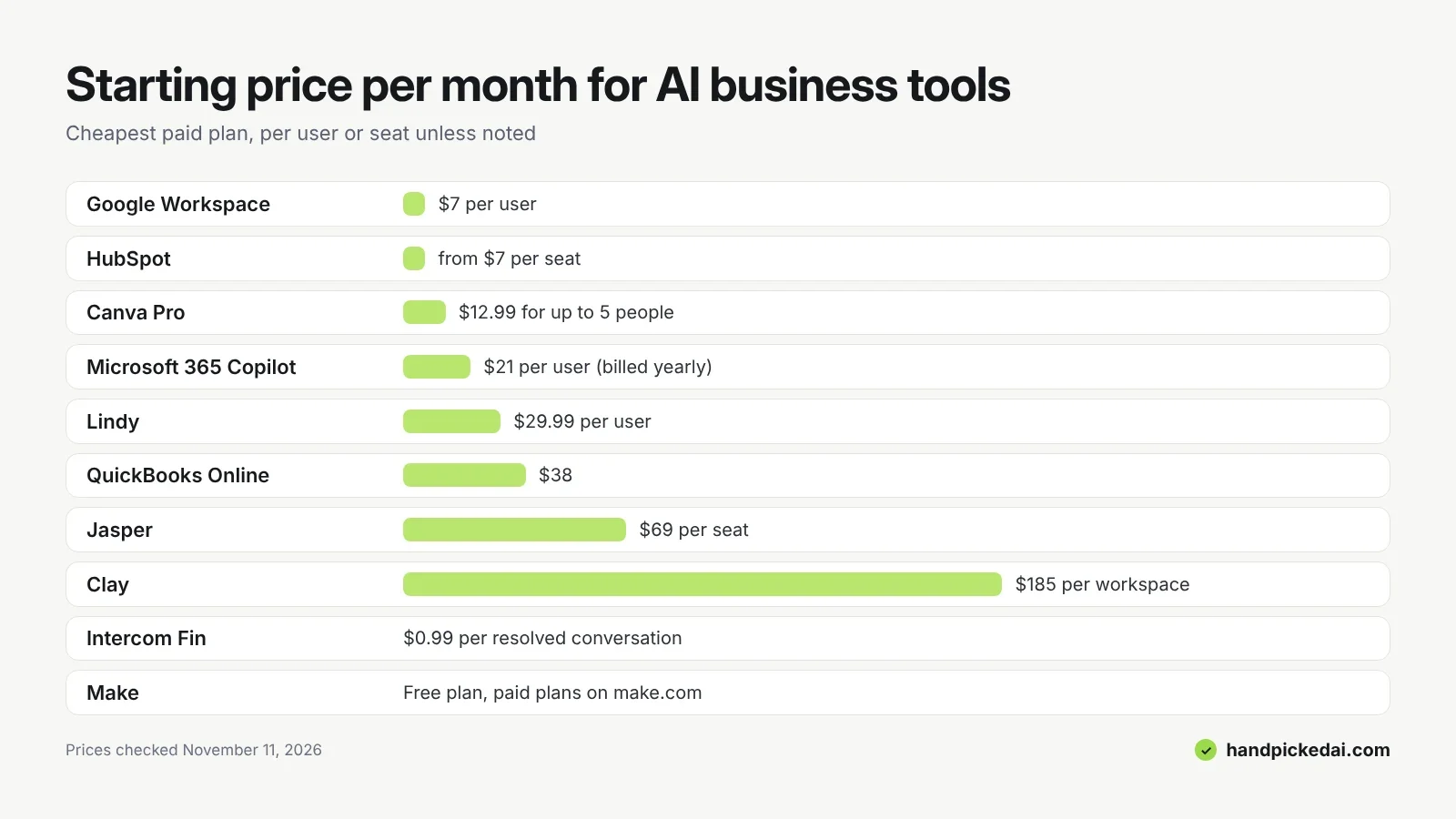
We compared 10 tools using their official pricing pages, product pages and real user reviews. We didn't run our own tests for this list, so every claim below comes from a linked source. If you're looking for personal tools for writing, notes and meetings, see our list of the best AI tools for work.
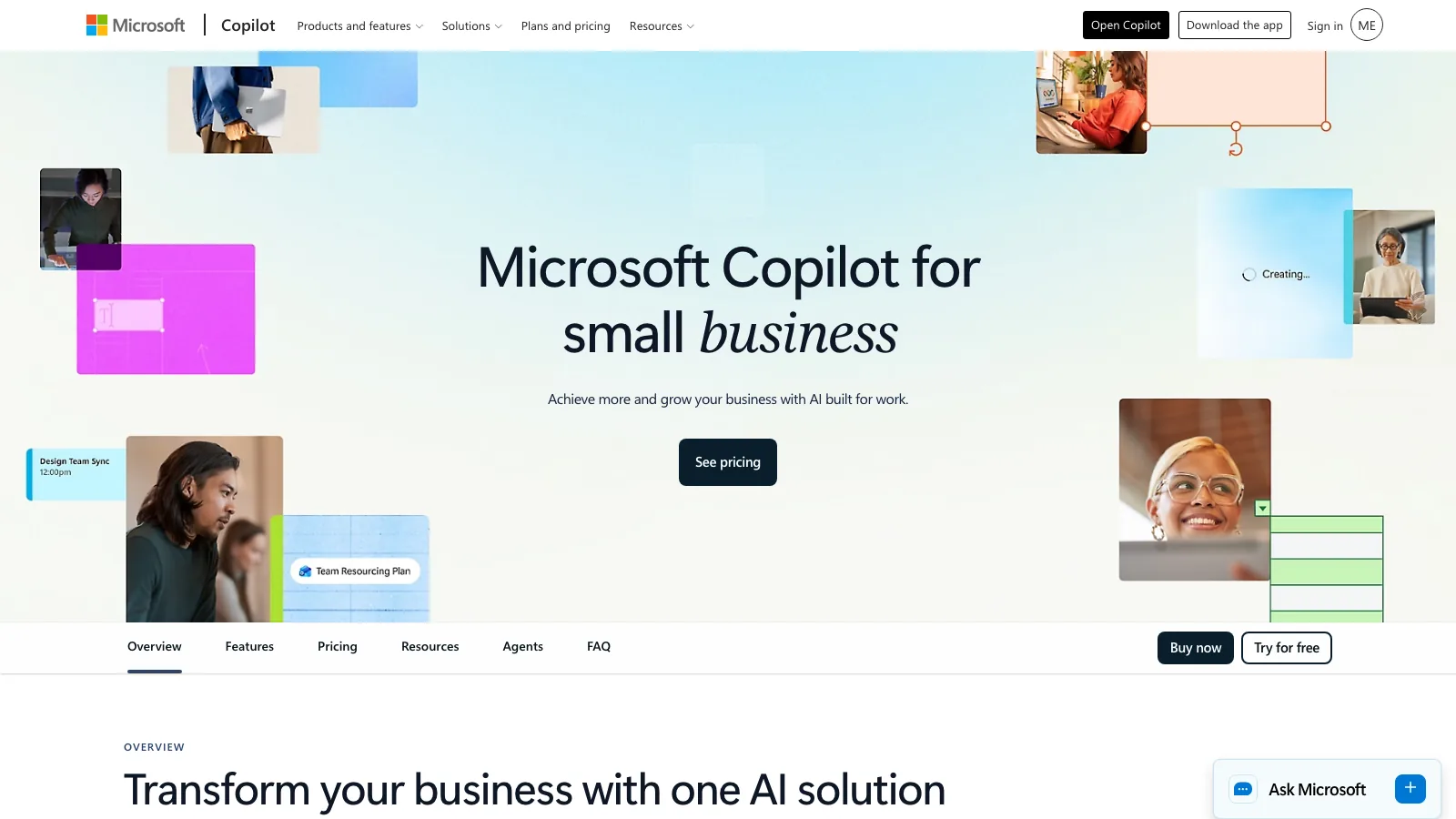
What it does: AI built into Word, Excel, Outlook, Teams and PowerPoint. It drafts, summarizes and analyzes using your company's files and email.
Who it's for: businesses that already run on Microsoft 365. Not sure it beats ChatGPT for your team? Read our Copilot vs ChatGPT comparison.
What users say: reviewers on G2 (4.3 out of 5, 857 reviews) like how it works inside Outlook, Teams and Word and the time saved on summaries. They complain about inaccurate output and losing context on long tasks.
Pros
Works inside apps your team already uses
Strong at summarizing meetings, email and documents
Business security controls on Premium bundles
Cons
Answers can be generic or wrong and need checking
You need a Microsoft 365 plan as well as the Copilot add-on
Pricingone-month free trial. The Copilot Business add-on is $21 a user a month billed yearly, with a promotional price of $18 until December 31, 2026. See pricing
2
Google Workspace with Gemini
best for teams on Gmail and Google Drive
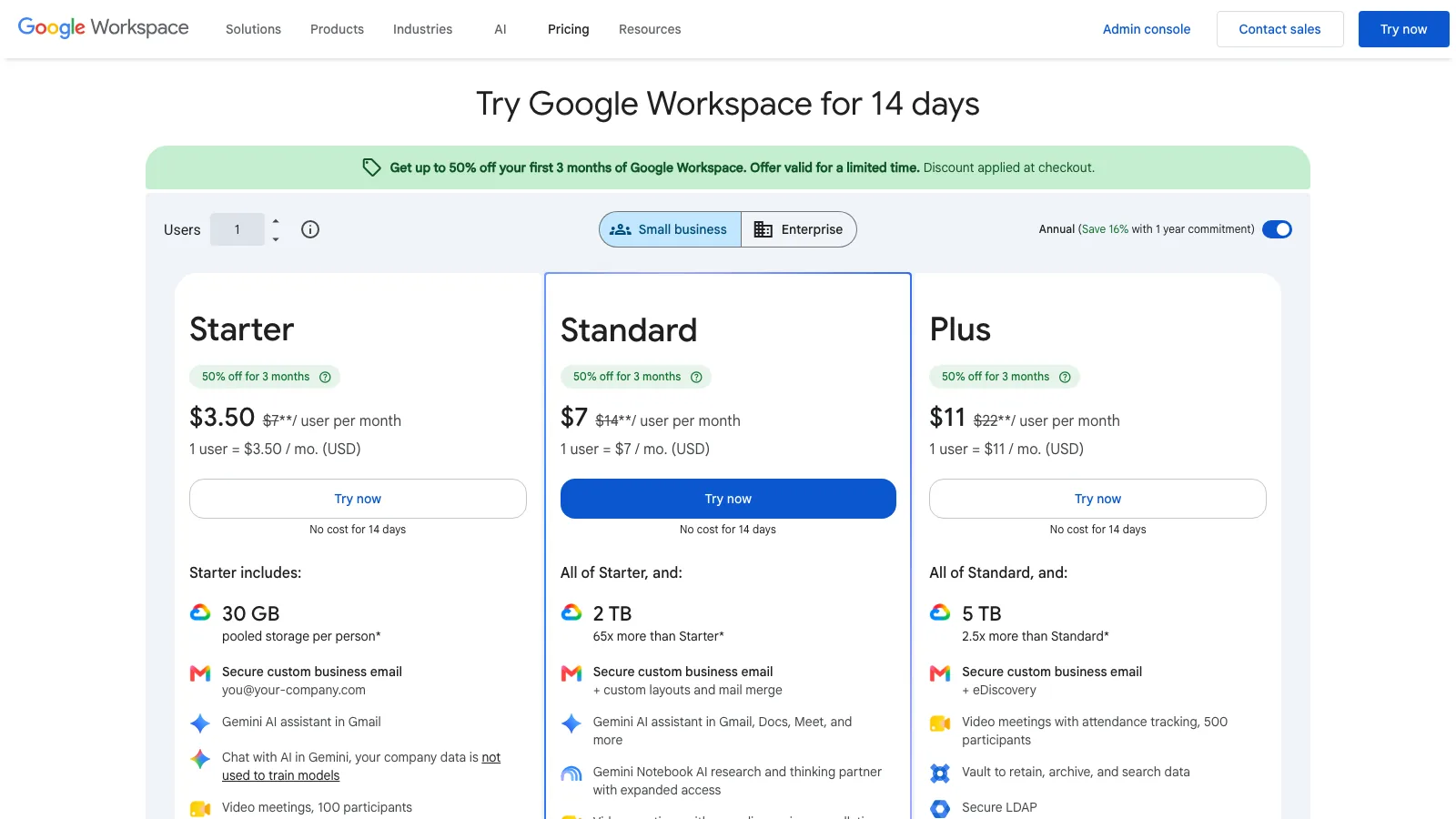
Image: Google Workspace official website
What it does: Gemini is built into Gmail, Docs, Meet and Drive on business plans, for drafting, summarizing and finding files. If you're choosing between the two main assistants, see our ChatGPT vs Gemini comparison.
Who it's for: businesses that work in Gmail and Google Drive.
What users say: reviewers on G2 (4.4 out of 5, 1,900+ reviews) like the Workspace integration and speed. They complain about confident wrong answers and generic replies.
Pros
AI comes with the base business plan
Low starting price
Google says Workspace data isn't used to train Gemini or for ads
Cons
Business Starter only includes Gemini in Gmail and chat
Answers can be confidently wrong
Pricing14-day free trial. Business Starter is $7 a user a month. Business Standard, with Gemini across Docs, Meet and more, is $14 a user a month. See pricing
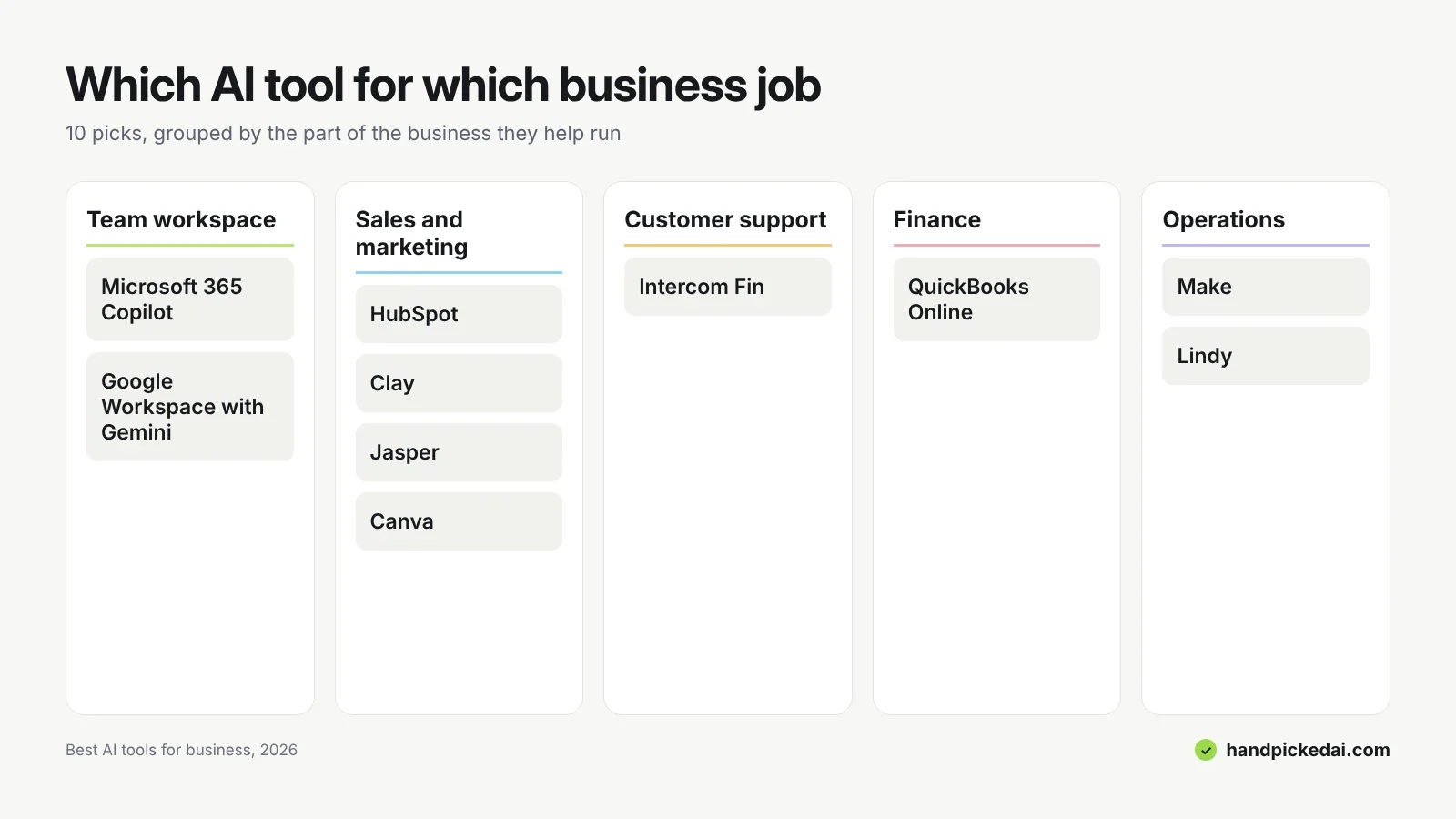
Sales and marketing
3
HubSpot
best CRM with built-in AI for sales and marketing
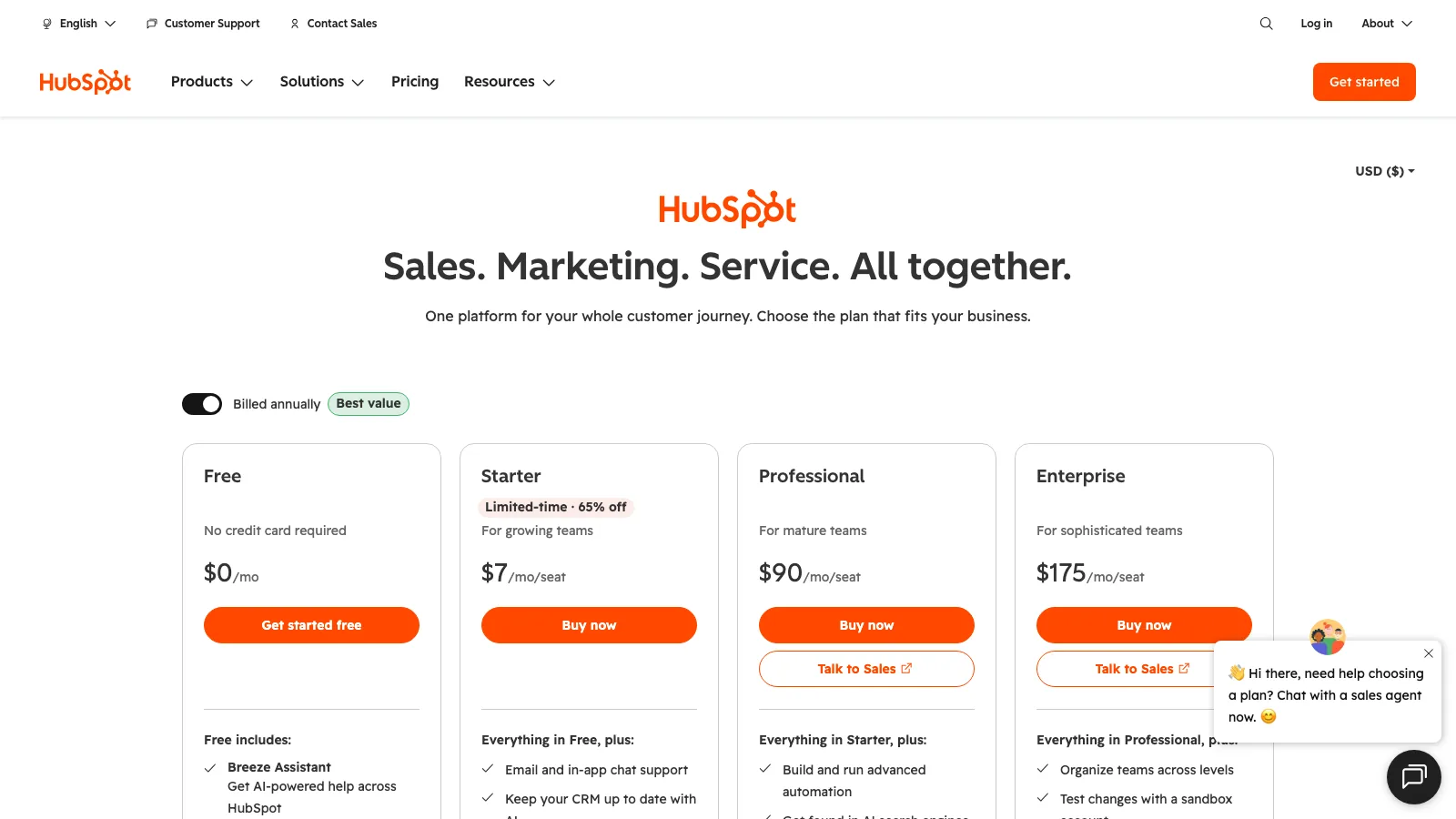
Image: HubSpot official website
What it does: a CRM with sales, marketing and service tools. Its Breeze AI assistant and AI agents help with prospecting, customer replies and data cleanup.
Who it's for: small and midsize sales and marketing teams that want CRM and AI in one place.
What users say: reviewers on G2 (4.4 out of 5, 14,000+ reviews) like how easy it is and the time saved on admin. They complain about cost and key features locked to higher plans.
Pros
Free CRM to start
AI agents included from the Starter plan
Many integrations
Cons
Costs climb fast on higher plans, plus onboarding fees
AI use runs on credits, which is harder to predict
Pricingfree plan for up to 2 users. Sales Hub Starter, with AI agents and 500 HubSpot Credits a month, starts from $7 a seat a month. See pricing
4
Clay
best for building targeted lead lists
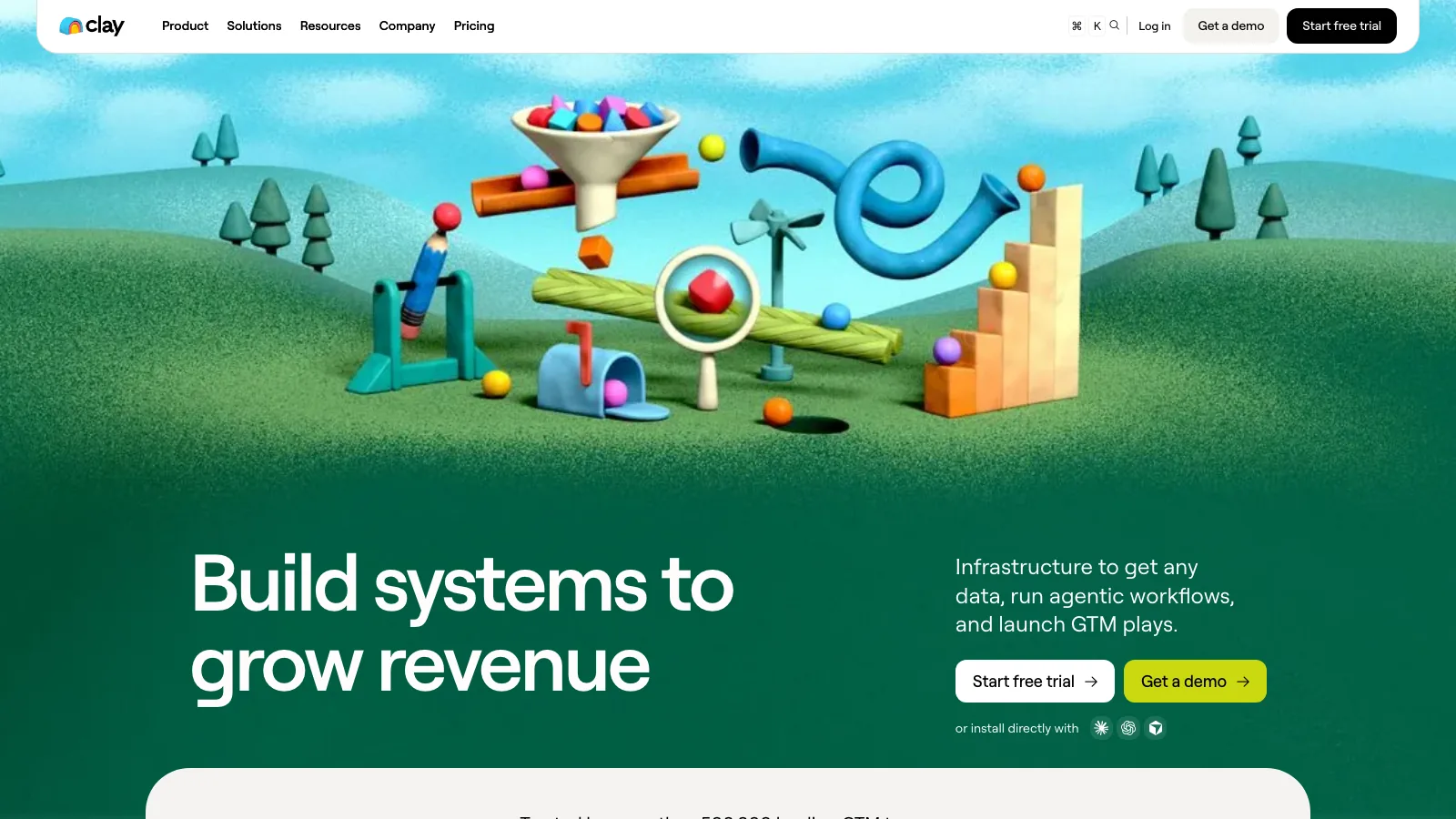
Image: Clay official website
What it does: pulls prospect and company data from many sources and uses an AI research agent (Claygent) to enrich lead lists and write outreach.
Who it's for: sales and growth teams that build their own prospect lists.
What users say: reviewers on G2 (4.6 out of 5, 234 reviews) like the multi-source data and faster research. They complain about the learning curve, price and credits running out fast.
Pros
Many data providers in one table
AI research agent on every plan, including Free
No-code workflows
Cons
High price for paid plans
Steep learning curve
Pricingfree plan with 100 data credits a month. Launch is $185 a month, or $167 a month billed yearly, per workspace. See pricing
5
Jasper
best for on-brand marketing content
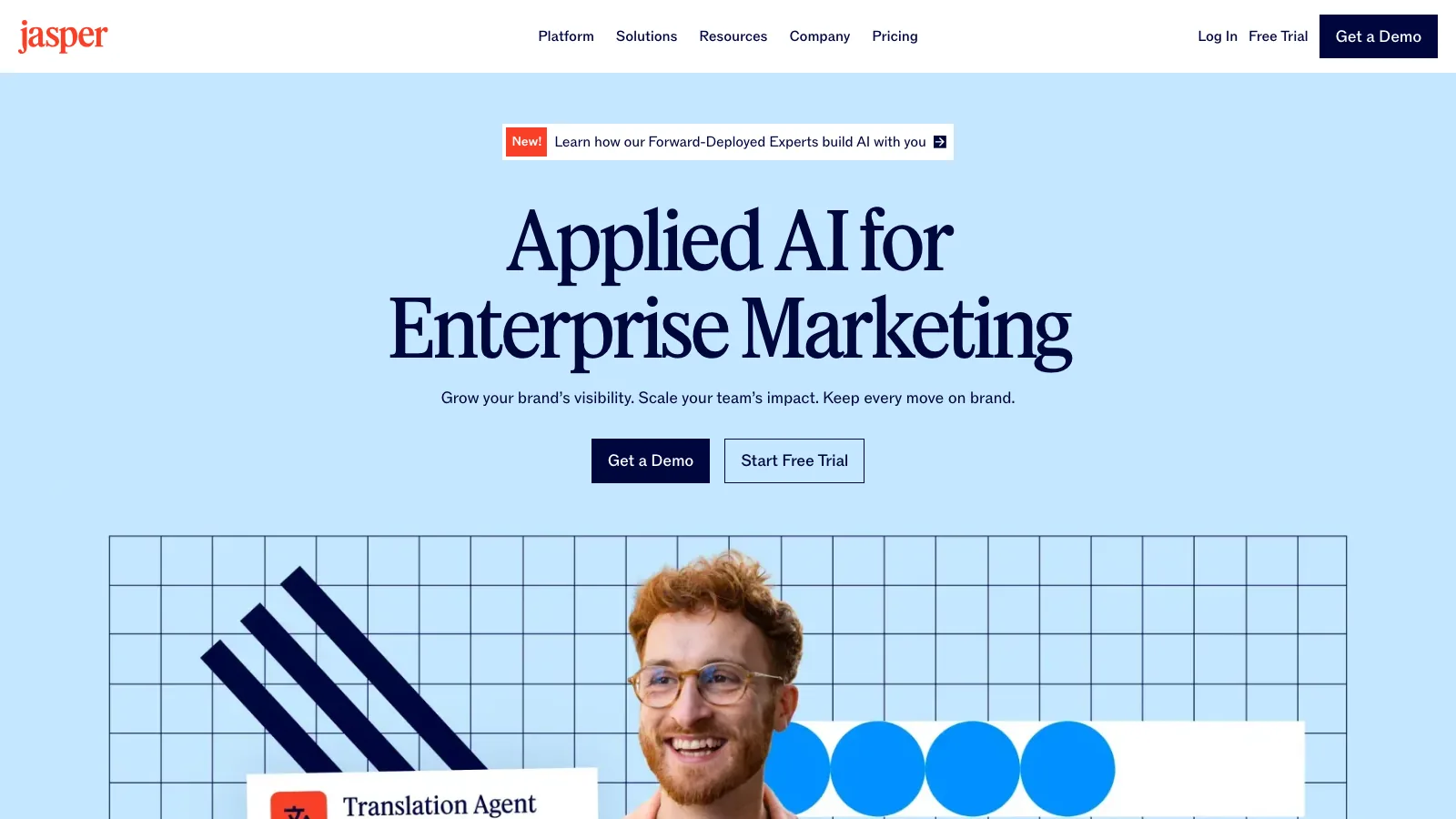
Image: Jasper official website
What it does: an AI content platform for marketing teams, with brand voices, knowledge assets and agents for campaigns. Read our full Jasper AI review, or see how it compares in Jasper vs ChatGPT.
Who it's for: marketing teams that publish a lot of content and need it to sound on-brand.
What users say: reviewers on G2 (4.7 out of 5, 1,300+ reviews) like the time saved and brand voice features. They complain about generic drafts and pricing.
Pros
Keeps brand voice consistent
Marketing templates and agents
Help with translation and localization
Cons
Drafts can be generic and need editing
Pro plan covers only 1 seat
Pricing7-day free trial. Pro is $69 a seat a month, or $59 a seat a month billed yearly. See pricing
6
Canva
best for marketing visuals without a designer
What it does: a design platform with templates and AI tools for images, copy and resizing designs for every channel.
Who it's for: small teams that make their own social posts, ads and presentations.
What users say: reviewers on G2 (4.7 out of 5, 7,800+ reviews) like how easy it is and the templates. They complain about paywalled features and lag on big projects.
Pros
Huge template library
Easy for non-designers
Low price for small teams
Cons
Best features and templates are paid only
Limited for advanced design work
Pricingfree plan. Canva Pro is $12.99 a month or $119.99 a year for up to 5 people. See pricing
Customer support
7
Intercom Fin
best for answering support questions automatically
What it does: an AI customer service agent that answers support questions in chat, email and other channels. It works in Intercom or with your current helpdesk.
Who it's for: support teams that want routine tickets resolved without an agent.
What users say: reviewers on G2 (4.5 out of 5, 3,900+ reviews) like the easy setup and lighter workload. They complain about wrong answers on complex questions and hard-to-predict costs.
Pros
Cuts ticket volume on routine questions
Works with other helpdesks
Quick setup
Cons
Pay-per-outcome costs are hard to forecast
Struggles with complex questions
Pricingfree trial on every plan. Fin costs from $0.99 per resolved conversation, with no seats needed. Intercom's helpdesk starts at $29 a seat a month (new customers currently pay $19). See pricing
Finance and accounting
8
QuickBooks Online
best for small business bookkeeping
What it does: cloud accounting software. Its Intuit Intelligence AI tools answer questions about your numbers, help clean up books, estimate taxes and flag unusual transactions.
Who it's for: small businesses that handle their own bookkeeping. Running a local shop, salon or service business? See our list of the best AI tools for small business.
What users say: reviewers on G2 (4.0 out of 5, 3,900+ reviews) like the easy access and integrations. They complain about a cluttered interface, cost and uneven support.
Pros
AI included on every paid plan
Connects to banks, payroll and payments
Works from any device
Cons
Price rises as you add users and features
Some users report bank sync and categorization errors
Pricing30-day free trial. Simple Start is $38 a month for 1 user. Essentials is $85 a month. See pricing
Operations and automation
9
Make
best for automating multi-step workflows
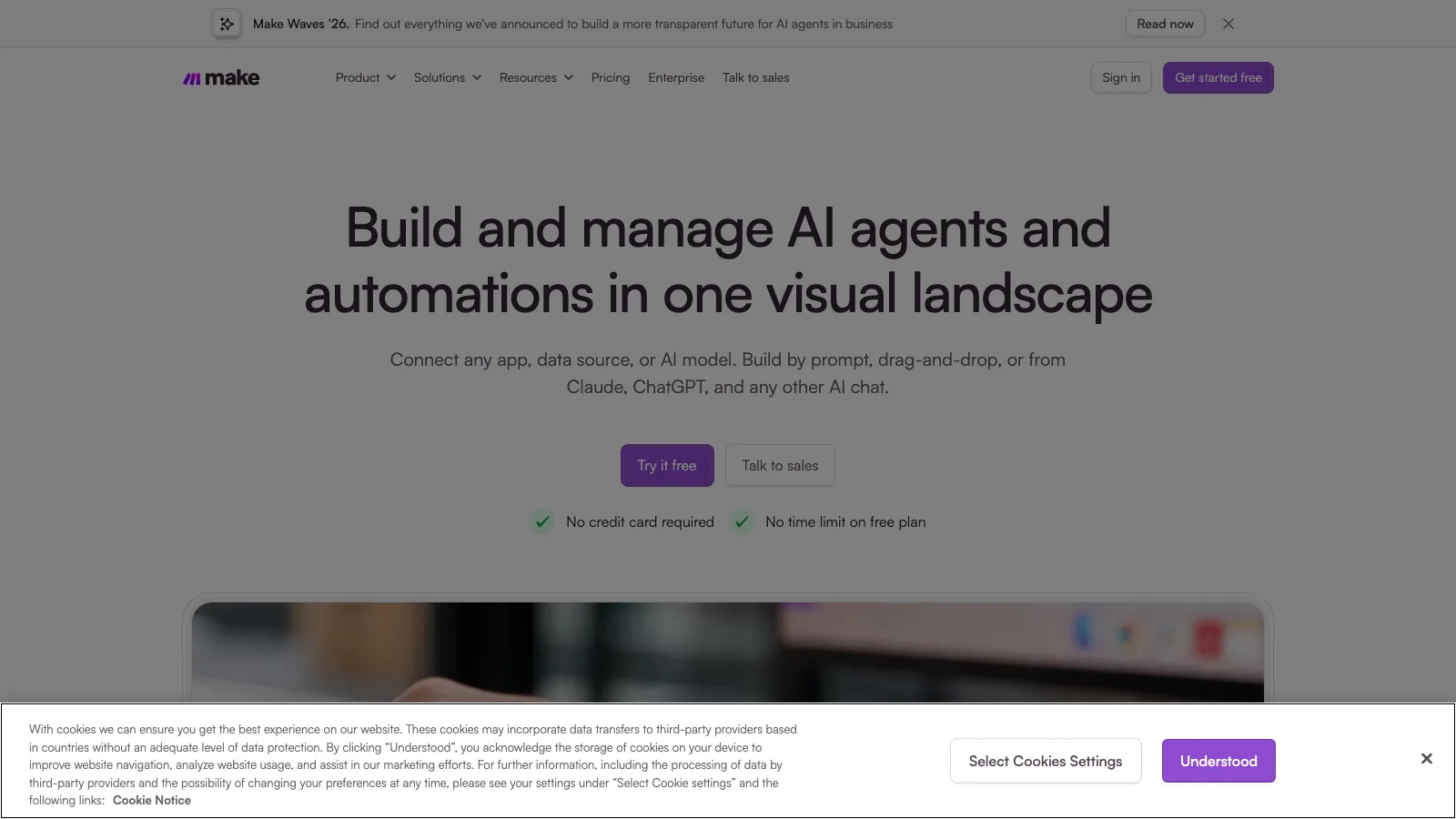
Image: Make official website
What it does: a visual no-code tool that connects your apps into multi-step automations, with an AI assistant and AI agents.
Who it's for: operations teams that automate complex processes across many apps.
What users say: reviewers on G2 (4.6 out of 5, 480 reviews) like the control over multi-step flows. They complain about the learning curve and unclear error messages.
Pros
More control over complex flows than simpler tools
Free plan to start
AI assistant helps build scenarios
Cons
Steep learning curve
Testing uses credits, so costs are hard to track
Pricingfree plan with 1,000 credits a month. Paid plans (Core, Pro, Teams) cost less when billed yearly. See pricing
10
Lindy
best for handing routine admin work to AI agents
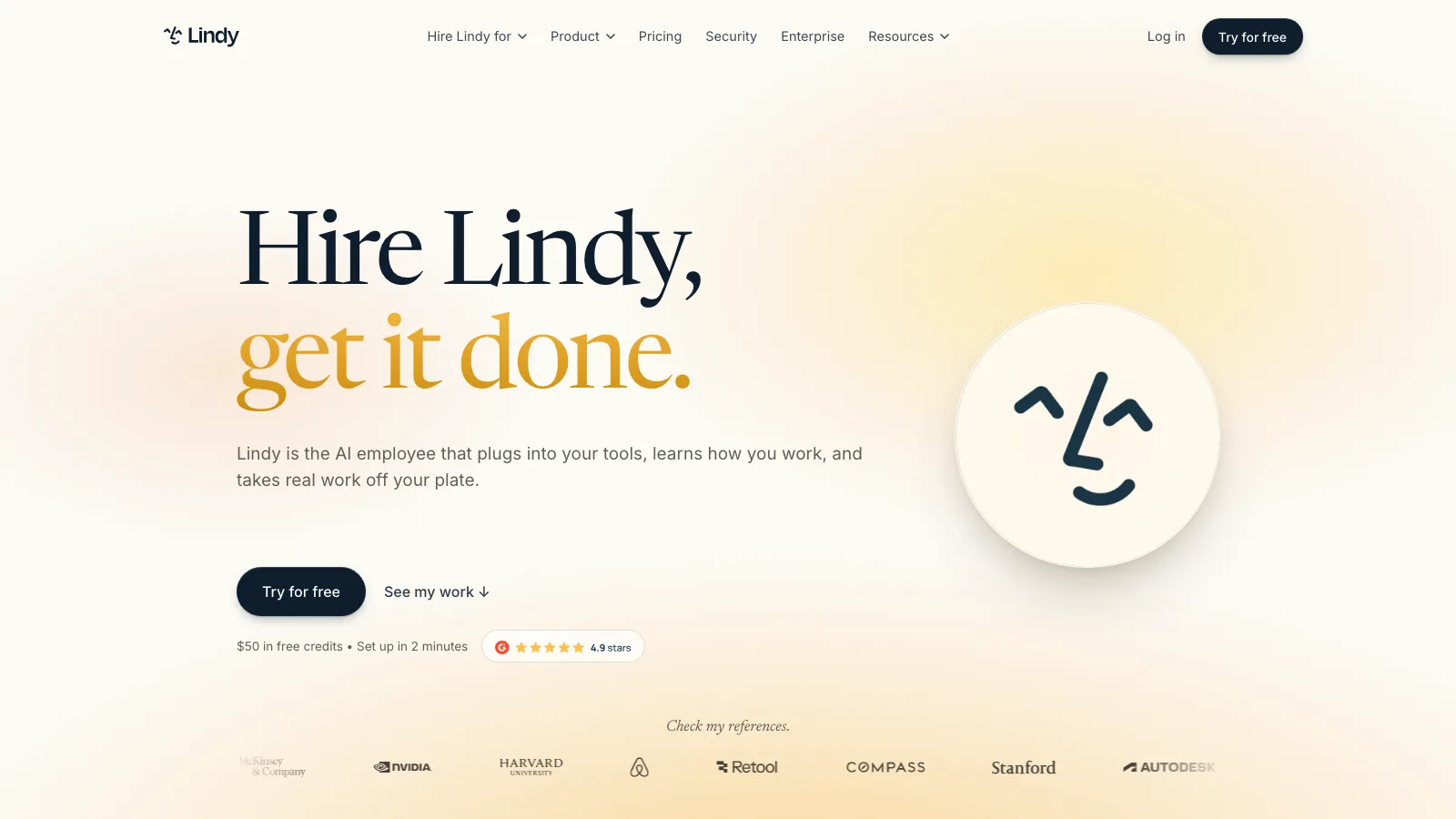
Image: Lindy official website
What it does: lets you build AI agents from prompts or templates to handle email, scheduling, meeting notes and lead research across 3,000+ apps.
Who it's for: small teams that want to hand repetitive admin work to AI.
What users say: reviewers on G2 (4.9 out of 5, 171 reviews) like how easy it is and the quick setup. They complain about cost and how fast credits run out.
Pros
Build agents without code
Large template library
Slack, Gmail and HubSpot integrations
Cons
Credits get used up quickly
Every active user is billed
Pricingfree plan with $50 in one-time credits. Team is $29.99 a user a month with 3,000 credits. See pricing
How we picked
📚
Coverage
we looked at which tools appear most on the pages people already trust for this topic.
🗂️
Business jobs
each tool had to help with one part of running a business: team work, sales, marketing, support, finance or operations. For hiring, onboarding and other people work, see our list of the best AI tools for HR.
✨
Built-in AI
we favored tools where AI is part of the product, not a separate add-on.
💲
Pricing
we checked every price on the official pricing page in November 2026.
💬
User feedback
we read reviews on G2 and summarized the most common praise and complaints.
How to choose
If your team works in Outlook and Teams, pick Microsoft 365 Copilot.
If your team works in Gmail and Drive, pick Google Workspace with Gemini.
If you need a CRM, pick HubSpot. Add Clay if you build your own lead lists.
If you publish a lot of marketing content, pick Jasper for text and Canva for visuals.
If support tickets take too much time, pick Intercom Fin.
If you do your own books, pick QuickBooks Online.
If you want to automate processes, pick Make for fixed workflows or Lindy for AI agents. If you're an early-stage founder, see our list of the best AI tools for startups.
FAQ
What is the best AI tool for a small business?
No one tool fits every business. Many start with the AI already built into the suite they pay for, like Microsoft 365 Copilot or Gemini in Google Workspace, then add a tool for one job, such as HubSpot for sales or QuickBooks for bookkeeping.
Are AI tools safe to use with client data?
It depends on the plan and the vendor's data terms. Google says Workspace data isn't used to train Gemini or for ads. The U.S. Small Business Administration advises against entering sensitive information into AI tools and says a person should review AI output.
How much should a small business spend on AI tools?
Entry prices can be low. Google Workspace Business Starter with Gemini is $7 a user a month, while specialist tools like Jasper or Clay cost more. Most tools on this list have a free plan or trial, so you can start small.
What's the difference between AI automation and workflow automation?
Workflow automation runs fixed steps between apps: when X happens, do Y. AI automation adds a model that can read, decide or write inside the flow, like sorting an email or drafting a reply. Make and Lindy now combine both.
How can AI be used in a small business?
Common uses are automating repetitive tasks, analyzing business data, writing marketing content and answering customer questions with chatbots. The SBA suggests starting small and having a person check AI output.
All pricing checked November 11, 2026 on the official pages linked in each tool section.