Best AI Tools for Startups: 10 Picks for Founders, With the Startup Deals Worth Claiming
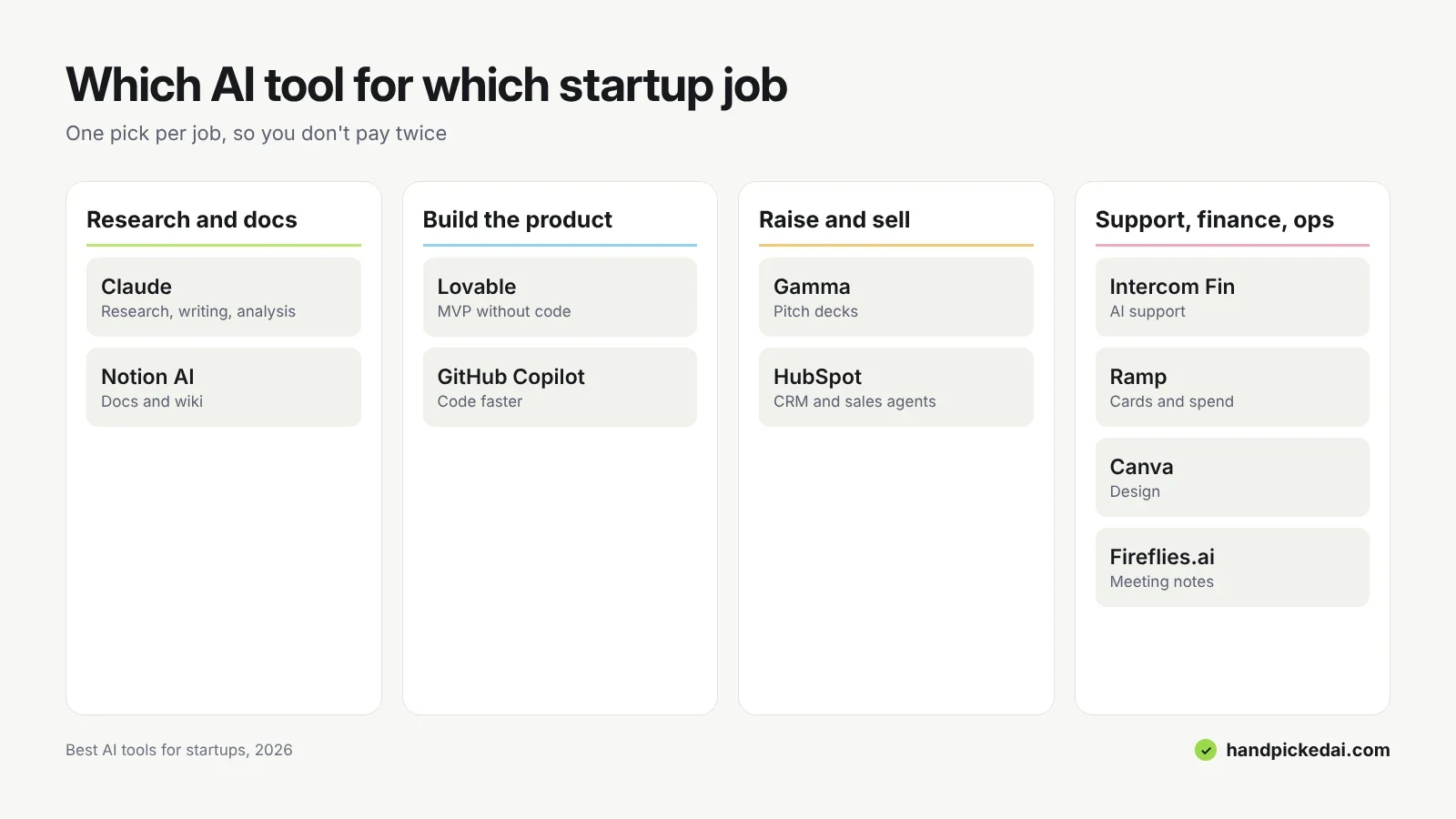
This list is for founders and small startup teams who want AI to do work they can't hire for yet: building the first version of the product, writing code, making the pitch deck, finding customers, answering support, tracking spend and taking meeting notes.
This list is for founders and small startup teams who want AI to do work they can't hire for yet: building the first version of the product, writing code, making the pitch deck, finding customers, answering support, tracking spend and taking meeting notes. We picked one tool for each job, so you don't pay for five tools that do the same thing. We compared them using their official pricing pages, product pages and real user reviews. We didn't run our own tests for this list, so every claim below comes from a linked source.
Most startups already work this way. In Mercury's 2026 survey of 1,500 US founders, 95% of early-stage companies said they have deployed AI agents (Mercury). And many of these tools have startup programs that cut the price a lot in year one, so we list those too.
Quick picks
Claude: best AI assistant for research, writing and analysis
Notion AI: best for docs, wiki and company knowledge
Fireflies.ai: best for meeting notes and follow-ups
Research and docs
1
Claude
best AI assistant for research, writing and analysis
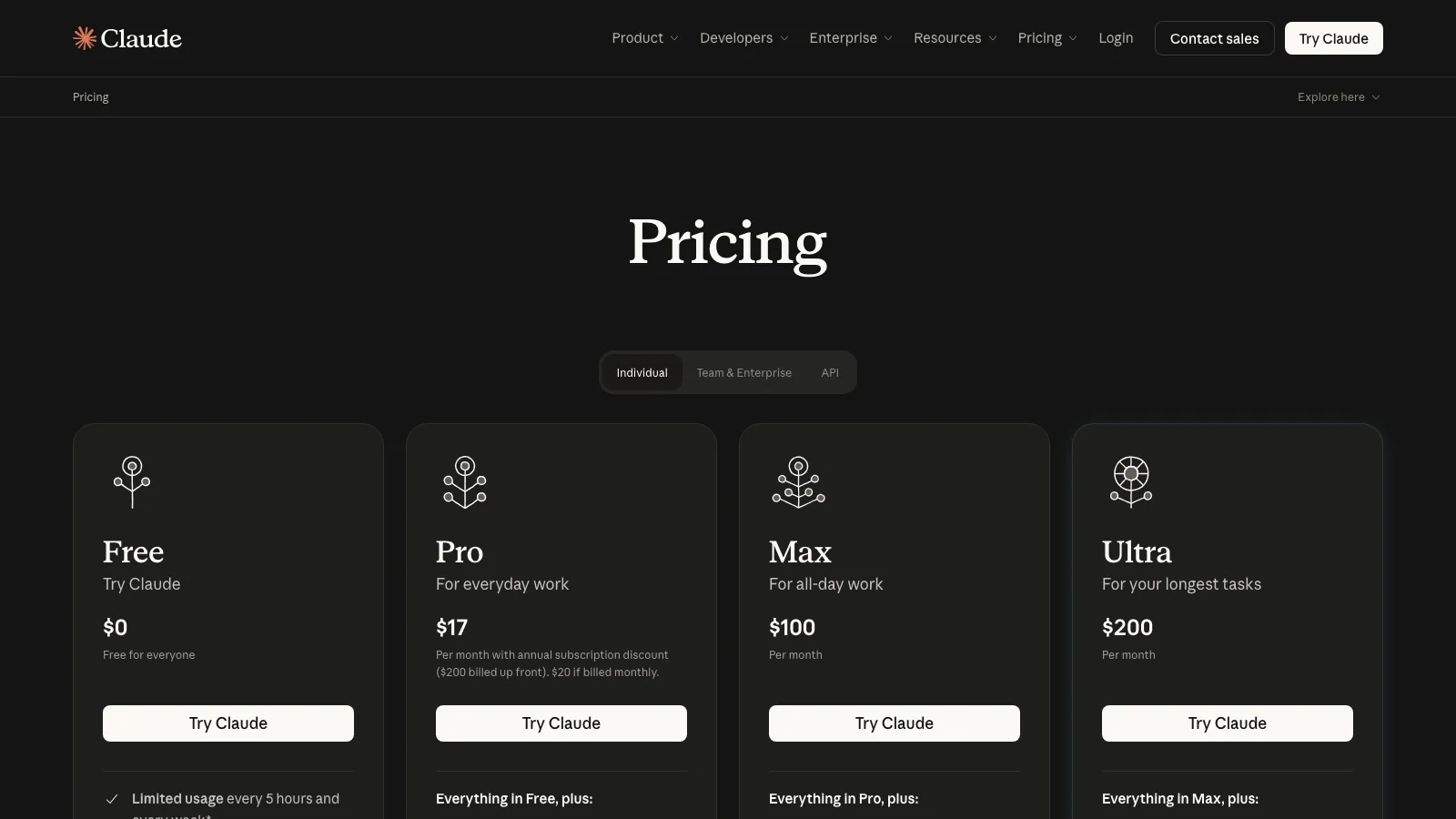
Image: Claude official website
What it does: Claude is a general AI assistant. It can search the web, create files and run code (Claude). Founders use it for market research, investor updates, product specs, contracts to review and data to analyze.
Who it's for: every founder. If you only pay for one AI tool, make it a general assistant like this one. Torn between Claude and Google's assistant? See our Claude vs Gemini comparison.
What users say: 4.7 out of 5 from 2,000+ reviews on G2. Users like its clear, structured answers and how it handles complex tasks. The most common complaints are usage limits and long answers.
Pros
Strong at writing and analysis
Free plan includes projects and app connections
Low-cost Team seats
Cons
Usage caps during heavy work
Its startup program isn't taking new applications right now
PricingFree plan. Pro is $20 a month, or $17 a month billed yearly. Team seats start at $25 a month, or $20 billed yearly. See pricing
2
Notion AI
best for docs, wiki and company knowledge
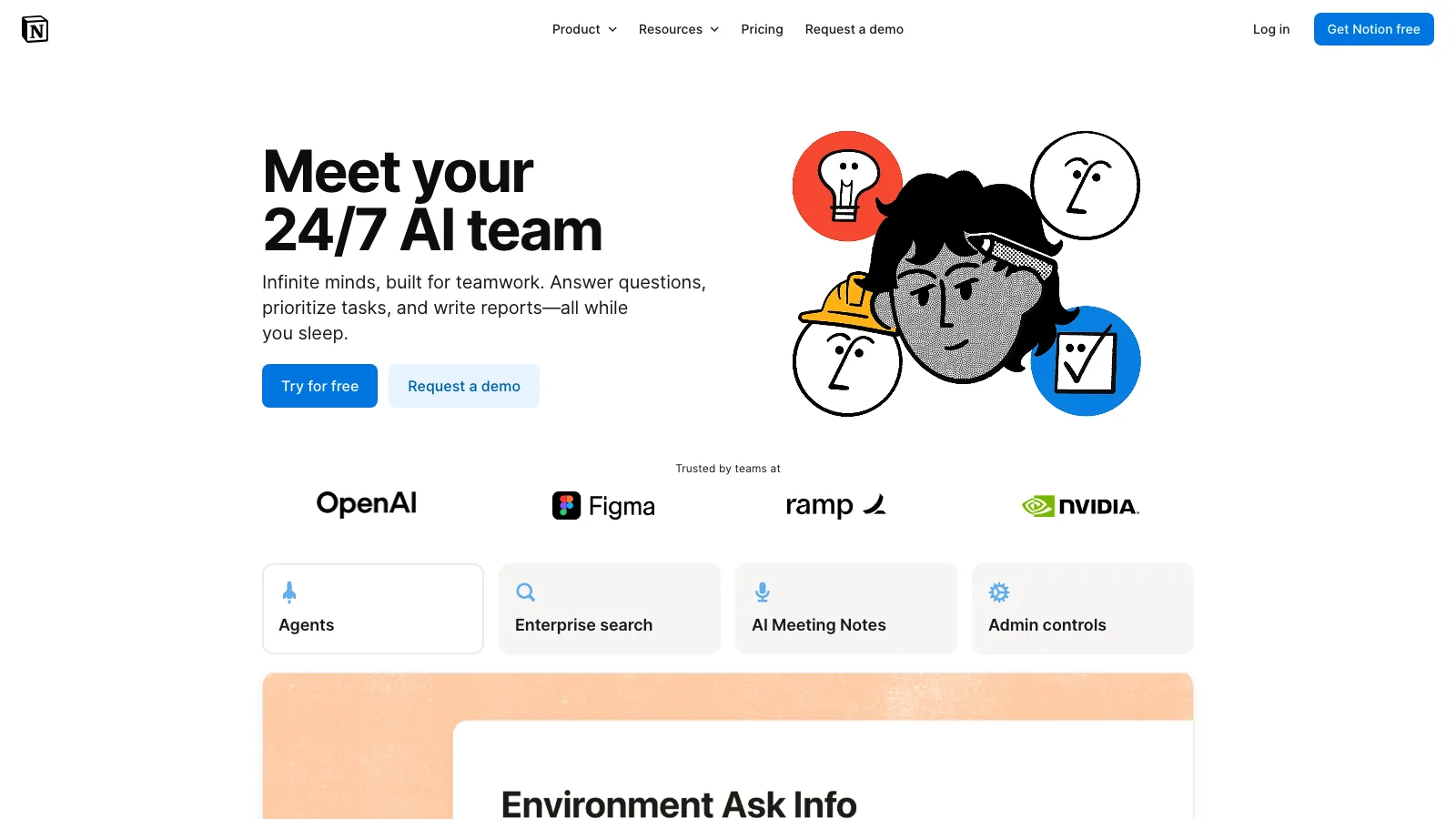
Image: Notion official website
What it does: Notion holds your docs, wiki, roadmap and tasks in one place, and Notion AI answers questions about them, writes reports and searches across Slack, Google Drive and GitHub (Notion). Notion Agent and AI meeting notes come with the Business plan.
Who it's for: small teams that need one place for company knowledge from day one.
What users say: 4.6 out of 5 from 13,900+ reviews on G2.
Pros
Docs, wiki and tasks in one tool
AI searches your other apps too
Up to 6 months free for startups
Cons
The full AI features need the Business plan
Free plan has a block limit
PricingFree plan. Plus is $10 per seat a month and Business $20, with full Notion AI on Business. See pricing
Build the product
3
Lovable
best for building an MVP without code
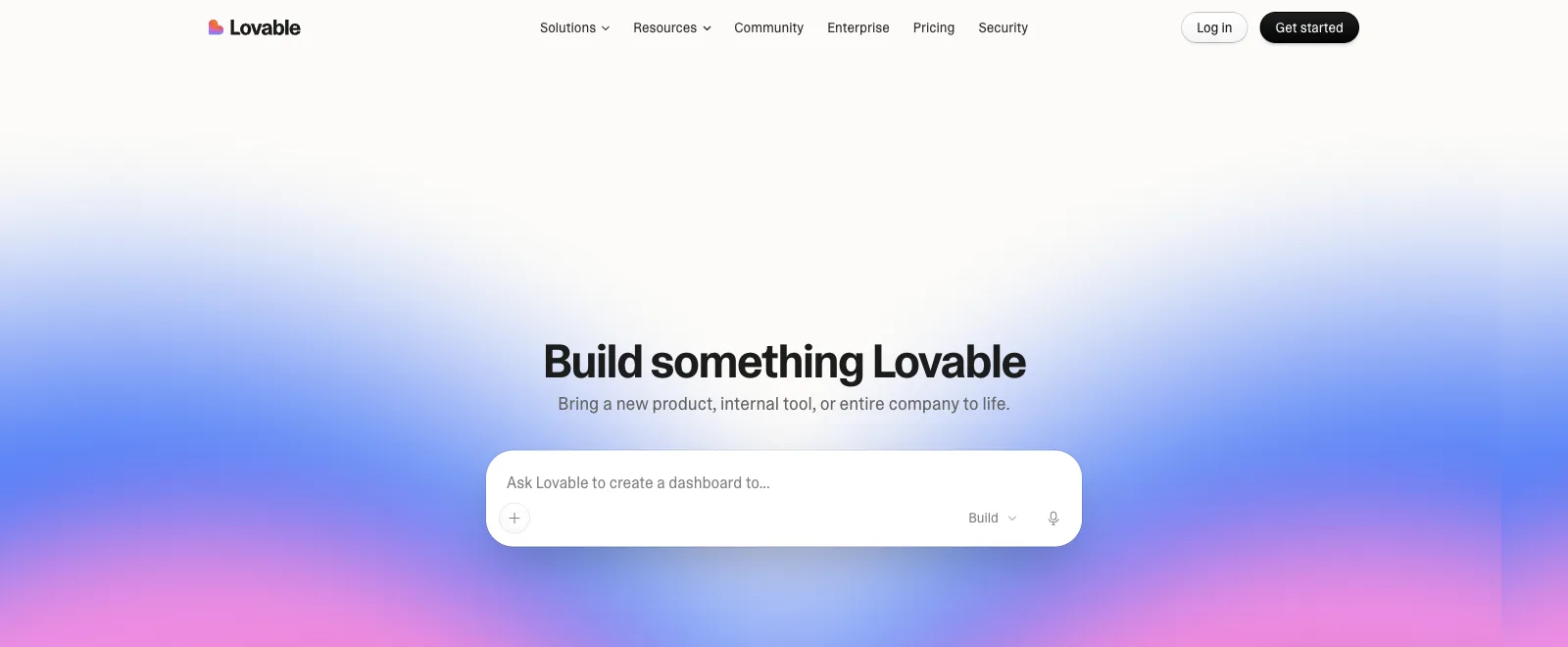
Image: Lovable official website
What it does: you describe the app you want in plain words, and Lovable builds it, including the front end, back end and database (Lovable). You own the code, so a developer can take over later.
Who it's for: non-technical founders who want a working first version to show users and investors.
What users say: 4.6 out of 5 from about 500 reviews on G2. Users praise how easy it is and how much time it saves. The top complaints are unclear credit use, prompts that waste credits and bugs in the code it writes.
Pros
Ship a working app without a developer
You own the code
Free to start
Cons
Hard to predict how many credits you'll use
Code can need cleanup as the app grows
PricingFree plan with no card. Pro is $25 a month and Business $50, each with 100 monthly credits. Yearly billing gives 2 months free. See pricing
4
GitHub Copilot
best for technical founders who write code
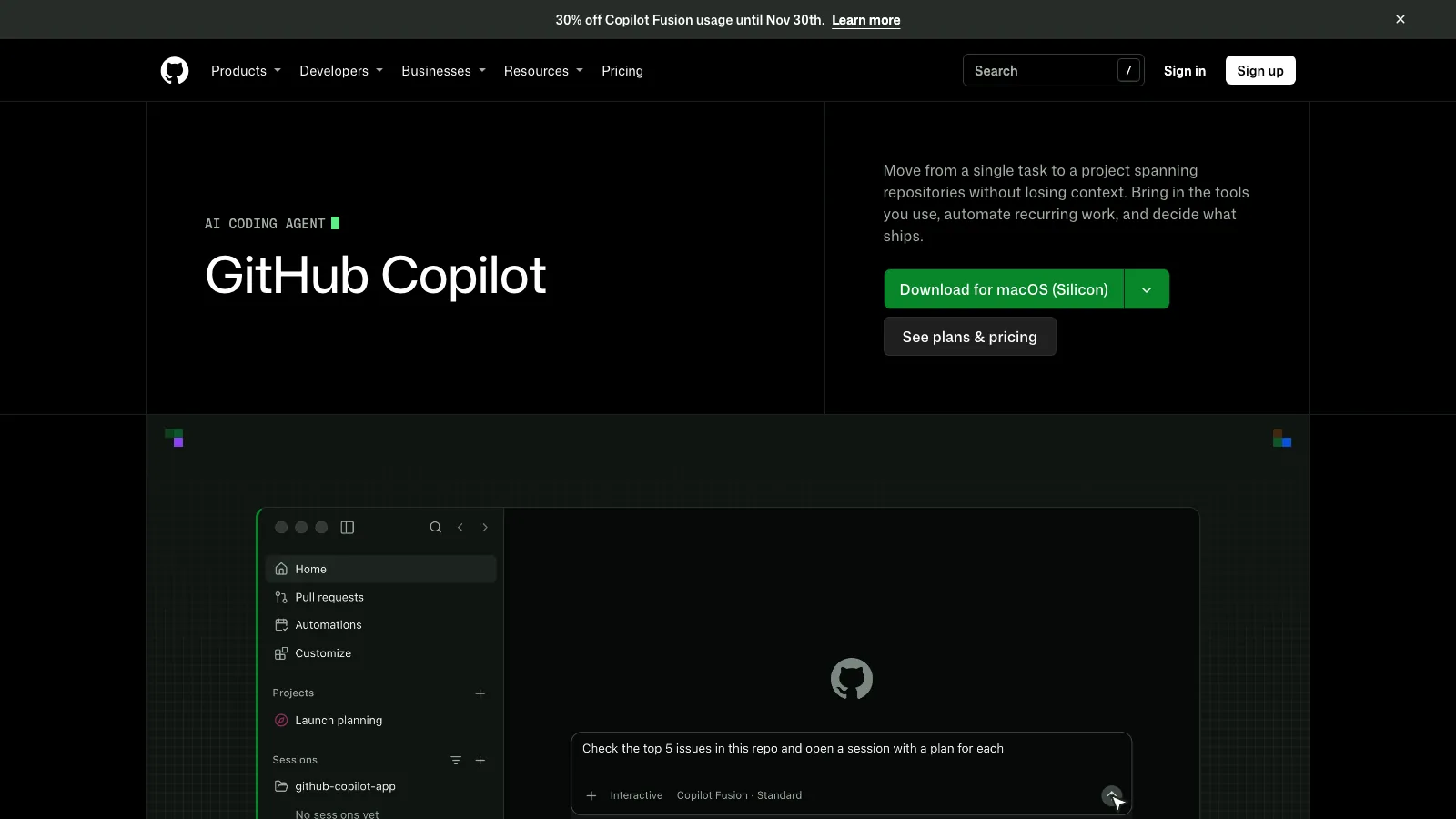
Image: GitHub official website
What it does: Copilot is an AI coding agent that helps you write, understand and ship code, inside the editors developers already use (GitHub). It can also run other coding agents like Claude Code and Codex.
Who it's for: founders and small dev teams who write code every day.
What users say: 4.4 out of 5 from 400+ reviews on G2. Some users say its suggestions can be wrong or off-topic, so every change needs a review.
Pros
Cheap entry plan at $10 a month
Works in VS Code, JetBrains and other editors
$10,000 in GitHub credits for eligible startups
Cons
Built for developers, not non-coders
Suggestions need checking
PricingFree plan with 2,000 completions a month. Pro is $10 a month, Pro+ $39 and Max $100. See pricing
Raise and sell
5
Gamma
best for pitch decks and investor docs
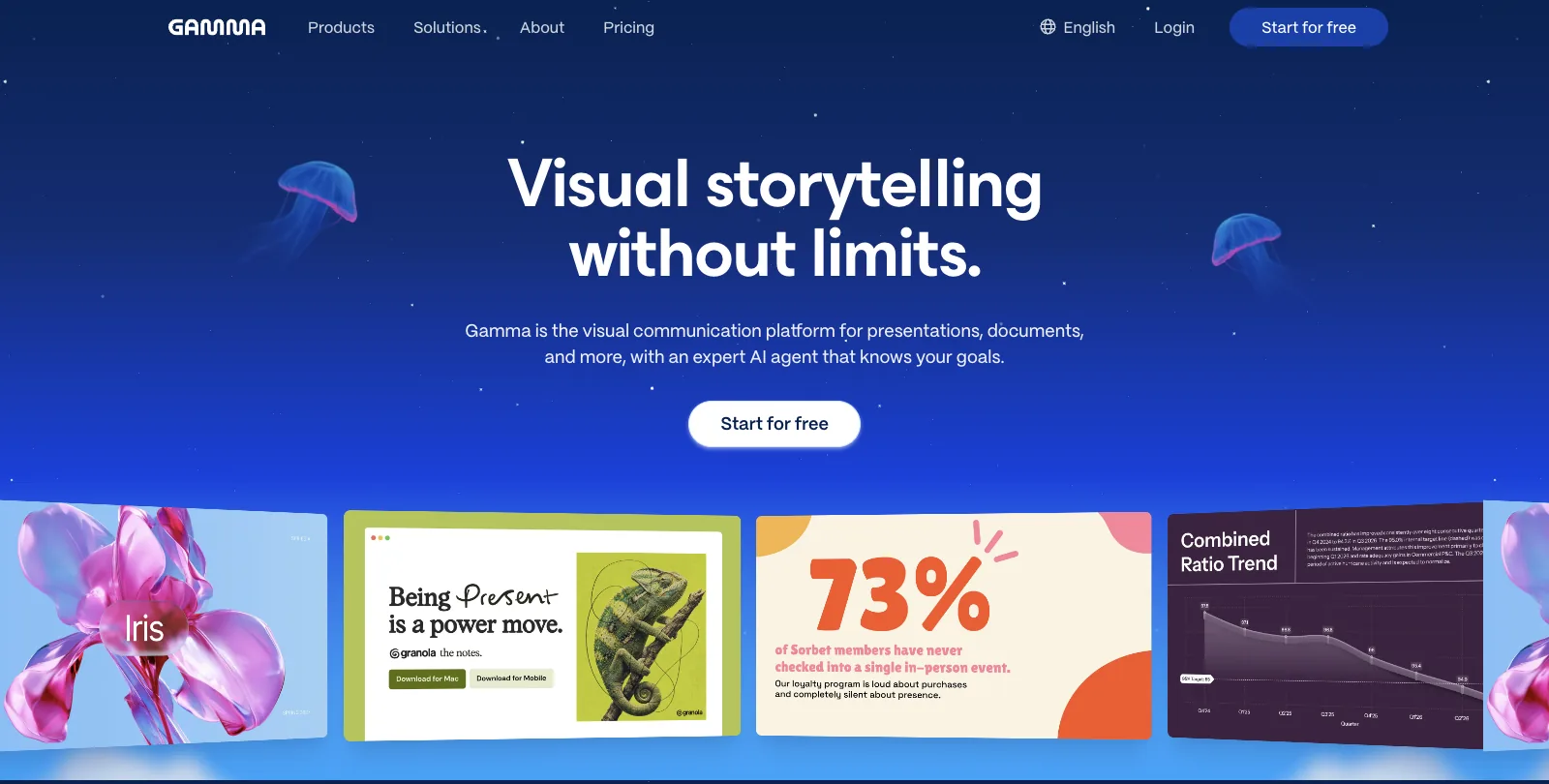
Image: Gamma official website
What it does: Gamma turns a prompt or your notes into a finished presentation, document or one-page site. You can also import PowerPoint and PDF files and keep editing them in Gamma (Gamma).
Who it's for: founders who need a first pitch deck or investor update fast.
What users say: 3.9 out of 5 from only 39 reviews on G2, so treat that score with care.
Pros
A first deck in minutes
Imports your existing slides and PDFs
Free to start
Cons
Few reviews and a lower rating
Credits and many plan levels are confusing
PricingFree plan with 400 credits. Paid plans are Plus, Pro, Ultra, Team and Business, and yearly billing saves 28% (Gamma help). Third-party reports put Plus at about $9 a month. See pricing
6
HubSpot (Breeze AI)
best free CRM with AI sales agents
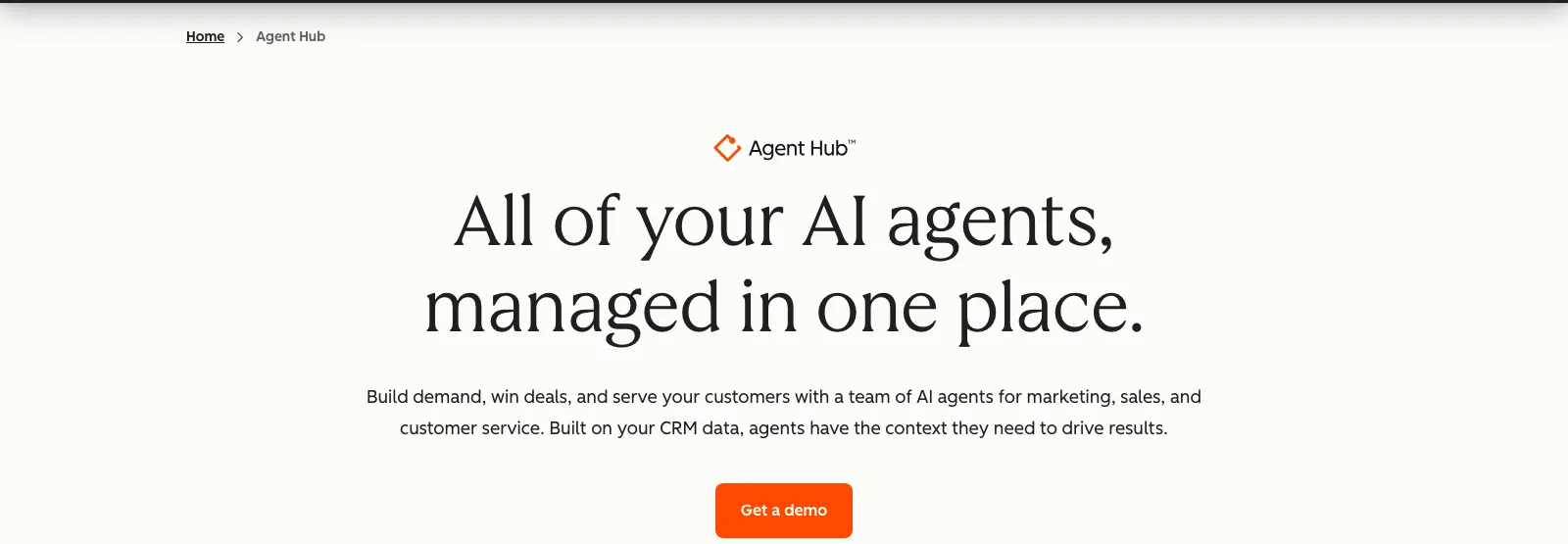
Image: HubSpot official website
What it does: HubSpot is a CRM with built-in AI agents. Its prospecting agent watches accounts for signs they're ready to buy and reaches out on its own, and other agents plan campaigns, write content and nurture leads (HubSpot).
Who it's for: startups setting up sales and marketing for the first time.
What users say: Sales Hub has 4.4 out of 5 from 14,400+ reviews on G2. Users like how easy it is every day and the time it saves. The top complaint is that costs rise fast as you grow.
Pros
Free CRM to start
90% off year one for Seed and Series A startups
AI agents built in
Cons
Costs climb as your team grows
The best AI features are on higher plans
Pricingfree CRM. Starter is $7 per seat a month billed yearly or $10 monthly, as a new customer price (normally $20). See pricing
Support, finance and ops
7
Intercom Fin
best AI customer support agent
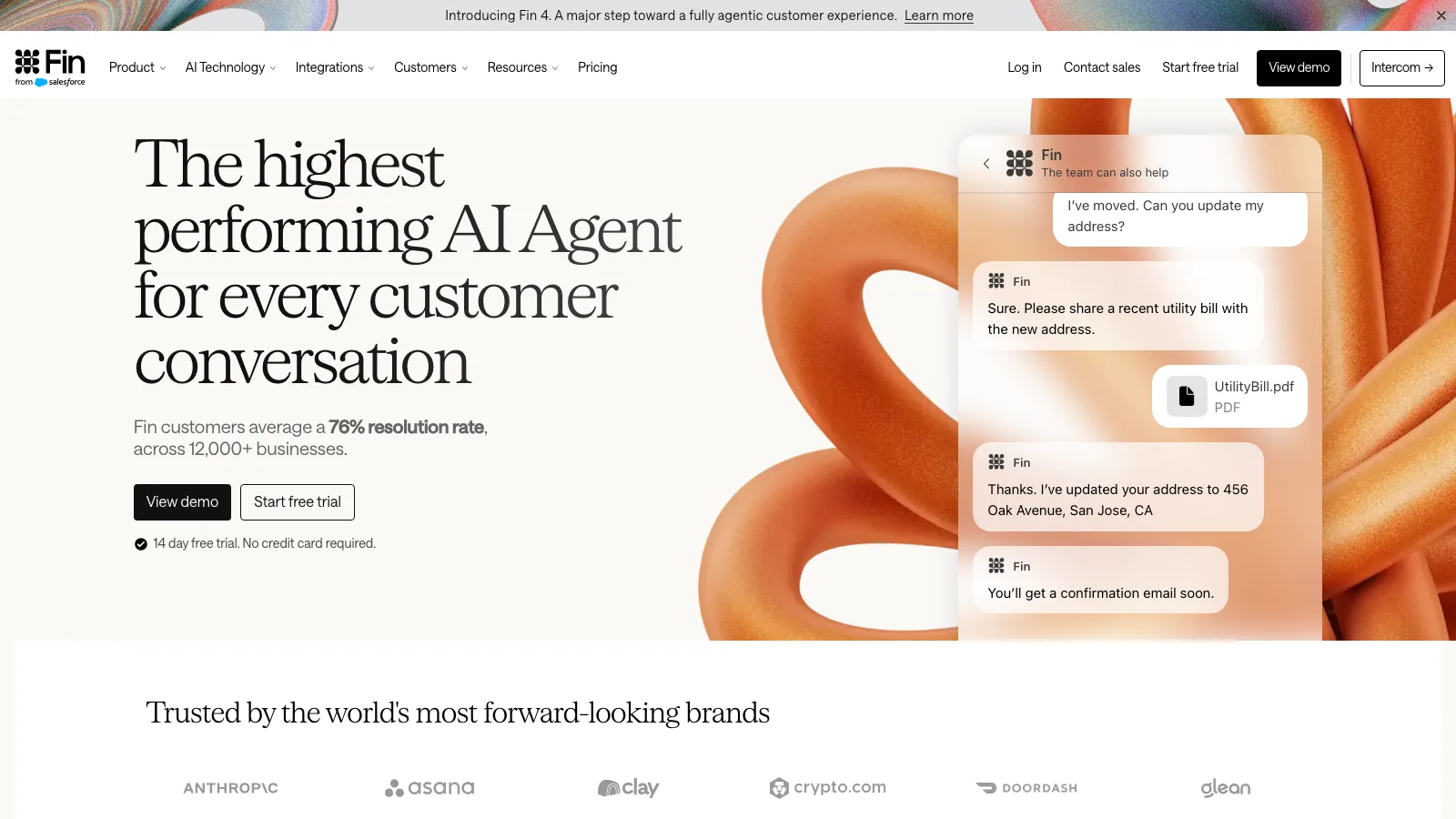
Image: Intercom official website
What it does: Fin answers customer questions on its own using your help docs. Intercom says Fin resolves 76% of conversations on average across more than 12,000 customers (Fin).
Who it's for: startups with growing support volume and no support team yet.
What users say: 4.5 out of 5 from 3,900+ reviews on G2. Users say it's easy to set up and cuts agent workload. The top complaints are wrong answers, trouble with complex questions and costs that are hard to predict.
Pros
93% off year one for early-stage startups
Pay per resolved conversation, not per seat
High resolution rates
Cons
Per-resolution costs are hard to forecast
Wrong answers still need a human to check
Pricingfree trial. Fin costs $0.99 per resolved conversation. The helpdesk starts at $19 per seat a month for new customers. See pricing
8
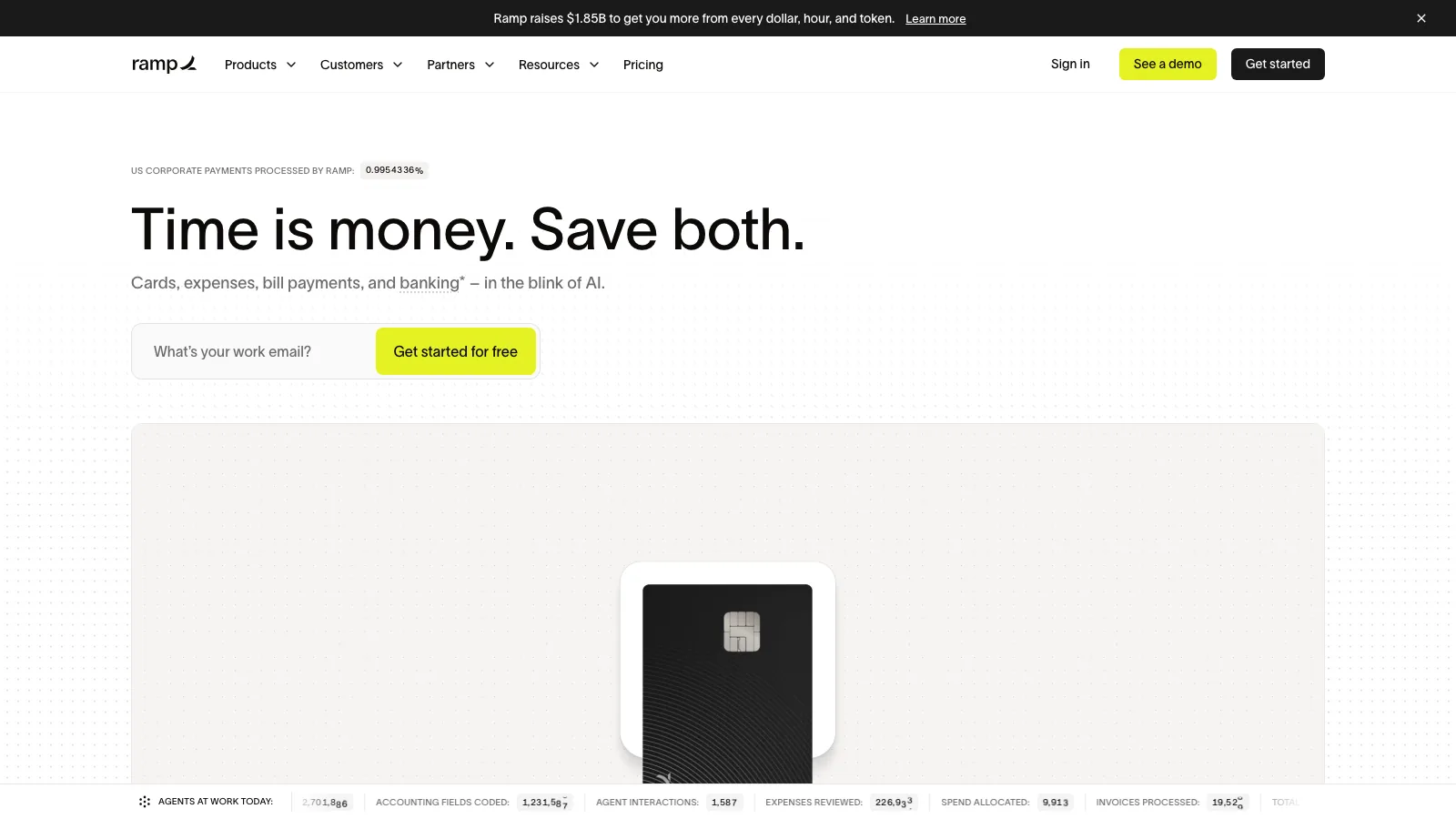
Ramp
best for cards, expenses and spend control
Image: Ramp official website
What it does: Ramp gives you corporate cards and expense software. Its AI reviews expenses against your policy, suggests approvals and builds spend reports (Ramp).
Who it's for: funded startups that want spend under control without a finance team.
What users say: 4.8 out of 5 from 2,500+ reviews on G2, the highest on this list. Users like the easy setup and receipt handling. Complaints are about some manual receipt work and accounting sync issues.
Pros
Free core plan
AI handles expense reviews and receipts
$350,000+ in startup perks from partners
Cons
Some setup and integration work
Paid plan adds a platform fee
PricingFree plan. Plus is $15 per user a month plus a platform fee, with a 30-day free trial. See pricing
9
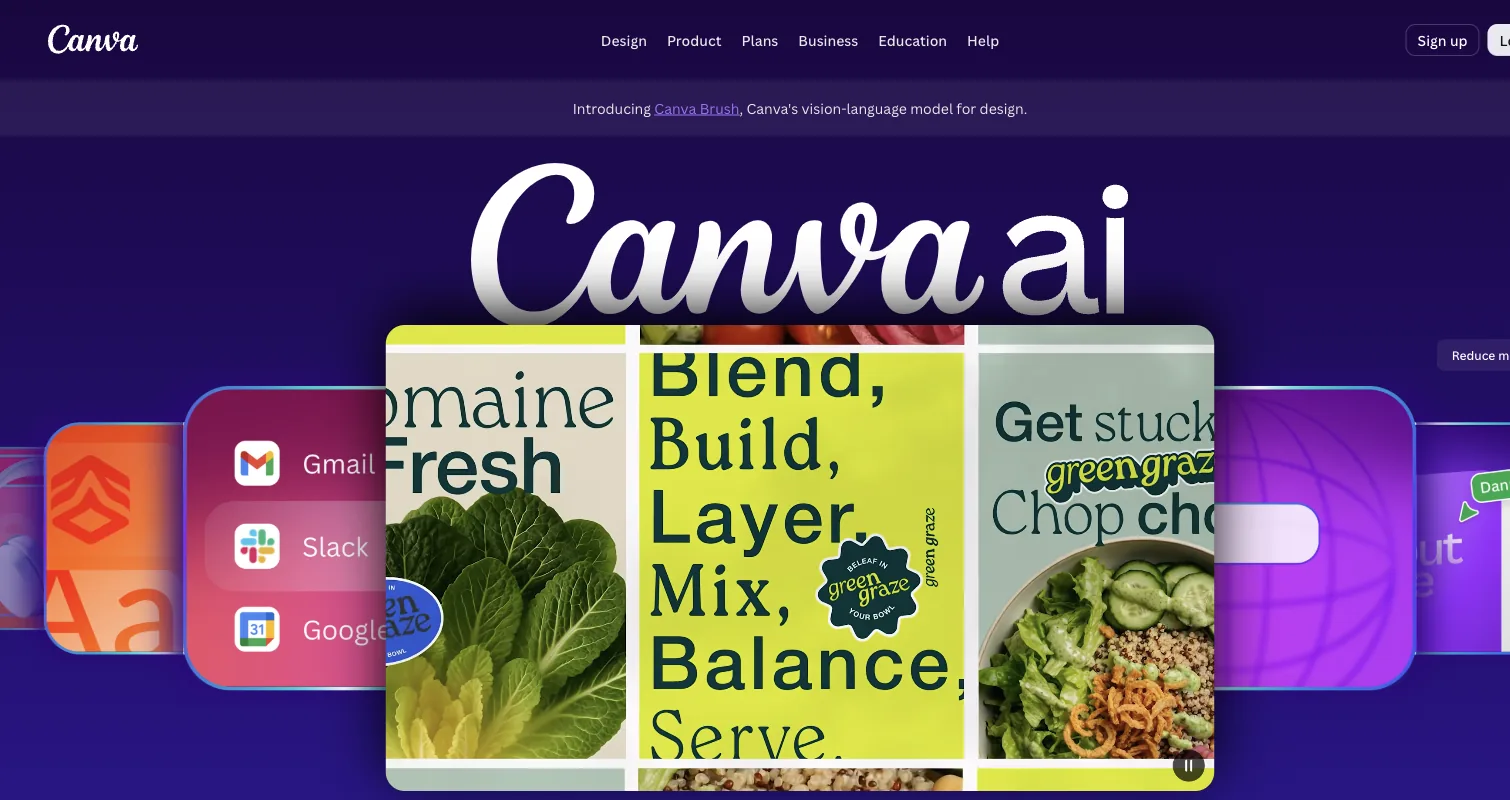
Canva
best for design and marketing assets
Image: Canva official website
What it does: Canva's AI writes first drafts of copy with Magic Write, removes backgrounds from images and videos in one click, and helps you make social posts, ads, one-pagers and logos from templates (Canva).
What users say: 4.7 out of 5 from 7,800+ reviews on G2. Users love how easy it is and the templates. The top complaints are features behind a paywall and limits for advanced design.
Pros
Non-designers get on-brand assets fast
Huge template library
Low price for up to 5 people
Cons
Many AI features are paid only
Limited for advanced design work
PricingFree plan. Pro is $12.99 a month or $119.99 a year for up to 5 people. See pricing
10
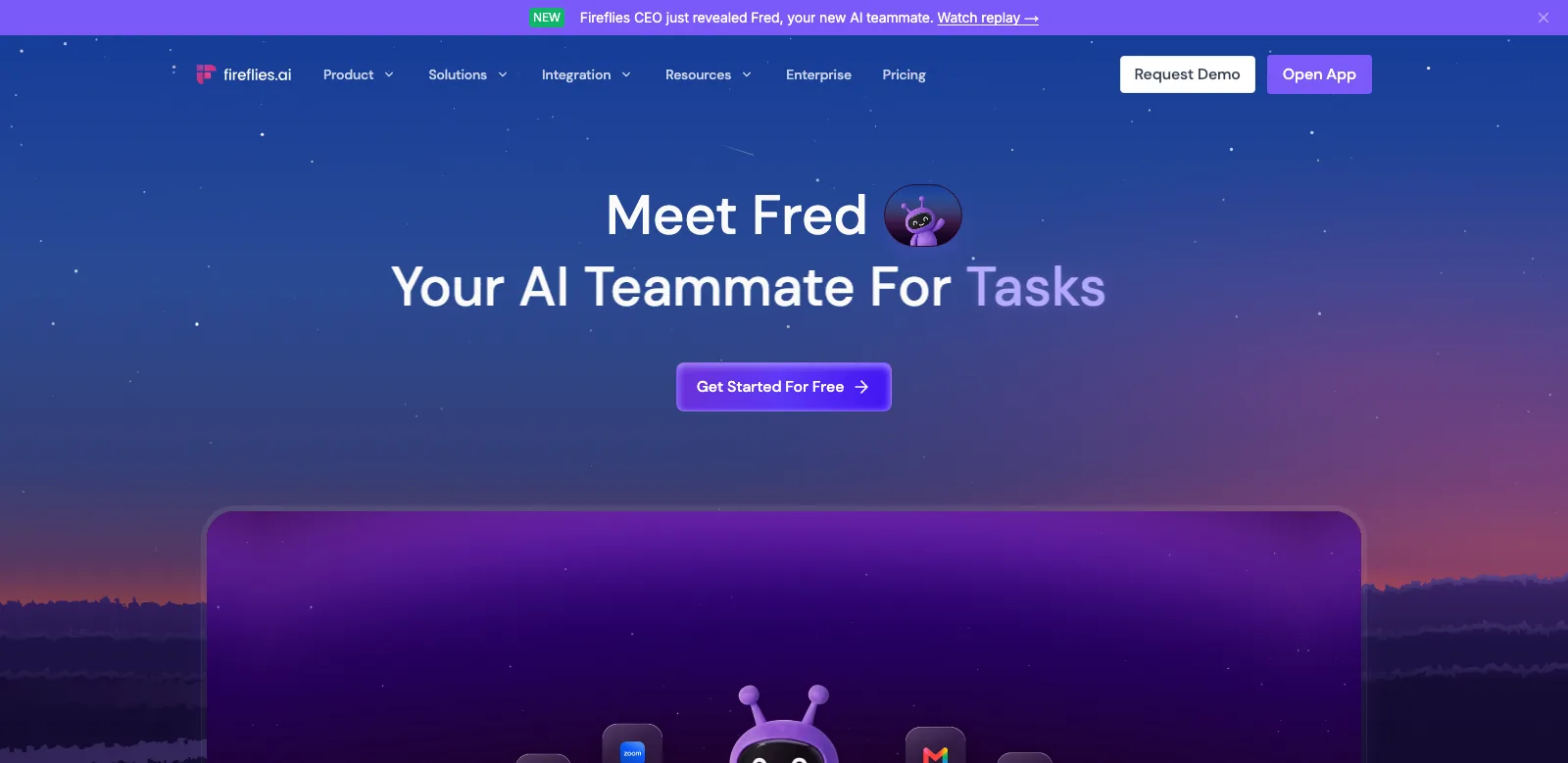
Fireflies.ai
best for meeting notes and follow-ups
Image: Fireflies.ai official website
What it does: Fireflies joins your calls, records and transcribes them, and writes summaries with decisions and action items. It connects with 240+ apps, so notes can go to your CRM or Slack (Fireflies.ai).
Who it's for: founders on back-to-back sales, investor and hiring calls.
What users say: 4.7 out of 5 from 750+ reviews on G2. Users like the searchable summaries and integrations. Complaints are about accuracy with accents and jargon, and action items that need checking.
Pros
Free plan
Works with Zoom, Google Meet and Teams
Sends notes to your CRM
Cons
Transcripts can be wrong with accents or noise
Summary settings are hard to tune
PricingFree plan. Pro is $10 per seat a month, Business $19 and Enterprise $39, billed yearly. See pricing
Startup deals
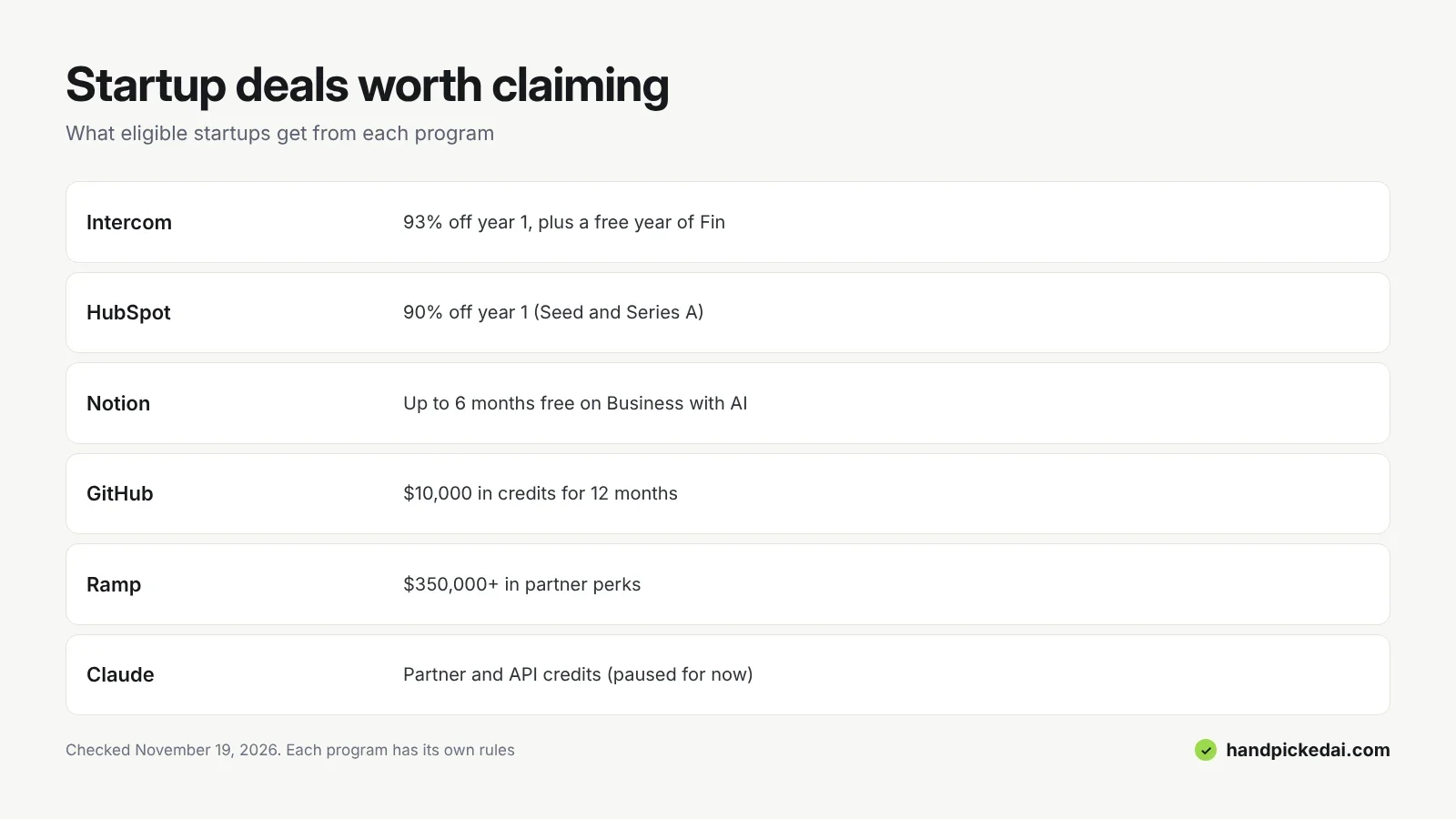
Before you pay full price, check the startup programs. Several tools on this list give big discounts in year one, and a few need a partner investor or accelerator.
HubSpot for Startups: 90% off year one for Seed and Series A founders (HubSpot). Its partner list also includes 50% off Gamma.
Intercom Early Stage: 93% off year one, 50% off year two and 25% off year three, plus a free year of Fin with 300 resolutions a month. You need under $10M in funding and fewer than 15 employees (Intercom).
Notion for Startups: up to 6 months free on the Business plan with Notion AI. Teams with fewer than 100 employees can apply (Notion).
GitHub for Startups: $10,000 in GitHub credits for 12 months, usable on Copilot. You need a partner investor or accelerator and Series B funding or earlier (GitHub).
Ramp for Startups: $350,000+ in perks from partners like AWS, Notion and OpenAI (Ramp).
Claude for Startups: partner credits and API credits through partner VCs, but it isn't taking new applications right now (Claude).
How we picked
🎯
One tool per job
We chose the best tool for each startup job, so you can build a full stack without paying twice for the same thing.
📚
Coverage
We checked which tools appear most on the pages people already trust for this topic. Claude, Notion AI, GitHub Copilot and Canva each appear on 3 of the 5 lists we reviewed.
🌱
Startup friendly
We gave extra weight to free plans, low entry prices and startup programs.
💲
Pricing
We checked every price on the official pricing page on November 19, 2026.
💬
User feedback
We read reviews on G2 and summarized the most common praise and complaints.
How to choose
If you can only pay for one tool, start with Claude.
If your team's knowledge lives in chats and random files, pick Notion AI.
If you can't code and need a product to show, pick Lovable.
If you or your team write code, pick GitHub Copilot.
If you're raising money, use Gamma for the first draft of your deck.
If you're starting sales, pick HubSpot and apply for the startup discount.
If support questions eat your day, pick Intercom Fin.
If you have funding and a few people spending money, pick Ramp.
A general assistant like Claude is the best first tool, because it covers research, writing and analysis. After that, add one tool for your biggest job: Lovable or GitHub Copilot to build, HubSpot to sell, or Intercom Fin for support.
Are free AI plans enough for an early-stage startup?
Often, yes, at the start. Claude, Notion, Lovable, GitHub Copilot, HubSpot, Ramp, Canva and Fireflies.ai all have free plans. Most founders move to paid plans once usage limits start slowing them down.
Can a startup build a product with AI and no developers?
Yes, for a first version. Tools like Lovable build working apps from plain-language prompts, and you own the code. As the product grows, most startups still bring in a developer to clean up and scale the code.
How can AI help startups save money?
AI covers work you'd otherwise hire for, like support, design and meeting notes. Startup programs also cut costs a lot. HubSpot gives 90% off year one and Intercom 93% off year one to eligible startups.
Which AI tools should a non-technical founder use first?
Start with a general assistant like Claude, then Notion AI for docs and Canva for design. If you need a product to show, add Lovable.
How do I avoid tool sprawl when building my AI stack?
Pick one tool per job and check what your current tools already include before you add a new one. Many tools, like Notion and HubSpot, already have AI built in.
All pricing checked November 19, 2026 on the official pages linked in each tool section.