Best AI Tools for Project Management: 10 Picks for Planning, Status Updates and Team Work
This list is for project managers and team leads who want AI to take over the admin side of projects: writing status updates, breaking work into tasks, summarizing threads and meetings, and spotting risks early.
This list is for project managers and team leads who want AI to take over the admin side of projects: writing status updates, breaking work into tasks, summarizing threads and meetings, and spotting risks early. We compared 10 tools using their official pricing pages, product pages and real user reviews. We didn't run our own tests for this list, so every claim below comes from a linked source.
AI is now a main reason teams switch tools. In a Capterra survey of 2,545 project management professionals, 55% of buyers said adding AI was what led to their most recent software purchase. But 41% also said getting people to use AI was their biggest software problem (Capterra via Business Wire).
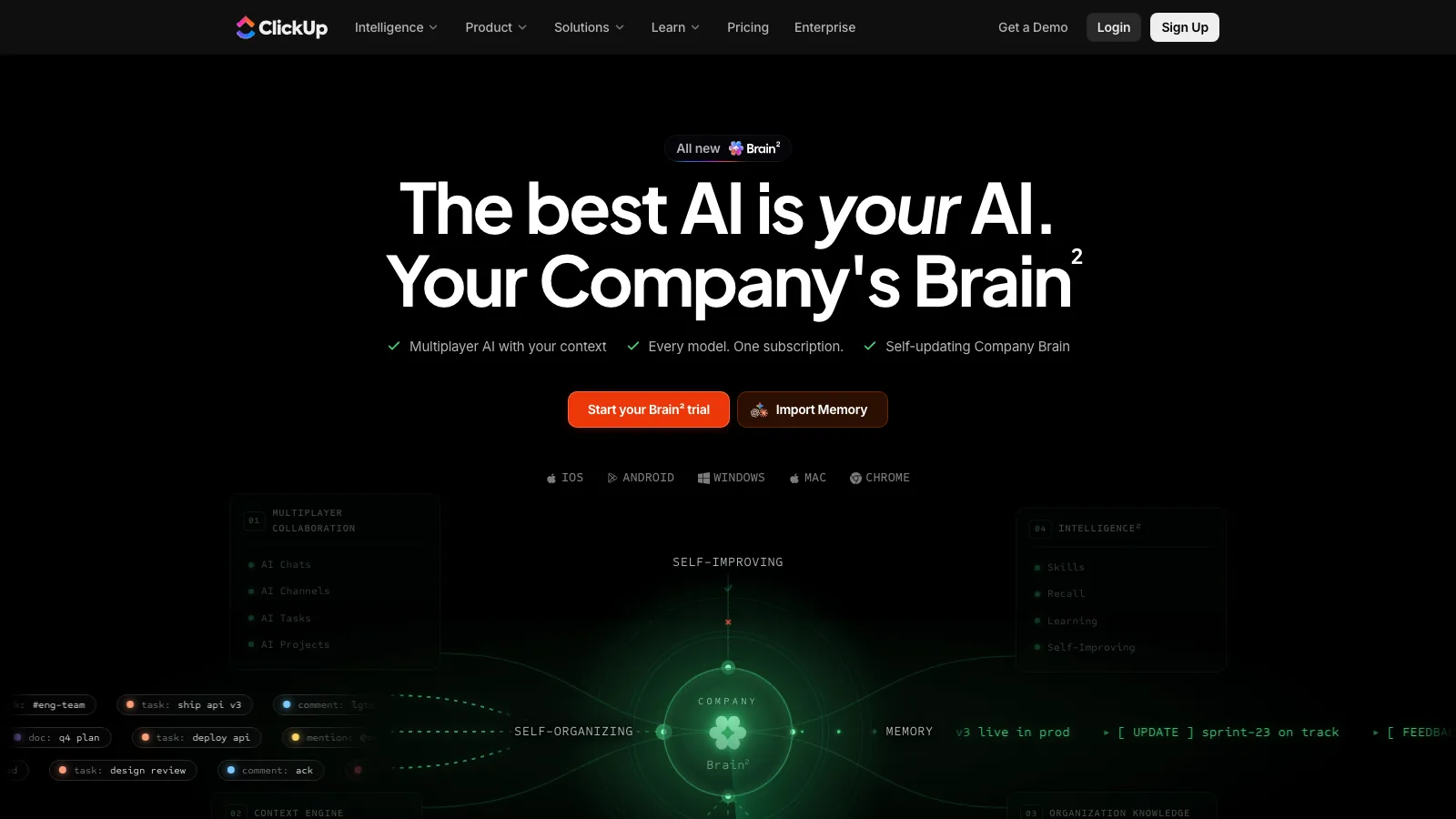
What it does: ClickUp Brain reads your tasks, docs, chats and calls. It answers questions about your work, writes summaries, and its Super Agents can create and update tasks for you. An AI Notetaker joins your calls and writes up what was said (ClickUp).
Who it's for: teams of any size that want tasks, docs and chat in one place.
What users say: 4.6 out of 5 from 15,700+ reviews on G2. Users like how much they can customize and having all their work in one place. The top complaints are the learning curve, slowness in big workspaces and having too many features.
Pros
Tasks, docs and chat in one workspace
AI agents that take actions, not just answer questions
Free plan
Cons
Takes time to learn
No AI on the free plan, and paid plans run on AI credits
PricingFree plan. Core is $9 per user a month billed yearly, Business $17 and Max $100. AI credits range from 1,000 per user a month on Core to 10,000 on Max. See pricing
2
Asana
best for ready-made AI teammates
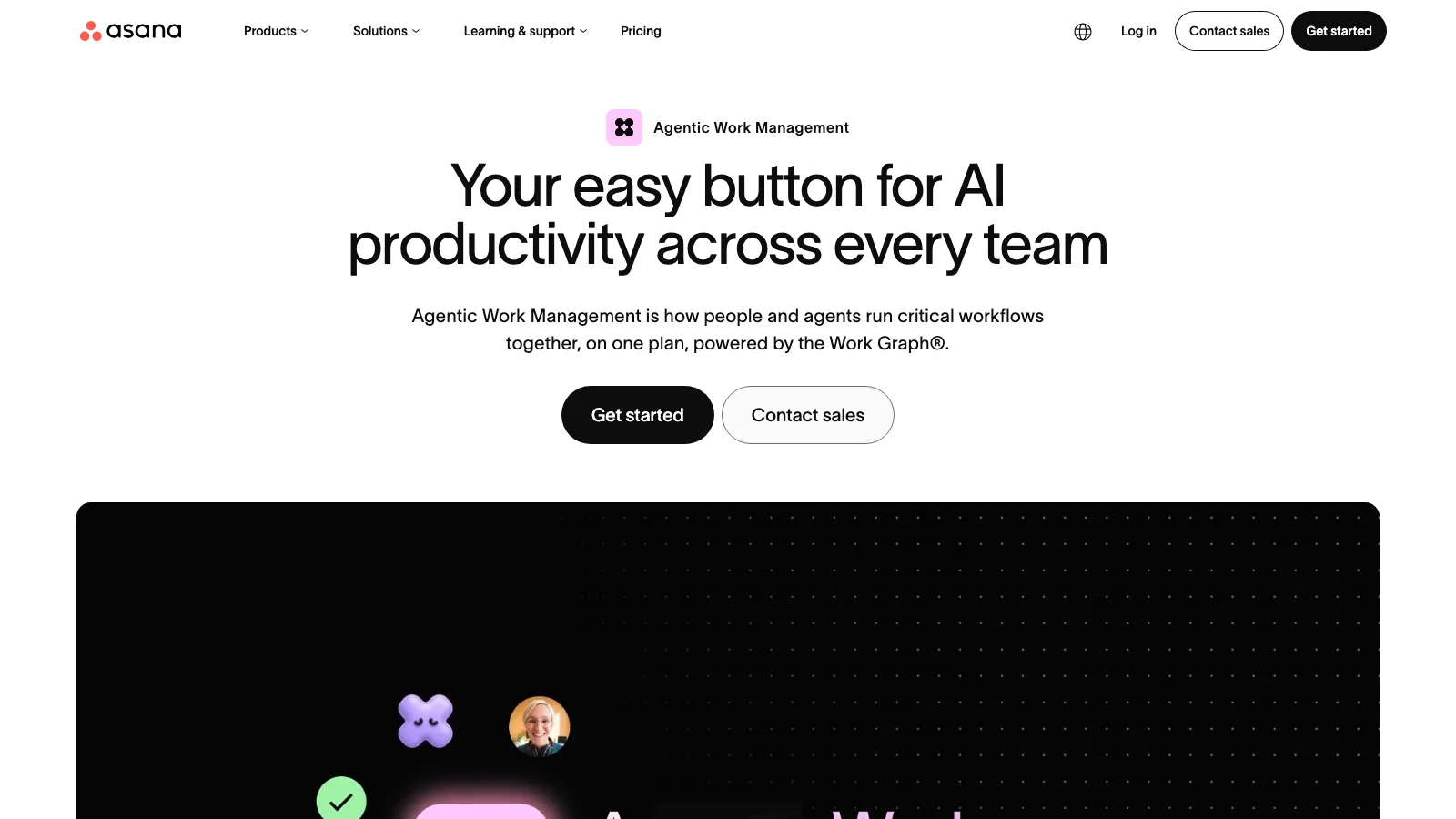
Image: Asana official website
What it does: Asana has more than 30 prebuilt AI Teammates for common team jobs. AI Studio lets you build automations without code that take in requests, sort and route tasks and send alerts. AI Meetings turns action items into tasks (Asana).
Who it's for: marketing, operations and cross-team projects that want AI to handle routing and follow-ups.
What users say: 4.4 out of 5 from 14,100+ reviews on G2. Users like the clear view of projects and the easy interface. They complain about notifications that are hard to control and reports that are not flexible.
Pros
Ready-made AI agents for common jobs
Meeting action items become tasks
Says its AI partners don't train on your data
Cons
Only 5 AI Teammate requests per user a month on Starter
Reporting is less flexible than others
PricingFree Personal plan for up to 2 users. Starter is $10.99 per user a month billed yearly ($13.49 monthly), and Advanced is $24.99 ($30.49 monthly). See pricing
3
monday.com
best rated by users, with AI risk alerts
Image: monday.com official website
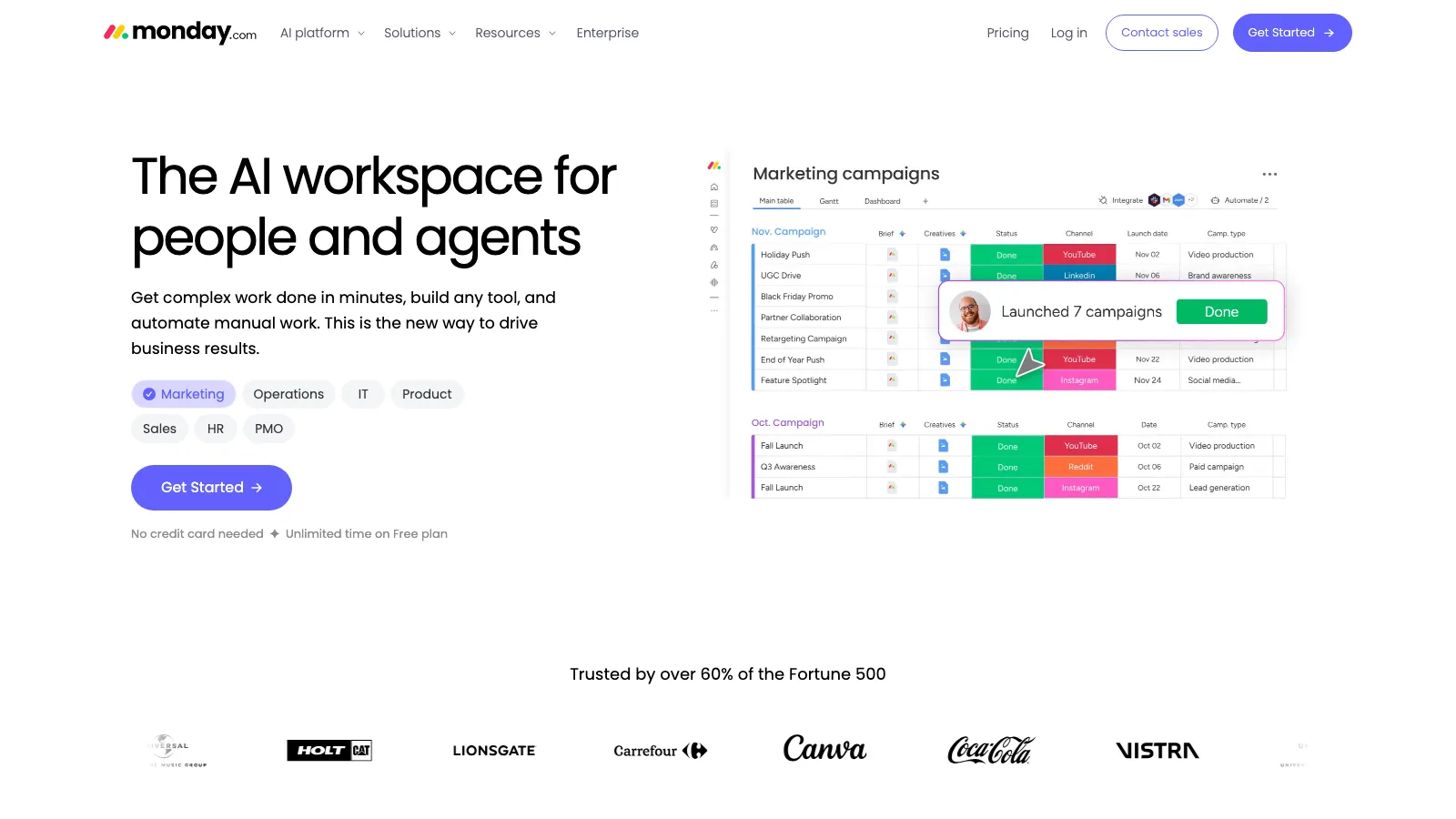
What it does: monday.com has ready-made and custom AI agents. Its Risk Analyzer agent flags tasks that are close to their deadline. Sidekick is the built-in assistant, a Notetaker summarizes meetings, and you can build AI workflows. Admins can test agents before they go live and track AI spend per team (monday.com).
Who it's for: teams of 3 or more that want AI agents with clear controls.
What users say: 4.7 out of 5 from 17,900+ reviews on G2, the highest on this list. Users say agents cut admin work. Some say AI answers can be too literal and AI credit costs are hard to plan.
Pros
Highest user rating on this list
Ready-made agents, including risk alerts
Test mode and logs for agents
Cons
Paid plans start at 3 seats
Credit-based AI is hard to budget
PricingFree plan for up to 2 seats, with no AI. Basic is $9 per seat a month billed yearly, Standard $12 and Pro $19, with 1,000 to 3,000 AI credits a month. 14-day free trial. See pricing
Big teams and reporting
4
Wrike
best for AI status reports and project documents
Image: Wrike official website
What it does: Wrike's AI drafts statements of work, status reports and runbooks, and summarizes long comment threads in one click. It can build request forms and dashboards from a plain request, and its dashboards point out what needs attention now. AI agents can run workflows on their own (Wrike).
Who it's for: project offices and larger teams that write a lot of project documents.
What users say: 4.2 out of 5 from 4,600+ reviews on G2. Users like its project and task tools. The most common complaints are the learning curve and that it doesn't feel intuitive.
Pros
AI writes status reports and project documents
Agents can run workflows
Going over your AI limit starts a talk with sales instead of a surprise bill
Cons
Lowest G2 rating on this list
Business plan is yearly only
PricingFree plan. Team is $10 per user a month billed yearly (2 to 15 users) and Business $25 (5 to 200 users). 14-day free trial. See pricing
5
Smartsheet
best for spreadsheet-style teams and portfolio reports
Image: Smartsheet official website
What it does: Smart Assist answers questions about your sheets, flags risks and suggests next steps. Smart Columns summarize and sort text, and agents build dashboards and portfolio reports from live data. You can also schedule AI jobs, like a status summary every Friday (Smartsheet).
Who it's for: teams used to spreadsheets, and managers who report across many projects.
What users say: 4.4 out of 5 from 23,200+ reviews on G2. Users like the visibility and the links to Microsoft 365, Jira and Power BI. They say formulas are hard and big sheets get slow, and some find the AI basic for complex work.
Pros
AI on every paid plan
Scheduled AI status summaries
Business plan connects to ChatGPT, Claude, Gemini and Copilot
Cons
No free plan
Slow on very large sheets
Pricingno free plan, but 30 days free with no card. Pro is $9 per member a month billed yearly ($12 monthly), and Business $19 ($24 monthly). See pricing
Software teams
6
Jira
best for software teams
Image: Atlassian official website
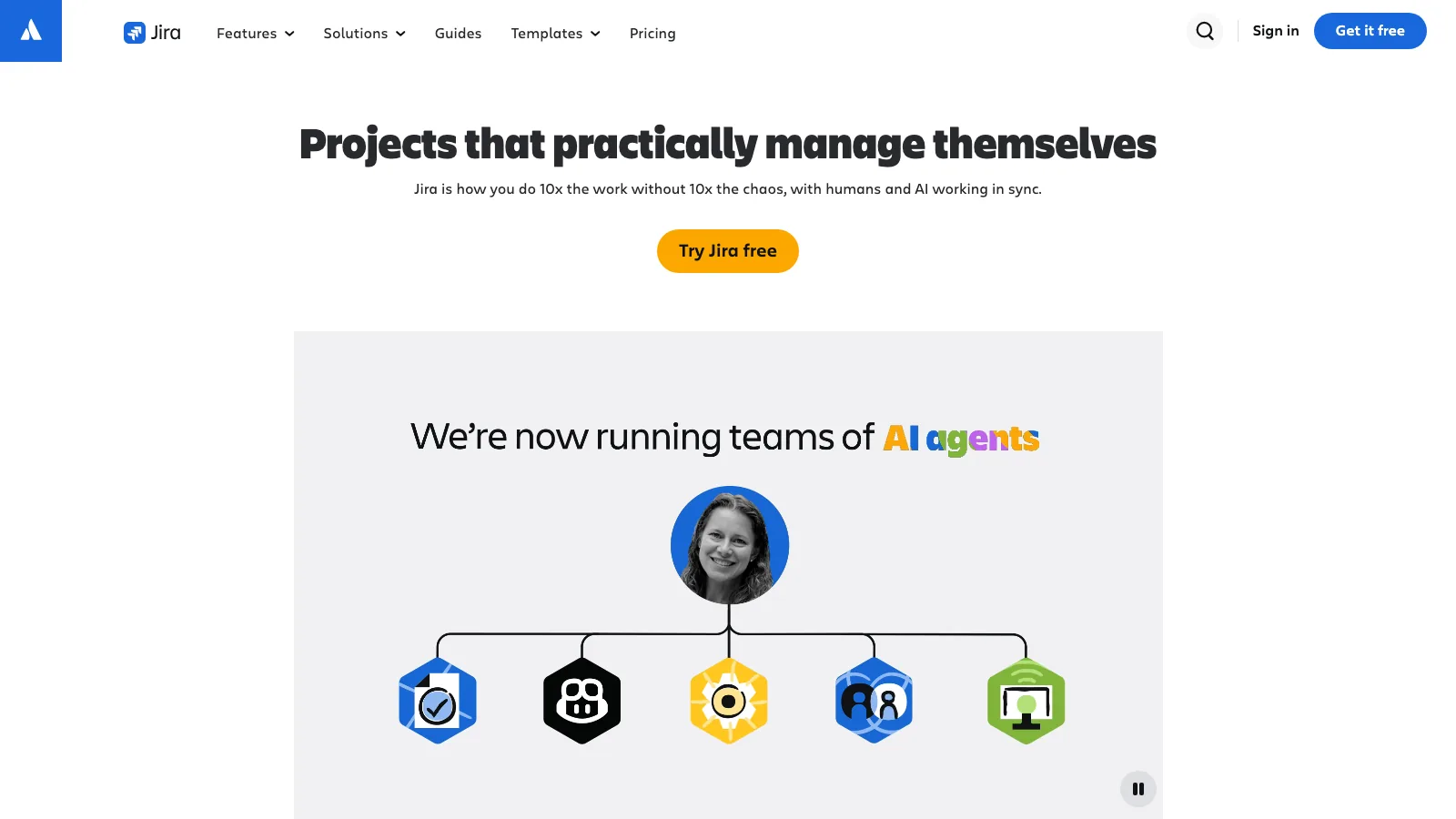
What it does: Jira's AI, called Rovo, lets you hand work to AI agents. It creates work items from Slack, Teams, Confluence and email, splits a big item into smaller ones in one click and sums up an item's status, blockers and next steps. It also offers search in plain language and drafts status updates (Atlassian).
Who it's for: software and IT teams that plan in sprints.
What users say: 4.3 out of 5 from 8,000+ reviews on G2. Users like the sprint and backlog tools and custom workflows. They say it's hard to learn, and that the AI can miss details and needs checking.
Pros
AI on every paid plan
Turns chat messages and emails into work items
Deep links to developer tools
Cons
Too heavy for non-software teams
Takes time to learn
Pricingfree for up to 10 users. AI is included on Standard, Premium and Enterprise (Atlassian). Paid prices depend on team size. See pricing
Small teams and agencies
7
Zoho Projects
best low-cost pick for Zoho users
Image: Zoho official website
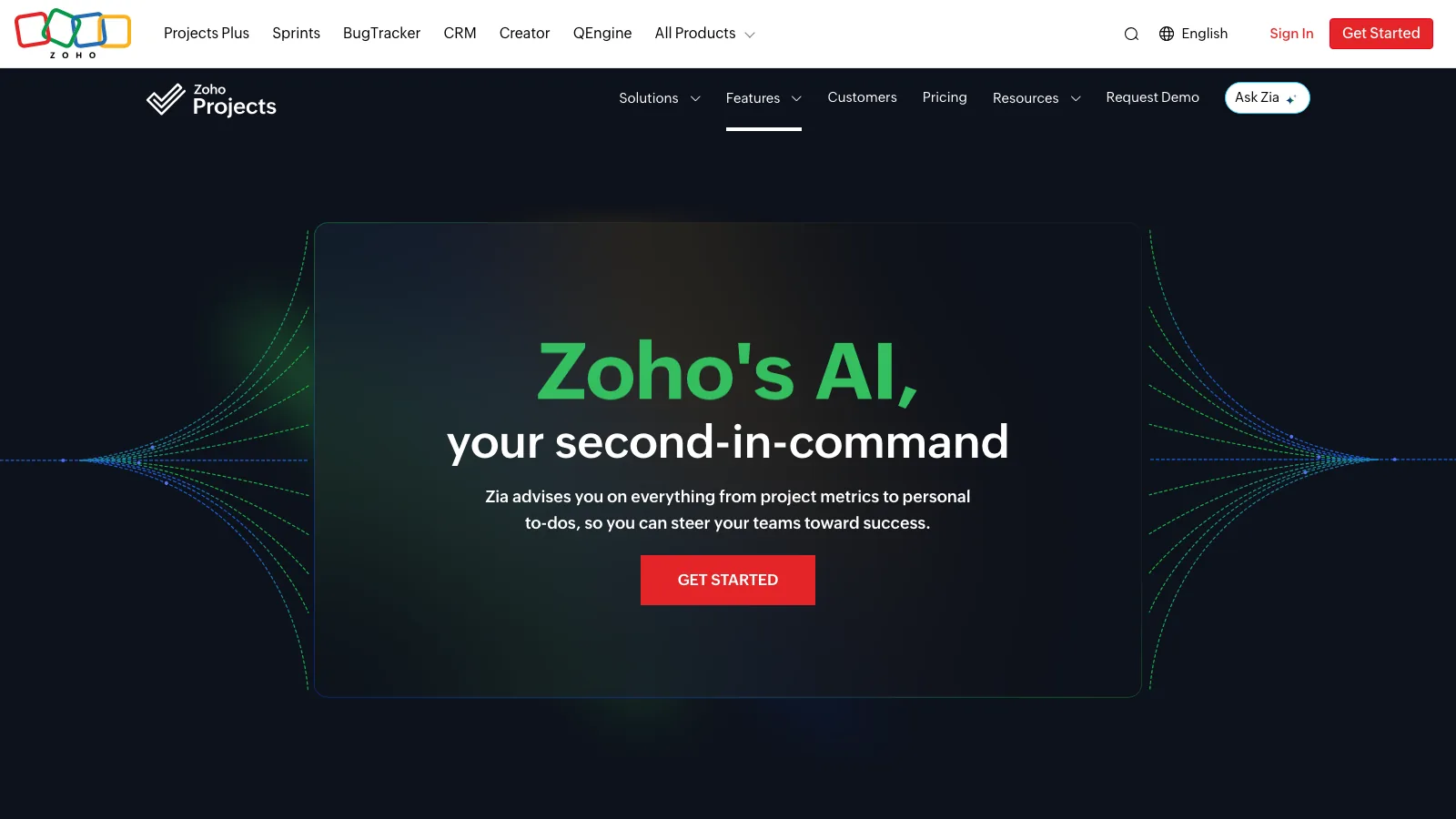
What it does: Zia, Zoho's AI, builds a project and its tasks from a written brief, writes summaries and explains your project numbers in plain words. You can pick which AI model it uses, including ChatGPT, Gemini or Claude. AI is off until you turn it on, and Zoho says it doesn't train on your data (Zoho).
Who it's for: small businesses, especially ones already using other Zoho apps.
What users say: 4.4 out of 5 from 590+ reviews on G2. Users like the links to other Zoho apps and quick support. They complain about navigation and slowness on big projects and on mobile.
Pros
Free plan for up to 5 users
Choose your own AI model
AI is off by default
Cons
AI only on Premium and higher
AI agents are still "coming soon"
Pricingfree plan for up to 5 users. AI comes with Premium and higher. 15-day free trial with no card. See pricing
8
Teamwork.com
best for agencies and client work
Image: Teamwork.com official website
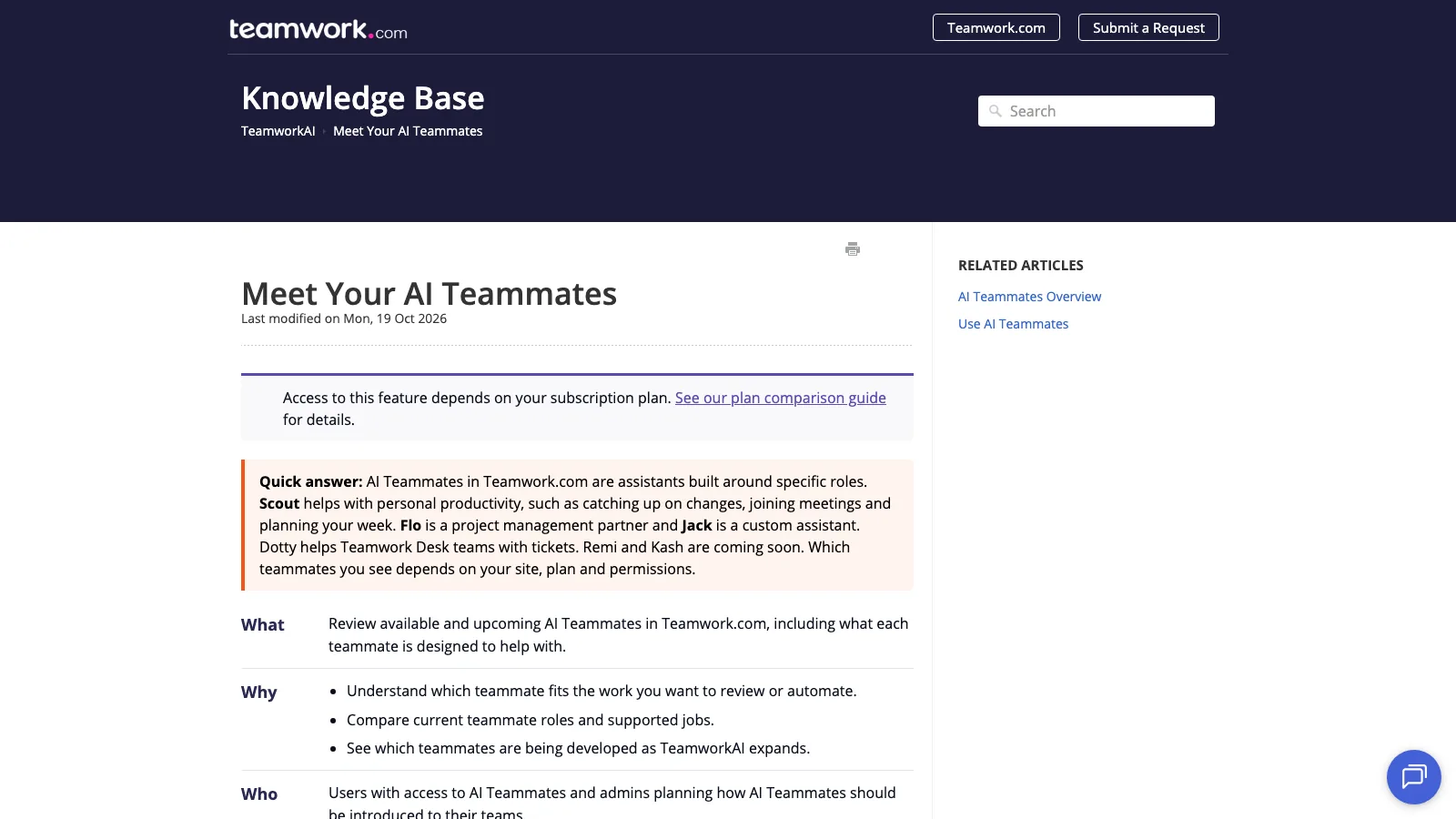
What it does: Teamwork.com has named AI teammates. Scout sums up your inbox and meetings, Flo writes project status updates and points out risks, including a project health check and a client-ready update. Jack runs custom jobs with several steps (Teamwork.com).
Who it's for: agencies and client service teams.
What users say: 4.4 out of 5 from 1,200+ reviews on G2. Users like its project and task tools. Complaints are about the learning curve and missing features.
Pros
AI health checks and client-ready updates
Clear AI cost ($0.01 per credit)
Free plan for up to 5 users
Cons
Resource and finance AI teammates aren't live yet
Paid plans need at least 3 seats
PricingFree plan. Basics is $9.99 per user a month billed yearly (3 seats minimum, 1,000 AI credits) and Accelerate $24.99 (5 seats minimum, 2,500 credits). 14-day free trial. See pricing
9
Hive
best AI on a free plan
Image: Hive official website
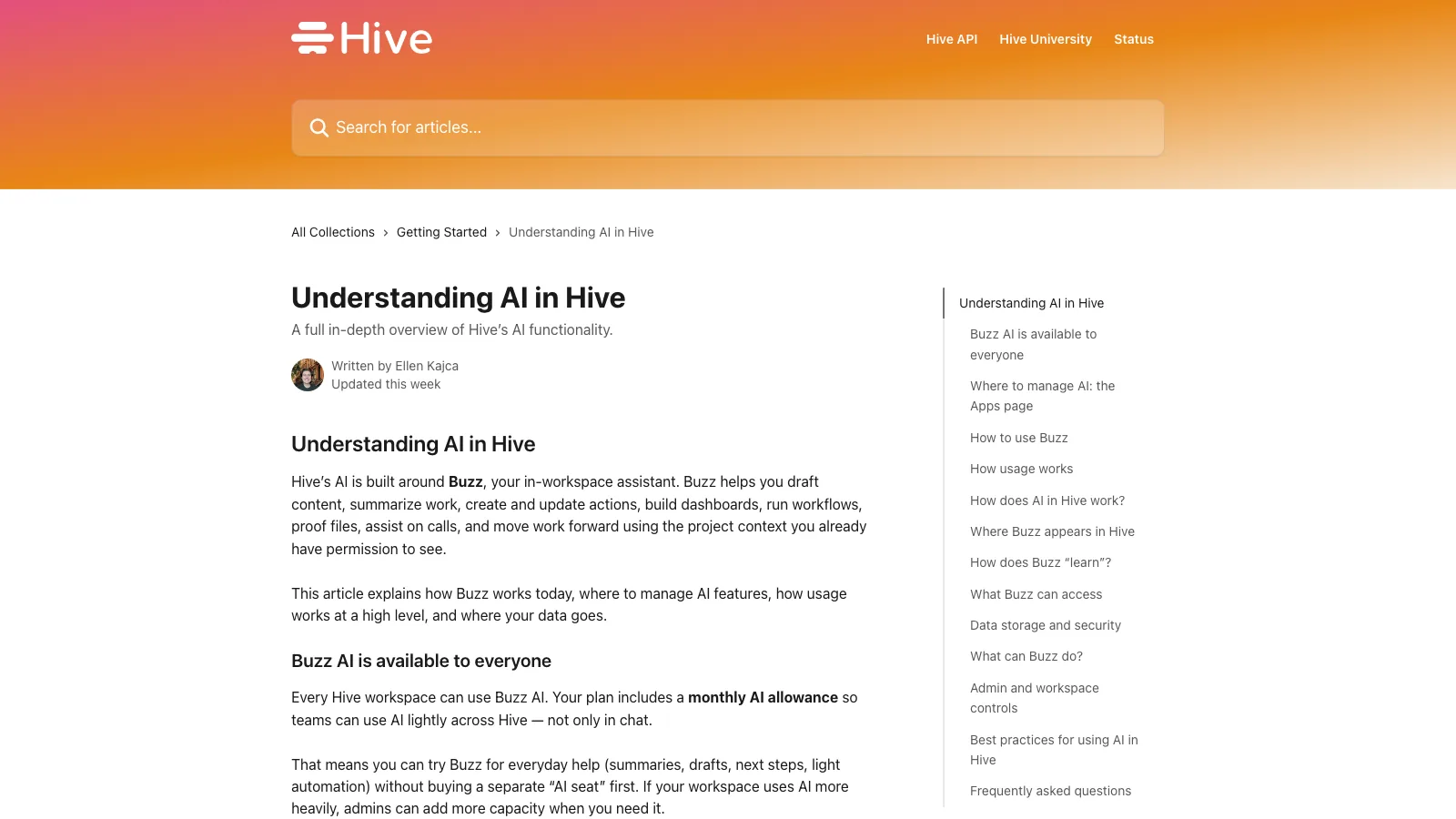
What it does: Hive's assistant, Buzz, drafts content, sums up threads and notes, creates and reassigns tasks, and builds dashboards from a plain request. Sidekick helps you prepare for meetings and follow up after them. Hive says your data isn't used to train outside AI models (Hive).
Who it's for: small teams that want AI without paying for it.
What users say: 4.6 out of 5 from 670+ reviews on G2. On Capterra, users praise how easy it is and the built-in AI, but complain about the mobile app and slowness on big projects.
Pros
1,000 AI credits a month on the free plan
Cheapest paid plan on this list
Unused AI credits roll over
Cons
Weak mobile app
Fewer reviews than bigger tools
PricingFree plan for up to 10 members. Starter is $5 per user a month and Teams $12, billed yearly. 14-day free trial. See pricing
10
Trello
best for simple boards
Image: Trello official website
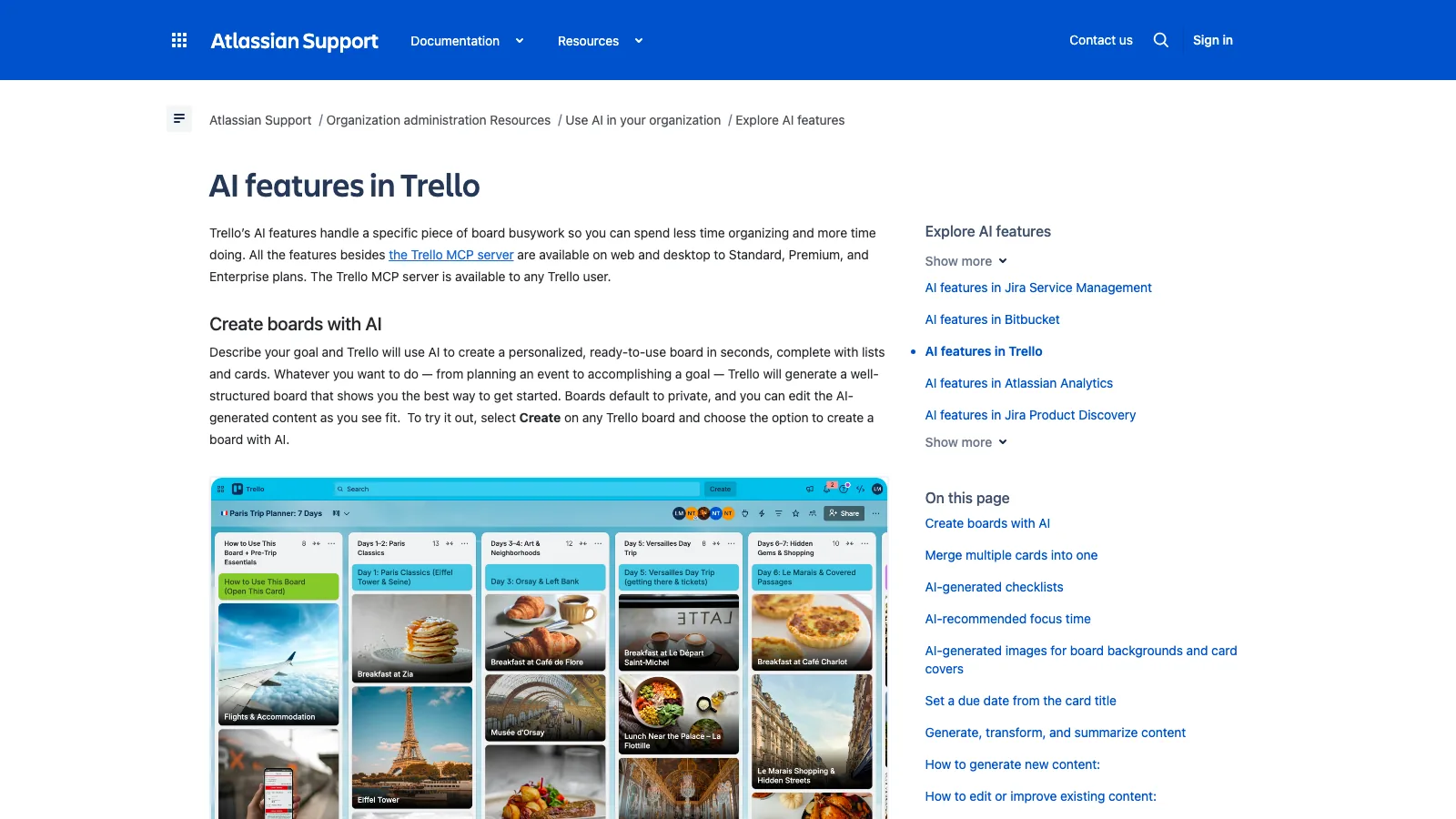
What it does: Trello's AI builds a board from a goal you type, adds checklists to cards, merges duplicate cards, reads due dates from card titles and plans focus time from your calendar. It can also summarize cards and pull out action items (Atlassian).
Who it's for: small teams with simple projects.
What users say: 4.4 out of 5 from 14,000+ reviews on G2. Users love how easy it is. The top complaints are limited and missing features.
Pros
Easiest tool on this list to learn
AI from $5 a user
Builds a board from one prompt
Cons
Lighter AI, with no agents or status reports
Teams with complex projects outgrow it
PricingFree plan for up to 10 collaborators. Standard is $5 per user a month billed yearly ($6 monthly) and Premium $10 ($12.50 monthly). AI starts on Standard. See pricing
How AI is charged
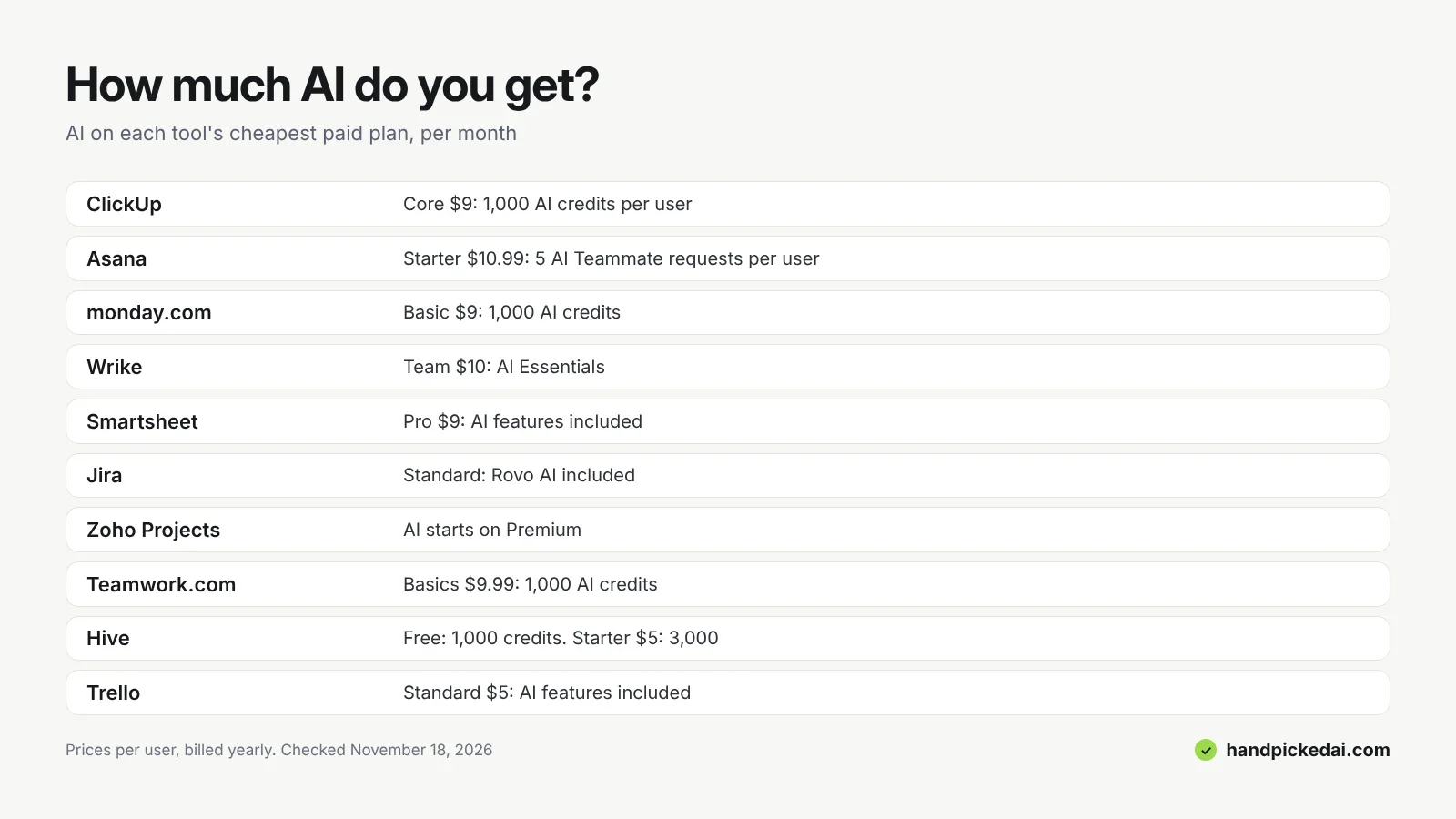
Most of these tools don't give you unlimited AI. They give you a monthly number of AI credits or requests, and heavy use costs extra. Check this before you pick a plan.
Credits per user: ClickUp (1,000 a month on Core) and Asana AI Teammates (5 requests a month on Starter).
Credits per account: monday.com (1,000 a month on Basic), Teamwork.com (1,000 on Basics) and Hive (3,000 on Starter).
Included on paid plans: Smartsheet, Jira and Trello include AI features on paid plans.
Extra cost: ClickUp charges $10 for 10,000 extra credits. Asana charges $0.50 to $0.60 per extra AI Teammate request.
How we picked
📚
Coverage
We looked at which tools appear most on the pages people already trust for this topic. ClickUp, Asana and Wrike appear on all of them.
✨
Real AI for projects
Each tool had to use AI for project work, like status updates, task creation, summaries or risk alerts, not just a writing helper.
👥
Team fit
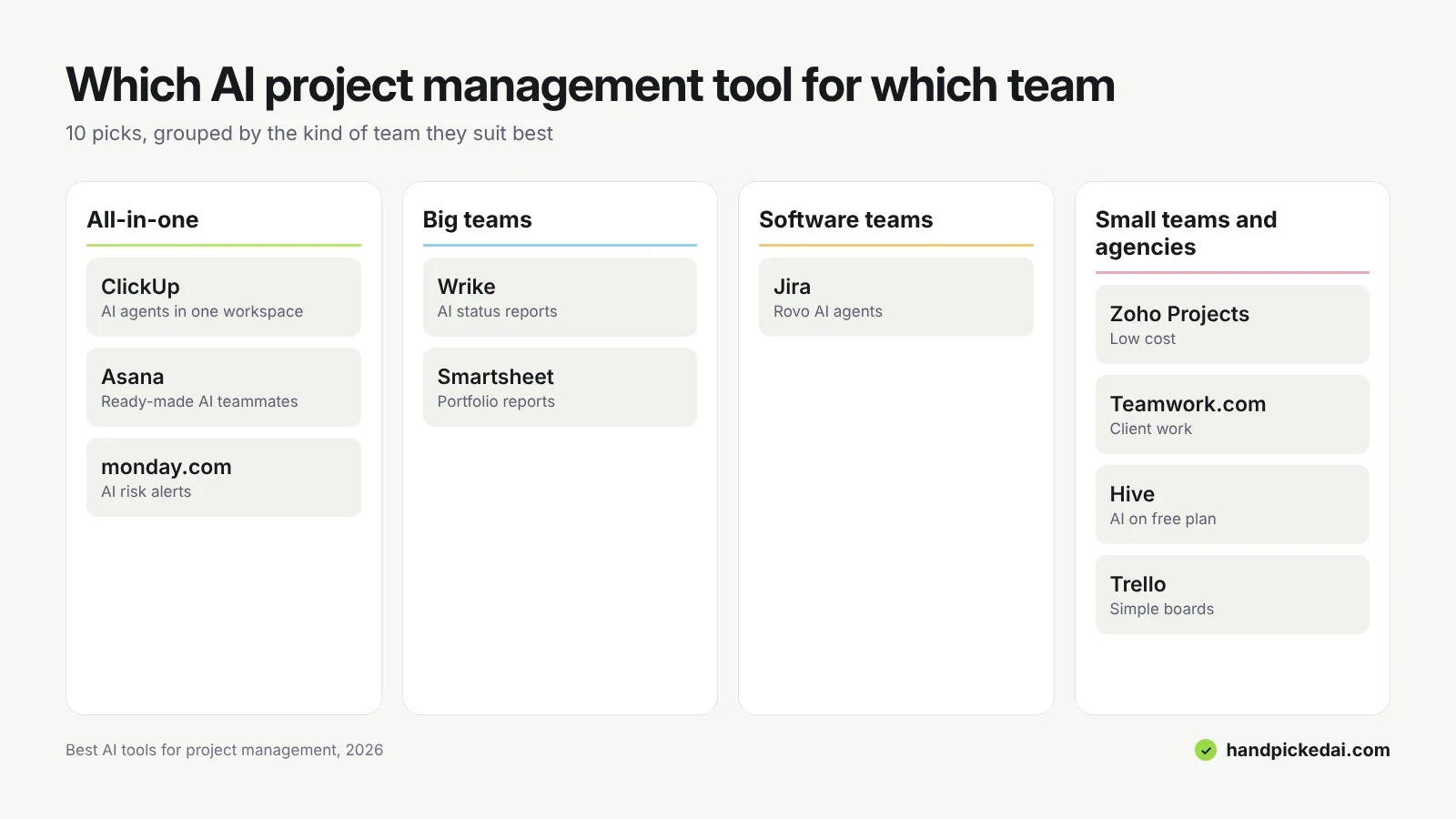
We covered all-in-one platforms, big teams, software teams and small teams.
💲
Pricing
We checked every price on the official pricing page on November 18, 2026.
💬
User feedback
We read reviews on G2 and Capterra and summarized the most common praise and complaints.
How to choose
If you want one workspace for everything, pick ClickUp.
If you want AI to route requests and follow up, pick Asana.
If ease of use and ratings matter most, pick monday.com.
If you write a lot of status reports, pick Wrike.
If your team thinks in spreadsheets, pick Smartsheet.
Yes. AI in project management tools can write status updates, break big tasks into smaller ones, summarize threads and meetings, flag tasks at risk of running late and answer questions about your projects.
Which AI tool is best for project management?
For most teams, ClickUp or monday.com. ClickUp puts tasks, docs and chat in one place with AI agents, and monday.com has the highest user rating on this list. Software teams should look at Jira.
Are there free AI tools for project management?
Yes. Hive gives 1,000 AI credits a month on its free plan. ClickUp, Asana, monday.com, Wrike, Zoho Projects, Teamwork.com and Trello also have free plans, but most keep AI for paid plans.
Will AI replace project managers?
No. AI can take over admin work like status reports, notes and task setup, but people still set goals, make decisions and manage the team. Even Smartsheet describes its approach as AI that recommends while humans decide.
What is the best AI agent for project management?
ClickUp's Super Agents, Asana's AI Teammates and monday.com's agents are the most developed. monday.com also lets you test agents before they go live.
How secure are AI project management tools?
It depends on the tool. Asana, Zoho and Hive say they don't use your data to train outside AI models, and Zoho keeps AI off until you turn it on. Check each tool's privacy page before you add client data.
All pricing checked November 18, 2026 on the official pages linked above.