10 tools compared ~10 min read Updated
Productivity

Best AI tools for work: 10 picks for writing, meetings and everyday tasks

This list is for people who want AI to take care of everyday work: writing, research, meetings, notes and scheduling. We compared 10 tools using their official pricing pages, product pages and real user reviews.

Jump to

How we picked these tools

We compared 10 tools using their official pricing pages, product pages and real user reviews. We did not run our own tests for this list, so every claim below comes from a linked source. If you're choosing tools to run a company, like a CRM or accounting software, see our list of the best AI tools for business.

Coverage

We looked at which tools appear most on the pages people already trust for this topic.

Everyday use

Each tool had to help with a common work task: writing, research, meetings, notes, automation or scheduling.

Free plan

We favored tools you can try for free before paying.

Pricing

We checked every price on the official pricing page in November 2026.

User feedback

We read reviews on G2, Capterra and Trustpilot and summarized the most common praise and complaints.

Handpicked AI may earn commissions if you purchase through outbound links — that never changes rank order here. We compared these tools using official pricing pages, product pages and real user reviews. We did not run our own tests for this list, and we do not make any of these tools. Pricing was checked in November 2026. We did not assign numeric scores.

This list is for people who want AI to take care of everyday work: writing, research, meetings, notes and scheduling. Most lists on this topic are written by tool makers who rank themselves first.

TL;DR — 10 AI tools for work

Short on time? Here is the full list in one scan. Each entry links to its card further down the page.

  1. ChatGPT — best all-round AI assistant
  2. Claude — best for long documents and quality writing
  3. Gemini — best for teams in Google Workspace
  4. Perplexity — best for fast research with sources
  5. Grammarly — best for polished emails and documents
  6. Granola — best for meeting notes without a bot
  7. Fireflies.ai — best for searchable team meeting records
  8. Notion AI — best for keeping docs and projects in one place
  9. Zapier — best for automating repeat tasks across apps
  10. Reclaim.ai — best for protecting focus time on a busy calendar

Editors’ three fast picks

Grab one lens before you sift the long list — each excels on a different job.

Editor pick · Best overall One assistant for most tasks

ChatGPT

The most all-round assistant for writing, research, files and images, with a free plan and Plus at $20 a month.

Editor pick · Best writing Long documents and reports

Claude

The pick when the job is a long file or a piece of writing that has to read well.

Editor pick · Best in Google Gmail, Docs and Drive

Gemini

The assistant that sits inside Google Workspace, with a free plan and Gmail access from $4.99 a month.


AI tools for work at a glance

Comparison of 10 AI tools for work
#ToolBest forPrice
1ChatGPTAll-round assistantFree; Plus $20/mo
2ClaudeLong documents and writingFree; Pro $17/mo yearly
3GeminiGoogle WorkspaceFree; Plus $4.99/mo
4PerplexityResearch with sourcesFree; Education Pro $10/mo
5GrammarlyEmails and documentsFree; Pro $12/mo
6GranolaNotes without a botFree; Business $14/user/mo
7Fireflies.aiTeam meeting recordsFree; Pro $10/seat/mo yearly
8Notion AIDocs and projectsAI trial; Business $20/member/mo
9ZapierCross-app automationFree; Pro from $19.99/mo
10Reclaim.aiFocus timeFree; Starter from $10/seat/mo

Prices checked in November 2026 on each vendor's site. This list has no numeric scores because we did not run our own tests.

AI assistants for writing and research

1

ChatGPT

Best all-round AI assistant

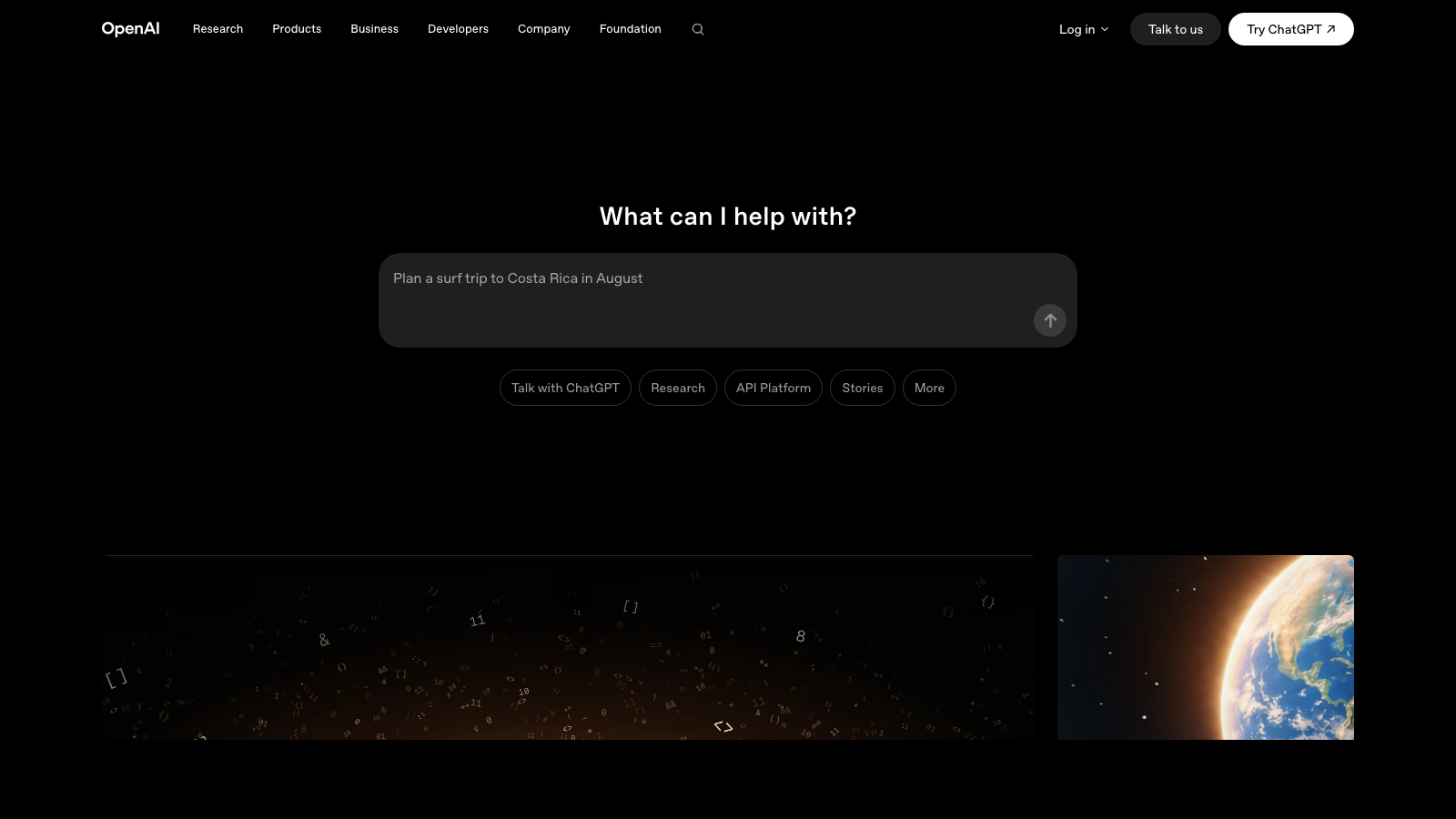
ChatGPT is a general AI assistant for writing, research, analysis, files and images. Projects and Tasks help you keep ongoing work organized.

ChatGPT homepage

Reviewers on G2 (4.6 out of 5, 4,000+ reviews) like the speed and how many jobs it can handle. They complain about wrong or overly long answers and losing context in long chats.

The free plan has limited access to the latest model, uploads and image generation. Plus is $20 a month.
Who it fits

  • Anyone who wants one assistant for most daily tasks.

Trade-offs

  • It can give confident wrong answers, and the best features need a paid plan.
ServicesWriting · Research · Analysis · File uploads · Images · Projects · Tasks · Custom GPTs See features
Standout usersPeople who want one assistant for most daily work
Best forAnyone who wants one assistant for most daily tasks.
PricingFree plan with limited access to the latest model, uploads and image generation. Plus is $20 a month. See pricing
Why choose ChatGPT
  • Handles almost any work task
  • Projects, Tasks and custom GPTs
  • Business plans with admin controls

2

Claude

Best for long documents and quality writing

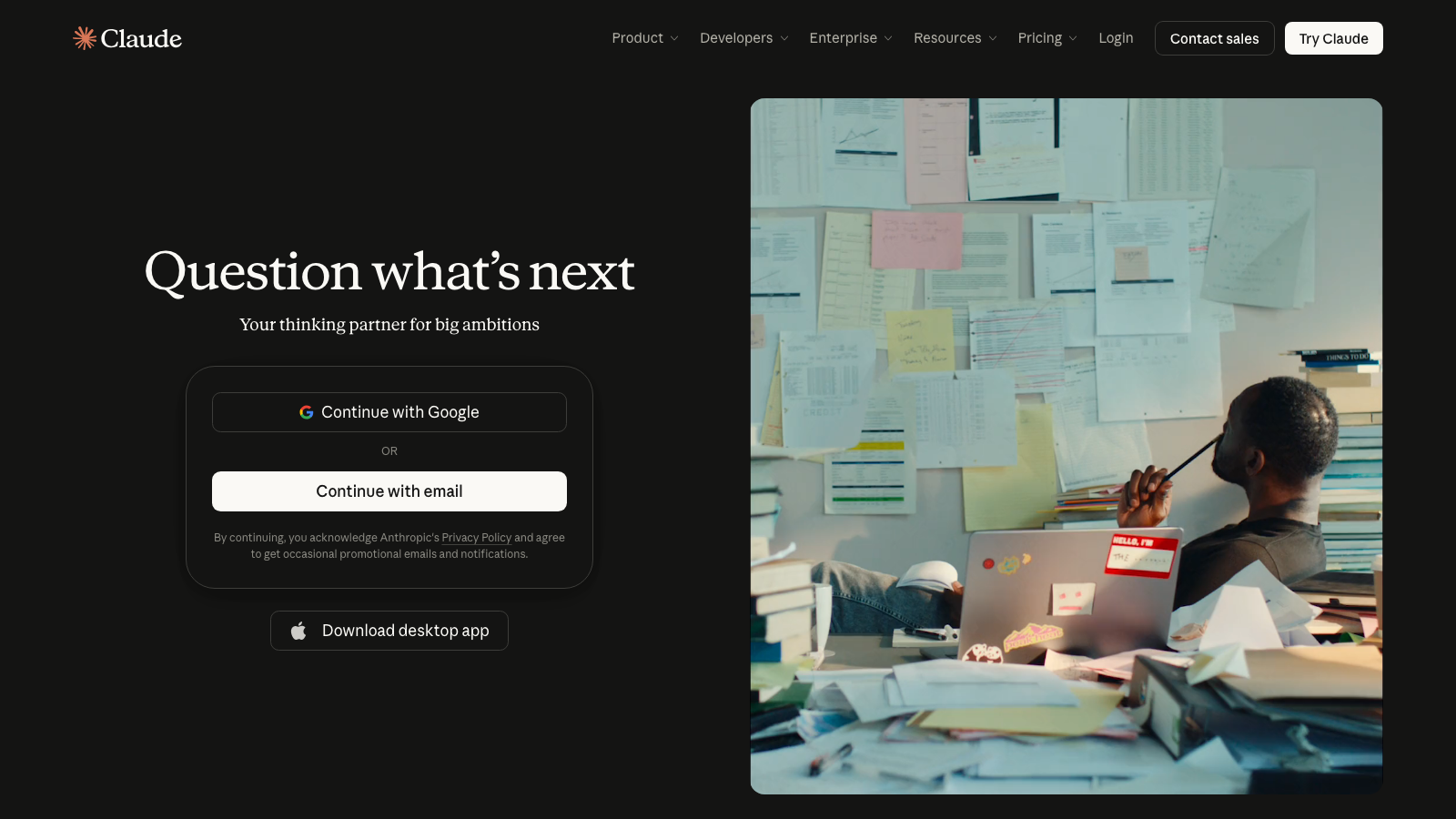
Claude is an AI assistant strong at writing, analyzing long documents and coding. It connects to apps like Microsoft 365.

Claude homepage

Reviewers on Capterra (4.4 out of 5) like the writing quality and ease of use. They complain about usage caps and slow support.

If you are choosing between the two most popular assistants, read our ChatGPT vs Claude comparison.

The free plan has limited usage. Pro is $20 a month, or $17 a month billed yearly.
Who it fits

  • People who write a lot or work with long reports and files.

Trade-offs

  • Usage limits apply even on paid plans, and answers can run long.
ServicesWriting · Long-document analysis · Coding · Microsoft 365 connectors See features
Standout usersPeople who write a lot or work with long files
Best forPeople who write a lot or work with long reports and files.
PricingFree plan with limited usage. Pro is $20 a month, or $17 a month billed yearly. See pricing
Why choose Claude
  • Natural, well-structured writing
  • Handles long files well
  • Many app connectors

3

Gemini

Best for teams in Google Workspace

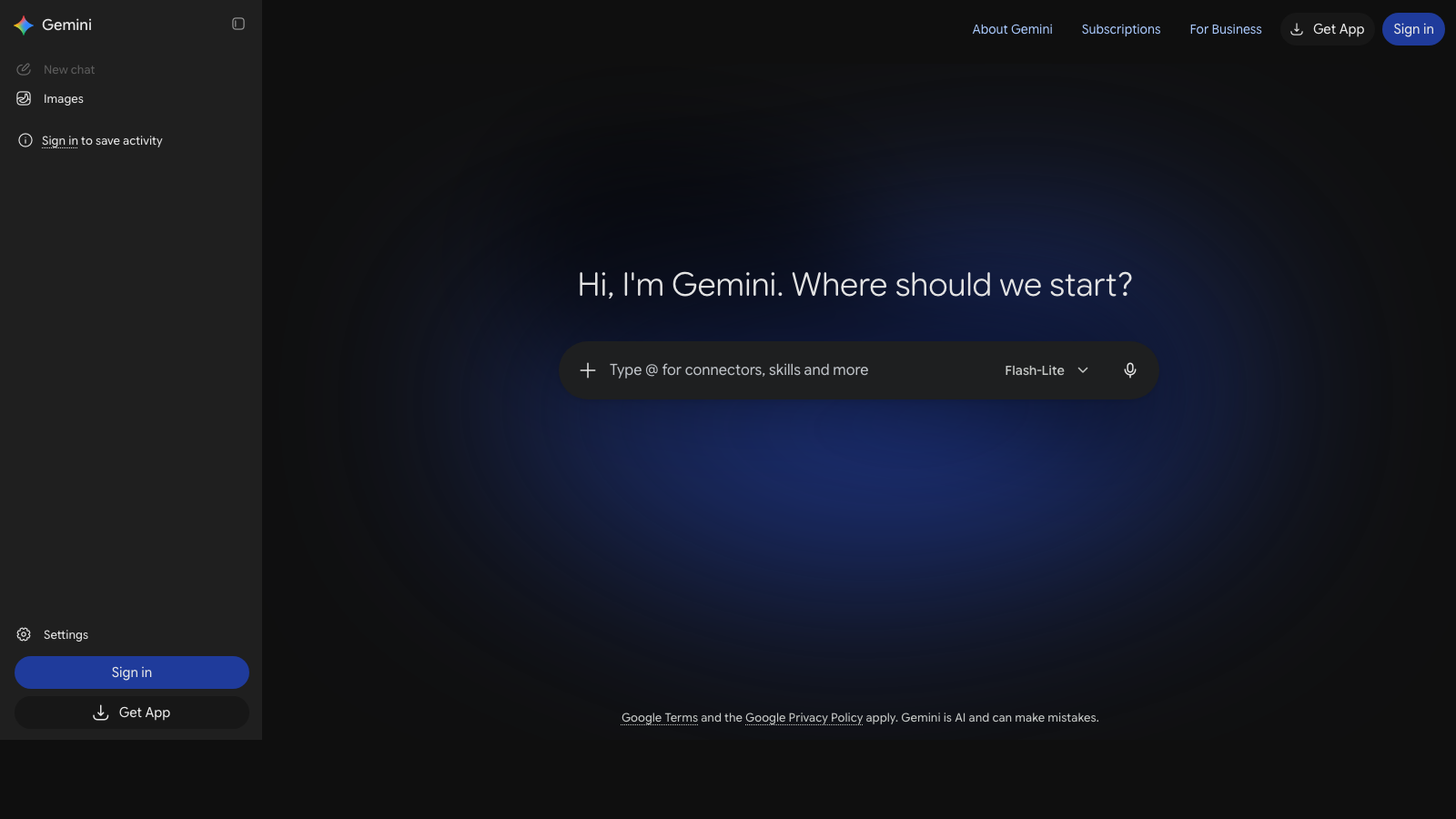
Gemini is Google’s AI assistant. On paid plans it works inside Gmail, Docs and Drive.

Gemini homepage

Reviewers on G2 (4.4 out of 5, 1,200+ reviews) like the Google integration and free tier. They complain about wrong answers and error messages.

The free plan includes Deep Research. Google AI Plus is $4.99 a month and adds Gemini in Gmail. AI Pro is $19.99 a month and adds Gemini in Docs.

Who it fits

  • People whose work already lives in Google apps.

If you're choosing between Gemini and ChatGPT, read our ChatGPT vs Gemini comparison.
Trade-offs

  • Accuracy is uneven on niche topics, and Gmail and Docs features need a paid plan.
ServicesGmail · Docs · Drive · Deep Research · Long documents See features
Standout usersPeople whose work already lives in Google Workspace
Best forPeople whose work already lives in Gmail, Docs and Drive.
PricingFree plan. Google AI Plus is $4.99 a month and adds Gemini in Gmail. AI Pro is $19.99 a month and adds Gemini in Docs. See pricing
Why choose Gemini
  • Built into Google apps
  • Generous free plan with Deep Research
  • Handles long documents

4

Perplexity

Best for fast research with sources

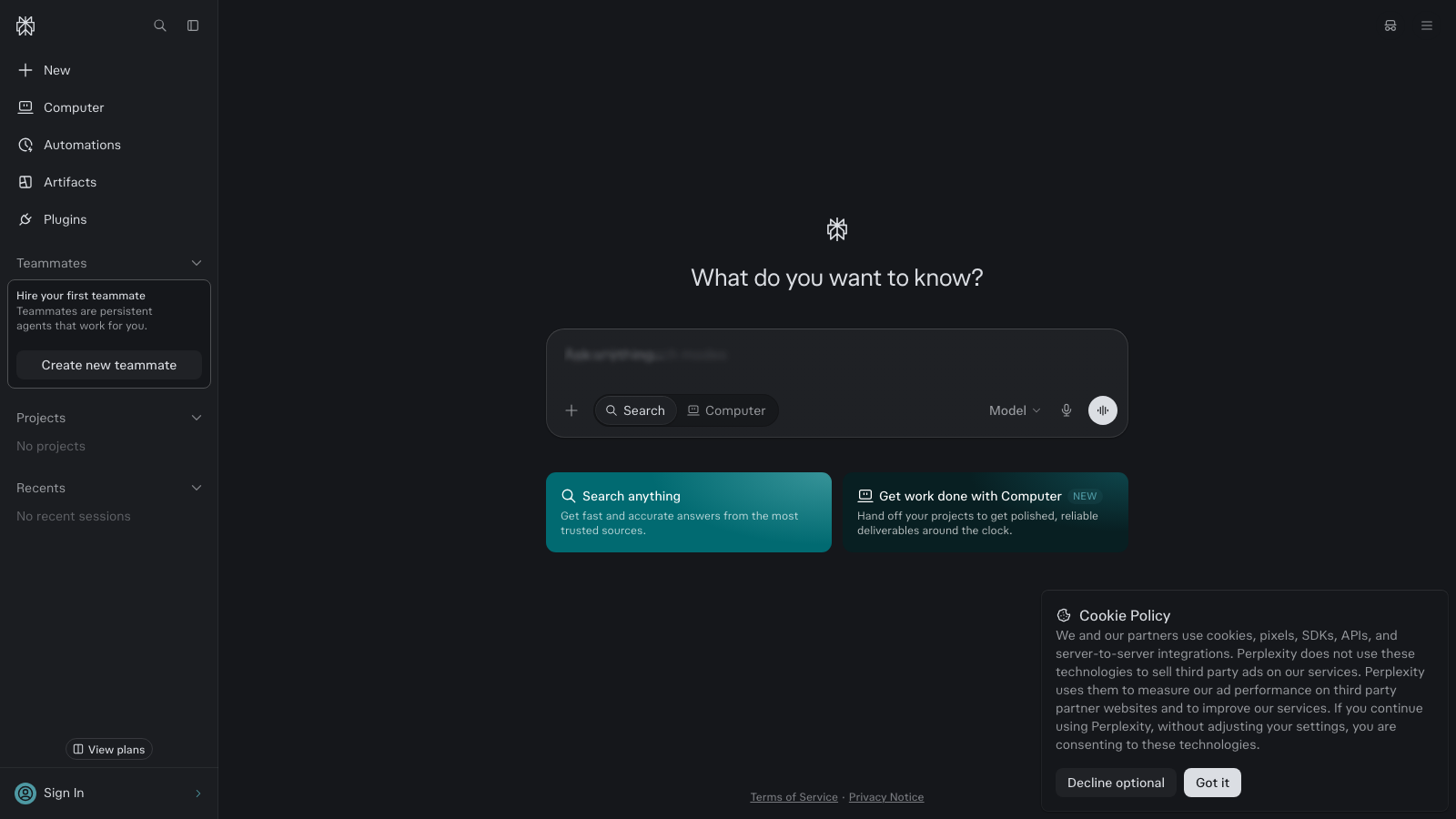
Perplexity is an AI search engine that answers questions with sources you can click and check.

Perplexity homepage

Reviewers on G2 (4.4 out of 5, 366 reviews) like the short, cited answers. They complain that source quality varies.

The free plan includes unlimited basic searches. Education Pro is $10 a month with verification, and Enterprise Pro is $40 a seat a month.
Who it fits

  • Anyone who researches topics, competitors or facts for work.

Trade-offs

  • Source quality can be uneven, and it is weaker on complex questions.
ServicesCited answers · Fast search · Basic searches on the free plan
Standout usersAnyone who researches topics, competitors or facts for work
Best forAnyone who needs a sourced answer they can check.
PricingFree plan with unlimited basic searches. Education Pro is $10 a month with verification, and Enterprise Pro is $40 a seat a month. See plans
Why choose Perplexity
  • Shows sources for every answer
  • Fast
  • Strong free plan

Writing and email

5

Grammarly

Best for polished emails and documents

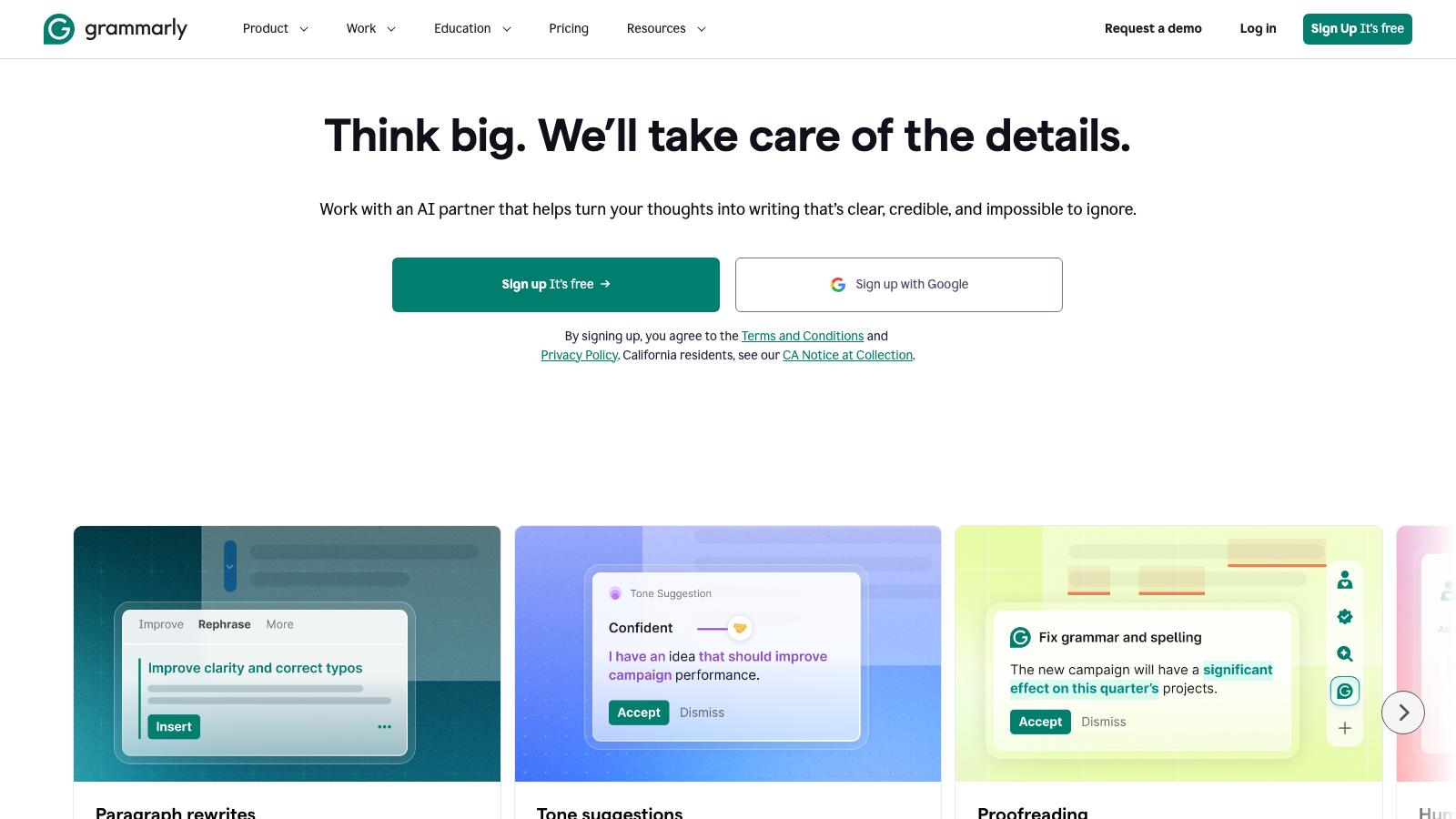
Grammarly checks grammar and tone and rewrites text in almost any app or browser.

Grammarly homepage

For more options, see our list of the best AI grammar checkers.

Reviewers on Capterra (4.7 out of 5, 7,000+ reviews) like the accurate checks. On Trustpilot (3.1 out of 5), complaints focus on auto-renewal charges and hard cancellations.

The free plan includes grammar fixes and 100 AI prompts a month. Pro is $12 a month.
Who it fits

  • Anyone who writes emails, reports or messages every day.

Trade-offs

  • Suggestions can change your meaning, and upgrade prompts are frequent.
ServicesGrammar · Tone · Rewrites · Browser and app extension · Plagiarism and AI text checks on Pro See features
Standout usersAnyone who writes emails, reports or messages every day
Best forAnyone who writes emails, reports or messages every day.
PricingFree plan with grammar fixes and 100 AI prompts a month. Pro is $12 a month. See pricing
Why choose Grammarly
  • Works in almost any app
  • Tone and clarity suggestions
  • Plagiarism and AI text checks on Pro

Meetings and notes

6

Granola

Best for meeting notes without a bot

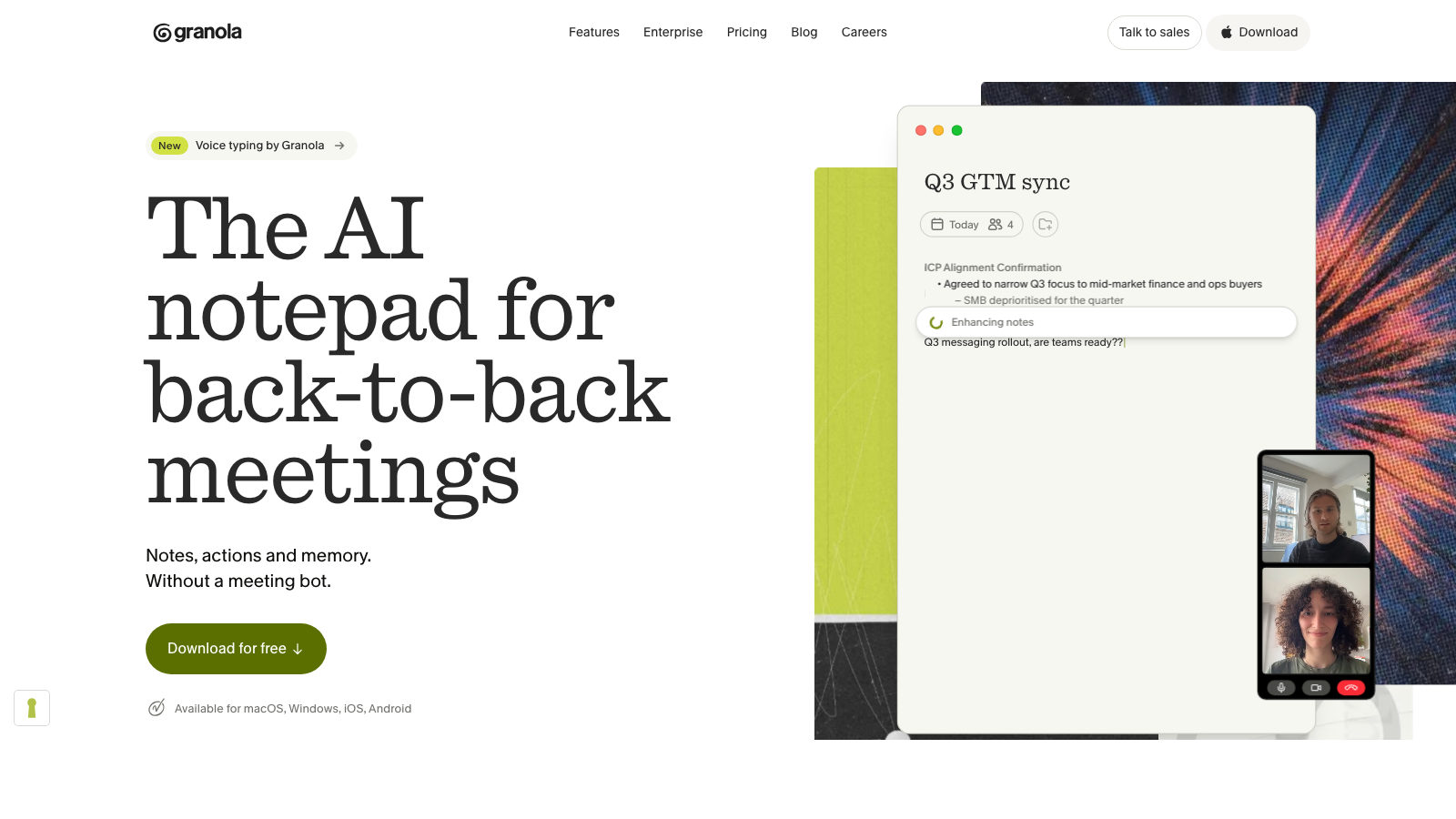
Granola is an AI notepad that turns your meeting audio into notes. No bot joins the call.

Granola homepage

We compare more options in our guide to the best AI note-taking apps.

Reviewers on G2 (4.6 out of 5, 196 reviews) like the effortless notes. They complain about mixed-up speaker names and a weaker mobile app.

The free plan includes AI notes and 30 days of history. Business is $14 a user a month.
Who it fits

  • People in many calls who don’t want a bot in the room.

Trade-offs

  • The free plan keeps only 30 days of notes, and speaker labels can be wrong.
ServicesMeeting notes · No meeting bot · Notion, HubSpot and Zapier on Business
Standout usersPeople in many calls who don’t want a bot in the room
Best forPeople in many calls who don’t want a bot in the room.
PricingFree plan with AI notes and 30 days of history. Business is $14 a user a month. See pricing
Why choose Granola
  • No bot in your calls
  • Clean, simple interface
  • Notion, HubSpot and Zapier integrations on Business

7

Fireflies.ai

Best for searchable team meeting records

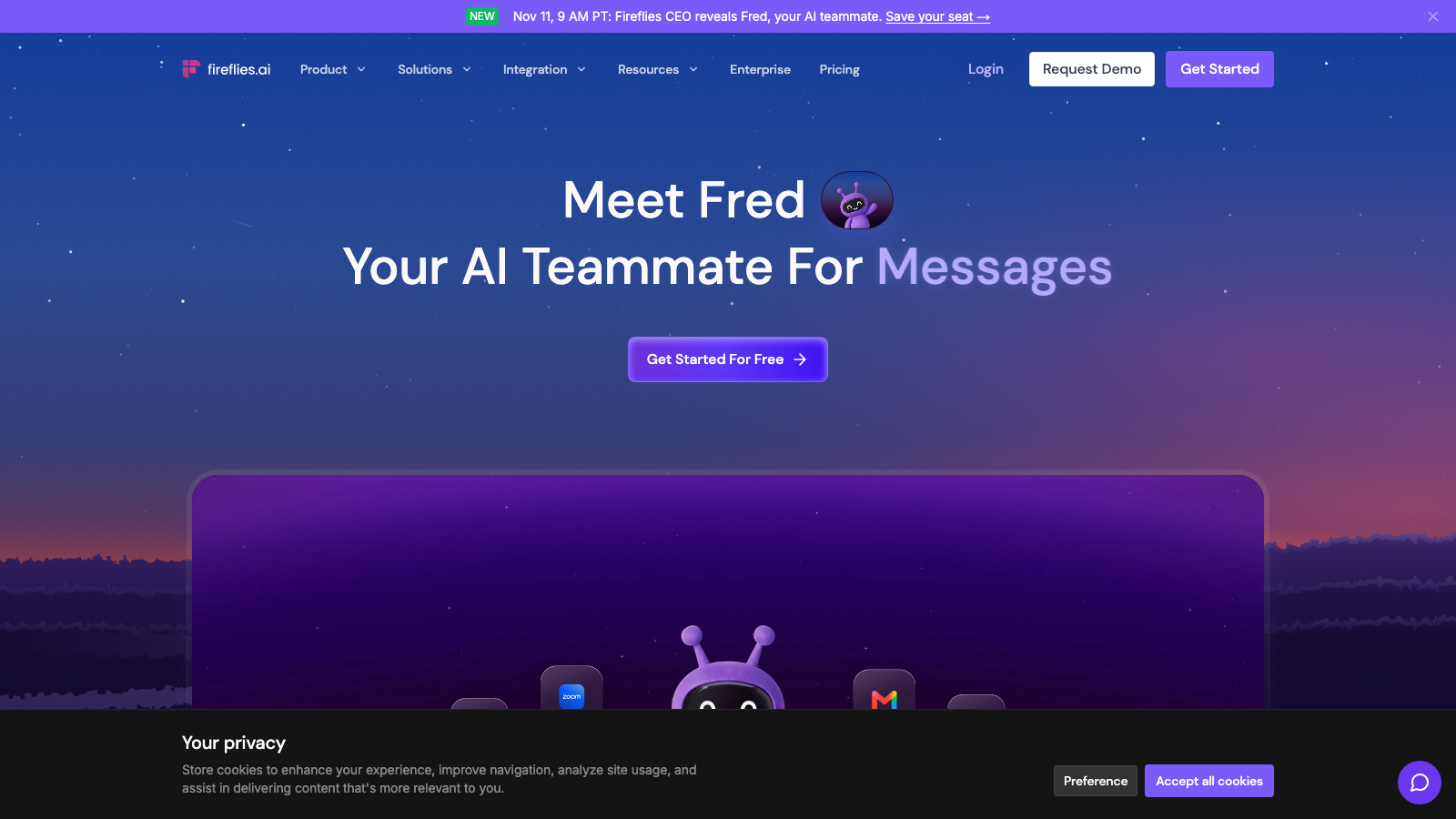
Fireflies.ai joins Zoom, Meet and Teams calls to record, transcribe and summarize them, and pulls out action items.

Fireflies.ai homepage

Reviewers on G2 (4.7 out of 5, 756 reviews) like the time-saving summaries. They complain about the auto-joining bot and errors with accents.

The free plan includes unlimited transcription and limited summaries. Pro is $10 a seat a month billed yearly.
Who it fits

  • Teams that want a searchable record of every meeting.

Trade-offs

  • The auto-joining bot can feel intrusive, and it is less accurate with accents and noise.
ServicesZoom, Meet and Teams · Transcription in 100+ languages · Summaries · Action items · CRM and Slack · Search across meetings See features
Standout usersTeams that want a searchable record of every meeting
Best forTeams that want a searchable record of every meeting.
PricingFree plan with unlimited transcription and limited summaries. Pro is $10 a seat a month billed yearly. See pricing
Why choose Fireflies.ai
  • Transcribes 100+ languages
  • CRM and Slack integrations
  • Search across past meetings

8

Notion AI

Best for keeping docs and projects in one place

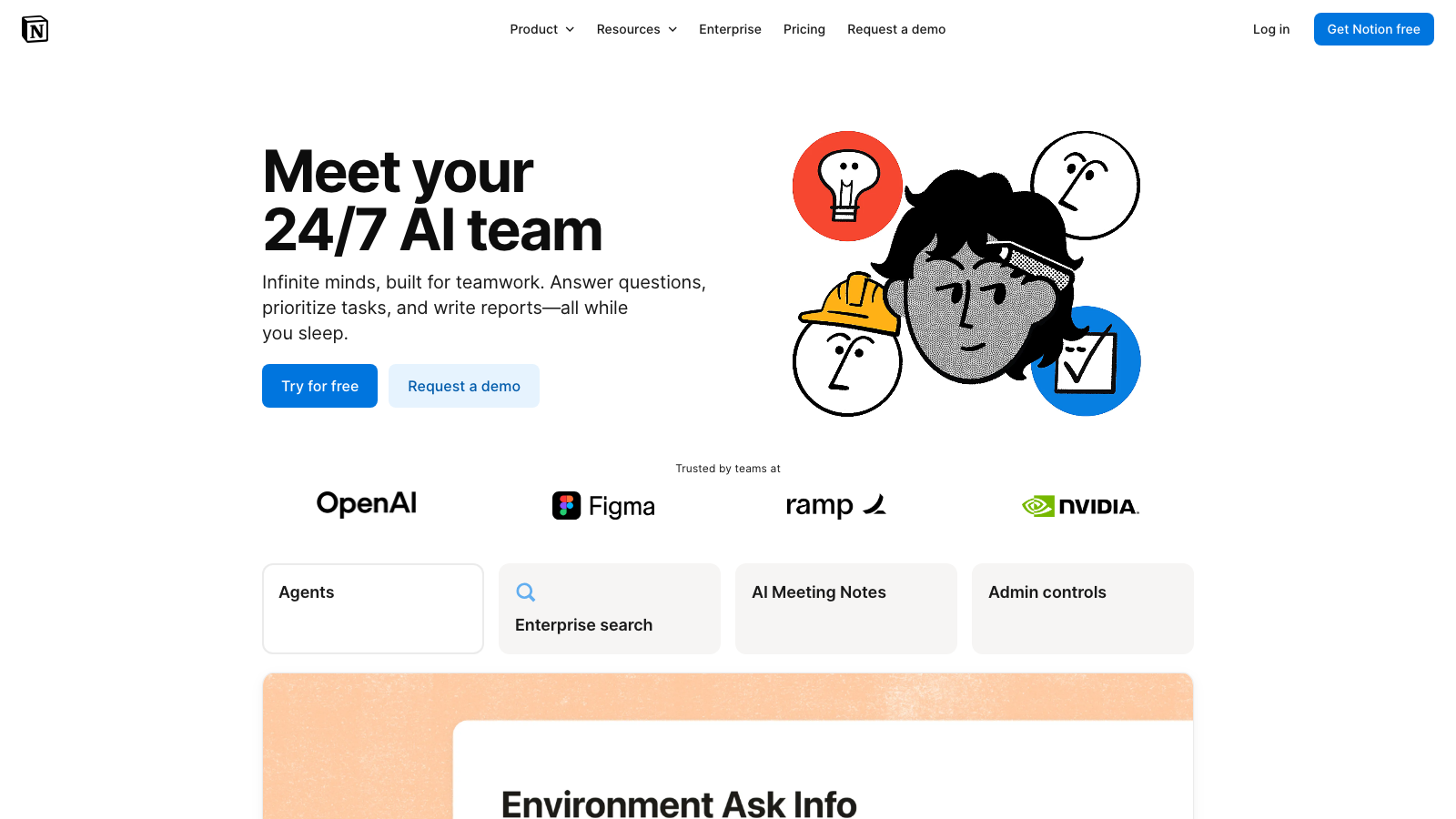
Notion AI writes, summarizes, takes meeting notes and searches across your Notion pages.

Notion AI homepage

If you are choosing between Notion and Obsidian, see our Obsidian vs Notion comparison.

Reviewers on G2 (4.6 out of 5, 13,000+ reviews) like the flexibility and AI summaries. They complain about the learning curve and AI being locked to higher plans.

Free and Plus plans include only an AI trial. Full AI starts on Business at $20 a member a month.
Who it fits

  • Teams that already plan and document their work in Notion.

Trade-offs

  • Full AI needs the Business plan, and Notion takes time to learn.
ServicesWriting · Summaries · Meeting notes without a bot · Search across your pages See features
Standout usersTeams that already plan and document work in Notion
Best forTeams that already plan and document their work in Notion.
PricingFree and Plus plans include only an AI trial. Full AI starts on Business at $20 a member a month. See pricing
Why choose Notion AI
  • AI works across your own pages
  • Meeting notes without a bot
  • Very flexible workspace

Automation and scheduling

9

Zapier

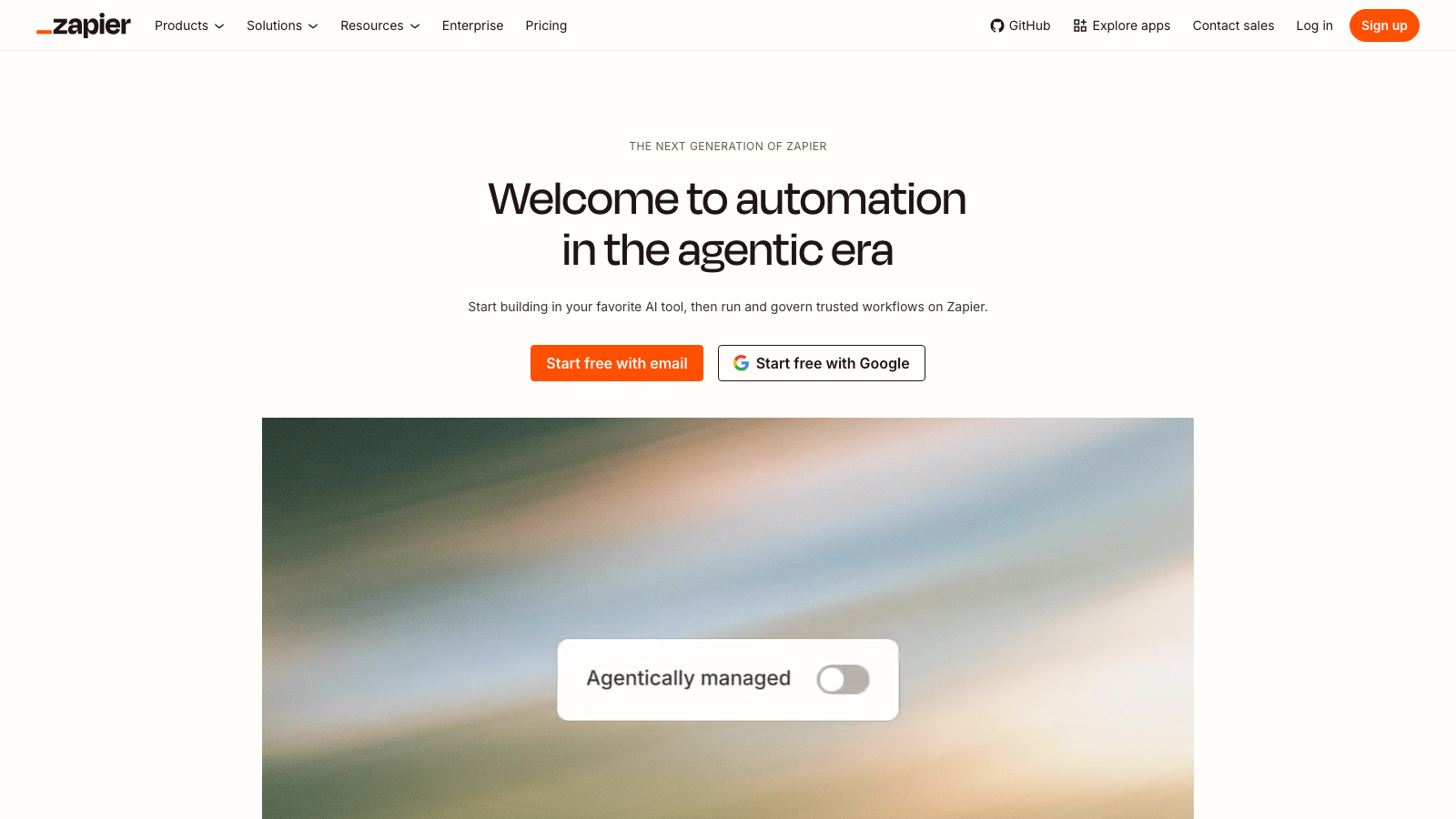
Best for automating repeat tasks across apps

Zapier connects thousands of apps into automated workflows without code, with AI steps and agents.

Zapier homepage

Reviewers on Capterra (4.7 out of 5, 3,000+ reviews) like how easy it is and the number of integrations. Pricing is the top complaint.

The free plan includes 100 tasks a month. Professional starts at $19.99 a month.
Who it fits

  • Anyone copying data between apps by hand.

Trade-offs

  • Cost rises fast with task volume, and failed runs can be hard to fix.
ServicesNo-code workflows · Thousands of apps · AI steps · Agents See features
Standout usersAnyone copying data between apps by hand
Best forAnyone copying data between apps by hand.
PricingFree plan with 100 tasks a month. Professional starts at $19.99 a month. See pricing
Why choose Zapier
  • Huge app library
  • No code needed
  • AI help for building workflows

10

Reclaim.ai

Best for protecting focus time on a busy calendar

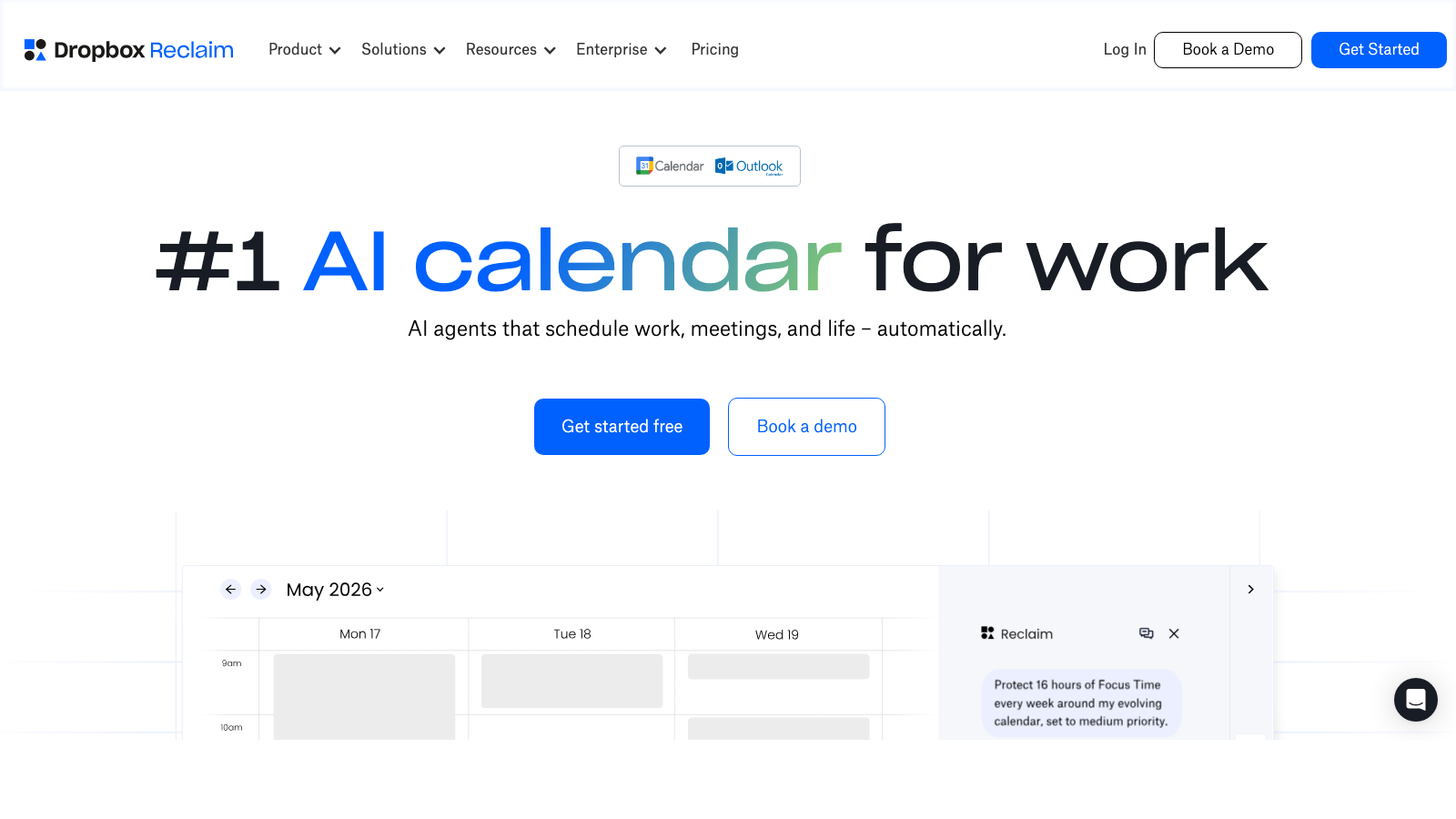
Reclaim.ai is an AI calendar tool that schedules tasks, focus time, habits and breaks around your meetings.

Reclaim.ai homepage

Reviewers on G2 (4.8 out of 5, 144 reviews) like that it protects their time. They complain about the missing mobile app.

The free plan covers 1 user and 1 calendar. Starter is from $10 a seat a month.

Who it fits

  • People whose calendars fill up before they get real work done.

Trade-offs

  • Task management is limited, and there is no mobile app.
ServicesFocus time · Habits · Breaks · Google and Outlook calendars · Asana task sync
Standout usersPeople whose calendars fill up before real work gets done
Best forPeople whose calendars fill up before they get real work done.
PricingFree plan for 1 user and 1 calendar. Starter is from $10 a seat a month. See pricing
Why choose Reclaim.ai
  • Automatic focus and habit blocks
  • Works with Google and Outlook calendars
  • Syncs tasks from tools like Asana

How to choose

If you want one tool for most tasks, start with ChatGPT or Claude.

If your work lives in Gmail and Docs, pick Gemini.

If you research a lot and need sources, pick Perplexity.

Not sure if it's worth it over ChatGPT? Read our Perplexity vs ChatGPT comparison.

If you’re in calls all day, pick Granola for private notes or Fireflies.ai for shared team records.

If your team plans and documents work in one place, pick Notion AI.

If you move data between apps by hand, pick Zapier.

If meetings eat your whole day, pick Reclaim.ai.

For more tools that plan your day, clear your inbox and capture tasks, see our list of the best AI tools for productivity.

Stuck choosing?

Want one tool for the job that eats your day?

Tell us whether the bottleneck is writing, research, meetings or calendar time. We’ll point you at one tool from this list.

Ask the editors →

Frequently asked questions

What is the best AI for office work?

For most people, a general assistant like ChatGPT, Claude or Gemini covers writing, summaries and research. Add a task tool, like Granola for meetings or Zapier for automation, when one job takes too much time.

Should I use ChatGPT, Claude or Gemini?

ChatGPT is the most all-round. Claude is strong for long documents and writing. Gemini fits best if you work in Google Workspace. All three have free plans, so you can try each one.

Which AI tools are free to use?

Every tool on this list has a free plan. Limits vary: Zapier allows 100 tasks a month, Granola keeps 30 days of notes, and Notion’s free plan only includes an AI trial.

Can AI tools work with my existing workflow?

Most can. Gemini works inside Google apps, Claude connects to Microsoft 365, and Zapier links thousands of apps together.

Are AI productivity tools secure?

It depends on the tool and the plan. Business and team plans usually add admin controls. Check each tool’s privacy and data policy before you share company data.

Before you put company work into one of these

Explore further

More from Handpicked AI — picked because they share a decision, a buyer, or a use case with this article.