Best AI Tools for Productivity: 9 Picks to Plan Your Day, Clear Email and Capture Tasks
This list is for people who want AI to run the parts of their day that eat time: deciding what to work on, juggling tasks, answering email and keeping track of ideas.
This list is for people who want AI to run the parts of their day that eat time: deciding what to work on, juggling tasks, answering email and keeping track of ideas. We compared 9 tools using their official pricing pages, product pages and real user reviews. We didn't run our own tests for this list, so every claim below comes from a linked source. If you're after general AI assistants like ChatGPT and Claude, see our list of the best AI tools for work.
Quick picks
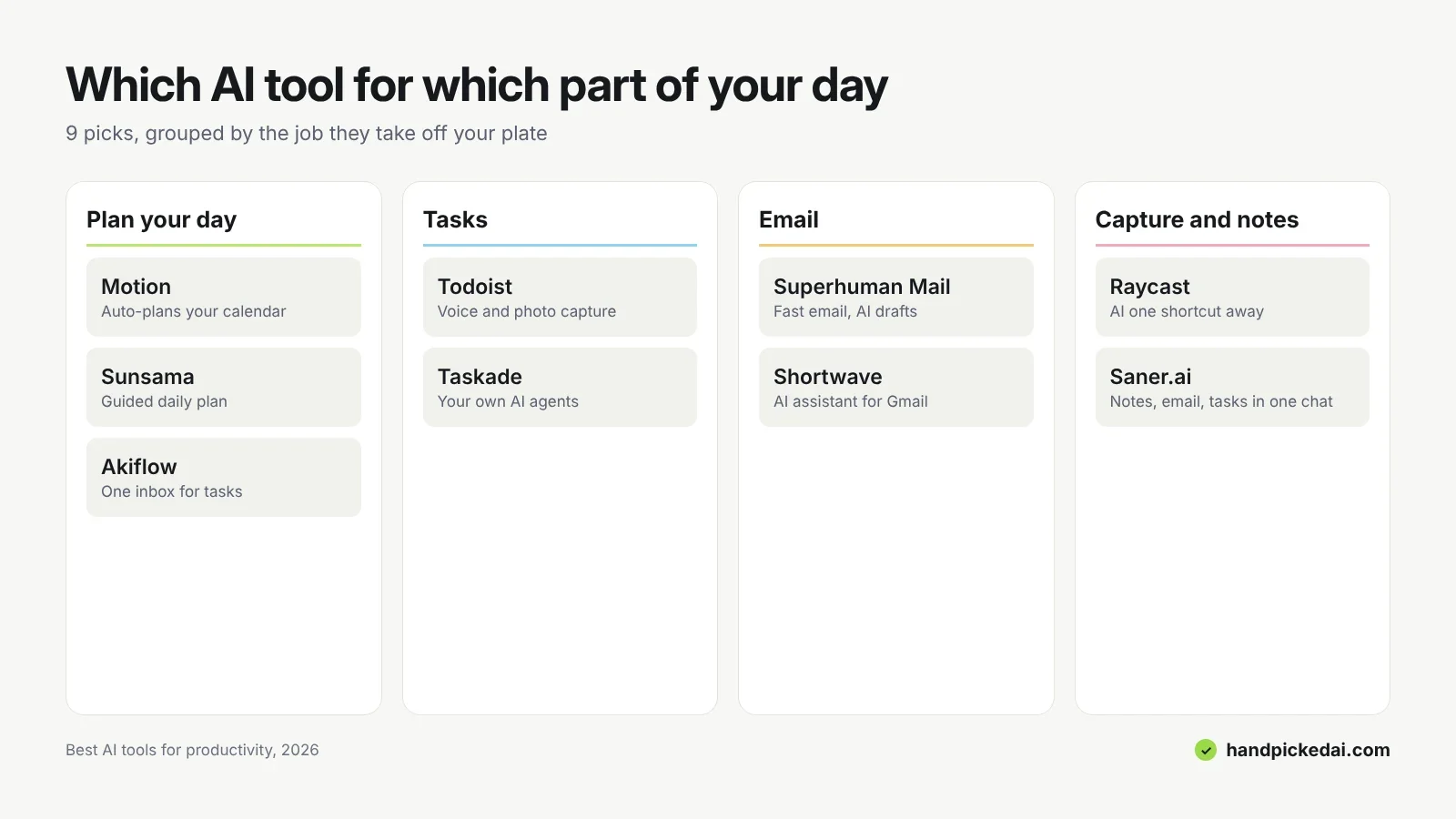
Motion: best for planning your calendar automatically
Saner.ai: best for notes, email and tasks in one chat
Plan your day
1
Motion
best for planning your calendar automatically
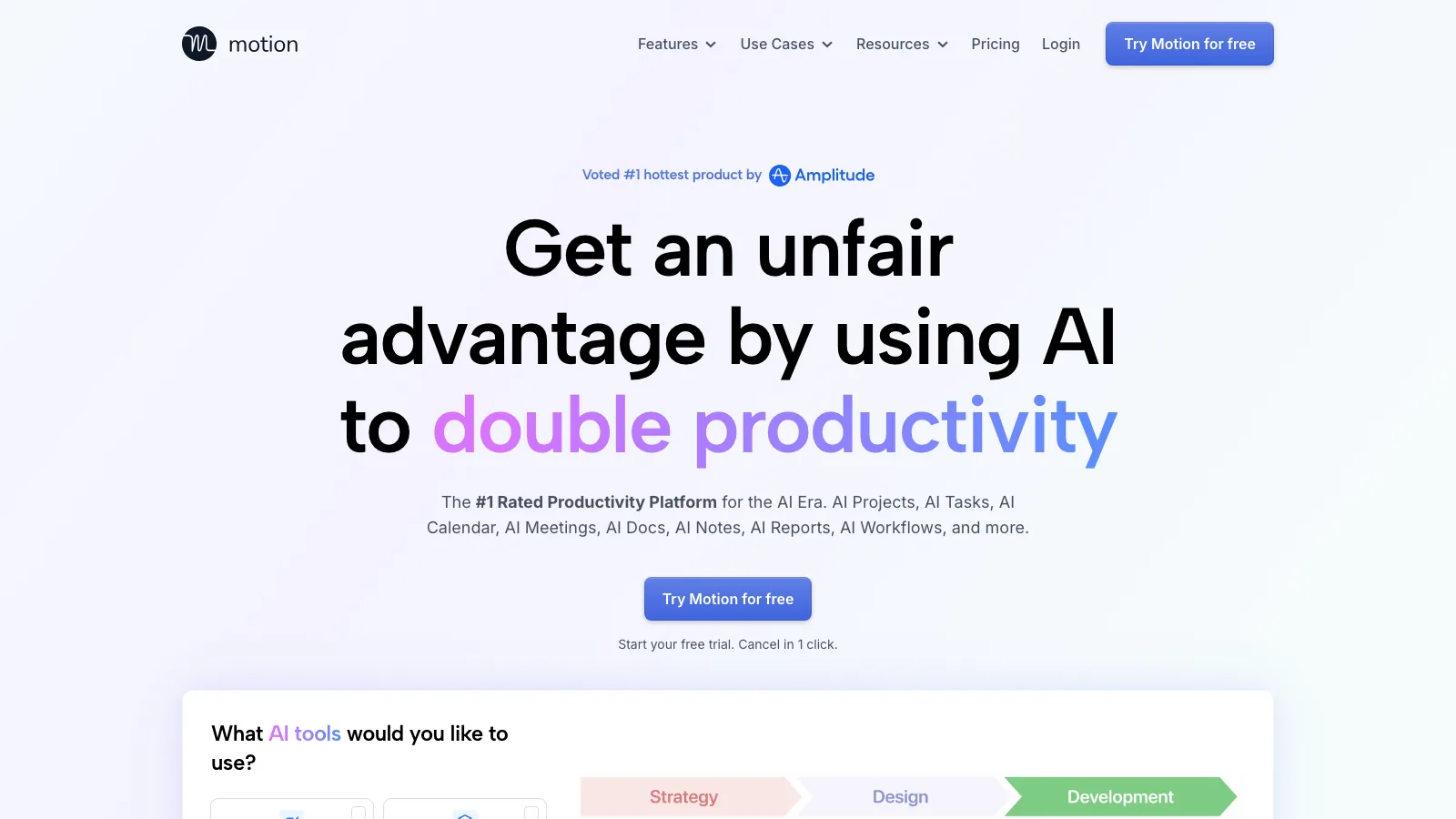
Image: Motion official website
What it does: you add tasks, deadlines and priorities, and Motion puts them on your calendar as time blocks. When plans change, it re-plans your day and tells you what to work on next. It also has AI notes and docs (Motion). For more tools like this, see our list of the best AI scheduling assistants.
Who it's for: people and teams with full calendars and lots of deadlines.
What users say: reviewers on G2 (4.1 out of 5, 157 reviews) like the time saved and auto-scheduling. They complain about a long setup, a learning curve and the price.
Pros
Fills your calendar for you
Re-plans on its own when something changes
Tasks, docs and calendar in one app
Cons
Takes time to set up and learn
Reviewers find it expensive
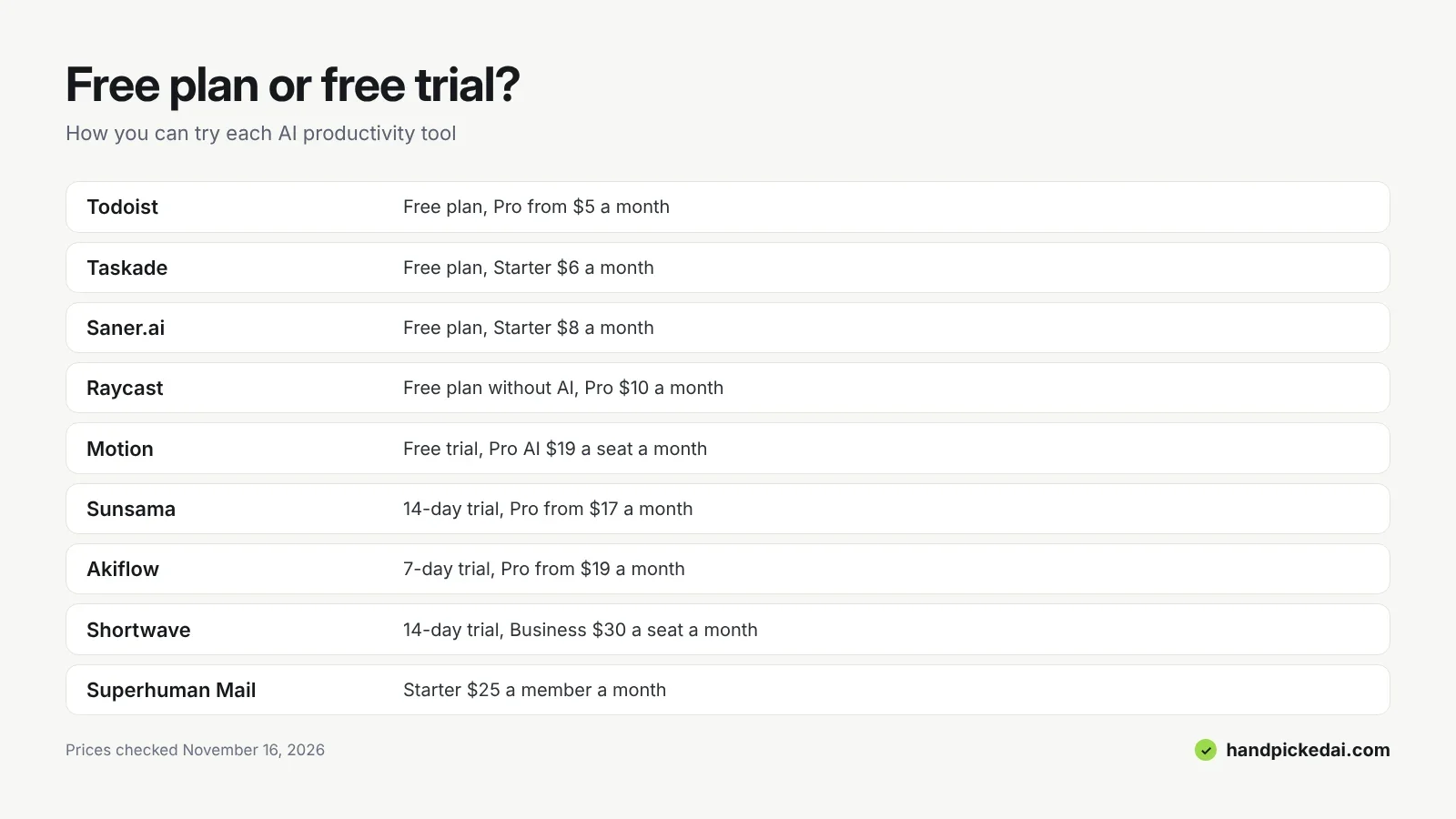
Pricingfree trial, no free plan. Pro AI is $19 a seat a month with 7,500 AI credits, and Business AI is $29 a seat a month. See pricing
2
Sunsama
best for a calm, guided daily plan
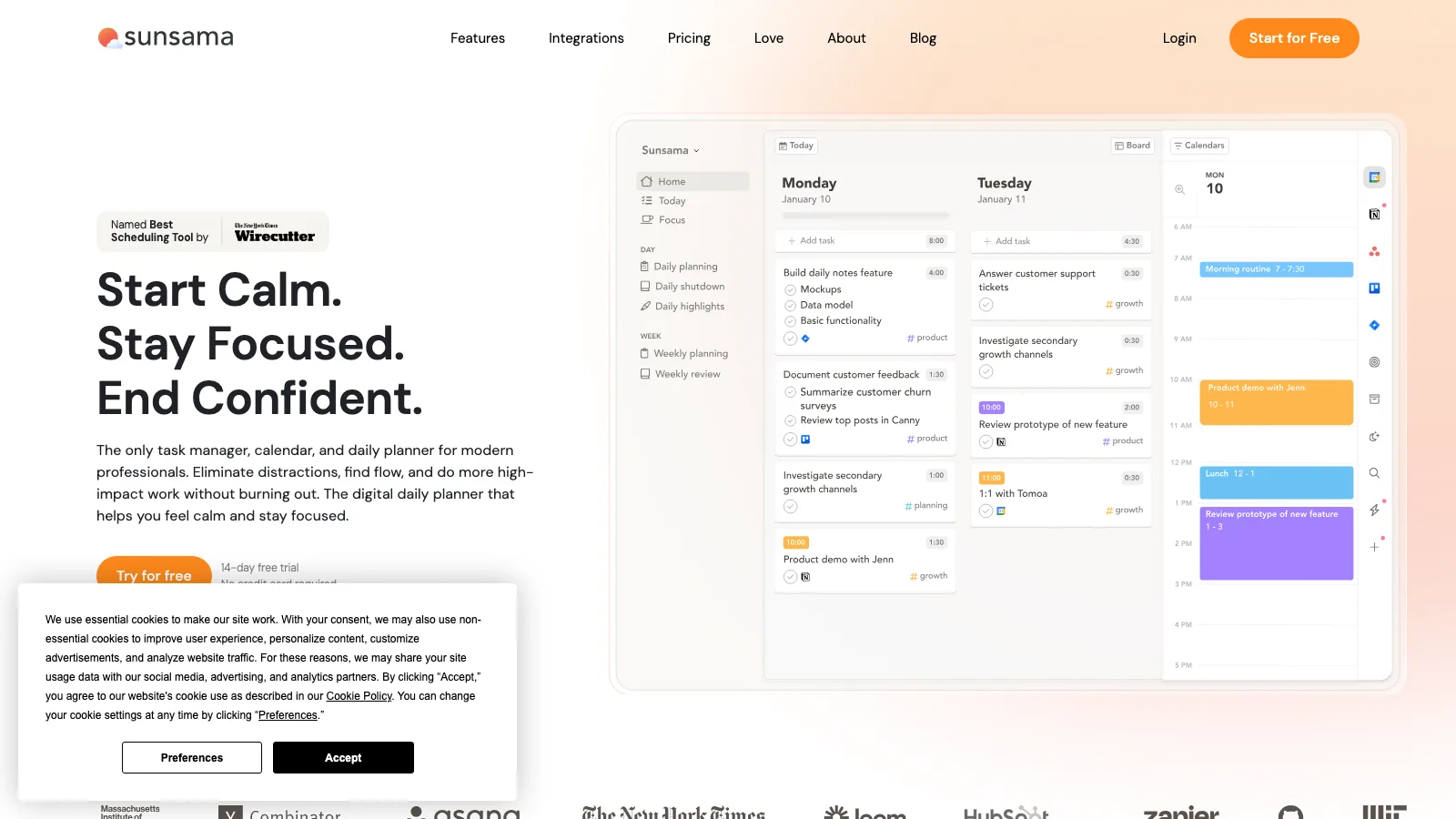
Image: Sunsama official website
What it does: a daily planner that pulls in tasks and calendar events, then walks you through planning your day with timeboxing, a focus mode and an end-of-day shutdown. AI adds summaries and auto-scheduling, but it's a light layer, not the core of the product (Sunsama).
Who it's for: people who want a calm daily routine more than heavy automation.
What users say: reviewers on Capterra (4.7 out of 5, 27 reviews) say it makes tasks easy to manage and like that it pulls in email, calendars and to-do lists. They complain about Outlook gaps and weak collaboration.
Pros
Guided planning that's easy to stick to
Pulls tasks from many apps
Free trial with no card needed
Cons
No free plan
Less AI than Motion or Akiflow
Pricing14-day free trial. Pro is $17 a month billed yearly, or $22 billed monthly. See pricing
3
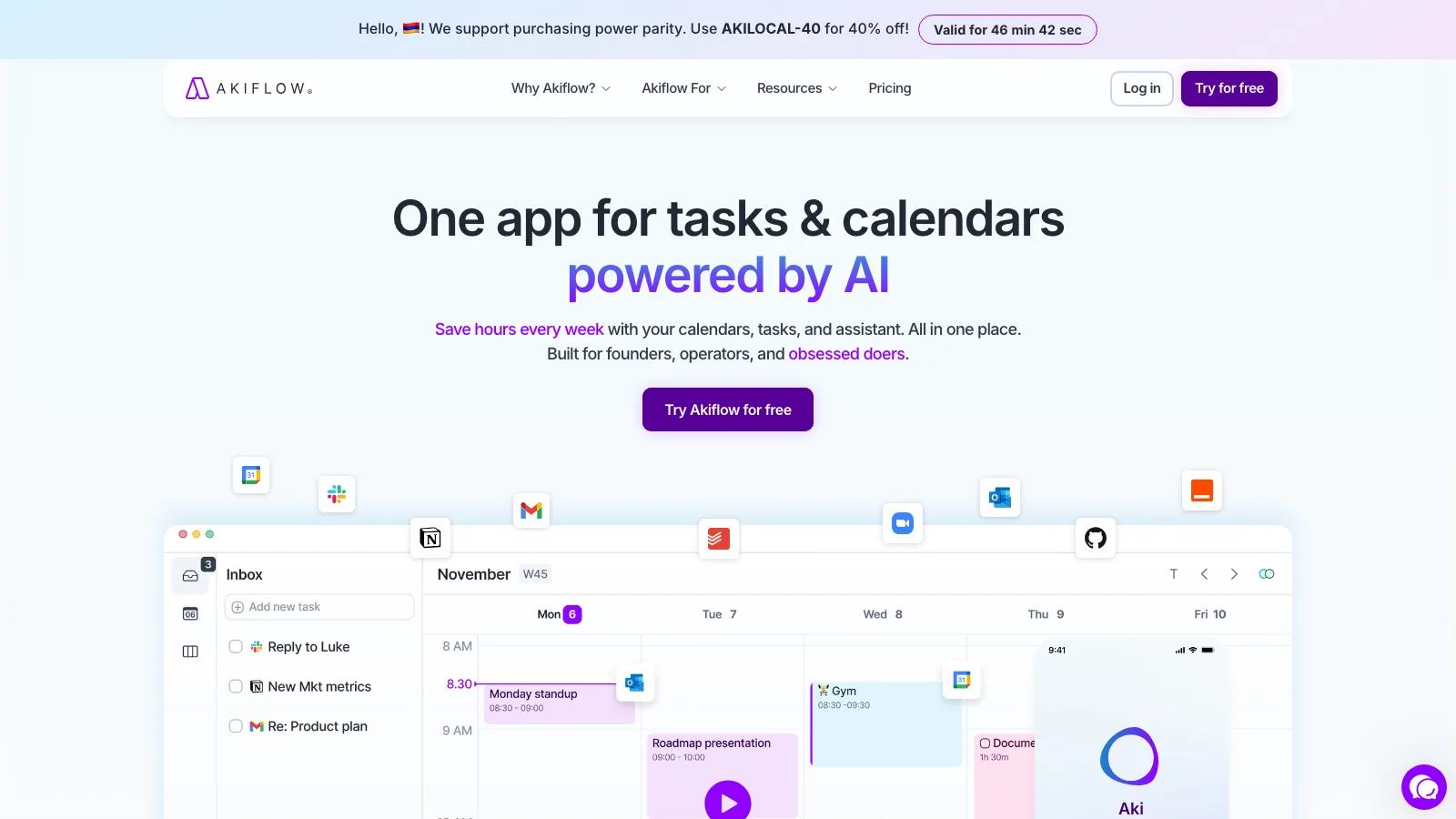
Akiflow
best for pulling every task into one inbox
Image: Akiflow official website
What it does: collects tasks from email, Slack and other apps into one inbox so you can time-block them. Its AI assistant, Aki, prioritizes and schedules tasks, answers questions about your schedule, takes voice commands and sends a daily briefing (Akiflow).
Who it's for: founders and busy professionals with tasks coming in from everywhere. Founders building a company can also see our list of the best AI tools for startups.
What users say: reviewers on G2 (4.8 out of 5, 99 reviews) like how easy it is, the scheduling and the support team. They complain about missing features like task dependencies, integration issues and a learning curve.
Pros
One inbox for tasks from every app
AI assistant that plans and schedules for you
Highest G2 rating on this list
Cons
No free plan, and the trial needs a card
Expensive on monthly billing
Pricing7-day trial. Pro is $34 a month, or $19 a month billed yearly (a promotional price). The AI Meeting Assistant costs $19 a month extra. See pricing
Tasks and to-dos
4
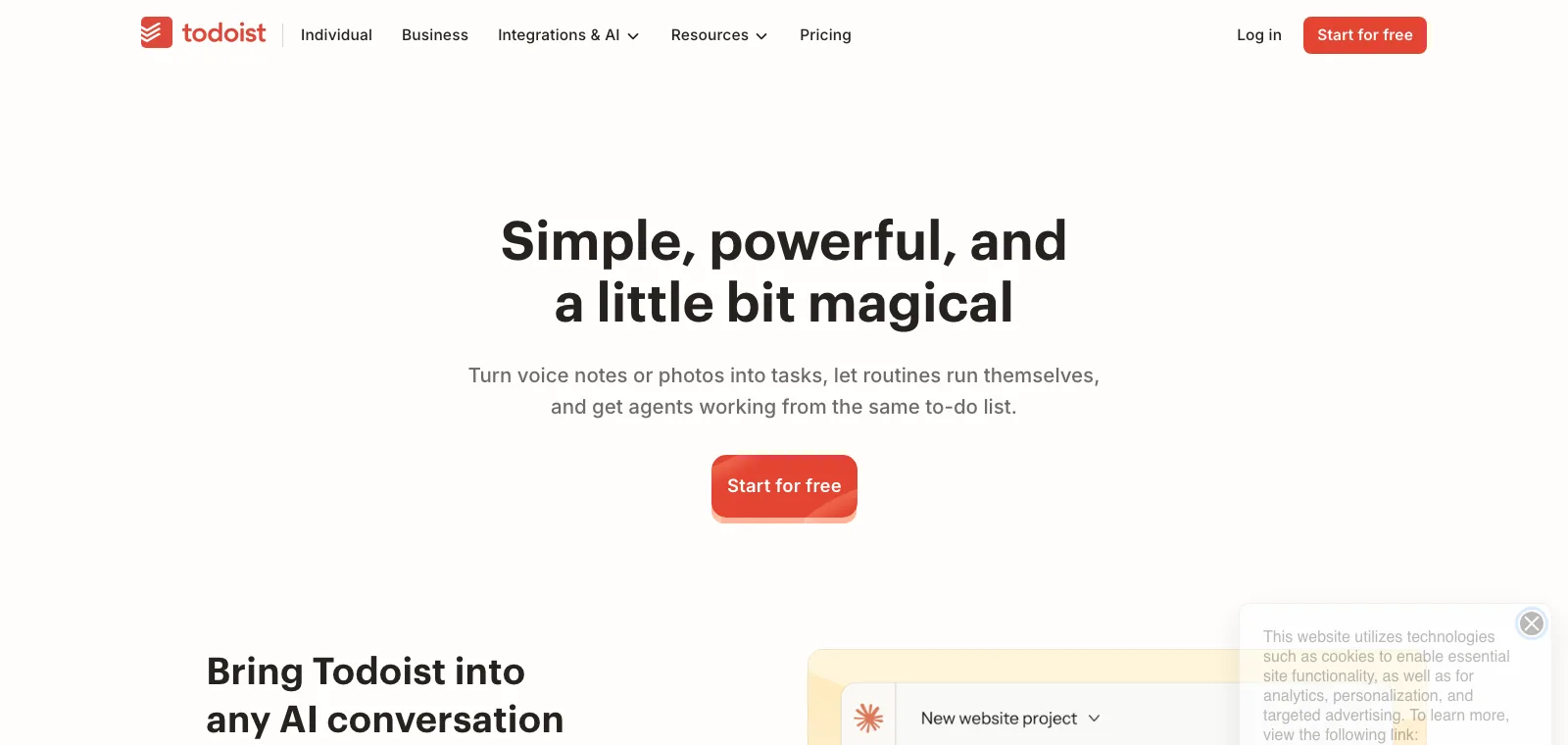
Todoist
best for capturing tasks by voice or photo
Image: Todoist official website
What it does: a to-do app with AI features called Todoist Assist. You can say your tasks out loud and get them back with dates and priorities, pull action items from a photo, PDF or email, and build filters in plain language. It also connects to Claude and ChatGPT (Todoist). For more options, see our guide to the best AI task managers.
Who it's for: anyone who wants a simple, cheap to-do list with smart capture.
What users say: reviewers on G2 (4.5 out of 5, 860 reviews) like how easy it is and capturing tasks from any device, including by voice. They complain about Google Calendar sync issues and limits on complex projects.
Pros
Strong free plan
Very cheap Pro plan
Voice and photo capture
Cons
Too basic for complex projects
Some calendar sync issues
Pricingfree plan with limited AI. Pro is $5 a month billed yearly, or $7 billed monthly. See pricing
5
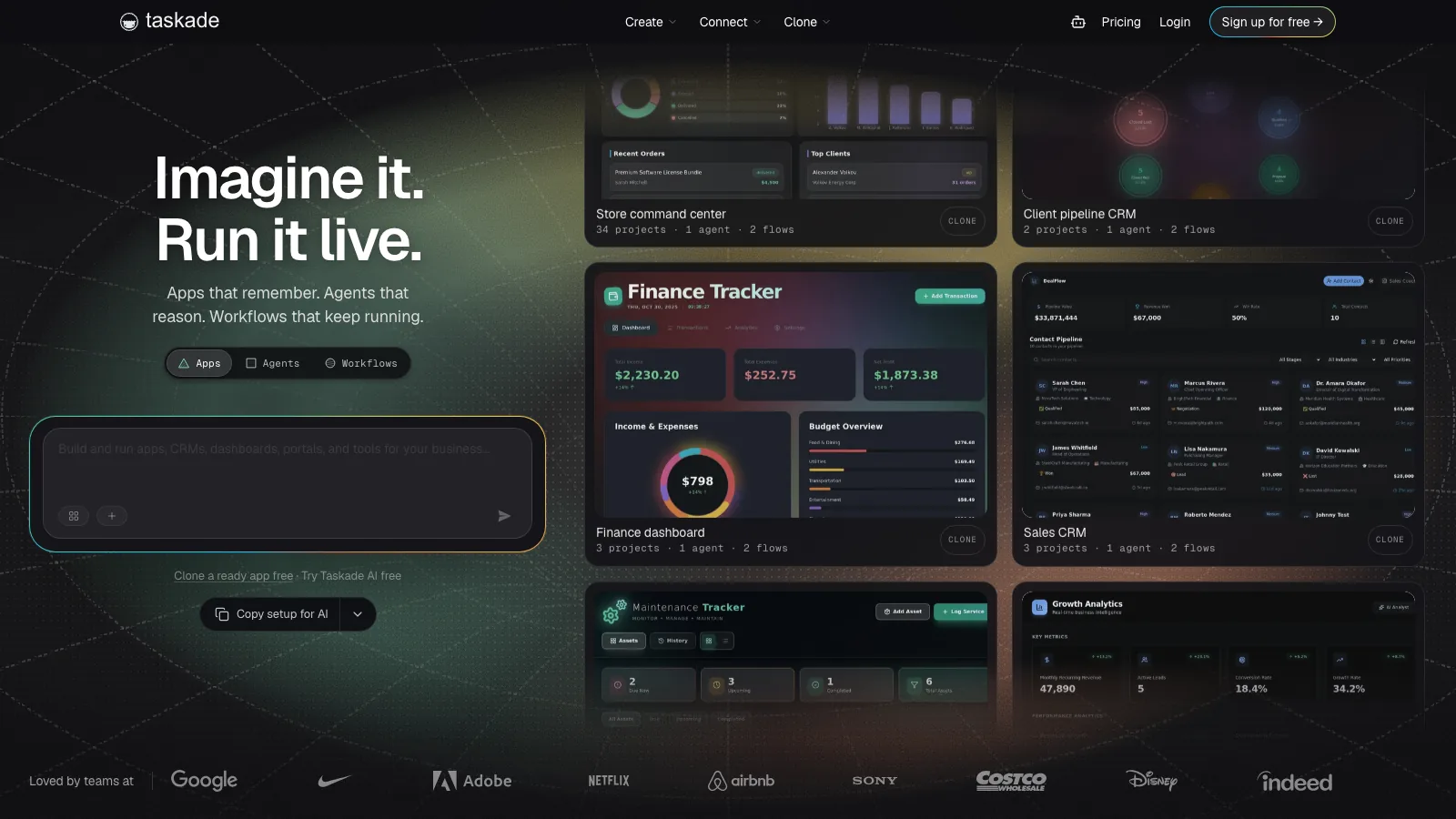
Taskade
best for building your own AI agents and automations
Image: Taskade official website
What it does: you describe what you need, and Taskade builds a small app with AI agents and automations connected to it. Agents can use tools, and automations run on triggers across 100+ integrations, with your task lists underneath (Taskade).
Who it's for: people who want custom workflows without hiring a developer.
What users say: reviewers on G2 (4.5 out of 5, 92 reviews) like the easy setup, clean interface and AI features. They complain about price changes, some lag and feeling overwhelmed at first.
Pros
Free plan includes an AI agent
Cheap paid plans
No-code automations
Cons
A lot to take in at first
Key features are on higher plans
Pricingfree plan with 1 agent and 10 automation runs a month. Starter is $6 a month and Pro $10 a month, billed yearly. See pricing
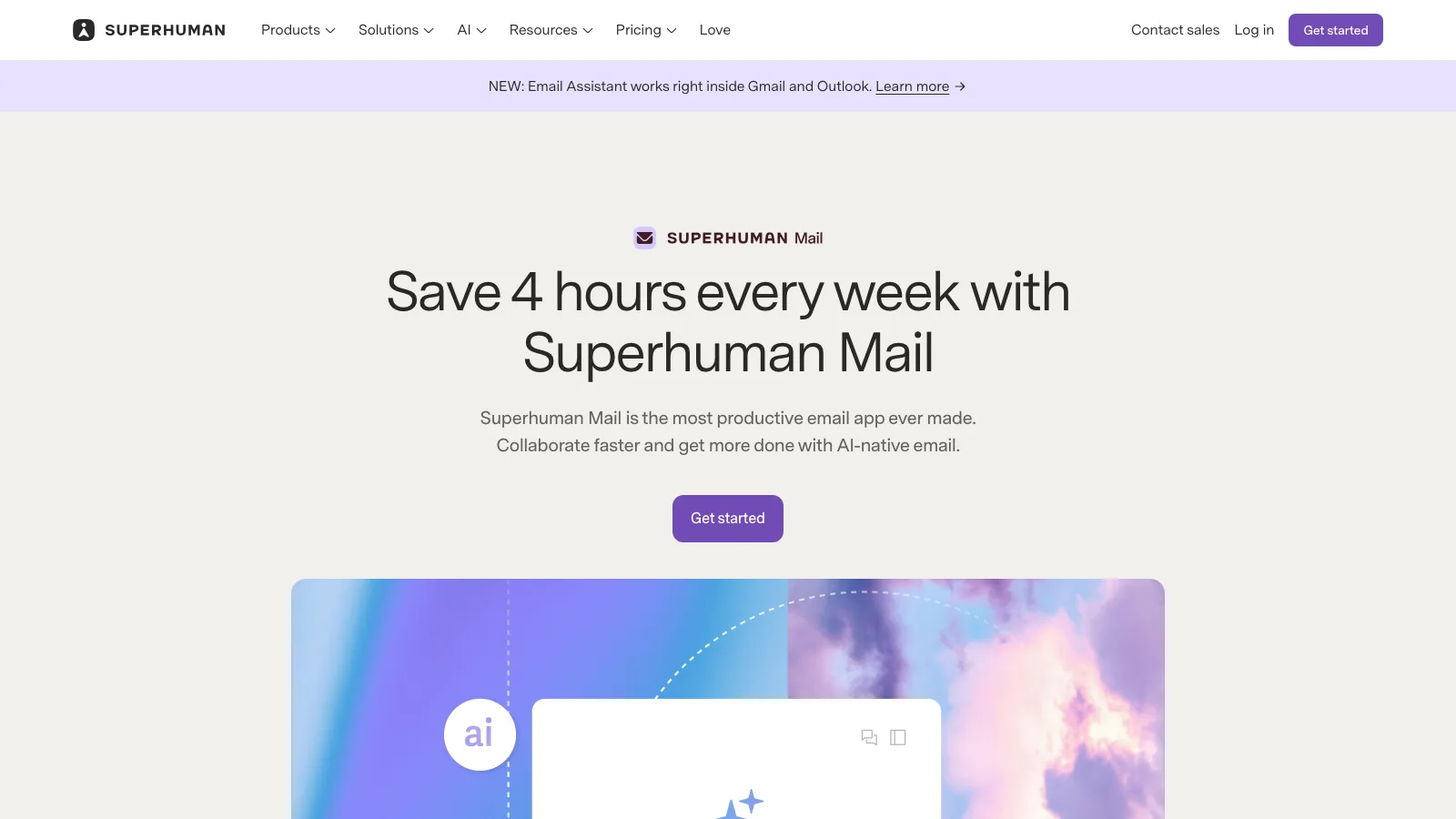
What it does: an email app for Gmail and Outlook that sorts your inbox into splits, drafts replies in your voice, reminds you to follow up and runs simple workflows (Superhuman).
Who it's for: people and teams who live in their inbox.
What users say: reviewers on G2 (4.7 out of 5, 1,300+ reviews) love the time saved, speed and keyboard shortcuts. They complain about the learning curve, the price and gaps on mobile.
Pros
Very fast
AI drafts and sorting
Works on top of Gmail and Outlook
Cons
High price
Shortcuts take time to learn
PricingStarter is $25 a member a month and Business (with Auto Drafts and Ask AI) is $33, both billed yearly. See pricing
7
Shortwave
best AI email assistant for Gmail
Image: Shortwave official website
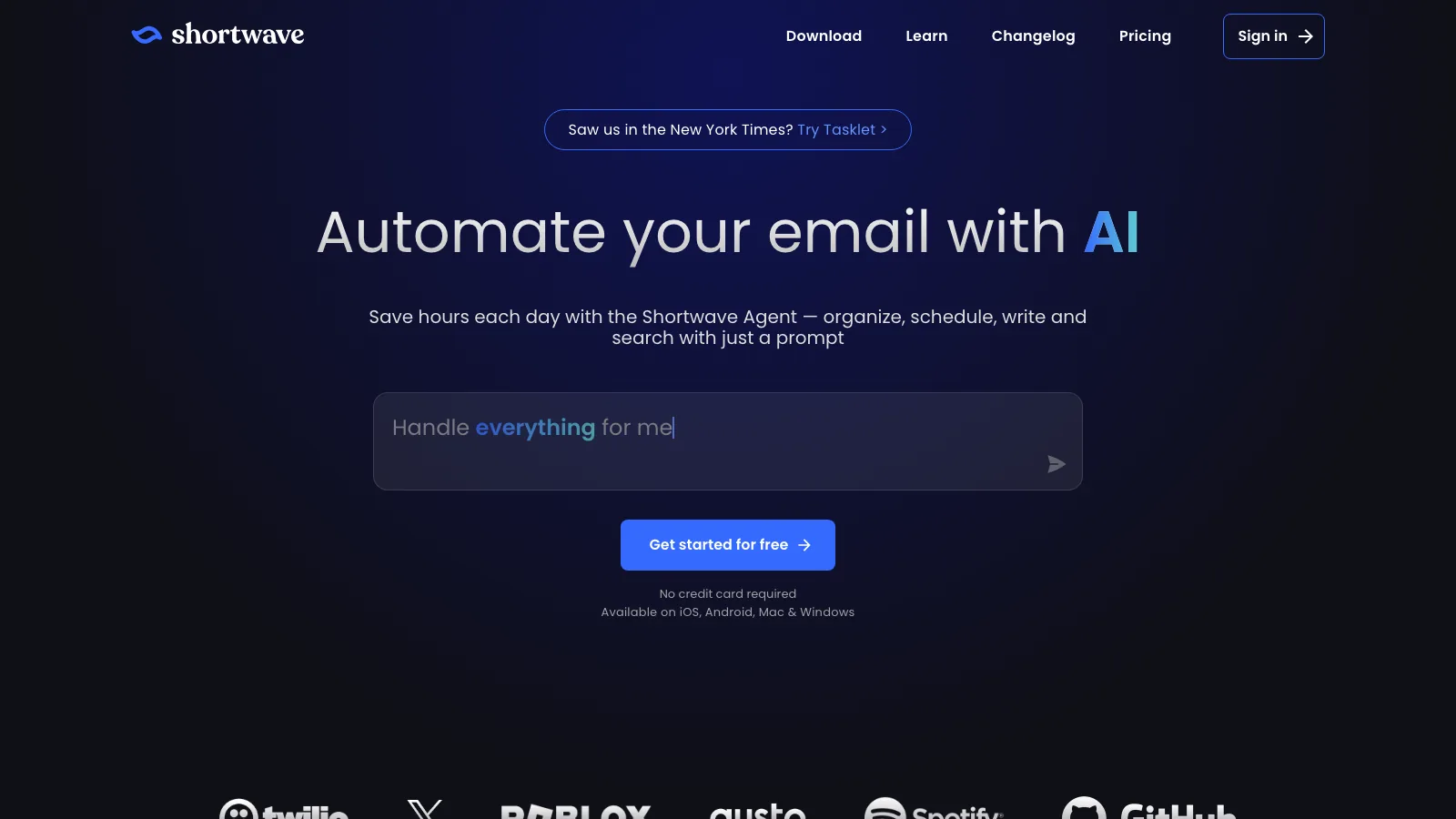
What it does: an email app with an AI agent you can ask to organize, write, search and schedule. It finds important emails and to-dos, writes in your style, answers questions from your past emails and connects to Slack, Calendar and Notion (Shortwave).
Who it's for: Gmail users who want an assistant that knows their whole inbox.
What users say: reviewers on G2 (4.4 out of 5, 68 reviews) like how easy it is and that the AI writes in their style. They complain that it's expensive and that there's no Android app.
Pros
Strong AI search across your inbox
Writes like you
Good integrations
Cons
Highest starting price of the email picks
Built around Gmail
Pricing14-day free trial. Business is $30 a seat a month. See pricing
Quick capture and notes
8
Raycast
best for using AI anywhere on your Mac
Image: Raycast official website
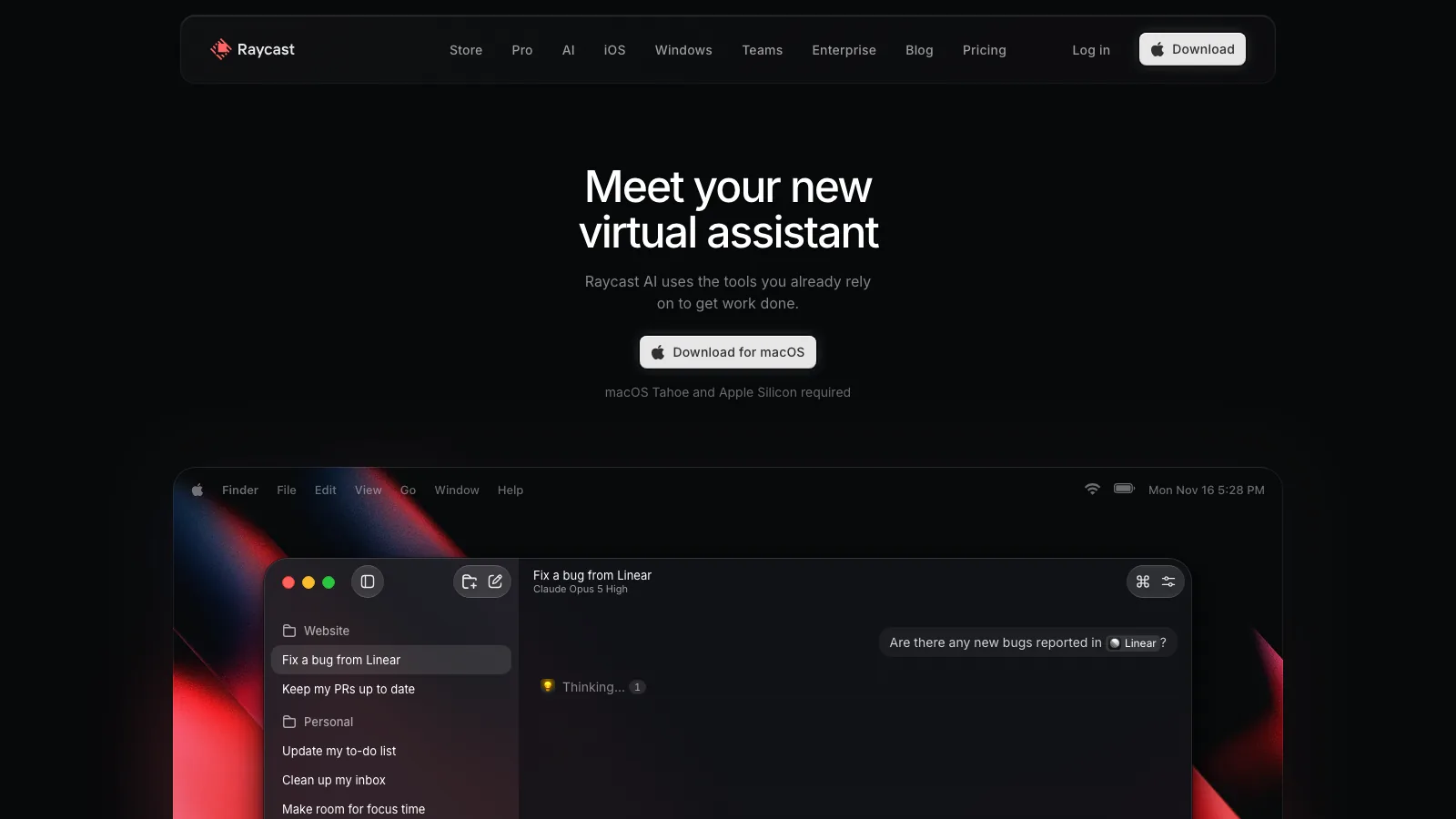
What it does: a launcher that puts AI one shortcut away. Ask a question from anywhere, save prompts as hotkeys, use AI inside apps like Linear, Slack and Notion, and set up scheduled automations. You can pick from many models or use your own keys (Raycast).
Who it's for: Mac users who want AI without switching windows. Windows and iOS versions are also listed.
What users say: reviewers on G2 (4.7 out of 5, 16 reviews) like the range of tools and the time saved. They find setup intimidating and say some integrations are missing.
Pros
AI from anywhere on your computer
Choice of AI models
Cheap Pro plan
Cons
The free plan has no AI
Mac-first, with a learning curve
Pricingfree plan without AI. Pro is $10 a month, or $96 a year, with a 50% student discount. Students can find more study tools in our list of the best AI tools for students. See pricing
9
Saner.ai
best for notes, email and tasks in one chat
Image: Saner.ai official website
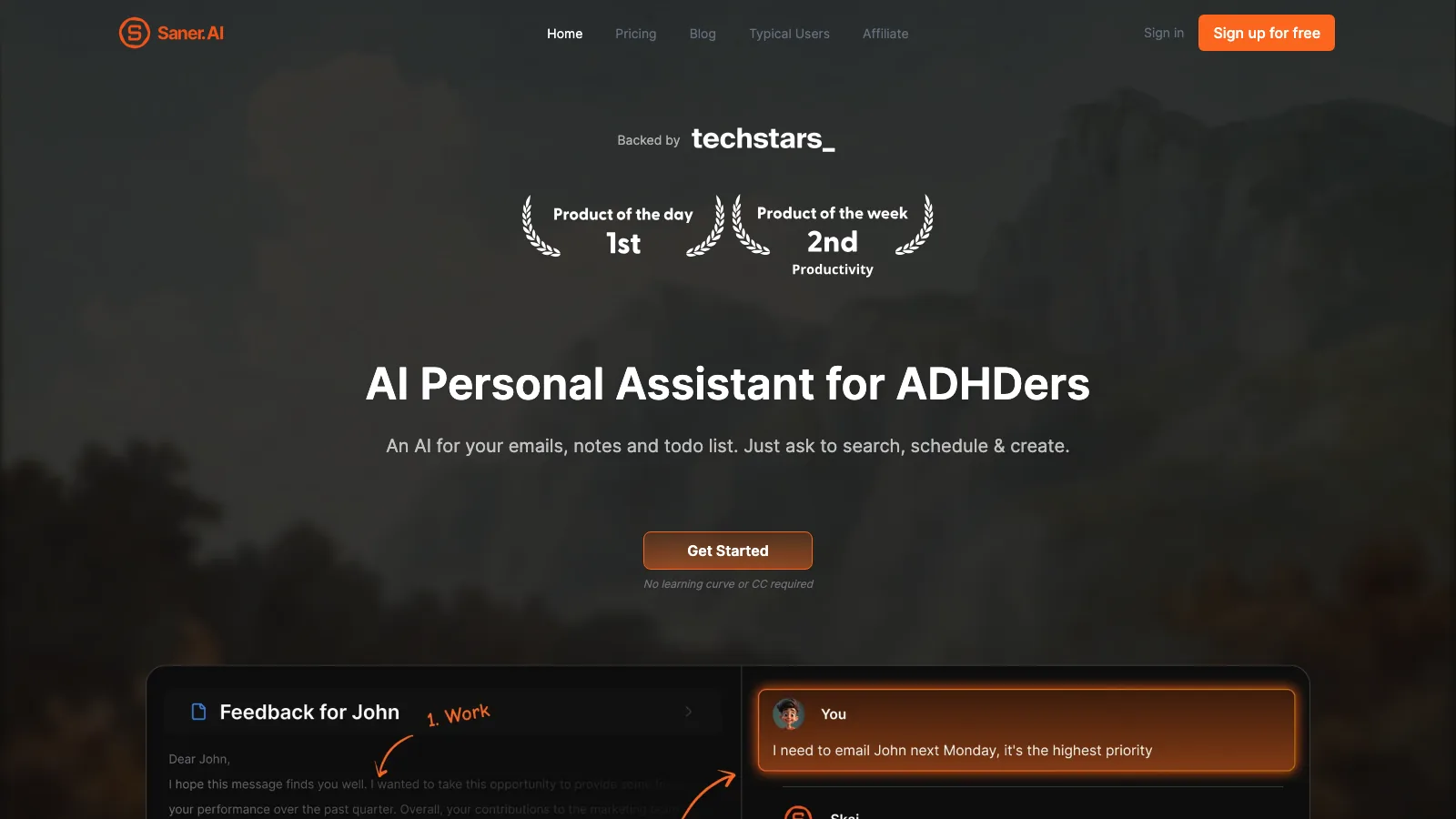
What it does: an AI that handles your notes, email and to-do list. You chat with it to find notes, sort email and schedule tasks, and it plans your day and checks in on what's pending (Saner.ai).
Who it's for: people with scattered notes and tasks. It was built with ADHD users in mind.
What users say: it has few reviews so far, with 4.8 out of 5 from 17 reviews on Product Hunt. Reviewers like the easy interface and Chrome extension. They complain about a 10MB file limit and slow note import.
Pros
Notes, email and tasks in one place
Free plan
Low price
Cons
Very few reviews
Tight limits on lower plans
Pricingfree plan with 30 AI messages a month. Starter is $8 a month and Standard $16 a month. See pricing
How we picked
📚
Coverage
We looked at which tools appear most on the pages people already trust for this topic.
🗓️
Personal productivity
Each tool had to help with your own day, planning, tasks, email or capture, not team project management. For team tools, see our list of the best AI tools for project management.
✨
Built-in AI
The AI had to do real work inside the product.
🏁
Still around
We dropped Clockwise, which shut down on March 27, 2026 (Clockwise).
💲
Pricing
We checked every price on the official pricing page on November 16, 2026.
💬
User feedback
We read reviews on G2, Capterra and Product Hunt and summarized the most common praise and complaints.
How to choose
If your calendar decides your day, pick Motion. Pick Sunsama if you'd rather plan by hand with a little help.
If tasks come at you from every app, pick Akiflow.
If you just need a good to-do list, pick Todoist.
If you want to build your own workflows, pick Taskade.
If email takes hours, pick Superhuman Mail for speed or Shortwave for Gmail search.
If you want AI one shortcut away, pick Raycast.
If your notes and tasks are everywhere, pick Saner.ai.
FAQ
How do I use AI to improve productivity?
Start with your biggest time sink. Let AI plan your calendar (Motion), capture tasks (Todoist), draft email replies (Superhuman or Shortwave) or find old notes (Saner.ai). Add one tool at a time so you can see what really saves time.
How much time can I realistically save with these tools?
In a St. Louis Fed study, people who used generative AI saved an average of 5.4% of their work hours, and were 33% more productive in each hour they used it (St. Louis Fed). Results depend on how much of your day is email, planning and routine writing.
Which AI productivity tools have a free tier?
Todoist, Taskade, Raycast (without AI) and Saner.ai have free plans. Motion, Sunsama, Akiflow and Shortwave offer free trials instead.
How do AI productivity tools compare to ChatGPT alone?
ChatGPT can draft and answer questions, but it doesn't see your calendar, inbox or task list unless you connect them. The tools here work inside your schedule and email, so they can actually move tasks and send drafts.
Is it better to use one all-in-one AI tool or multiple specialized tools?
Most people do best with two or three: one planner, one email tool and one place for tasks or notes. All-in-one tools save money but can take longer to learn.
Are AI productivity tools secure for business use?
It depends on the tool and plan. Check whether the vendor uses your data to train AI, where data is stored and whether it supports your company's sign-in and admin controls before connecting work email and calendars.
All pricing checked November 16, 2026 on the official pages linked in each tool section.