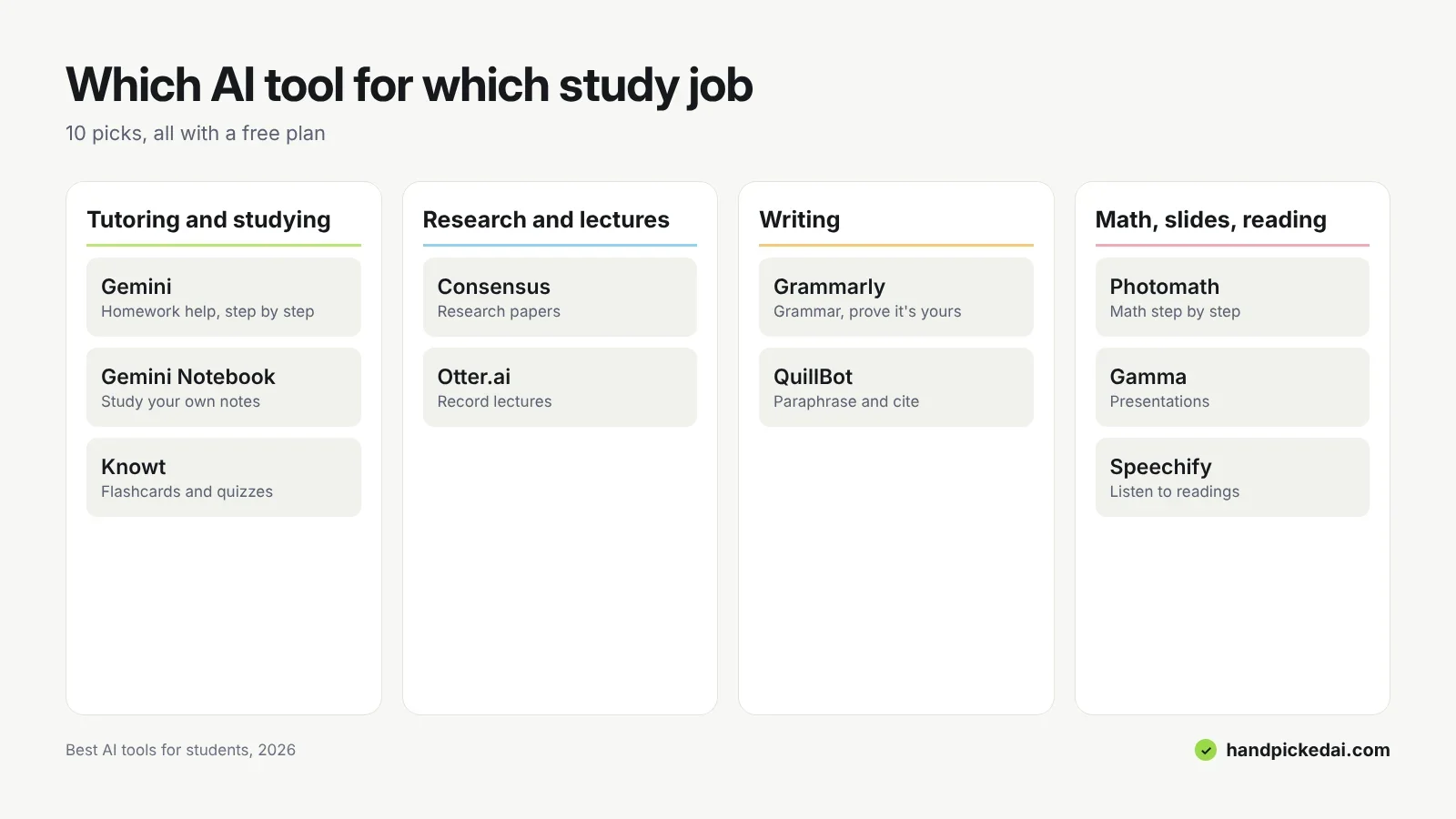
This list is for high school and college students who want AI to help them learn, not just hand them answers. We picked one tool for each study job: getting help with homework, studying from your own notes, finding research papers, recording lectures, making flashcards, writing, math, slides and reading. Every tool has a free plan, and we list the student deals worth claiming. We compared them using official pricing and product pages and real user ratings. We didn't run our own tests for this list, so every claim links to its source.
Almost every student already uses AI. In HEPI's 2026 survey of 1,054 UK undergraduates, 95% said they use AI in some form (HEPI). In the US, Pew found that 54% of teens have used chatbots to get help with schoolwork (Pew Research Center). The trick is using AI in a way that helps you learn and stays inside your school's rules, which we cover at the end.
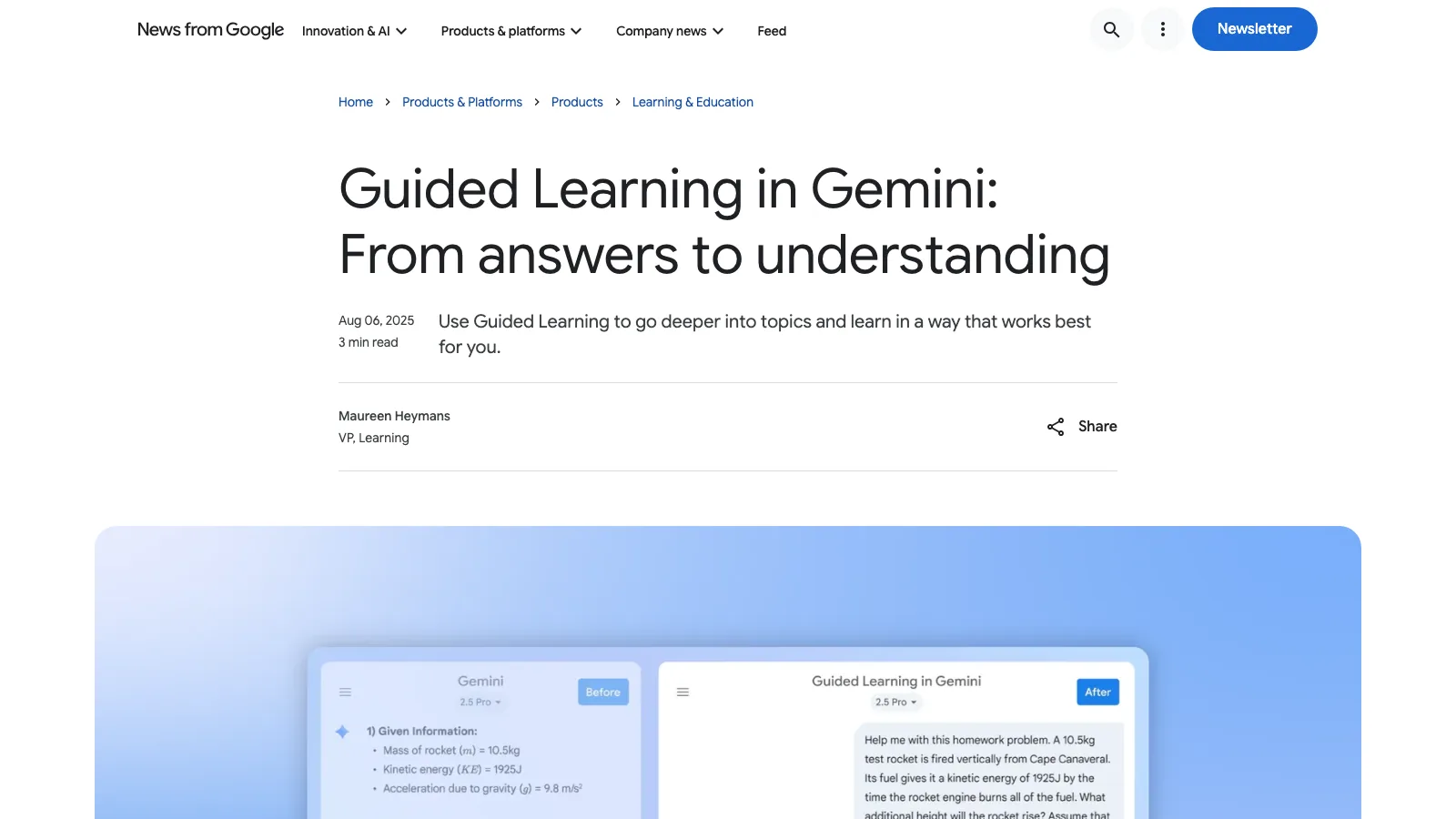
What it does: Gemini is Google's AI assistant. Its Guided Learning mode works like a tutor: it breaks problems down step by step and adapts explanations to you, instead of just giving the answer (Google).
Who it's for: any student who wants help understanding homework, essays or tough topics.
What users say: 4.7 out of 5 from 2.4 million ratings on the App Store. Users like its fast answers and research help.
Pros
Strong free plan
Guided Learning teaches instead of just answering
Free AI Pro for a year for verified US college students
Cons
Outside Guided Learning, it gives full answers, which can tempt you to copy
Like any chatbot, it can be wrong
PricingFree plan. AI Plus is $4.99 a month and AI Pro $19.99. US college students 18 and over can get AI Pro free for 12 months (Google). See pricing
2
Gemini Notebook
best for studying from your own notes and readings
Image: Google official website
What it does: you upload your lecture slides, PDFs, readings or recordings, and it turns them into quizzes, flashcards, slides, audio and video overviews. Its answers cite your own sources line by line (App Store), so you can check where each point comes from. Google renamed NotebookLM to Gemini Notebook in July 2026 (Google).
Who it's for: students revising for exams from a lot of class material.
What users say: 4.7 out of 5 from 300,000+ reviews on Google Play. The main complaints are a 20-minute cap on audio overviews and no way to resume them.
Pros
Works only from the material you upload
Shows the source for every answer
Free
Cons
Only as good as the sources you add
Some answers still go beyond your sources
Pricingfree with a Google account. Google AI Pro adds more audio overviews. Open Gemini Notebook
3
Knowt
best for flashcards and practice quizzes
Image: Knowt official website
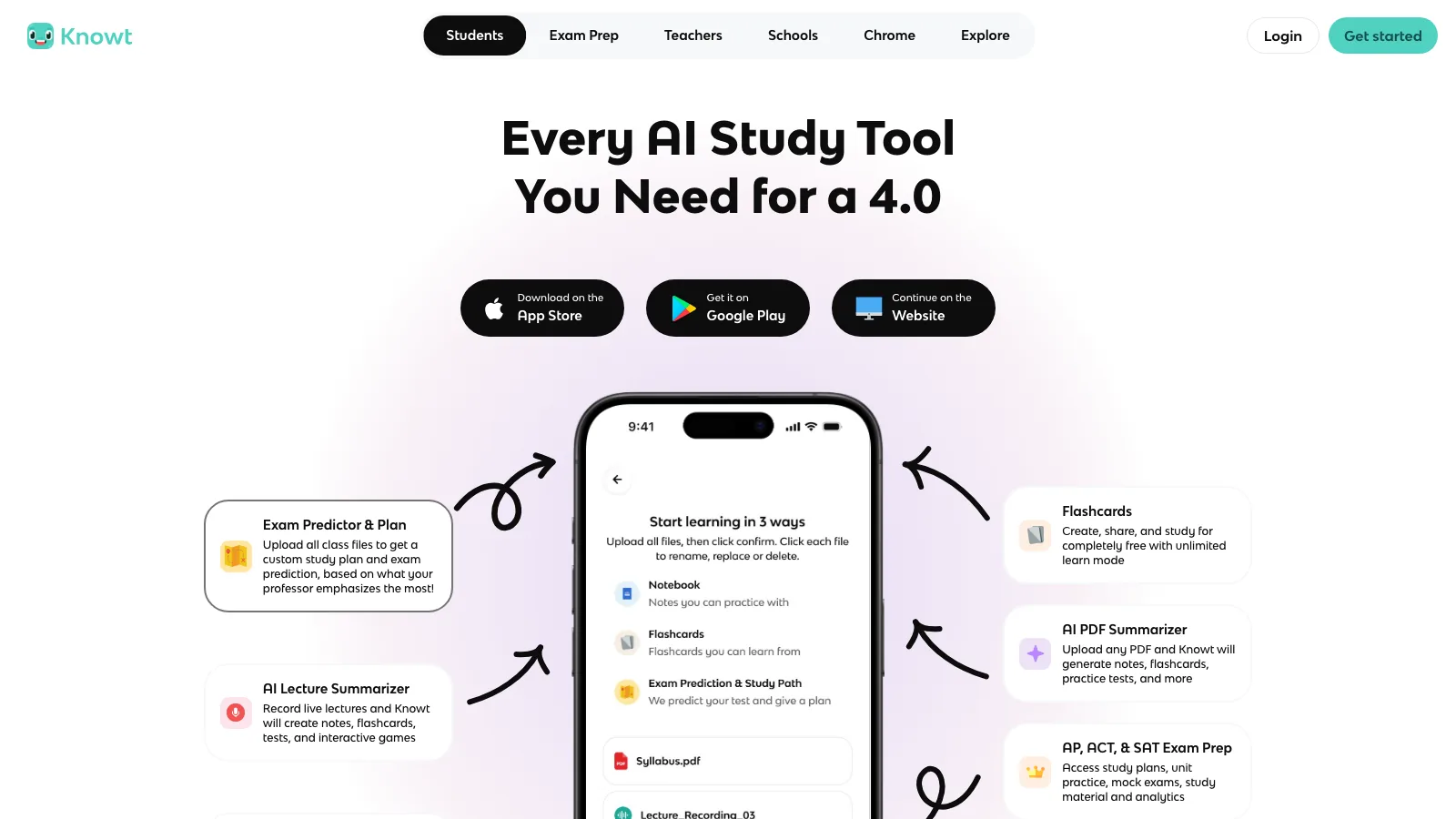
What it does: Knowt turns your notes into flashcards with one click and uses spaced repetition to show you cards right before you'd forget them. It also has AP study guides and paid AI summaries of lectures (Knowt).
Who it's for: high school and AP students, and anyone moving away from Quizlet.
What users say: 4.7 out of 5 from about 11,000 ratings on the App Store. Users like the spaced repetition and AP guides. Complaints are pop-ups and missing practice exams for some subjects.
Pros
Core flashcards and quizzes are free
Built for high school and AP
Smart review schedule
Cons
AI summaries are paid
Monthly price is high
PricingFree plan. Ultra is $24.99 a month or $95.99 a year (about $8 a month). See pricing
Research and lectures
4
Consensus
best for finding research papers
Image: Consensus official website
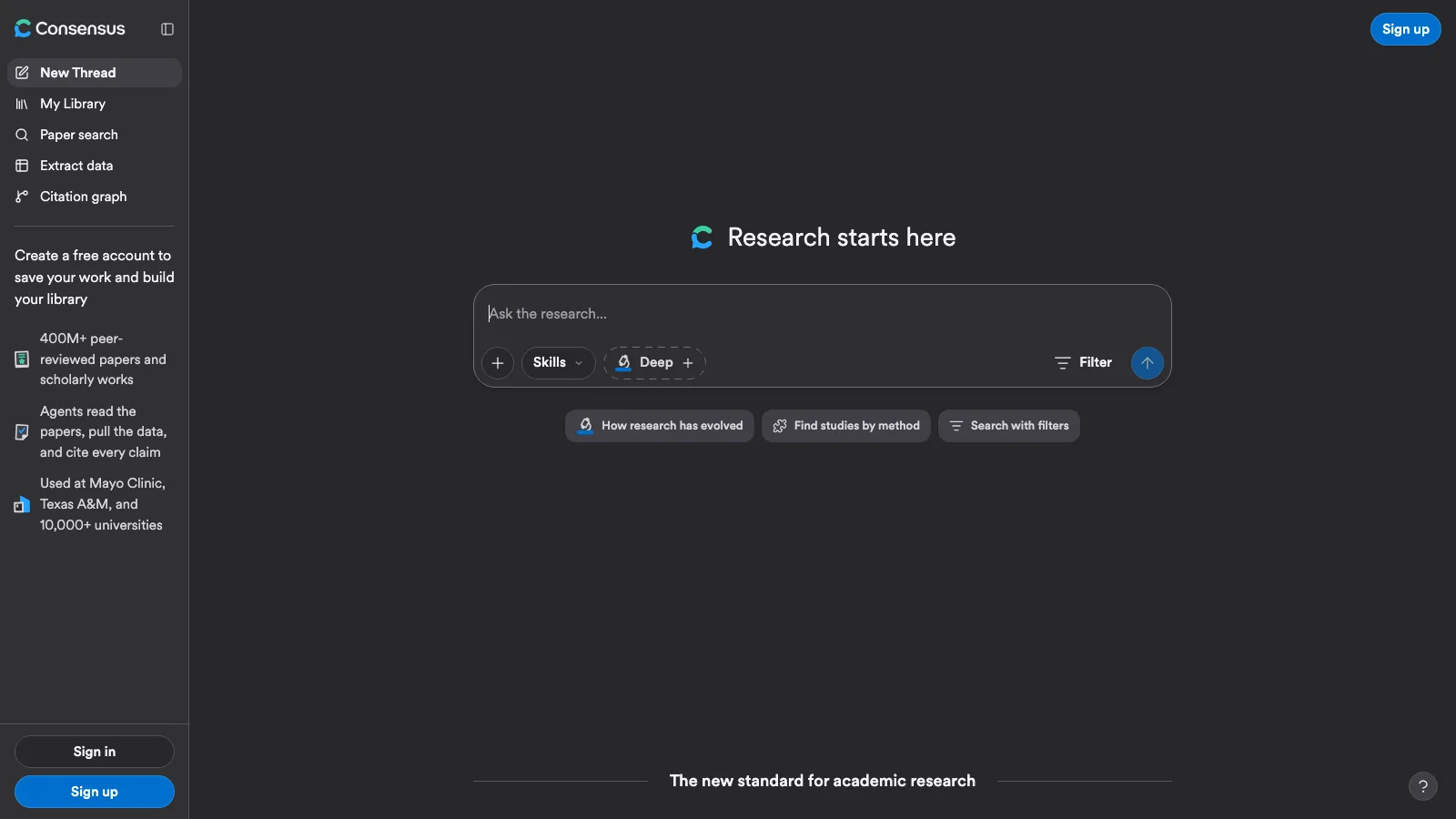
What it does: Consensus is an AI search engine for peer-reviewed research. You ask a question, and it finds and summarizes studies, so you're citing real papers instead of random websites (Consensus).
Who it's for: college students writing research papers or essays that need academic sources.
What users say: there aren't enough reviews yet to give a reliable rating.
Pros
Only peer-reviewed sources
Links to every paper it uses
40% off Pro for a year with a student email
Cons
Low limits on the free plan
A few users complain about billing
PricingFree plan with 10 Pro searches a month. Pro is $20 a month or $144 a year (Consensus).
5
Otter.ai
best for recording and summarizing lectures
Image: Otter.ai official website
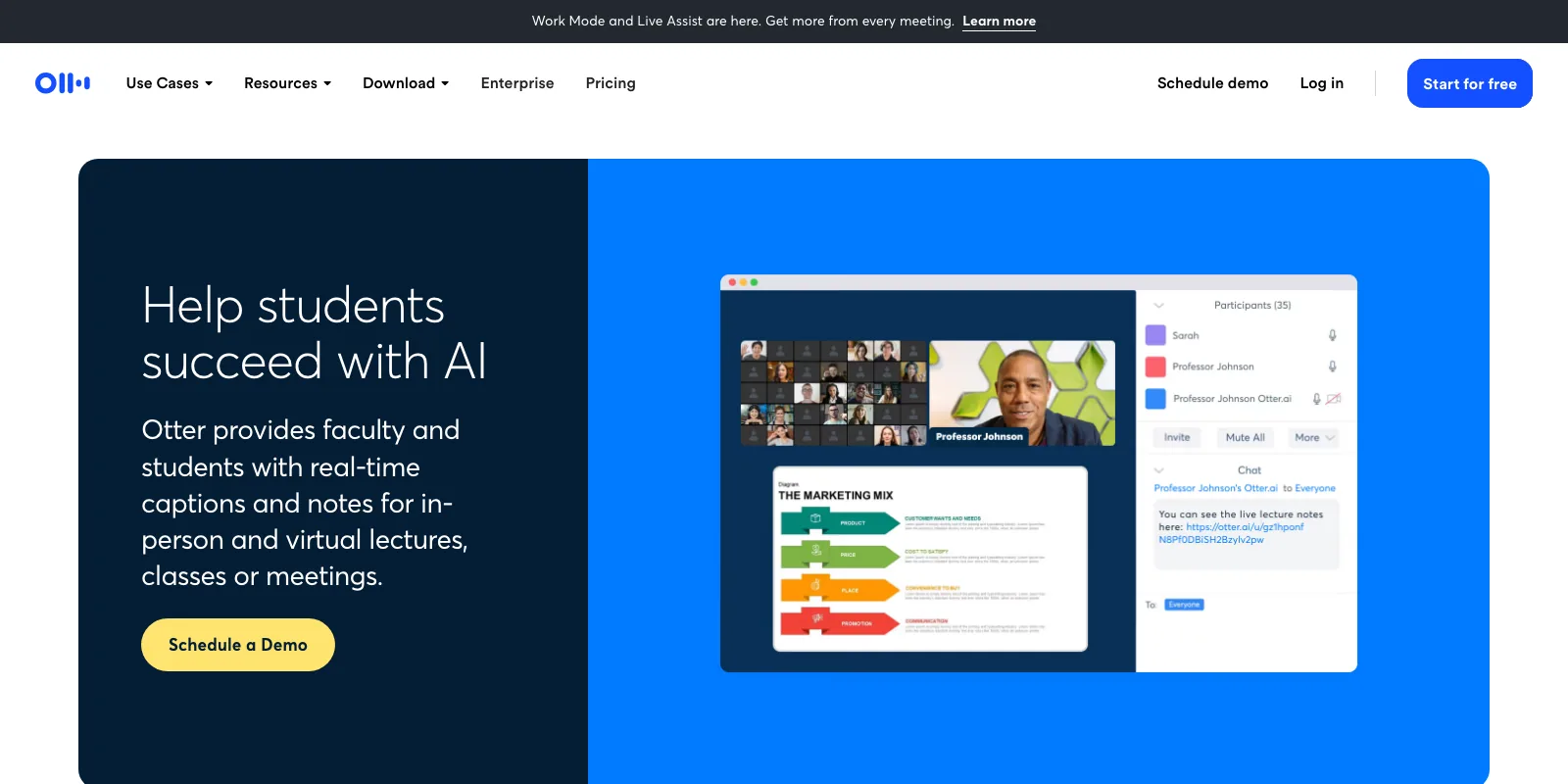
What it does: Otter records audio and takes notes in real time, then gives you a searchable transcript and summary (Otter.ai).
Who it's for: students who want to focus in class and review later.
What users say: 4.8 out of 5 from 90,000 ratings on the App Store. Users praise its accurate, searchable transcripts. Complaints are features moving to paid plans and slow support.
Ask your teacher or professor before you record a class. For more note apps, see our list of the best AI note taking apps.
Pros
300 free minutes a month
20% off Pro with a .edu email
Searchable transcripts
Cons
Free recordings stop at 30 minutes, shorter than many lectures
Built mainly for meetings
PricingFree plan. Pro is $16.99 a month, or $13.59 for students with a .edu email ($79.99 a year). See pricing
Writing
6
Grammarly
best for grammar and proving your work is yours
Image: Grammarly official website
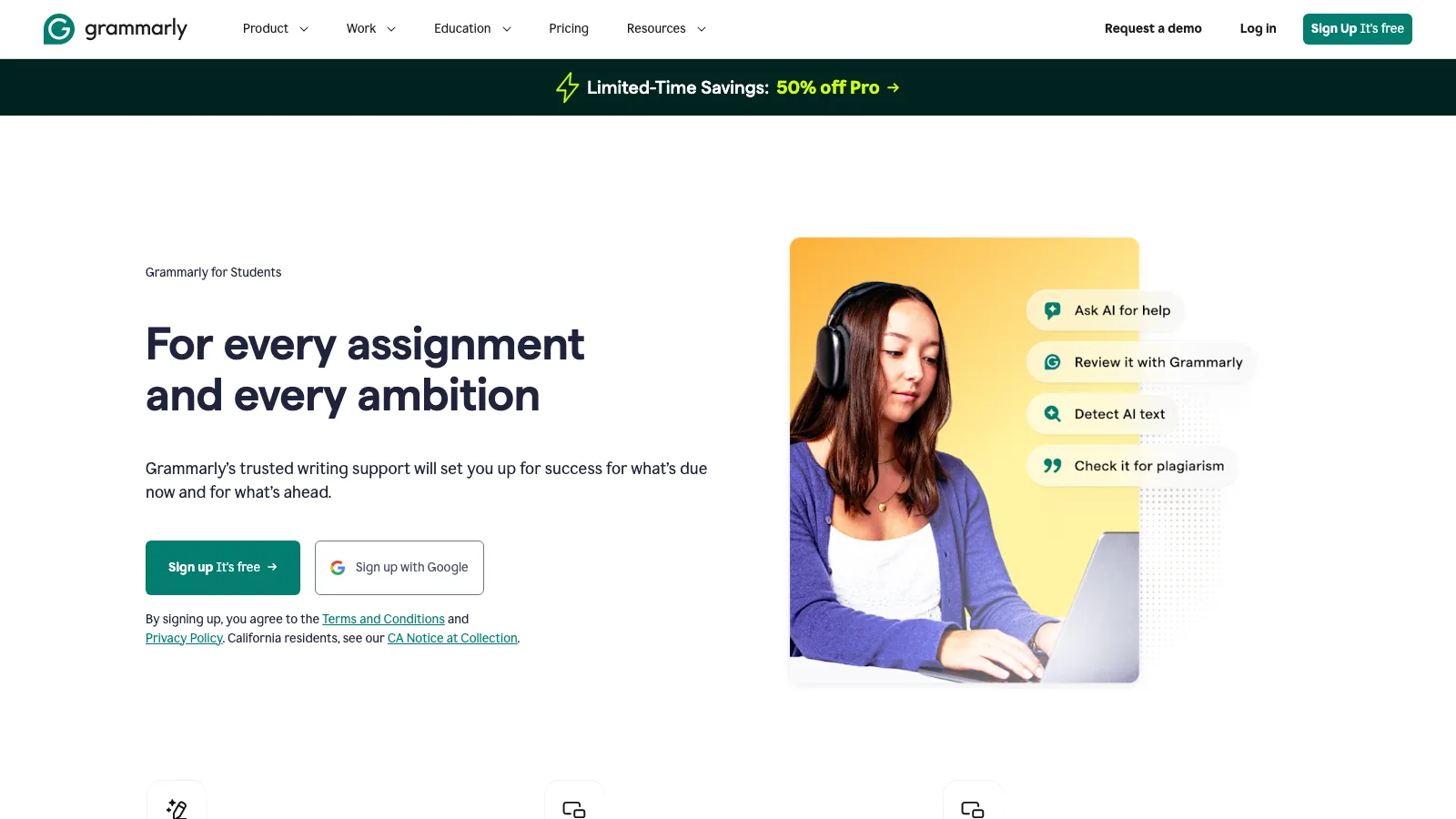
What it does: Grammarly fixes grammar, spelling and clarity everywhere you write. Its Authorship feature tracks how every word got into your document, typed, pasted or AI-assisted, so you can show a teacher your work is your own. It also creates APA, MLA and Chicago citations (Grammarly).
Who it's for: any student who writes essays, especially if your school checks for AI.
What users say: 4.7 out of 5 from 14,000+ reviews on G2. Users like that it works everywhere. Complaints are generic AI rewrites and pop-ups.
Pros
Free grammar and spelling fixes
Authorship helps prove your writing is yours
Built-in citation generator
Cons
No student price on its pricing page
Full AI rewrites may break your school's rules
PricingFree plan. Pro is $30 a month or $144 a year. Our Grammarly review covers what Pro adds and how well it works. (Grammarly).
7
QuillBot
best for paraphrasing and citations
What it does: QuillBot rewrites sentences in different styles, summarizes long texts and creates citations (QuillBot).
Who it's for: students who want help rephrasing their own drafts and formatting sources.
What users say: 4.8 out of 5 from 14,000+ reviews on Trustpilot. Complaints are auto-renewal charges and tight free limits.
Paraphrasing someone else's work can still count as plagiarism
Free plan limits you to 125 words at a time
PricingFree plan. Premium is $8.33 a month billed yearly. See pricing
Math, slides and reading
8
Photomath
best for math, step by step
Image: Photomath official website
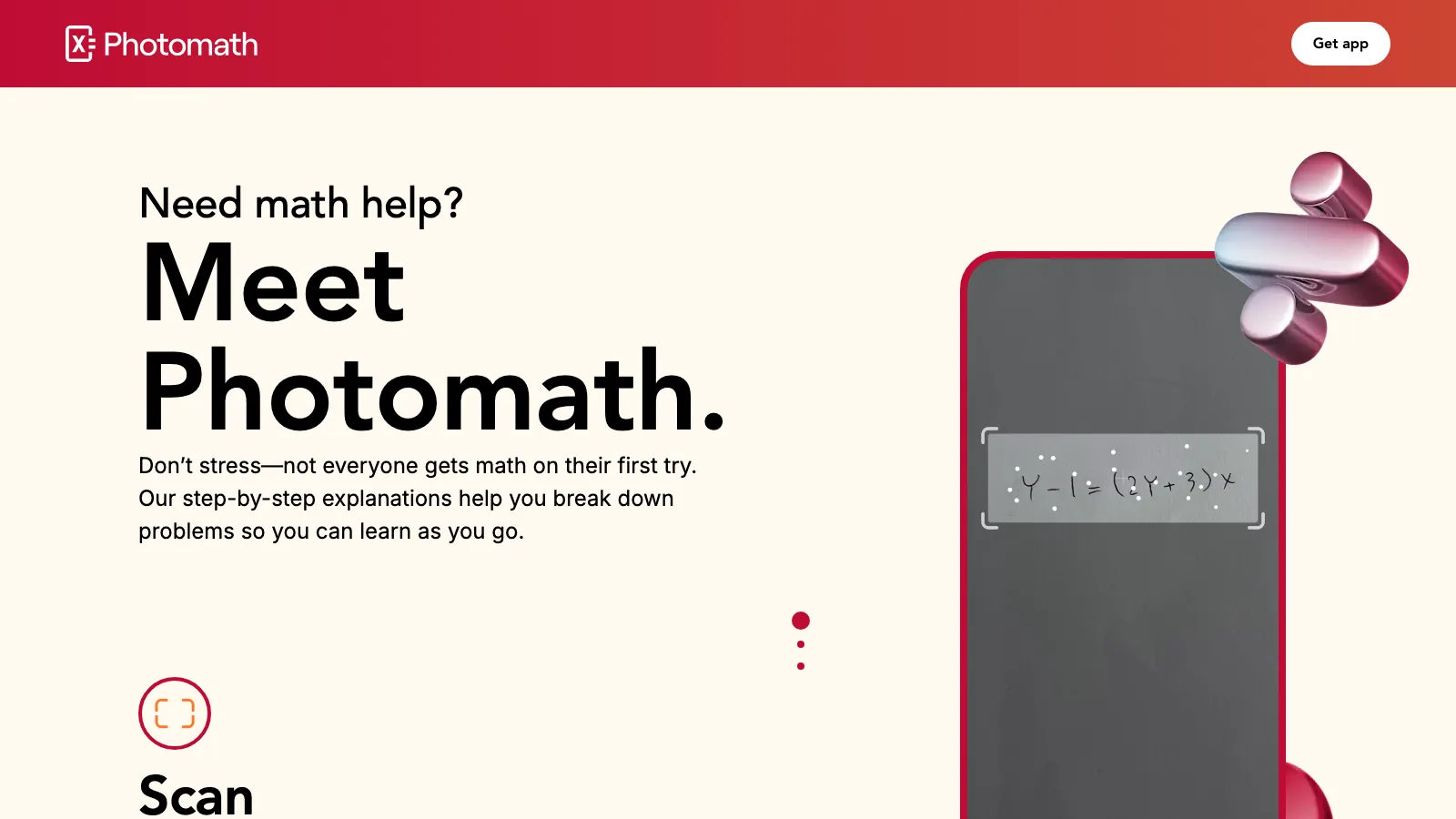
What it does: you scan a math problem with your phone, even a word problem, and Photomath shows how to solve it step by step, often with more than one method (Photomath). It's now owned by Google.
Who it's for: high school and college students stuck on algebra, calculus and other math homework.
What users say: 4.8 out of 5 from about 733,000 ratings on the App Store.
Pros
Step-by-step solutions free
Several methods for one problem
Works on handwritten problems
Cons
Easy to copy answers without learning
Weaker on geometry
Pricingfree for steps. Plus is $9.99 a month or $69.99 a year. See pricing
9
Gamma
best for quick presentations
Image: Gamma official website
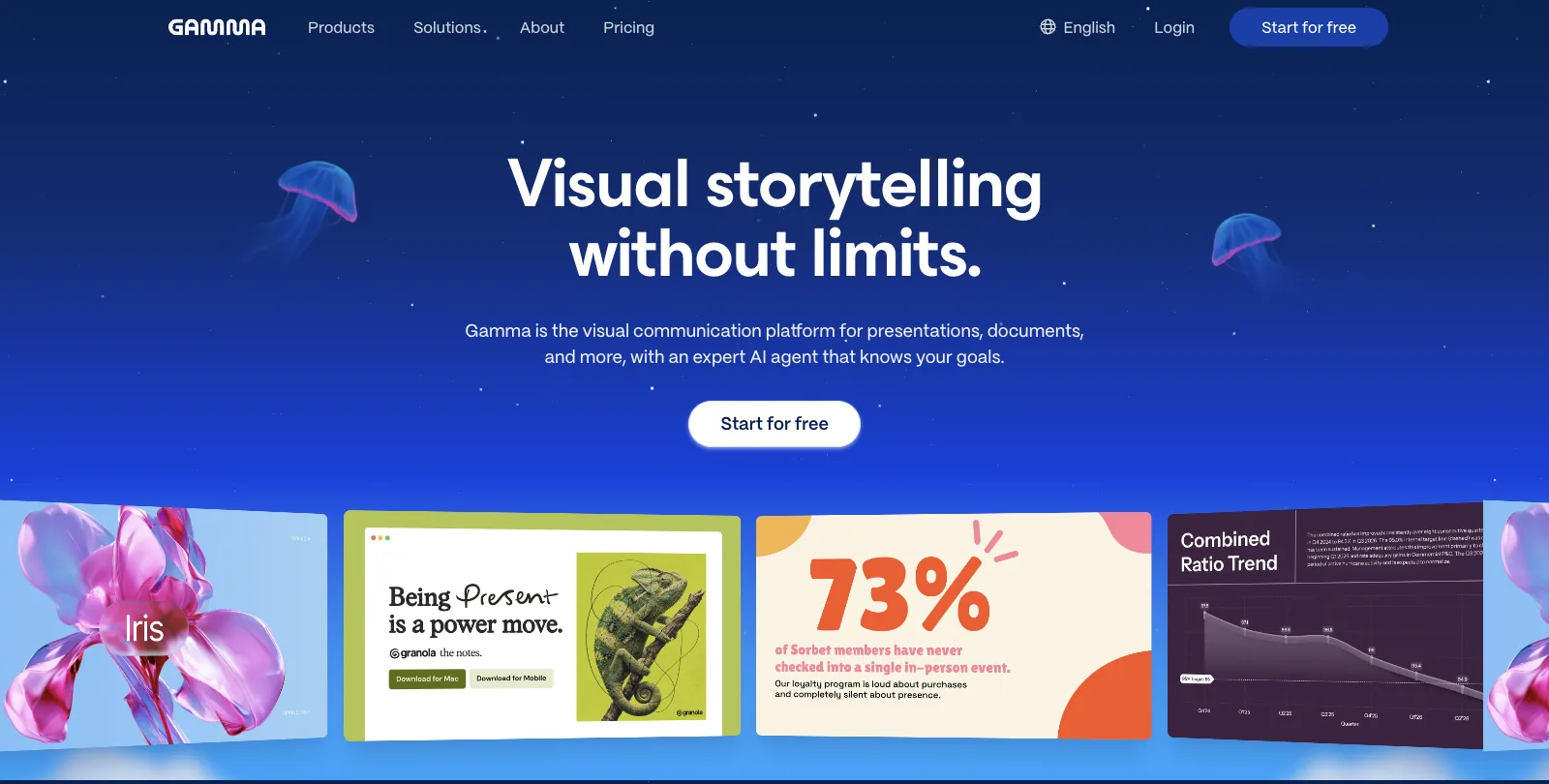
What it does: Gamma turns your notes or a short prompt into a finished slide deck, and exports it to PowerPoint or PDF (Gamma).
Who it's for: students with a class presentation due soon.
What users say: 4.2 out of 5 from 88 reviews on G2.
Pricingfree plan with 400 credits to start. Plus and Pro are paid monthly, and yearly billing saves 28% (Gamma).
10
Speechify
best for listening to readings
Image: Speechify official website
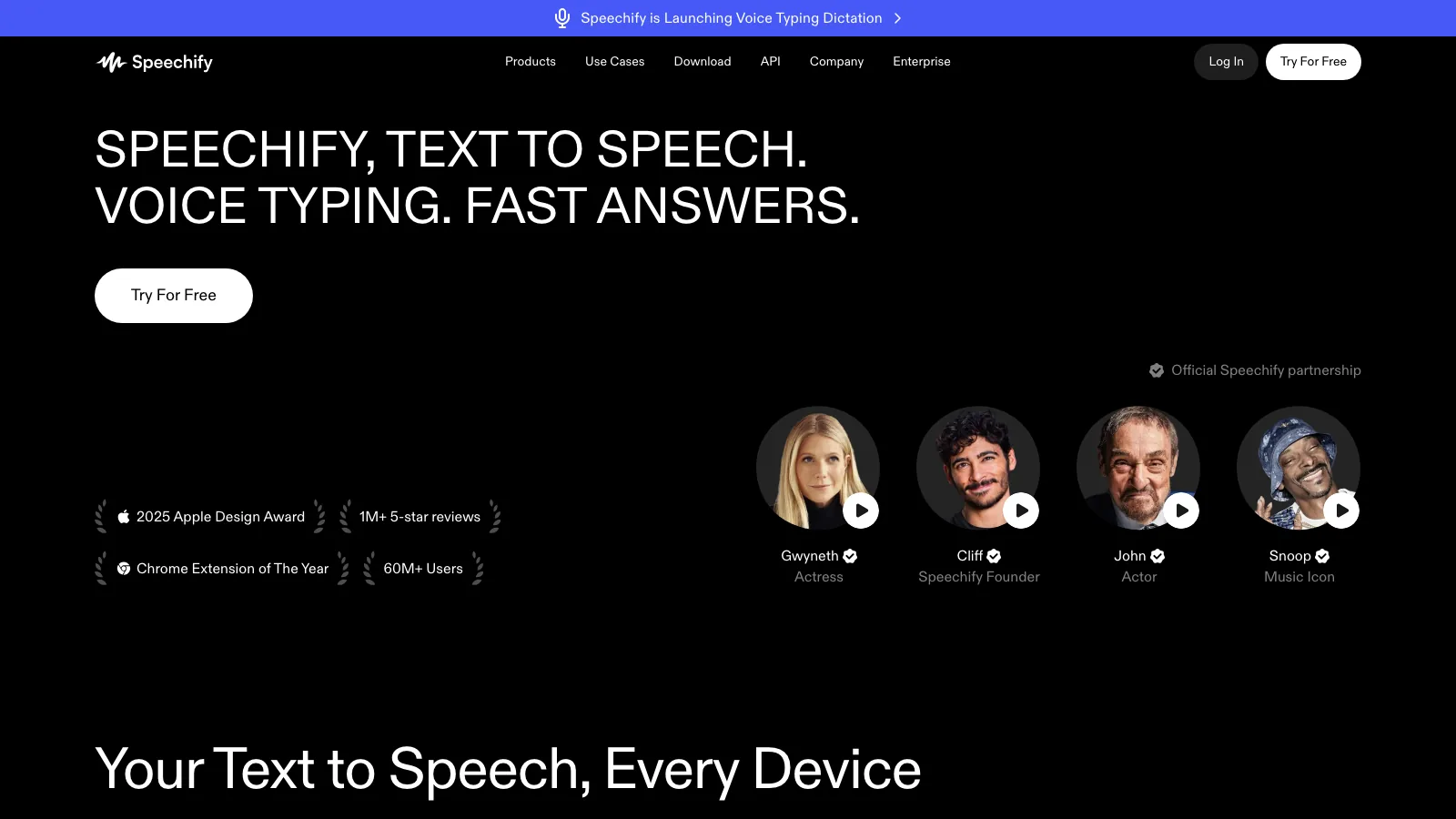
What it does: Speechify reads text aloud, from PDFs, websites, or a photo of a book page (Speechify). You can listen to readings on the bus or speed them up.
Who it's for: students with lots of reading, and students with dyslexia or ADHD.
What users say: 4.7 out of 5 from about 530,000 ratings on the App Store. Users say it helps with ADHD and dyslexia. Complaints are the price and robotic free voices.
Pros
Great for accessibility
Scan a page and listen
Free plan
Cons
Expensive Premium plan
Free voices sound robotic
PricingFree plan. Premium is $29 a month or $139 a year. See pricing
Student deals
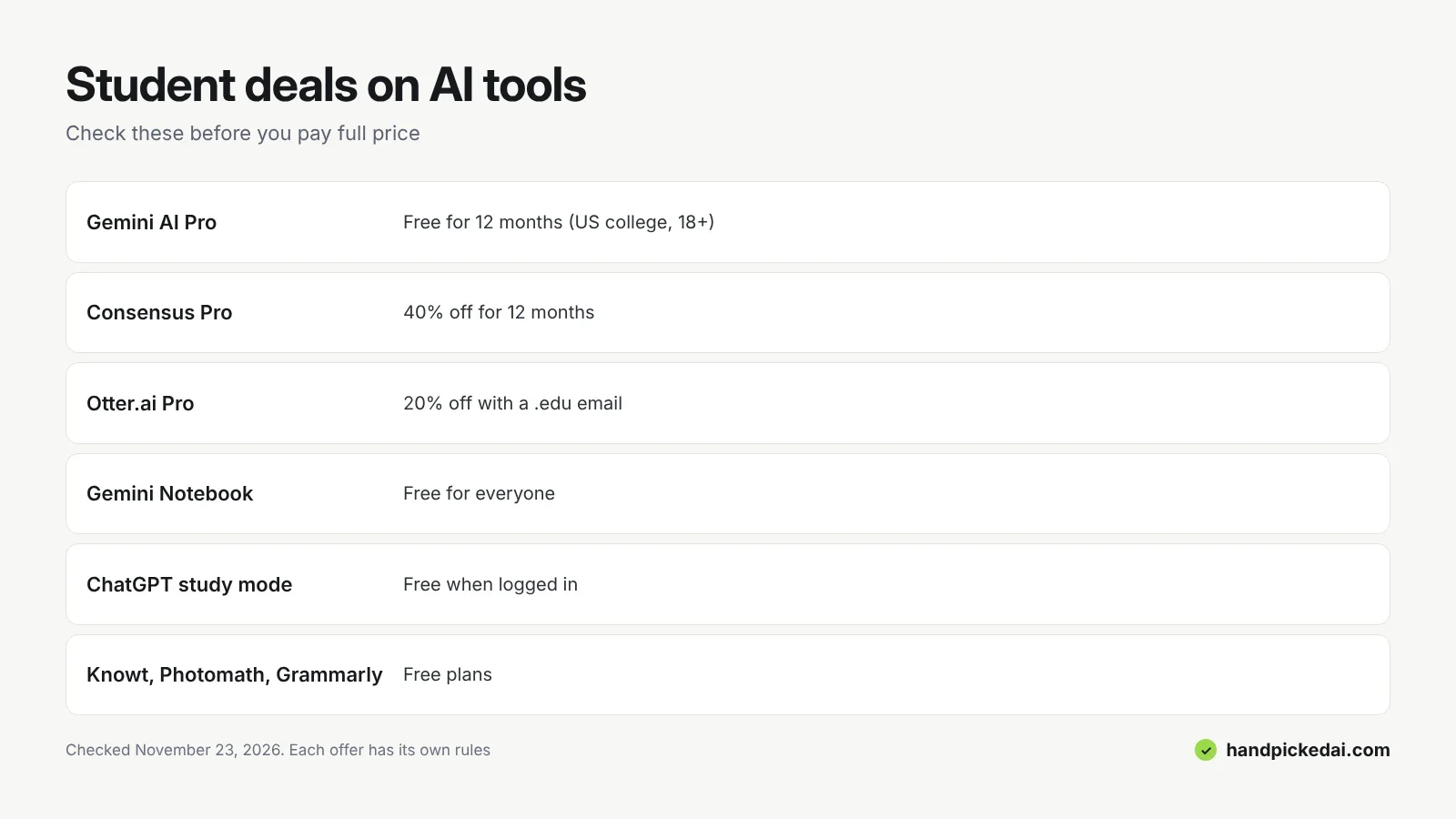
Many AI tools give students a discount or free access. Check these before you pay full price.
Gemini AI Pro: free for 12 months for US college students 18 and over, verified through SheerID (Google). Google has also offered free AI Plus to students in some other countries (Google), so check what's open in yours.
Consensus Pro: 40% off for 12 months with a verified .edu or student email.
Otter.ai Pro: 20% off with a .edu email, $79.99 a year (Otter.ai).
Always free: Gemini Notebook, the free plans of Knowt, Photomath and Grammarly, and ChatGPT's study mode for logged-in users (OpenAI).
Using AI without breaking school rules
AI can help you learn faster, but schools treat misuse seriously. A few simple rules keep you safe:
Check your school's and each teacher's AI policy. Rules differ between classes. When in doubt, ask.
Use AI to learn, not to submit. Tools like Gemini's Guided Learning, Gemini Notebook and Knowt help you understand. Pasting an AI answer into your homework is where trouble starts.
Say when you used AI. Many schools now ask you to note it, and APA and MLA both have formats for citing AI tools.
Keep proof of your work. Grammarly's Authorship and Google Docs version history show how your writing developed.
Don't trust AI facts without checking. Use tools like Consensus and Gemini Notebook that show their sources.
AI detectors aren't perfect either. Turnitin itself says its AI writing report "is not an absolute proof or disproof of AI writing" (Turnitin). If you want to see how detectors read your work, see our list of the best AI detectors.
How we picked
🎯
One tool per study job
We chose the best tool for each job, so you can cover all your classes without paying for the same thing twice.
🎁
Free first
Every tool on this list has a free plan, and we gave extra weight to student discounts.
📚
Coverage
We checked which tools appear most on the pages students already trust. Grammarly, QuillBot and Otter appear on most of them.
🧠
Learning over shortcuts
We favored tools that teach and cite sources over tools that only hand out answers.
💲
Pricing
We checked every price on official pages on November 23, 2026.
💬
User feedback
We used App Store, Google Play, G2 and Trustpilot ratings and summarized the most common praise and complaints.
Gemini is the best all-round pick because of its Guided Learning mode and free AI Pro for US college students. For studying from your own class material, Gemini Notebook is even better, and it's free.
Which AI platforms offer student discounts or free access?
Google gives US college students a free year of Gemini AI Pro. Consensus gives 40% off Pro and Otter.ai 20% off Pro with a student email. Gemini Notebook and ChatGPT's study mode are free for everyone.
Can professors detect when students use AI writing tools?
Sometimes. Many schools use AI detectors like Turnitin, but no detector is fully accurate, and Turnitin says its report isn't proof on its own. The safest approach is to follow your class's AI rules and say when you used AI.
How do students cite AI-generated content in academic papers?
APA and MLA both have formats for citing AI tools. Usually you name the tool, its maker, the date and the prompt you used. Check your teacher's preferred style.
Is it safe to use ChatGPT for essays?
It's safe for brainstorming, outlining and getting feedback if your school allows it. Submitting AI-written text as your own usually breaks school rules, and AI can make up facts and sources.
Do AI tools for students require technical knowledge to use?
No. Every tool on this list works by typing a question, uploading a file or scanning a page with your phone.
All pricing checked November 23, 2026 on the official pages linked in each tool section.