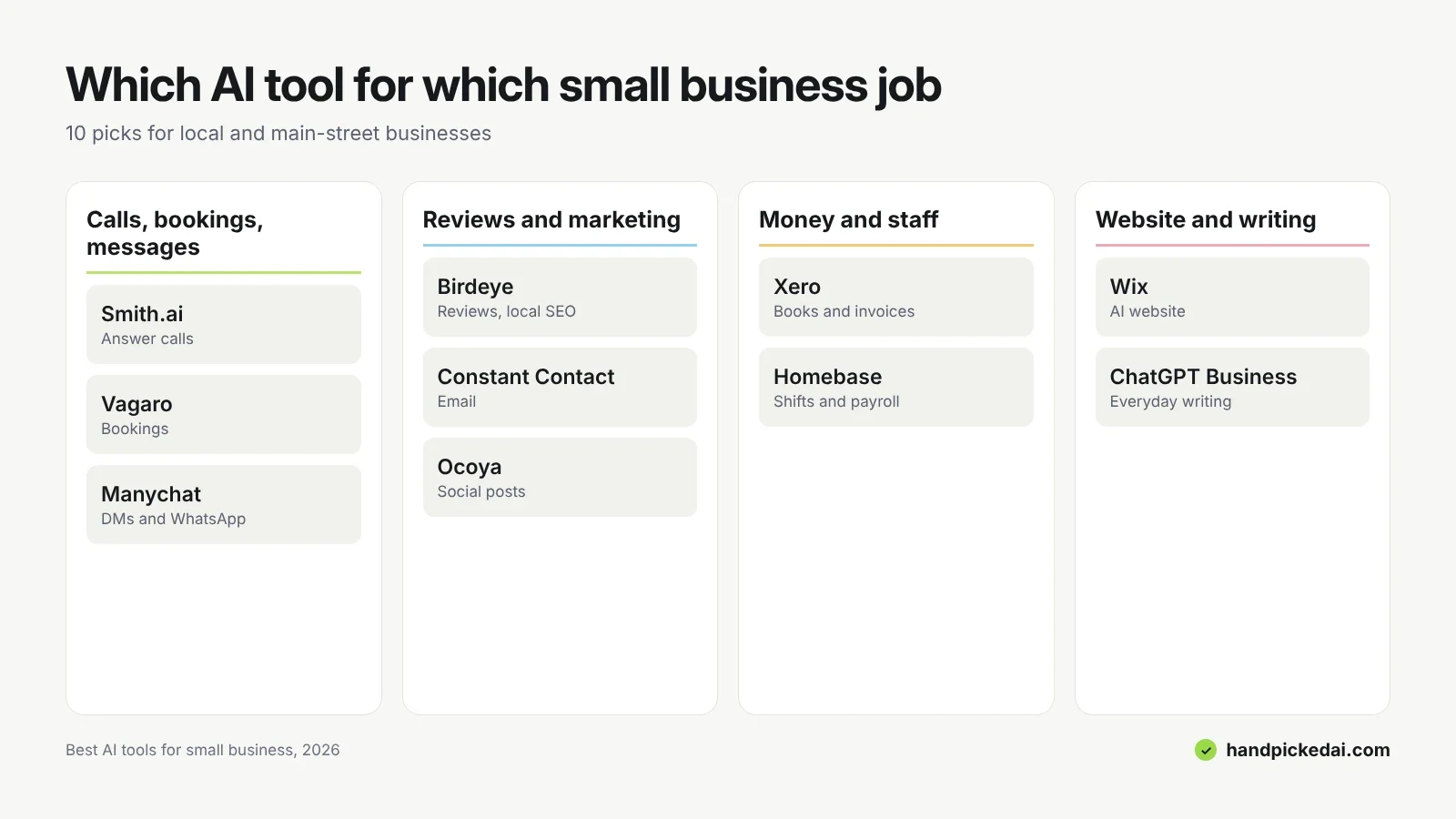
This list is for owners of local and main-street businesses, like salons, restaurants, shops, clinics, trades and small agencies with 1 to 50 staff. Most "AI for business" lists are written for office teams. This one covers the jobs that actually eat a small business owner's day: answering the phone, taking bookings, replying to messages, asking for reviews, sending emails and posts, keeping the books, scheduling staff and running the website. We picked one tool for each job and compared them using official pricing pages, product pages and real user reviews. We didn't run our own tests for this list, so every claim links to its source.
Small businesses are moving fast. The US Chamber of Commerce's 2026 report found that two-thirds of small businesses (66%) now use AI, up 8 points from 2025 (US Chamber). But the smallest firms are still behind: the Census Bureau found fewer than 20% of firms with four or fewer employees reported using AI (Census Bureau). This list is meant to close that gap.
ChatGPT Business: best all-round assistant for writing and admin
Calls, bookings and messages
1
Smith.ai AI Receptionist
best for answering calls you'd otherwise miss
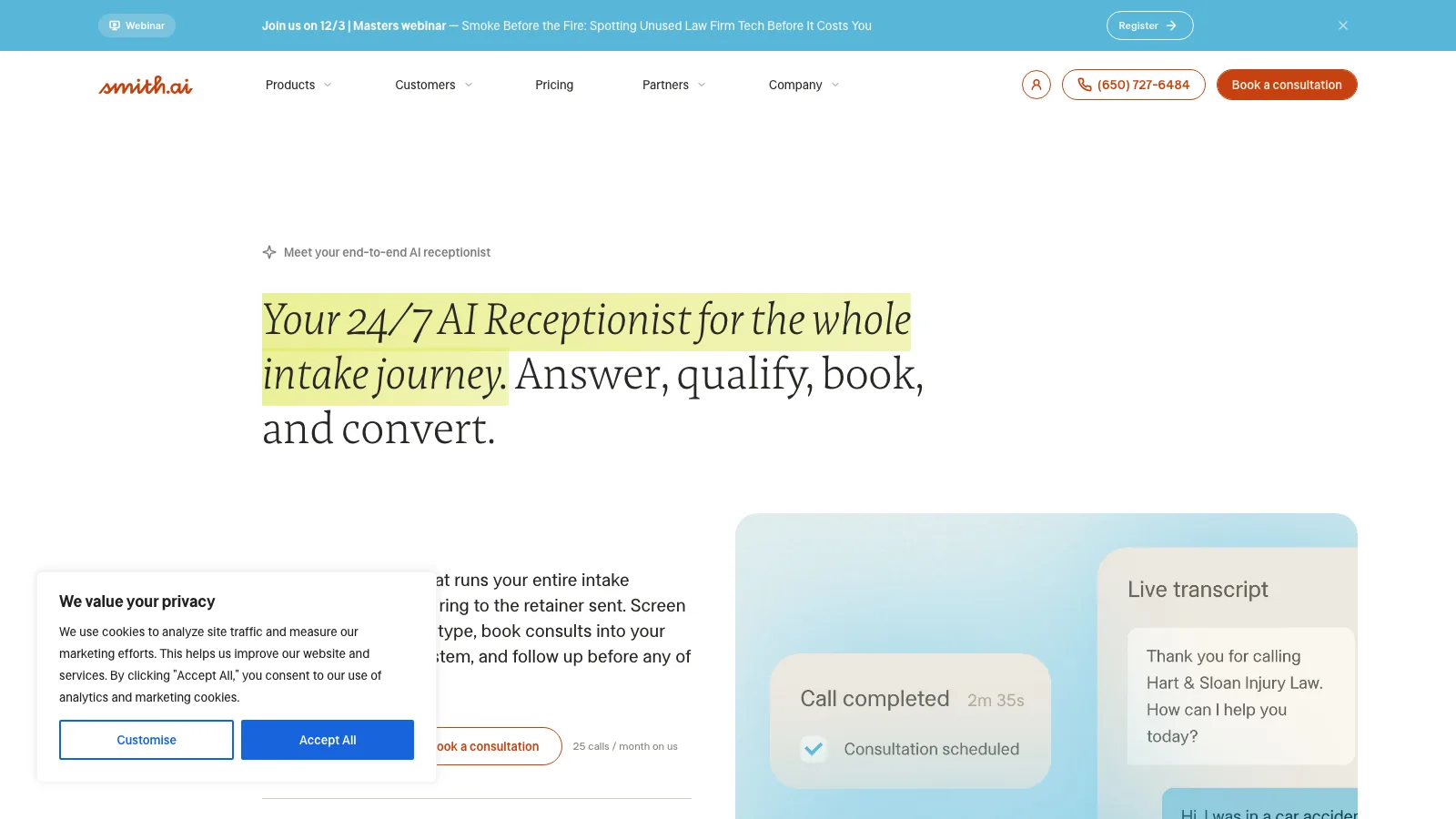
Image: Smith.ai official website
What it does: Smith.ai's AI Receptionist answers your business line, asks callers the right questions, then routes the call, takes a message or books an appointment. It speaks English and Spanish, and hard calls can go to a live receptionist based in North America (Smith.ai).
Who it's for: law firms, clinics, contractors and service businesses that lose jobs when nobody picks up.
What users say: 4.8 out of 5 on G2, from a small number of reviews.
Run a trade business? Jobber's AI Receptionist add-on ($99 a month) answers calls and texts, alongside Jobber's quoting, scheduling and invoicing tools (Jobber).
Pros
Free plan for 25 calls a month
A real person can take over hard calls
Speaks English and Spanish
Cons
You pay per call, so busy businesses pay more
Built mainly around client intake for professional services
PricingFree for 25 calls a month. Pro starts at $150 a month for 75 calls, with no yearly contract. See pricing
2
Vagaro
best for bookings at salons, spas and gyms
What it does: Vagaro handles online booking, payments, reminders and client records. Its AI tools include Vera Fill My Books, which promotes your open slots automatically, and Vera Receptionist, which replies to booking messages after hours and sends links to book, reschedule or cancel (Vagaro).
Who it's for: salons, barbers, spas, nail studios and fitness studios.
What users say: 4.6 out of 5 from 400+ reviews on G2. Users like the friendly support and quick setup. Complaints are support wait times and add-on costs.
Pros
Built for beauty and wellness
Vagaro's marketplace can bring you new clients
30-day free trial
Cons
Add-ons push up the real price
Its AI handles messages, not phone calls
Pricingfrom $30 a month, with a lower intro price for the first 6 months. Text marketing and payroll are paid add-ons. See pricing
3
Manychat
best for replying to Instagram, Facebook and WhatsApp messages
What it does: Manychat automates replies in Instagram DMs, Facebook Messenger and WhatsApp. Its AI understands what a customer is asking, answers common questions, and helps you write and build reply flows (Manychat).
Who it's for: shops, cafes and local brands that get most questions through social DMs.
What users say: 4.5 out of 5 from 160+ reviews on G2.
Pros
Free plan up to 1,000 contacts
Covers the apps local customers actually message you on
Pro plan starts low
Cons
Price rises as your contact list grows
Building reply flows takes some learning
PricingFree plan. Pro starts at $15 a month and includes the AI features. See pricing
Reviews and marketing
4
Birdeye
best for reviews and local SEO
What it does: Birdeye collects reviews, writes on-brand replies you can edit and schedule, and checks your business listings on Google and other sites for fixes that help you show up in local search (Birdeye).
Who it's for: businesses where reviews bring in customers, like clinics, dentists, restaurants and home services.
What users say: 4.7 out of 5 from 4,300+ reviews on G2. Users praise the support and AI reply drafts. Complaints are generic AI replies and price.
On a tight budget? Your free Google Business Profile already lets you reply to reviews. For more search tools, see the best AI tools for SEO.
Pros
Reviews, listings and messages in one place
AI drafts review replies for you
One of the most reviewed tools on this list
Cons
No public pricing
AI replies often need editing
Pricingpriced per location on request. See pricing
5
Constant Contact
best for simple email marketing
What it does: Constant Contact's AI writes email copy and can build a full campaign for you from a short brief. It's made for local businesses, with phone support and simple templates (Constant Contact).
Who it's for: owners who want to send a newsletter or promotion without learning a complex tool.
What users say: 4.1 out of 5 from 7,600+ reviews on G2. Users like the support and ease of use. Complaints are design limits and generic AI text.
Prefer a free start? Mailchimp is free for under 250 contacts, though its AI assistant needs the Standard plan (Mailchimp).
Pros
Simple to use
Phone support
30-day money-back guarantee
Cons
Limited template design
Basic automation
PricingLite from $8.40 a month, Standard $24.50 and Premium $56, with up to 15% off if you prepay a year. See pricing
6
Ocoya
best for writing and scheduling social posts
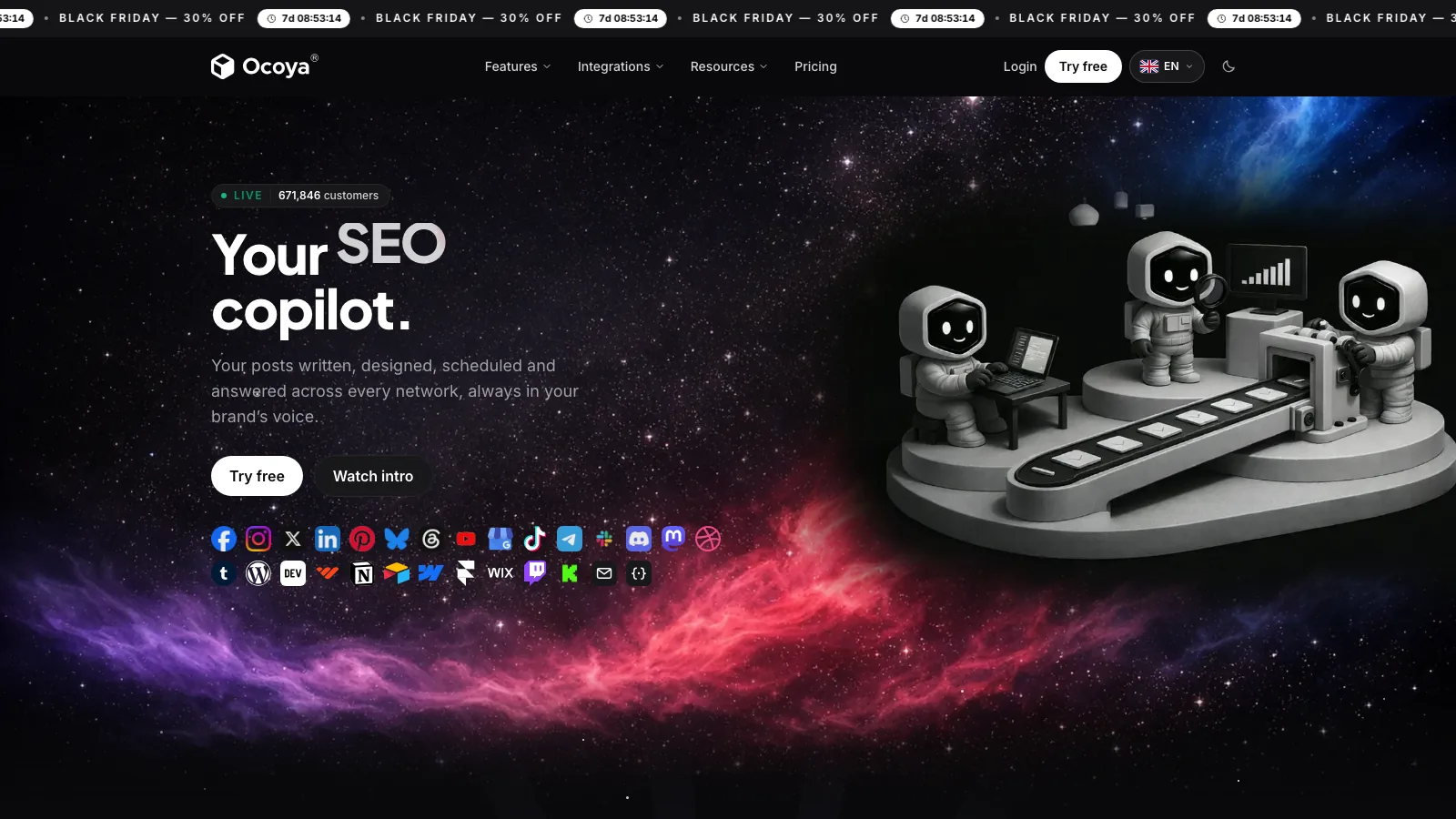
Image: Ocoya official website
What it does: Ocoya writes and designs social posts, picks the best times to post, schedules them and helps you reply (Ocoya).
Who it's for: owners who know they should post more but don't have time.
What users say: 4.6 out of 5 from 170+ reviews on G2.
PricingStarter is $29 a month or $290 a year (5 channels, 300 AI credits). 7-day free trial. See pricing
Money and staff
7
Xero
best for bookkeeping and invoicing
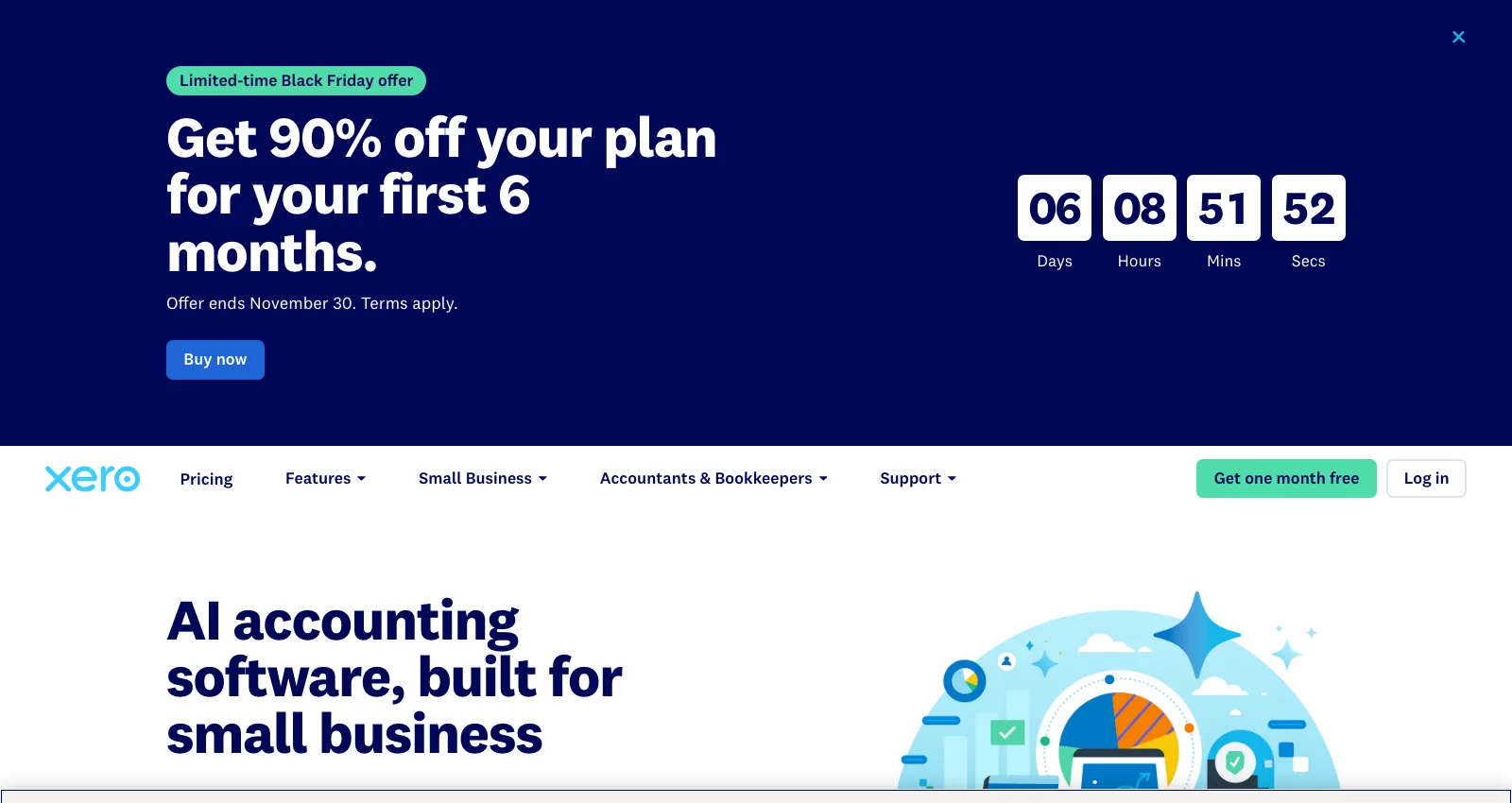
Image: Xero official website
What it does: Xero's AI, JAX, matches bank transactions, captures bills and sends invoices to keep your books up to date (Xero).
Who it's for: small businesses that want simple accounting and unlimited users so their bookkeeper can log in too.
What users say: 4.4 out of 5 from 1,800+ reviews on G2. Users like the invoicing and bank matching. Complaints are missing features and limited reports.
Pros
Unlimited users on every plan
Strong bank matching
Payroll add-on powered by Gusto
Cons
The cheapest plan caps you at 20 invoices
Key features cost extra
PricingEarly is $27 a month, Growing $59 and Established $97. Payroll is an add-on from $36 a month plus $6 per person. See pricing
8
Homebase
best for staff scheduling, time clock and payroll
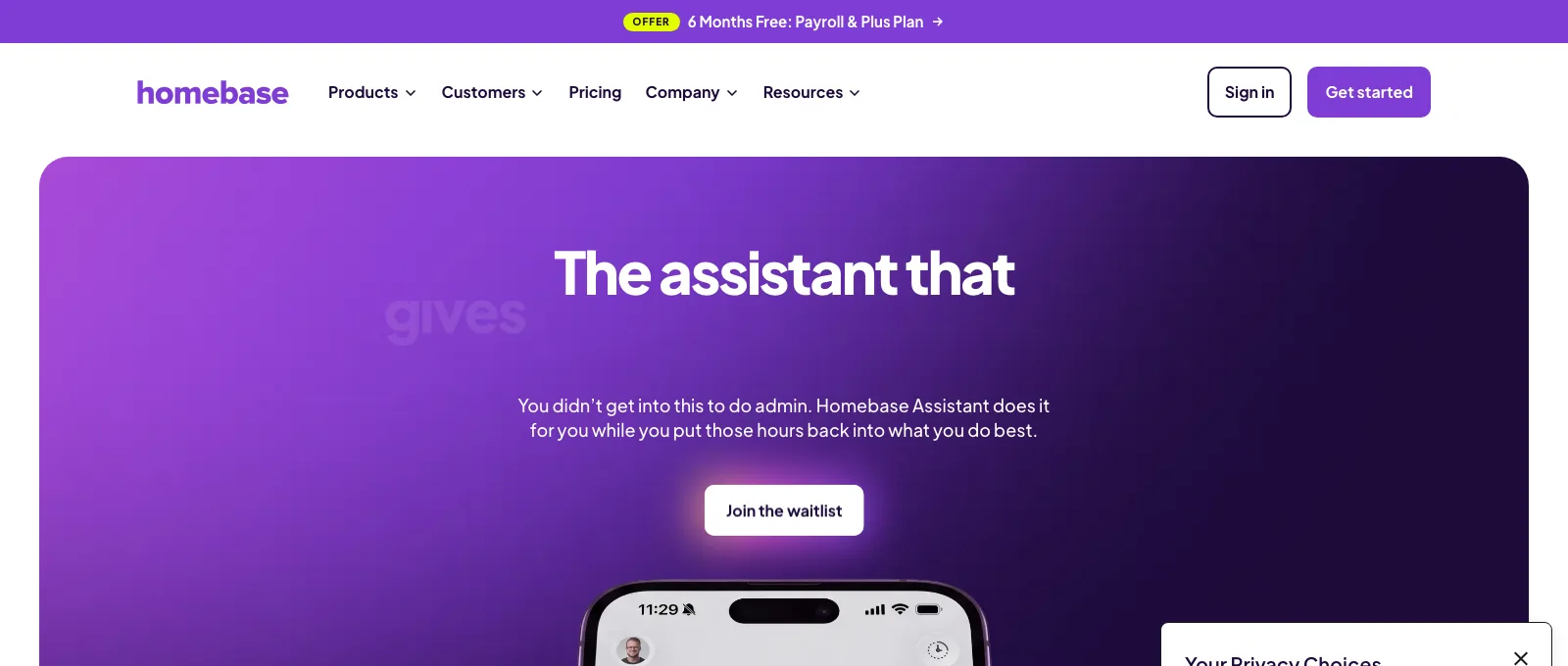
Image: Homebase official website
What it does: Homebase builds shift schedules, tracks hours with a time clock and runs payroll for hourly teams. Its AI Scheduling Assistant builds schedules from your team's history, availability and time off (Homebase).
Who it's for: restaurants, cafes, shops and anyone with hourly staff on shifts.
What users say: 4.6 out of 5 from 660+ reviews on G2. Users like the fast setup and having everything in one place. Complaints are support delays and mobile limits.
PricingFree plan. Essentials is $30 a month per location, Plus $70 and All-in-One $120, with 20% off yearly. Payroll is $49 a month plus $6 per employee. See pricing
Website and everyday writing
9
Wix
best for building a website with AI
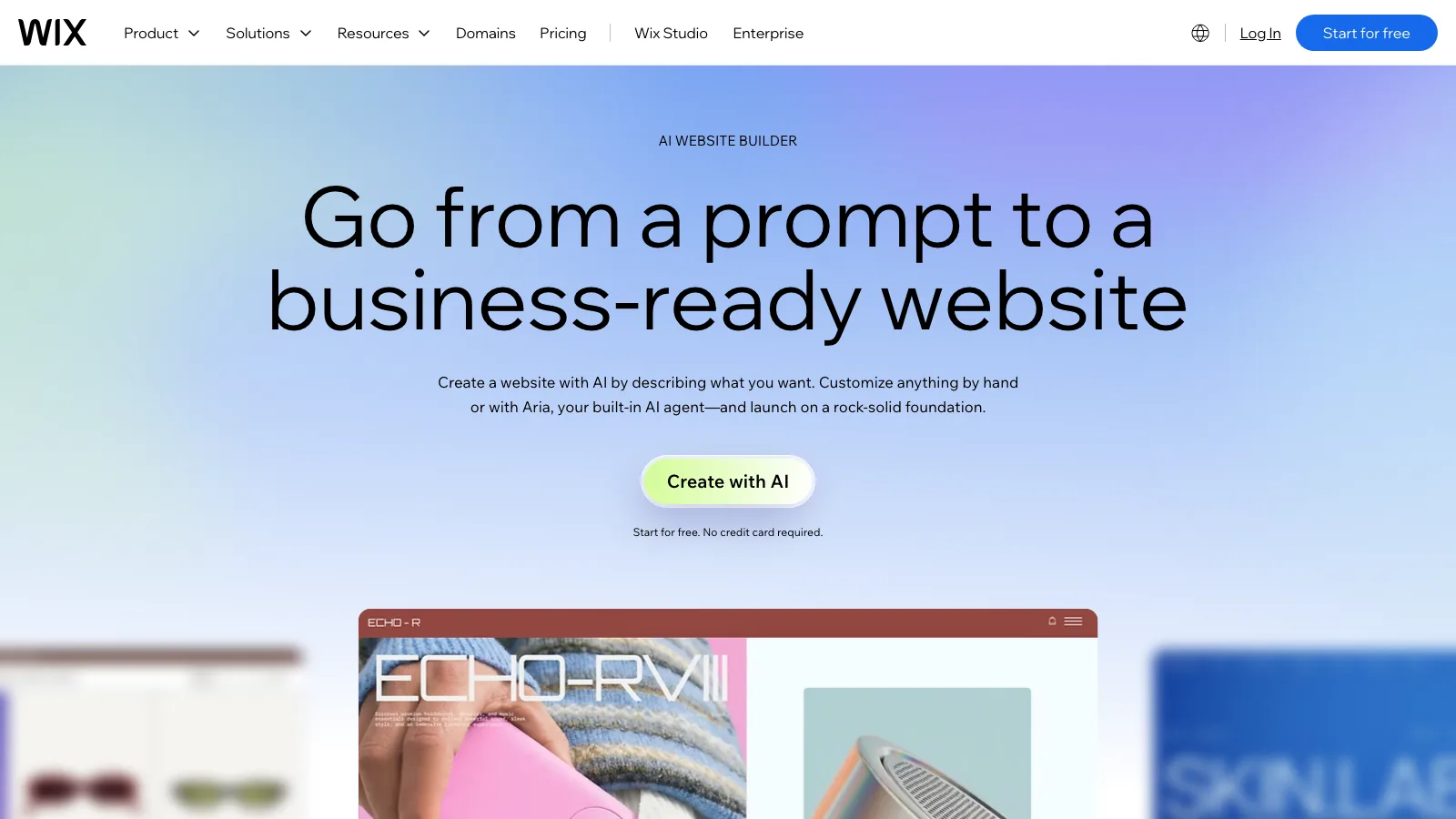
Image: Wix official website
What it does: you describe your business and Wix's AI builds a first version of your website in minutes. You can then change anything by hand or ask Aria, Wix's AI agent (Wix).
Who it's for: owners without a website, or with one that needs a fresh start.
What users say: 4.2 out of 5 from 1,900+ reviews on G2. Users like how easy it is and the templates. Complaints are limited customization and cost.
Pros
Free plan to start
AI builds the first draft
Booking and online store features available
Cons
You can't switch templates after you publish
Add-ons raise the cost
PricingFree plan with Wix branding. Paid plans run from $17.77 to $159.77 a month billed yearly, with a 14-day refund. See pricing
10
ChatGPT Business
best all-round assistant for writing and admin
What it does: ChatGPT handles the everyday writing in a small business: menus, job posts, replies to tricky customers, policies, price lists and social captions. The Business plan keeps your team's chats out of model training and adds shared workspaces (OpenAI).
Who it's for: owners and small teams who want one assistant for all the writing and thinking work.
What users say: 4.6 out of 5 from 5,400+ reviews on G2.
Pros
Handles almost any writing task
Business plan keeps data out of training
Free plan to try first
Cons
Generic answers until you give it details about your business
Business plan needs at least 2 users
PricingFree plan. Business is $25 per user a month, or $20 billed yearly, with a 2-user minimum. See pricing
Check the AI you already pay for
Before you buy anything new, check what's already in the tools you use. A lot of small businesses pay for AI they never switch on:
Google Workspace includes Gemini in Gmail, Docs and Sheets on business plans.
Microsoft 365 offers Copilot inside Word, Outlook and Excel.
Square has AI features in its point of sale and appointments apps.
Google Business Profile lets you reply to reviews and post updates for free.
You don't need all ten. Most owners start with two or three tools for the jobs that cost them the most time.
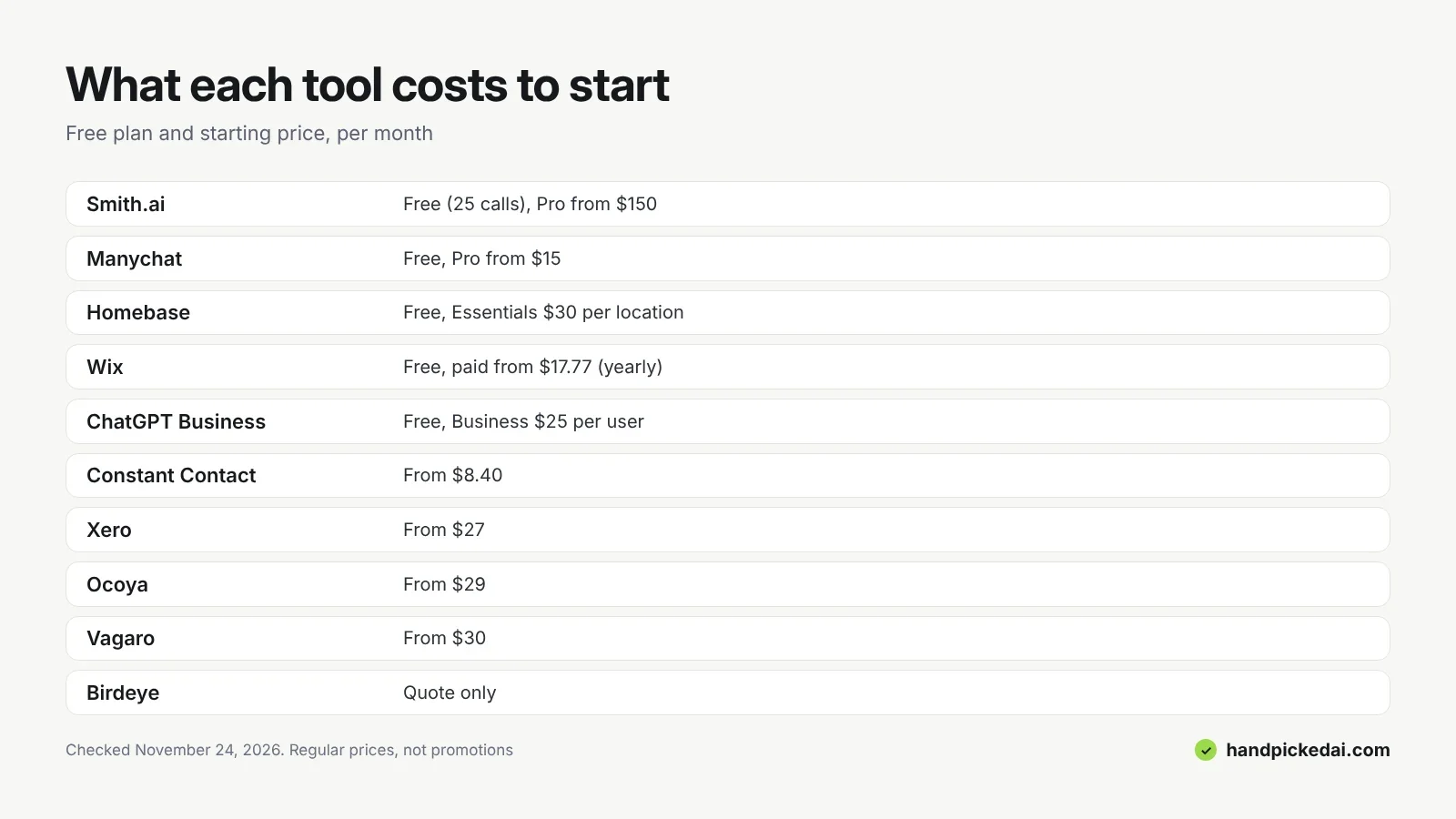
Free to start: Smith.ai (25 calls a month), Manychat, Homebase, Wix and ChatGPT all have free plans.
Under $30 a month: Constant Contact (from $8.40), Manychat Pro ($15), Xero ($27) and Ocoya ($29).
$30 and up: Vagaro ($30), Homebase Essentials ($30 per location) and Smith.ai Pro ($150).
Quote only: Birdeye prices per location on request.
How we picked
🏪
Built for local businesses
We chose tools for jobs that main-street businesses do every day, not office-only tasks.
🎯
One tool per job
Each pick covers a different job, so you don't pay twice.
🆕
Different from our other lists
Tools we already cover for businesses, startups, ecommerce and HR (like QuickBooks, Gusto and HubSpot) are on those pages, so this list gives you new options.
🎁
Free plans and fair prices
We gave extra weight to free plans and simple monthly pricing.
💲
Pricing
We checked every price on the official pricing page on November 24, 2026. We list regular prices, not short-term promotions.
💬
User feedback
We read reviews on G2 and summarized the most common praise and complaints.
How to choose
If you miss calls, start with Smith.ai, or Jobber if you run a trade.
If you take appointments, pick Vagaro.
If customers message you on Instagram or WhatsApp, pick Manychat.
If reviews bring in customers, pick Birdeye.
If you want to email your customers, pick Constant Contact.
If you never find time to post, pick Ocoya.
If bookkeeping is behind, pick Xero.
If you schedule hourly staff, pick Homebase.
If you need a website, pick Wix.
If you need help writing anything, start with ChatGPT.
There isn't one tool for everything. Start with the job that costs you the most time. For most owners that's missed calls (Smith.ai), bookings (Vagaro) or writing (ChatGPT).
Are there free AI tools available for small businesses?
Yes. Smith.ai, Manychat, Homebase, Wix and ChatGPT all have free plans, and Google Business Profile lets you manage reviews for free.
How much do AI tools cost for small businesses?
Most start between free and $30 a month. A typical starter setup of two or three tools costs under $100 a month. Phone answering and review platforms cost more.
Do small businesses need a separate AI tool, or is what's built into Google Workspace or Microsoft 365 enough?
For writing emails and documents, the built-in AI is often enough. For jobs like answering calls, bookings, reviews or payroll, you'll need a tool built for that job.
Can AI replace employees in a small business?
Not really. AI takes over repetitive tasks like answering common questions, sending reminders and matching transactions, which frees your team for customers and the work that needs a person.
Is my business data safe when using AI tools?
Check each tool's privacy settings. Business plans, like ChatGPT Business, usually keep your data out of AI training. Avoid pasting customer card numbers or personal details into general AI chatbots.
All pricing checked November 24, 2026 on the official pages linked in each tool section.