Best AI Tools for Social Media: 10 Picks for Scheduling, Analytics, Listening and Replies
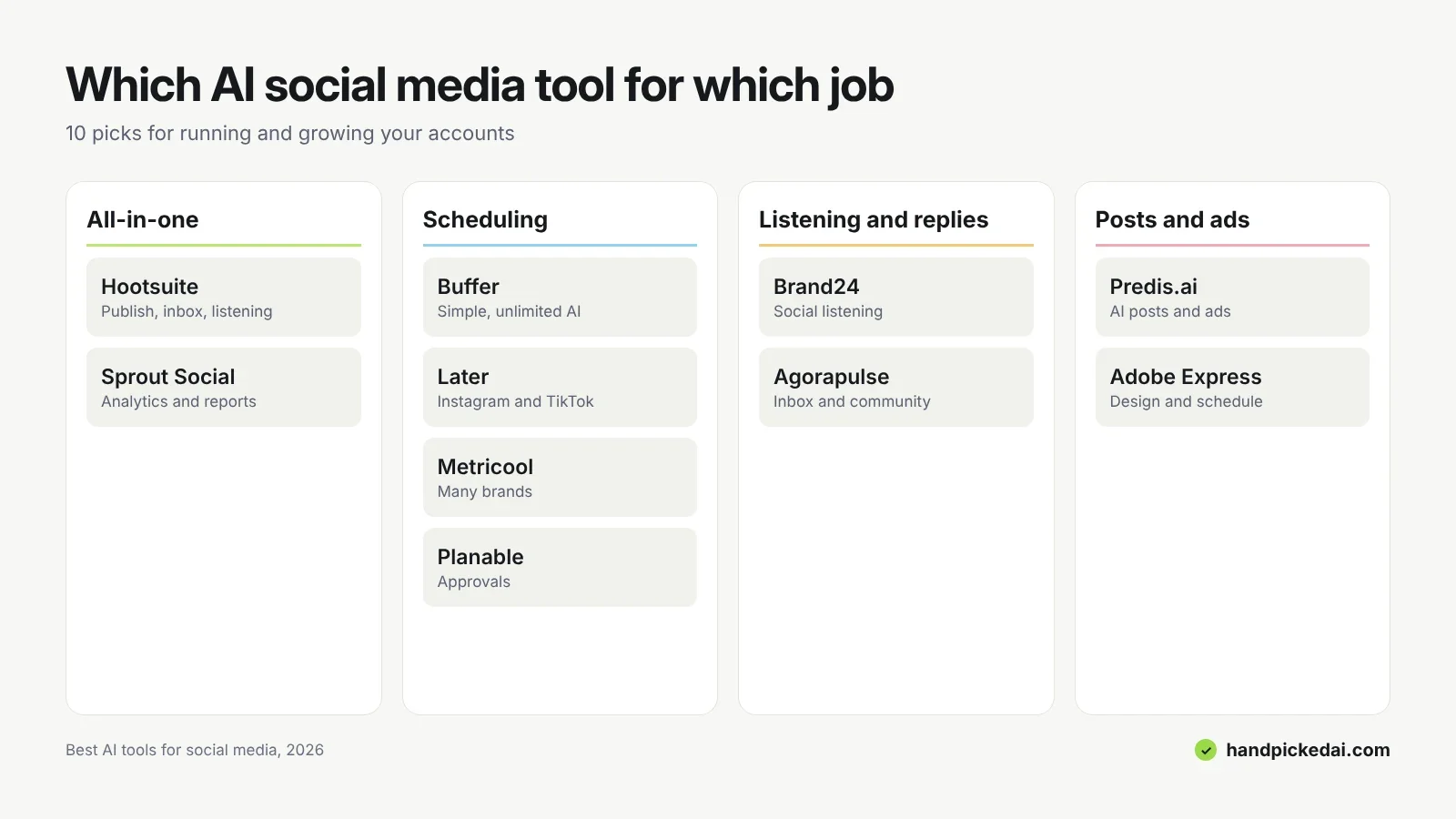
This list is for social media managers, marketers and small teams who want AI to help run their accounts: plan and schedule posts, tailor them for each network, answer comments and messages, track what people say about the brand, and turn results into reports.
This list is for social media managers, marketers and small teams who want AI to help run their accounts: plan and schedule posts, tailor them for each network, answer comments and messages, track what people say about the brand, and turn results into reports. We compared 10 tools using their official pricing pages, product pages and real user reviews. We didn't run our own tests for this list, so every claim below comes from a linked source.
If you mainly need AI to write captions, design graphics and cut videos, see our list of the best AI tools for social media content creation instead. This page is about managing and growing your accounts.
AI is already part of the job. In Metricool's 2026 study, 95% of social media professionals said they use AI in their work, and 75% use it every day (Metricool). But HubSpot found only 13.54% use AI for social listening and trend monitoring (HubSpot), so most teams still use it for writing alone.
Quick picks
Hootsuite: best all-in-one platform for growing teams
Adobe Express: best for designing, resizing and scheduling in one tool
All-in-one platforms
1
Hootsuite
best all-in-one platform for growing teams
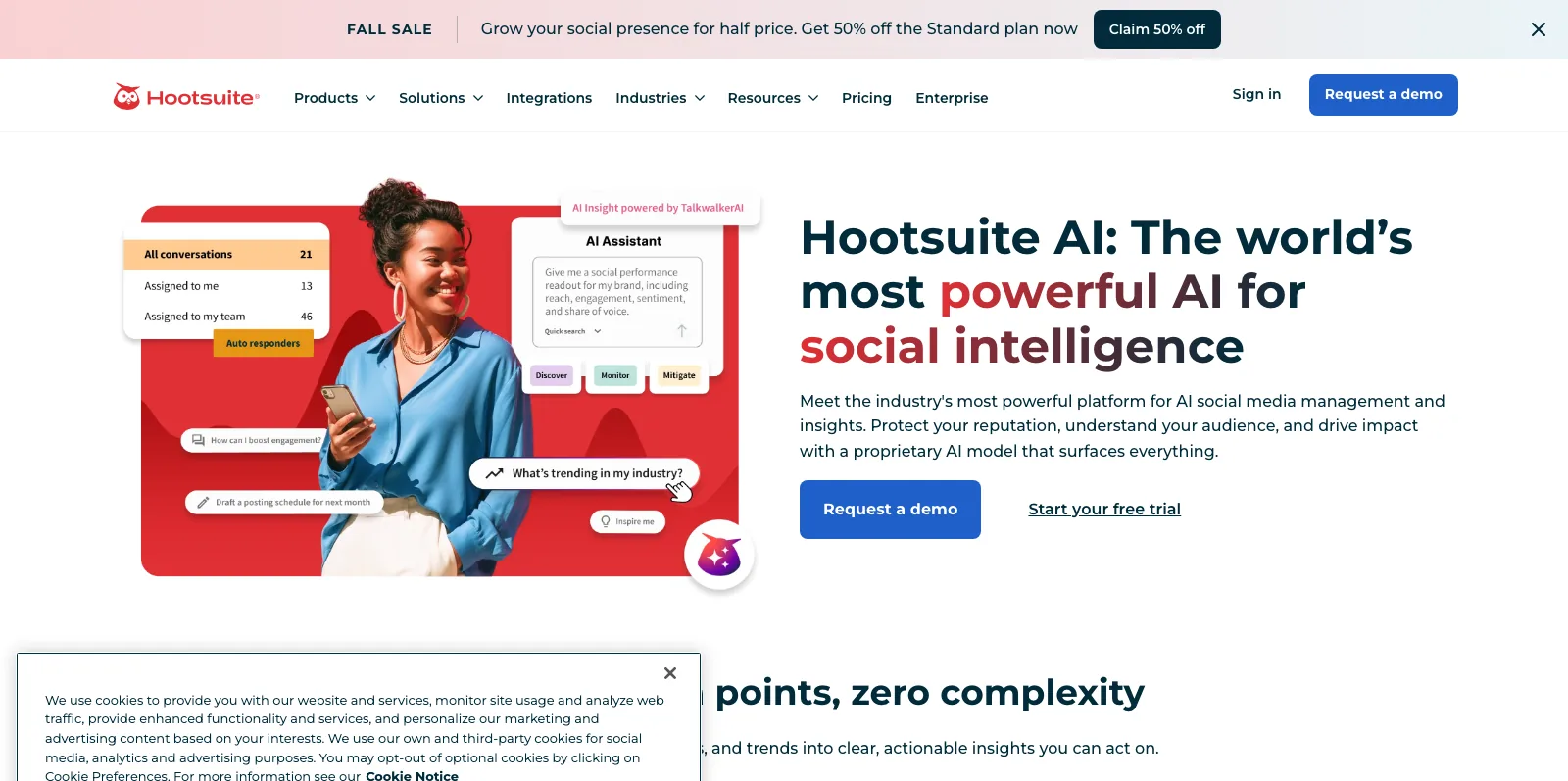
Image: Hootsuite official website
What it does: Hootsuite's AI assistant, Wisdom (formerly OwlyWriter AI), helps teams create content, spot trends and plan strategy using real-time data. It also suggests replies to comments and messages based on their tone, content and intent (Hootsuite). Publishing, the shared inbox, analytics and social listening all sit in one place.
Who it's for: marketing teams managing several brands and networks that want one tool for everything.
Networks: Facebook, Instagram, LinkedIn, X, TikTok, Pinterest and YouTube.
What users say: 4.3 out of 5 from 7,700+ reviews on G2. Users like having scheduling, engagement and reporting in one place. They want more custom analytics and simpler navigation, and some find the AI writing generic.
Pros
Publishing, inbox, listening and ads in one tool
Wisdom AI on every plan
Basic social listening built in
Cons
Expensive for small teams
No free plan, and plans are billed yearly
Pricingno free plan, 14-day free trial. Standard is $99 per user a month billed yearly (10 accounts), Professional $199 and Advanced $399. Each plan includes 100 AI credits a month, and AI reply suggestions start on Professional. See pricing
2
Sprout Social
best for analytics and reporting
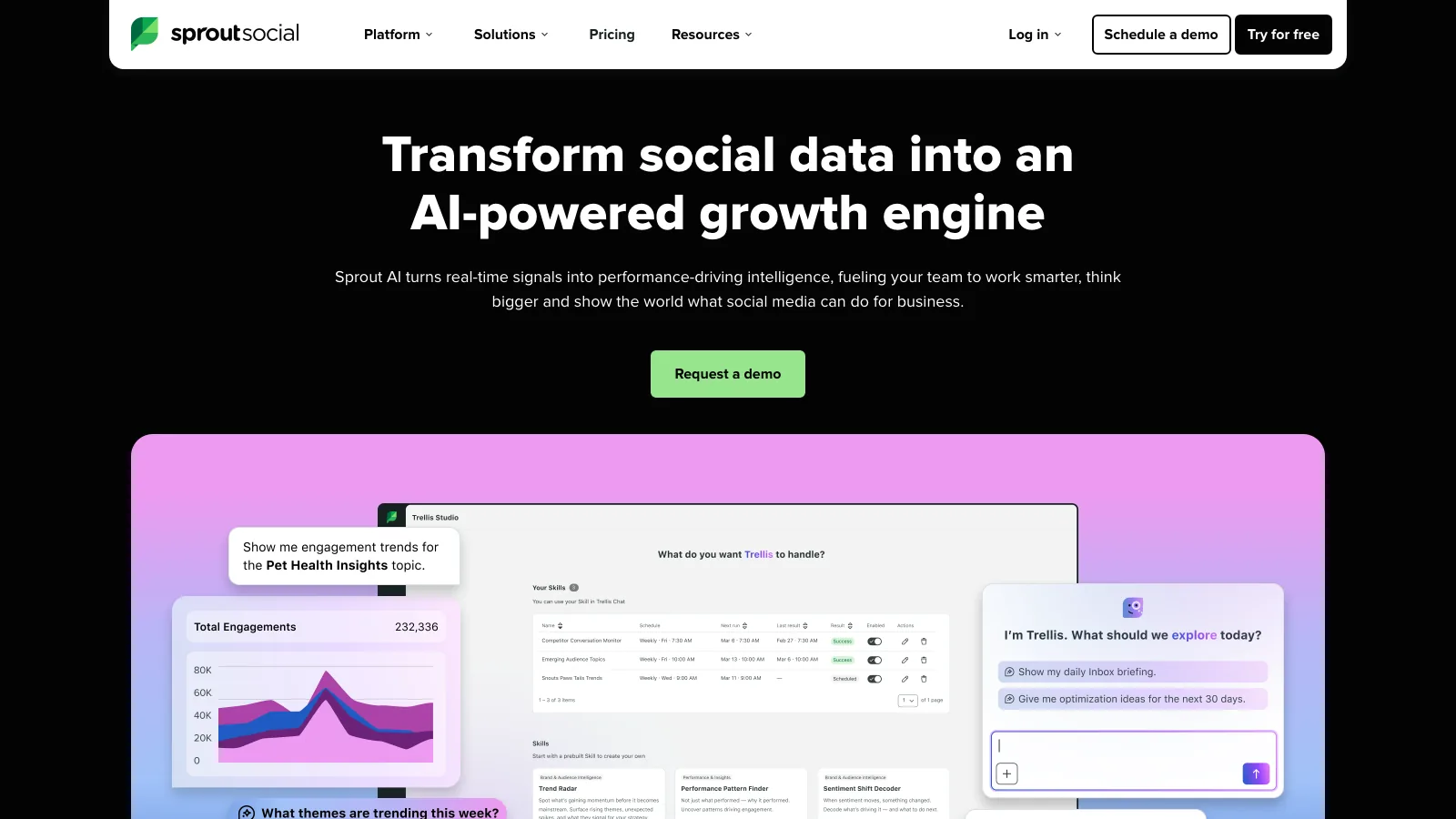
Image: Sprout Social official website
What it does: Trellis, Sprout's AI teammate, answers questions about your social data and suggests next steps. Sprout's AI turns huge volumes of social messages into insights, and AI Assist suggests better replies in your brand's tone (Sprout Social).
Who it's for: mid-size and larger teams that report on social results to managers or clients.
What users say: 4.4 out of 5 from 7,500+ reviews on G2. Users praise its analytics, managing many accounts and onboarding. Complaints are about reports that aren't custom enough and uneven support.
Pros
Some of the best reporting in the category
AI reply help and sentiment analysis
30-day free trial with no card
Cons
Per-seat pricing adds up fast
Social listening is a paid add-on
Pricingno free plan. Essentials is $79 per seat a month billed yearly or $99 monthly (5 profiles). Standard is $199, Professional $299 and Advanced $399, billed yearly. Each seat gets 100 Trellis credits a month, and Trellis Plus costs $28 more per seat. See pricing
Scheduling and planning
3
Buffer
best simple scheduler with unlimited AI
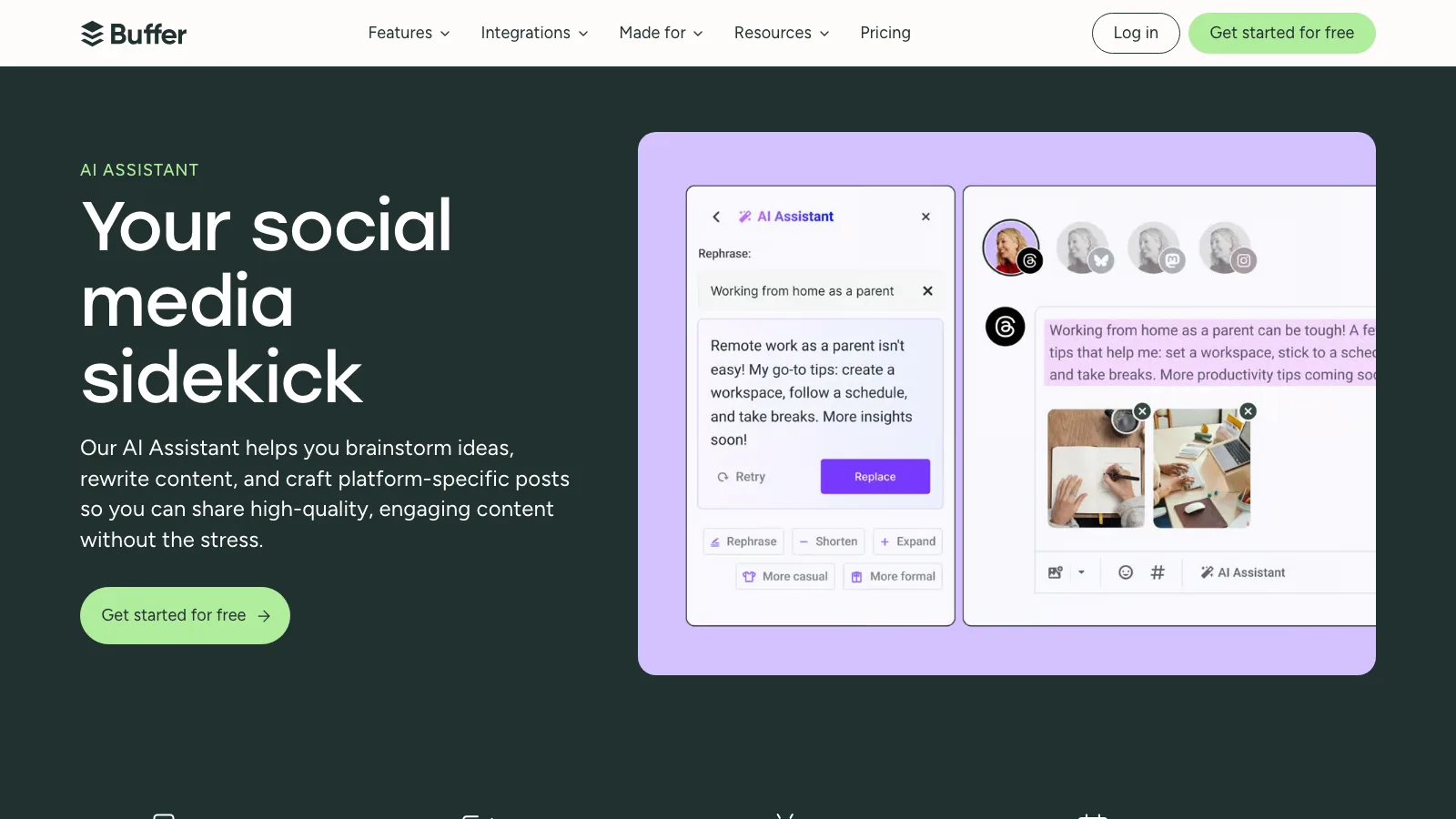
Image: Buffer official website
What it does: Buffer's AI Assistant turns one post into versions tailored for each network, and changes the tone, length or style of a post in one click (Buffer). It also suggests replies to comments.
Who it's for: solo creators and small teams who want a clean scheduler without paying for features they won't use.
Networks: Instagram, Facebook, TikTok, LinkedIn, X, YouTube, Threads, Pinterest, Google Business Profile, Bluesky, Mastodon and Substack.
What users say: 4.3 out of 5 from 1,000+ reviews on G2. Users like how easy it is and its scheduling. The top complaints are limited analytics and price.
Pros
Free plan for 3 channels
Unlimited AI credits on every plan
Pay per channel, so small accounts pay little
Cons
Analytics are basic
No social listening
PricingFree plan for 3 channels. Essentials is $60 a year per channel and Team $120 a year per channel, with unlimited users on Team. 14-day free trial. See pricing
4
Later
best for Instagram and TikTok planning
Image: Later official website
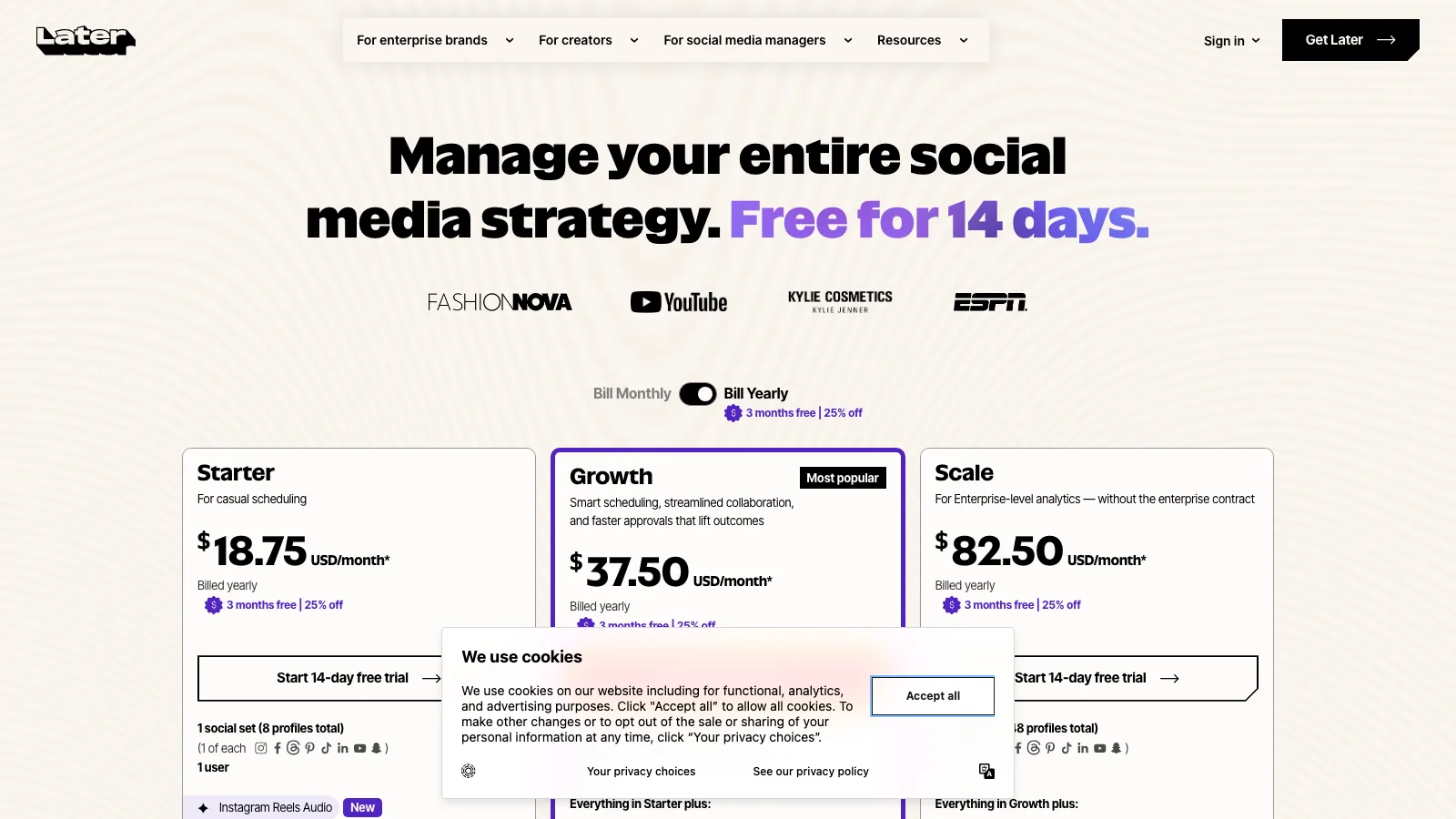
What it does: Later's AI Caption Writer creates on-brand captions for your posts, and Best Time to Post looks at your past posts, follower activity and industry trends to suggest when to publish (Later). Its visual calendar shows how your grid will look before posts go live.
Who it's for: creators and brands that live on Instagram and TikTok.
Networks: Instagram, Facebook, Threads, Pinterest, TikTok, LinkedIn, YouTube and Snapchat.
What users say: 4.5 out of 5 from 380+ reviews on G2. Users like how easy it is and its scheduling. Complaints are about publishing limits and missing features.
Pros
Low starting price
Visual grid planner
Best-time-to-post suggestions
Cons
Only 5 AI credits a month on Starter
Less AI than the bigger platforms
Pricingno free plan, 14-day free trial. Starter is $18.75 a month billed yearly (8 profiles, 1 user), Growth $37.50 and Scale $82.50. See pricing
5
Metricool
best value for agencies with many brands
Image: Metricool official website
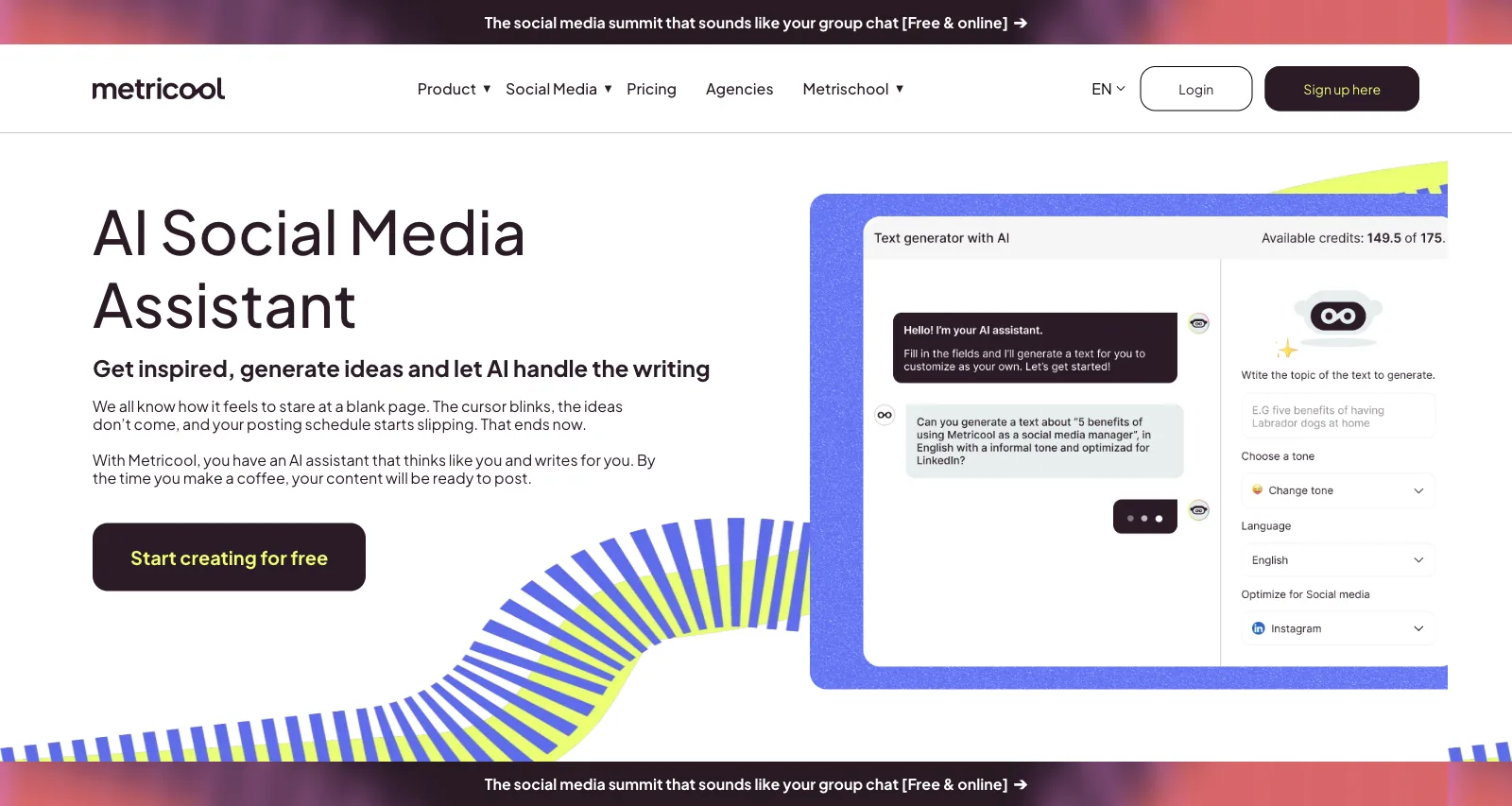
What it does: Metricool's AI assistant writes posts in your style and tailors them for each network (Metricool). It also brings analytics, scheduling and your Facebook, Google and TikTok ads reports into one dashboard.
Who it's for: freelancers and agencies running several brands on a budget.
Networks: Instagram, Facebook, Threads, Bluesky, Pinterest, TikTok, YouTube, Twitch, Google Business Profile, LinkedIn and X (X costs extra).
What users say: 4.4 out of 5 from 110+ reviews on G2. Users like how easy it is and having many networks in one place. Complaints are about plan limits and price.
Pros
Free plan for 1 brand
Low price per brand
Ads reporting included
Cons
X costs $12 a month extra per account
Small number of AI credits
PricingFree plan for 1 brand. Starter is $20 a month billed yearly or $25 monthly (5 brands), and Advanced $53 yearly or $67 monthly (15 brands). See pricing
6
Planable
best for content approvals
Image: Planable official website
What it does: Planable's AI writes captions from your prompts, creates captions from your images and videos, and rewrites text to match your style or a network's limits (Planable). Its main strength is letting clients and managers comment on and approve posts before they go live.
Who it's for: agencies and teams where every post needs sign-off.
Networks: Facebook, Instagram, LinkedIn, X, YouTube, TikTok, Pinterest, Google Business Profile and Threads.
What users say: 4.6 out of 5 from 1,100+ reviews on G2. Users rate its content calendar and approval flows highly. Some say the price jumps steeply from the free plan to paid plans.
Pros
Best approval workflow on this list
Unlimited users
Free to start with 50 posts
Cons
Monthly post limits
Inbox and analytics cost extra
Pricingfree for 50 posts. Basic is $33 per workspace a month and Pro $49, billed monthly. Yearly billing gives 2 months free. See pricing
Listening and community
7
Brand24
best for social listening
Image: Brand24 official website
What it does: Brand24 tracks mentions of your brand, competitors or keywords across social networks, news, blogs, podcasts and review sites, and its AI rates the sentiment of every mention as it comes in (Brand24). Its Brand Assistant answers questions about your mentions using ChatGPT plus Brand24's own data (Brand24).
Who it's for: brands that want to catch complaints, trends and PR issues early.
What users say: 4.6 out of 5 from 380+ reviews on G2. Users like the quick setup and responsive support. They want better filters, more keywords and a better mobile app.
Pros
Covers far more sources than social schedulers
Sentiment analysis on every plan
14-day free trial
Cons
Brand Assistant and AI insights start at Pro ($399 a month yearly)
Tight keyword limits on lower plans
Pricingno free plan. Individual is $199 a month billed yearly or $249 monthly (3 keywords), Team $299 or $349, and Pro $399 or $499. See pricing
8
Agorapulse
best for inbox and community management
Image: Agorapulse official website
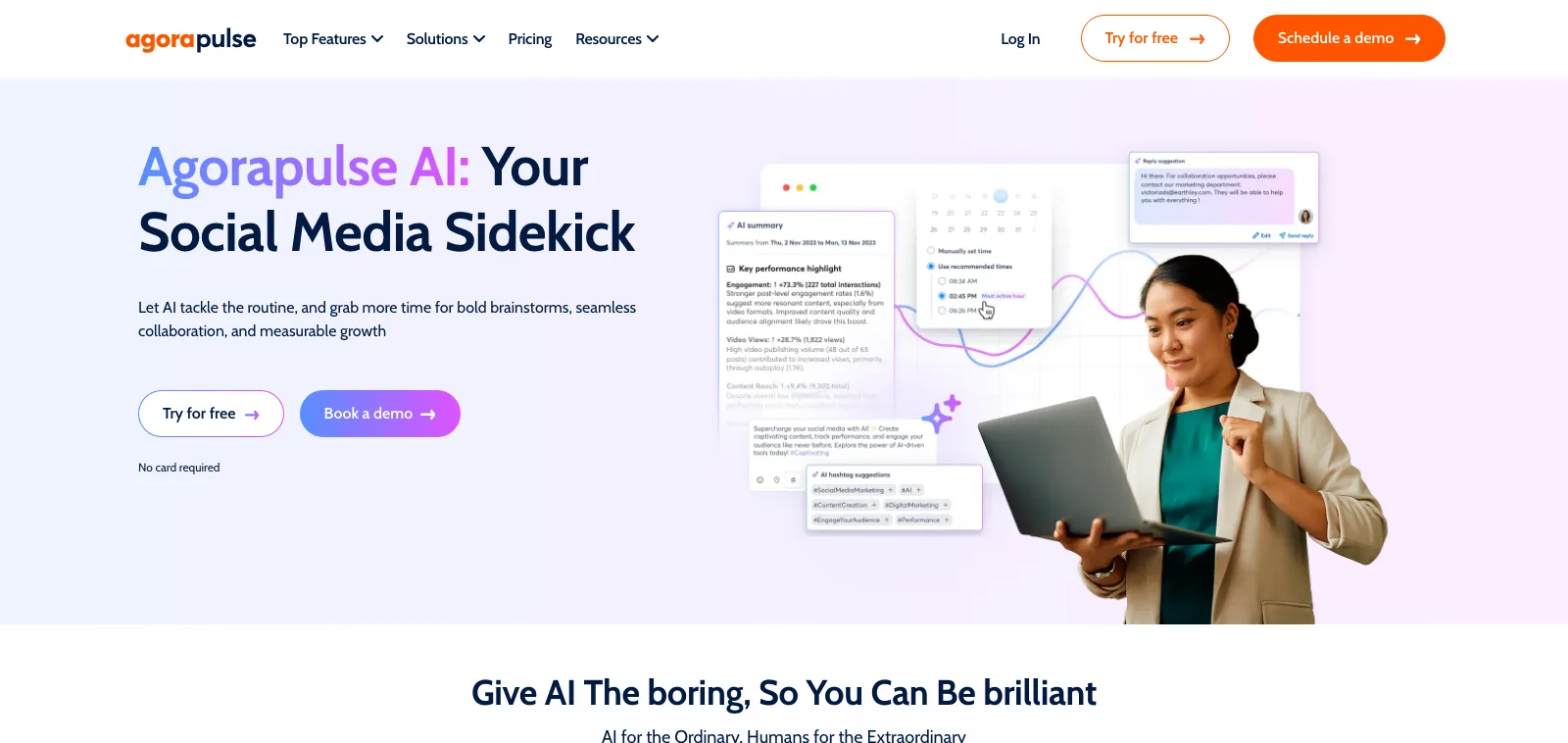
What it does: Agorapulse puts comments, messages and mentions from every network into one inbox. Its AI handles repetitive tasks like writing posts, moderation and reports, and learns your brand's tone to keep suggestions on-brand (Agorapulse).
Who it's for: teams that get a lot of comments and messages and need to answer fast.
Networks: Facebook, Instagram, Threads, X, LinkedIn, YouTube, Pinterest, Google Business, TikTok, Bluesky and Reddit.
What users say: 4.5 out of 5 from 970+ reviews on G2. Users praise the friendly support, reporting and teamwork features. They want more flexible reports and better inbox search.
Pros
One of the strongest social inboxes
AI writing and report summaries on all plans
30-day free trial with no card
Cons
AI reply suggestions only on the Custom plan
10 social profiles per plan
PricingStandard is $79 per user a month billed yearly or $99 monthly, Professional $119 or $149, and Advanced $149 or $199. See pricing
Posts, creatives and ads
9
Predis.ai
best for AI posts and ad creatives
Image: Predis.ai official website
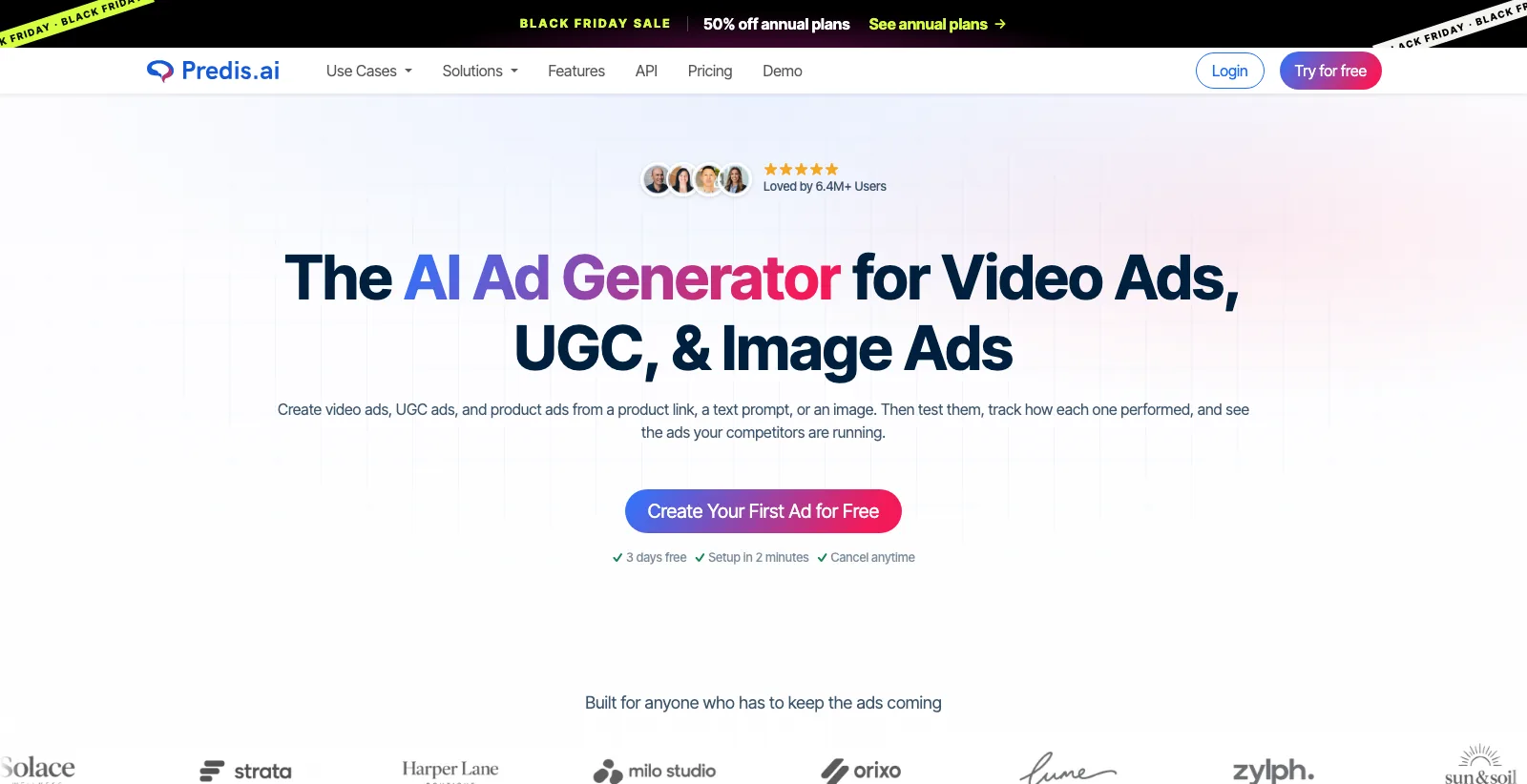
What it does: Predis.ai creates social posts, video ads, UGC-style ads and product ads from a product link, a text prompt or an image, then schedules them. It also tracks your ads and your competitors' ads side by side (Predis.ai).
Who it's for: online stores and small brands that need lots of posts and ads without a designer.
Networks: Facebook, Instagram, TikTok, Google Business Profile, LinkedIn, YouTube Shorts and X.
What users say: 4.7 out of 5 from 110+ reviews on G2.
Pros
Posts, videos and ads from one input
Competitor ad tracking built in
Low entry price
Cons
Only a 3-day trial, and it needs a card
Core plan can't auto-post
PricingCore is $19 a month or $230 a year (1 brand), Rise $40 a month or $474 a year (4 brands). These are holiday sale prices and may change. See pricing
10
Adobe Express
best for designing, resizing and scheduling in one tool
Image: Adobe official website
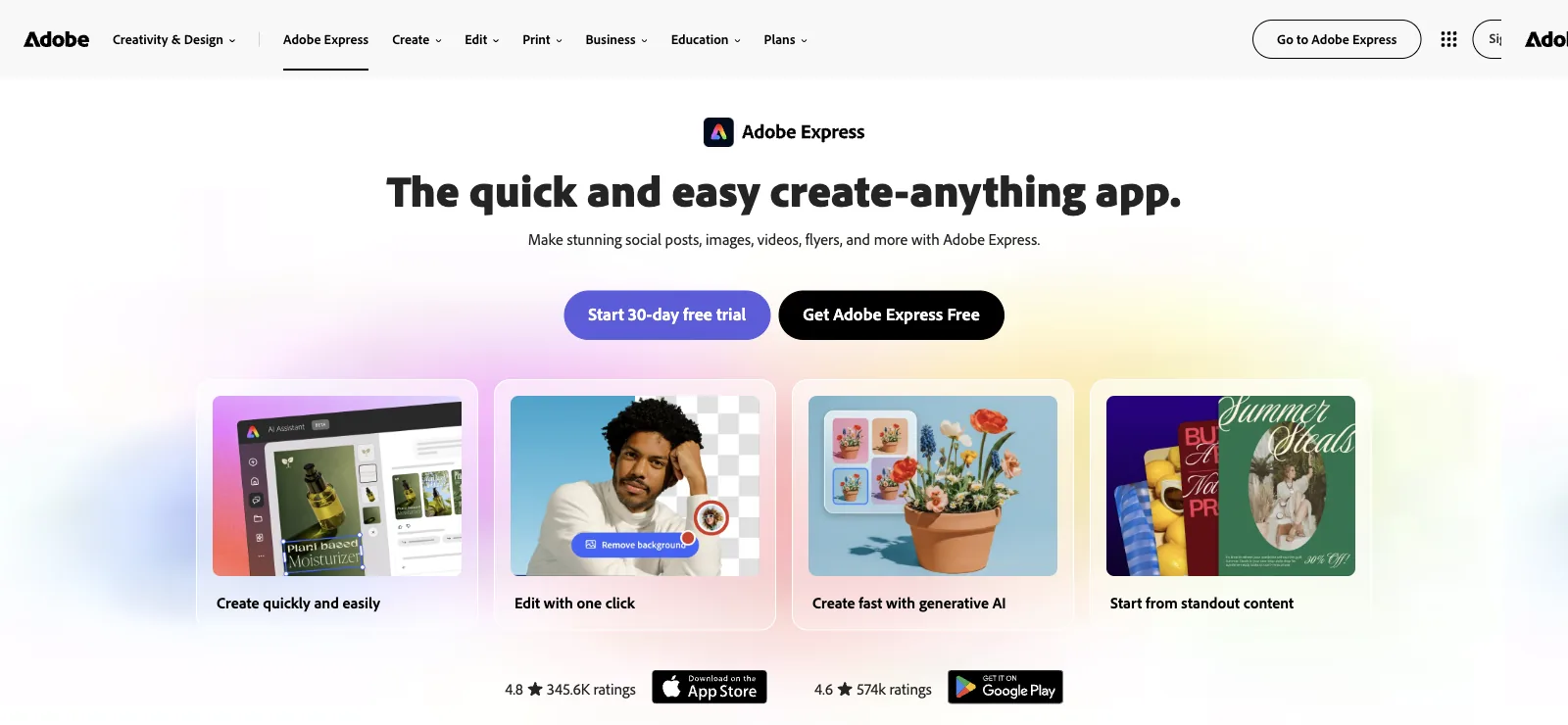
What it does: Adobe Express turns an idea into an on-brand design with AI, then resizes one design into versions for every channel and schedules them (Adobe). Its AI is built on Adobe Firefly, which Adobe trains for commercial use.
Who it's for: small teams that design their own posts and want simple scheduling in the same tool.
Networks for scheduling: Instagram, Facebook, X, Pinterest, LinkedIn, YouTube and TikTok (Adobe).
What users say: 4.4 out of 5 from 1,100+ reviews on G2.
Pros
Design, resize and schedule in one place
Free plan includes scheduling
Low price
Cons
Scheduler is basic
No analytics or inbox
PricingFree plan. Premium is $9.99 a month with a 30-day free trial. Teams is $7.99 per license a month billed yearly, with 2 seats minimum. See pricing
What you pay for AI
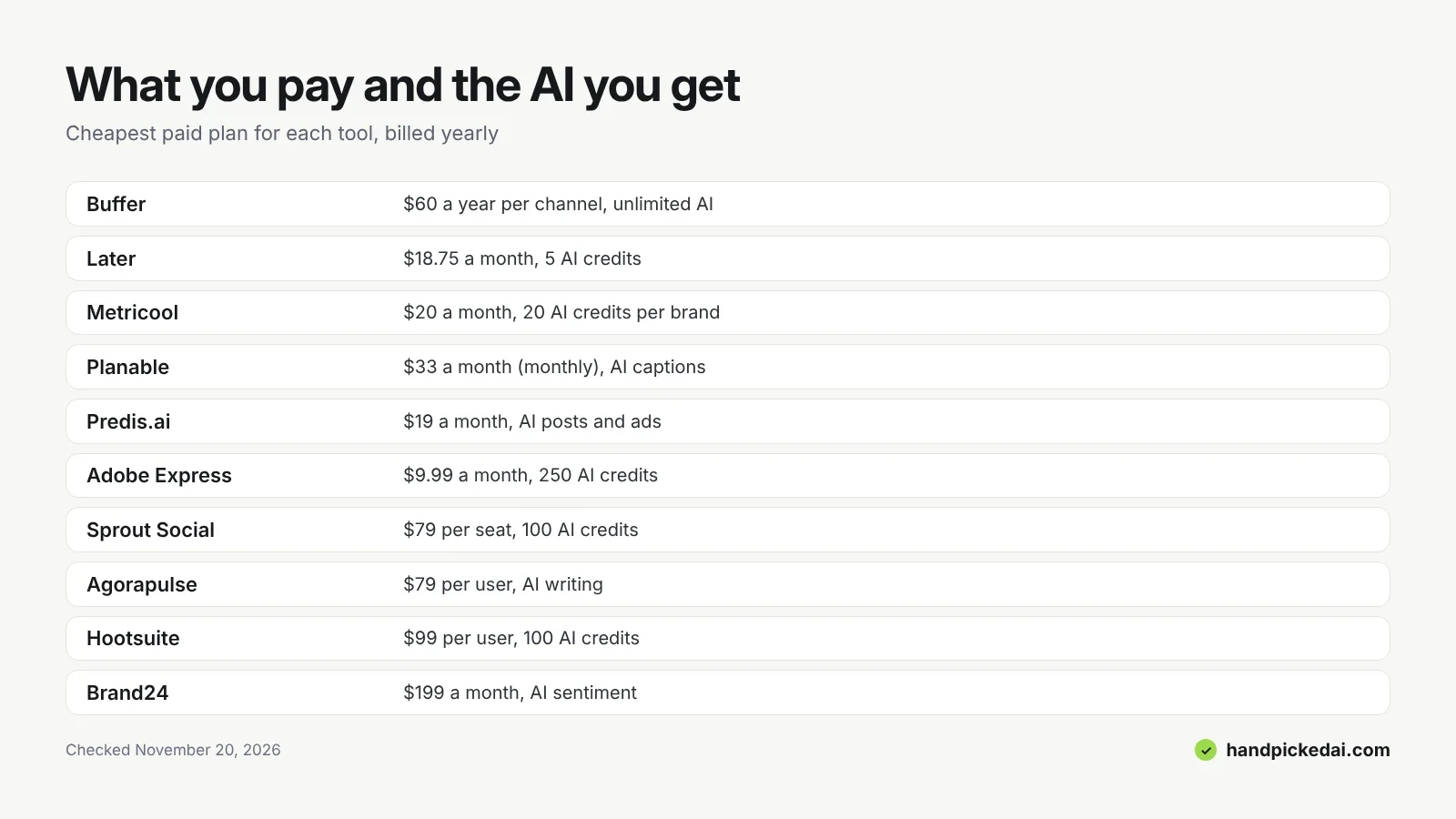
Most of these tools limit AI with monthly credits, and the best AI features often sit on higher plans. Check this before you choose.
Unlimited AI: Buffer includes unlimited AI credits on every plan, even the cheapest.
Credits per plan: Hootsuite gives 100 AI credits a month, Sprout 100 Trellis credits per seat, and Later only 5 on Starter.
AI on higher plans only: Brand24's Brand Assistant starts at Pro, Hootsuite's AI replies at Professional, and Agorapulse's AI replies on Custom.
Free plans with AI: Buffer, Metricool and Adobe Express include some AI for free.
How we picked
🎯
Management, not just content
Each tool had to help run social accounts, through scheduling, analytics, listening, inbox or ads, not only write captions.
📚
Coverage
We checked which tools appear most on the pages people already trust for this topic. Buffer, Hootsuite and Sprout Social appear on most of them.
🧩
One job, best tool
We kept no more than four tools per job, so the list covers every part of social media work.
💲
Pricing
We checked every price on the official pricing page on November 20, 2026.
💬
User feedback
We read reviews on G2 and summarized the most common praise and complaints.
How to choose
If you want one tool for everything, pick Hootsuite.
If reporting matters most, pick Sprout Social.
If you want simple and cheap, pick Buffer.
If you live on Instagram and TikTok, pick Later.
If you manage many brands on a budget, pick Metricool.
If every post needs client approval, pick Planable.
If you need to know what people say about you, pick Brand24.
If comments and DMs take up your day, pick Agorapulse.
If you need lots of ads and product posts, pick Predis.ai.
For most teams, Hootsuite or Sprout Social, because they cover publishing, replies, analytics and listening in one place. Small teams and creators get more value from Buffer or Later.
Is there an AI that can run my social media?
Not fully. AI tools can write and schedule posts, suggest replies, and pull reports, but you still need someone to set the strategy, check posts and handle sensitive replies.
Are free AI social media tools worth using?
Yes, for small accounts. Buffer's free plan covers 3 channels with AI, and Metricool and Adobe Express also have free plans with some AI. Growing teams usually outgrow them.
What is the difference between an AI-first tool and a scheduler with AI features?
An AI-first tool like Predis.ai creates the posts and ads for you. A scheduler with AI, like Buffer or Hootsuite, mainly plans and publishes, with AI to help write and reply.
How much do AI social media tools cost?
From free to several hundred dollars a month. Buffer starts at $60 a year per channel and Later at $18.75 a month, while Hootsuite and Sprout Social cost $79 to $399 per user a month.
What features should brands look for in AI social media tools?
Check which networks it supports, how many AI credits you get, whether it has an inbox for replies, how good its reports are, and whether listening is included or costs extra.
All pricing checked November 20, 2026 on the official pages linked in each tool section.